Support
Support runs through a contact form for demos and enterprise conversations, with a blog covering benchmarks and engineering practice, plus forward-deployed engineers for enterprise accounts.
Learn moreEncrypted inference across 300+ models on one endpoint

Blackbox AI is an enterprise inference platform offering end-to-end encrypted prompts, zero data retention, and access to 300+ models through one endpoint or dedicated deployments, with managed GPU rentals and forward-deployed engineering for tuning.
Blackbox AI is an inference platform built around a single idea: prompts should be sealed before they leave the client and opened only where the model actually executes. The company runs open-weight models of your choosing as dedicated deployments, or routes requests across more than 300 models behind one endpoint and one bill. Encryption happens in the client, and the proxy, the host and the operator never hold the key. Prompts are encrypted prior to transmission, the ciphertext and signature are visible on the wire, and zero data retention is enforced at the gateway so nothing readable is stored after an answer returns. The pitch is aimed at engineering and platform teams rather than casual tinkerers. Speed is part of the offer: agent-tuned hardware serves gpt-oss-120b on a single NVIDIA B200, and the homepage reports benchmark output rates above SambaNova and Groq on the same methodology. Teams that rent GPUs through Blackbox get access controls, scoped API keys, spend caps, SSH key validation and a consolidated audit log across clouds, with no provider credentials held internally. Enterprise customers can also bring a forward-deployed engineer who installs the platform inside their own environment (private endpoint, air-gapped instance or owned GPUs) and points tuning agents at live traffic, with a fixed harness scoring each proposed change and only winners becoming the new baseline. In practice, a team picks a model, connects through the endpoint or its dedicated deployment, and works from a terminal-style agent interface or the encrypted wire. Compared with general chat assistants, Blackbox positions itself as infrastructure: the value is confidentiality, verified throughput and cost (the site claims 2.7x lower cost than the second provider), not a consumer prompt library. Small teams that only need occasional chat will find it heavier than necessary; organizations with data handling obligations are the clearer fit. Creativity use sits at the edges here. The models are general purpose, so writers, designers and prototypers can use them for drafting and ideation, but the homepage makes no creative-specific claims and lists no image or audio generation tooling.
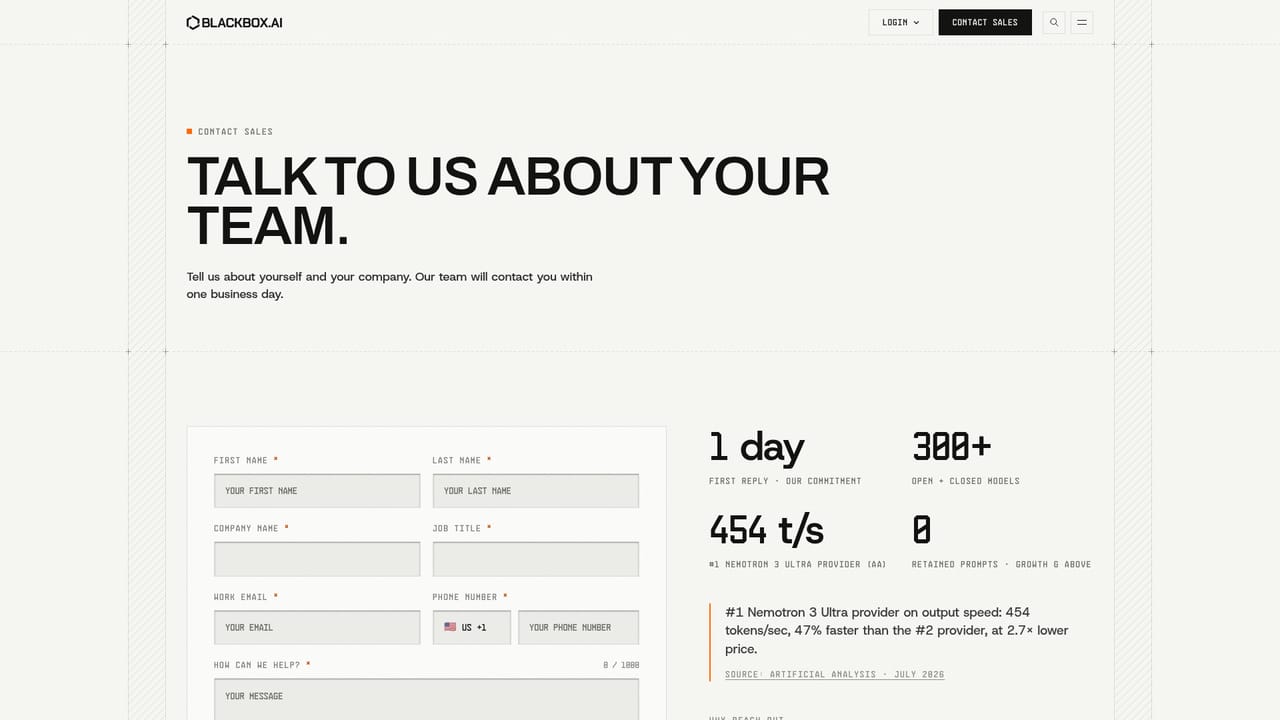
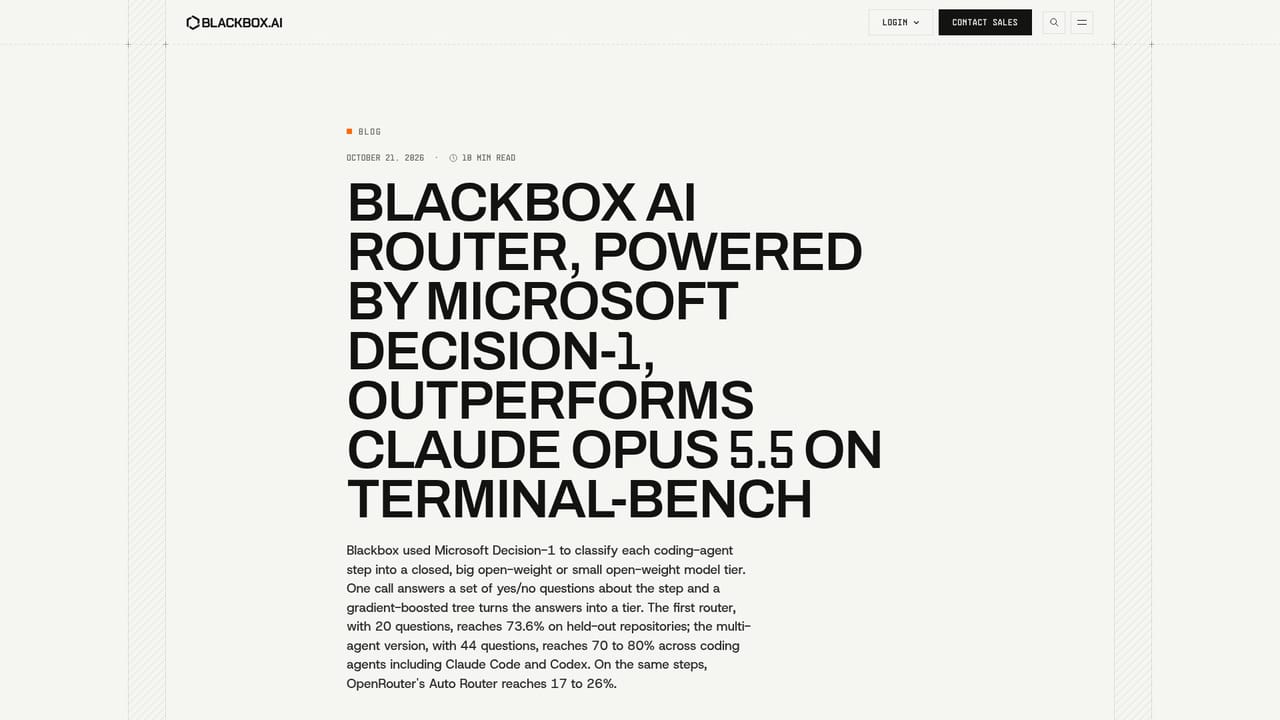
Support runs through a contact form for demos and enterprise conversations, with a blog covering benchmarks and engineering practice, plus forward-deployed engineers for enterprise accounts.
Learn moreRequests route through a standard HTTPS endpoint with per-script API keys, and managed GPU rentals connect to multiple cloud providers under one verified sign-in and audit trail.
Learn moreClient-side prompt encryption with keys held only by the user, zero data retention at the gateway, one endpoint for 300+ models, dedicated deployments of open-weight models, agent-tuned GPU serving on NVIDIA B200 hardware, managed GPU rentals with scoped keys, spend caps, SSH key checks and a unified audit log, plus forward-deployed engineering that tunes the engine against live traffic.
Learn more AI Angels400+ customizable AI girlfriends for NSFW chat, voice calls, and roleplay
 Candy AIExperience the future of companionship with AI friends who chat, role-play, and connect with you on a human level.
 ourdream.aiA vast AI roleplay platform with millions of characters for chat, images, video and voiceAI Angels400+ customizable AI girlfriends for NSFW chat, voice calls, and roleplayCandy AIExperience the future of companionship with AI friends who chat, role-play, and connect with you on a human level.ourdream.aiA vast AI roleplay platform with millions of characters for chat, images, video and voice


