Free trial
A free trial is advertised on the homepage via a Try Skybox AI for Free button, though the specific limits of the free tier are not detailed on the homepage.
Learn moreGenerate 360° skyboxes and panoramic environments from text prompts.

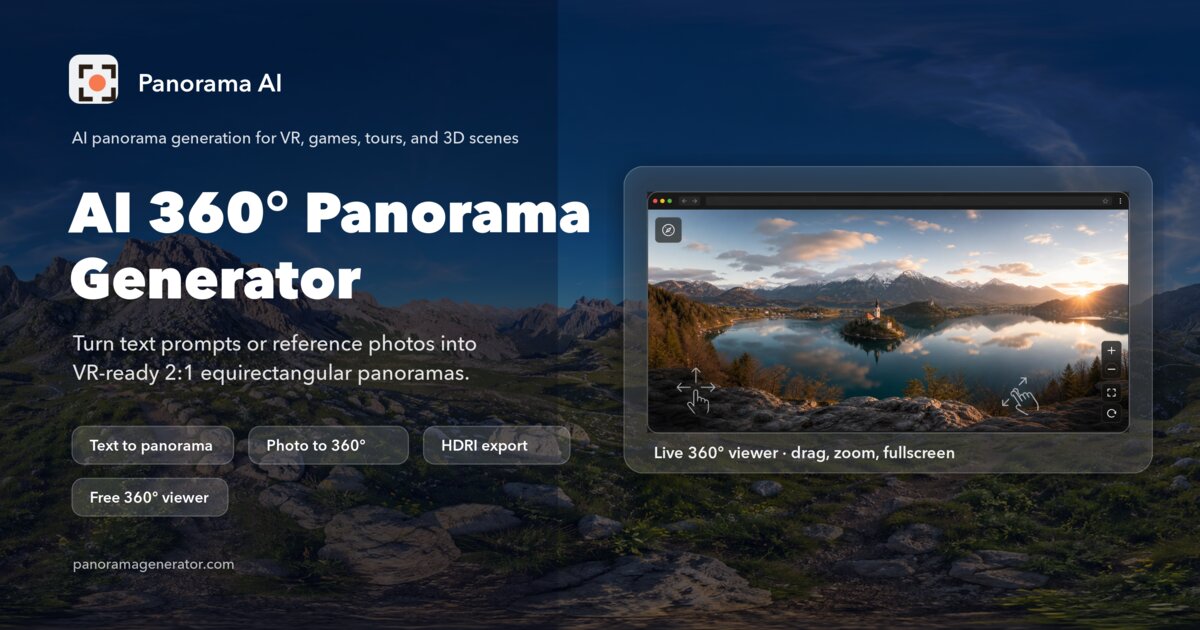
Blockadelabs is an AI panorama tool that generates 360° skyboxes and panoramic environments from text prompts. Skybox AI by Blockade Labs generates 360 degree equirectangular panoramas from text prompts, aimed at game studios, virtual production teams, spatial apps and educators who need production ready skyboxes fast.
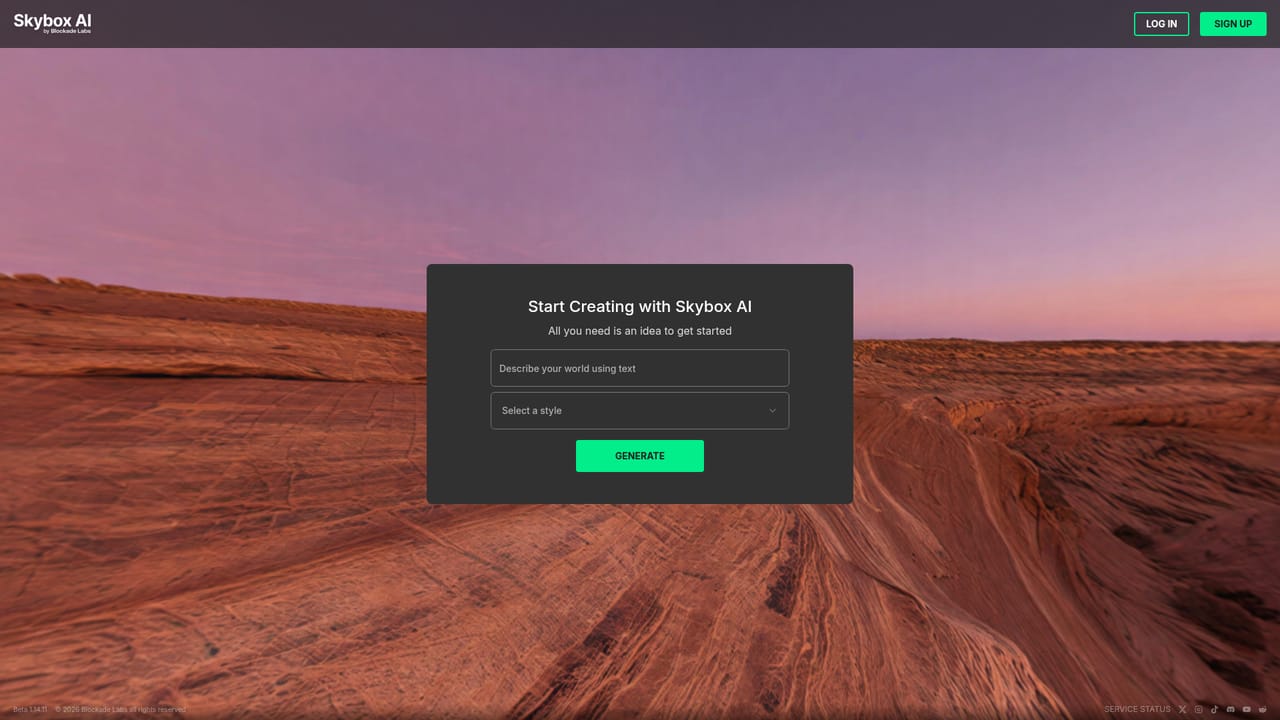
Blockade Labs makes Skybox AI, a web-based generator for 360 degree equirectangular panoramas. You type a description, pick a style, and the model returns a full spherical image that can serve as a skybox, a virtual production backplate or an immersive environment inside a headset. The company reports generation times as fast as 15 seconds, standard output up to 16K resolution and 32 bit HDRI exports, which puts it in the same conversation as panoramic image generators but aimed squarely at production pipelines rather than casual art. The tool is built for people who need environments in volume: game studios on Unity, Godot or GameMaker that want AAA skies without a 3D lighting team, virtual production crews working with LED volumes, previs and matte painting, and spatial teams targeting Quest, Vision Pro or AndroidXR. Retail and e-commerce teams use it for virtual showrooms, educators for training scenarios, and platforms hosting user generated content use it to give their own creators an environment generator. In practice you land on the Skybox canvas, iterate with style presets, remix and negative prompts, then export. Depth maps can be generated alongside the panorama, and outputs move to Blender, Unreal or a native Unity plugin. Where it fits among alternatives, Blockade Labs is the specialist: a single-purpose panorama engine rather than a general image model with a panoramic mode bolted on. That focus shows in seam handling and commercial licensing, with the company stating full commercial rights and clear IP ownership. The tradeoffs are real, though. It generates skies and environments, not objects, characters or props, so a full scene still needs other tools. Depth, upscaling and export flexibility vary by plan, and some of the most demanding controls and the newer model sit behind access requests or higher tiers.
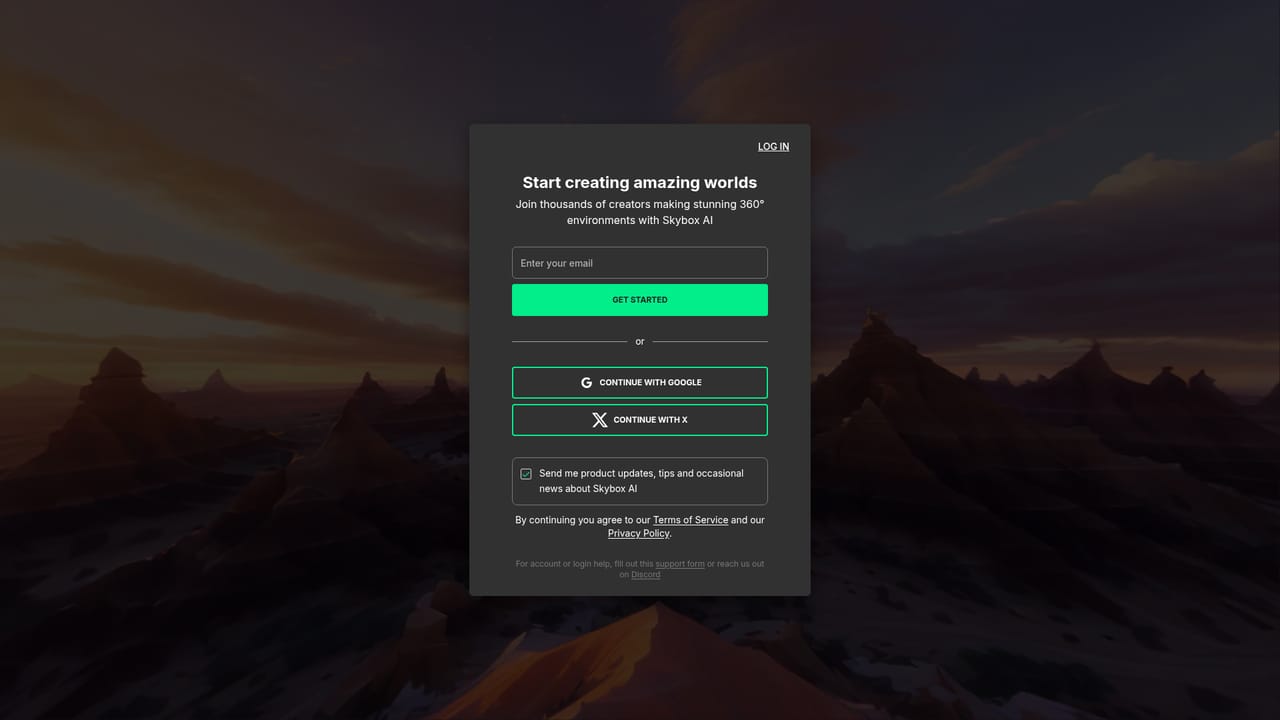
A free trial is advertised on the homepage via a Try Skybox AI for Free button, though the specific limits of the free tier are not detailed on the homepage.
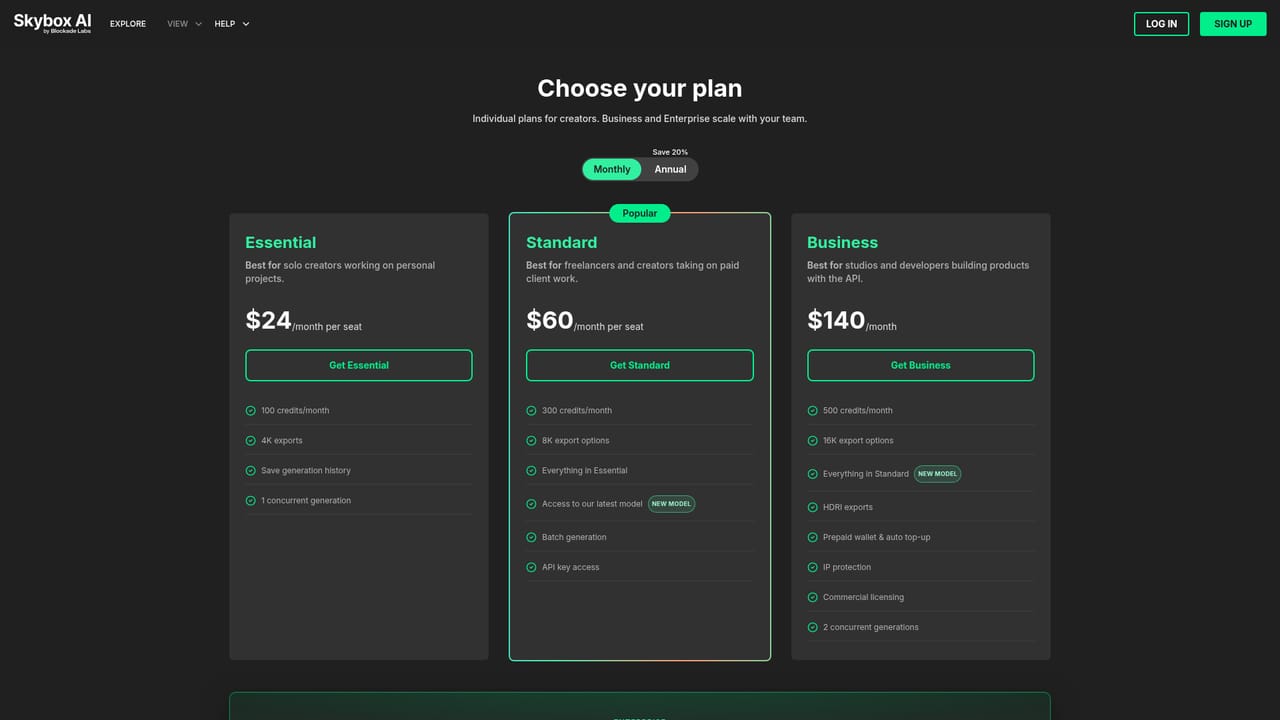
Learn moreThe homepage links to a membership page for plans but does not list prices or tier limits. It states that a free trial is available and that commercial licensing is included, with some features gated behind an access request.
Learn moreSupport details are not described on the homepage. A contact sales form is provided for commercial and enterprise inquiries.
A proven API and SDK, a native Unity plugin, MCP support and direct export paths to Blender and Unreal are named on the homepage. Other integrations are not listed.
Text to 360 degree equirectangular panorama generation, generation times as fast as 15 seconds, up to 16K standard resolution, 32 bit HDRI exports, style presets, remix and negative prompts, depth map generation, a proven API and SDK, a native Unity plugin, MCP support and direct Blender and Unreal exports.
 AI Angels400+ customizable AI girlfriends for NSFW chat, voice calls, and roleplay
 Candy AIExperience the future of companionship with AI friends who chat, role-play, and connect with you on a human level.
 ourdream.aiA vast AI roleplay platform with millions of characters for chat, images, video and voiceAI Angels400+ customizable AI girlfriends for NSFW chat, voice calls, and roleplayCandy AIExperience the future of companionship with AI friends who chat, role-play, and connect with you on a human level.ourdream.aiA vast AI roleplay platform with millions of characters for chat, images, video and voice