Free trial
A free plan is offered with 25 prompts per month and a 20,000 word per page limit, so the tool can be evaluated at no cost.
Learn moreBottom line summaries and answers for any page, PDF or YouTube video
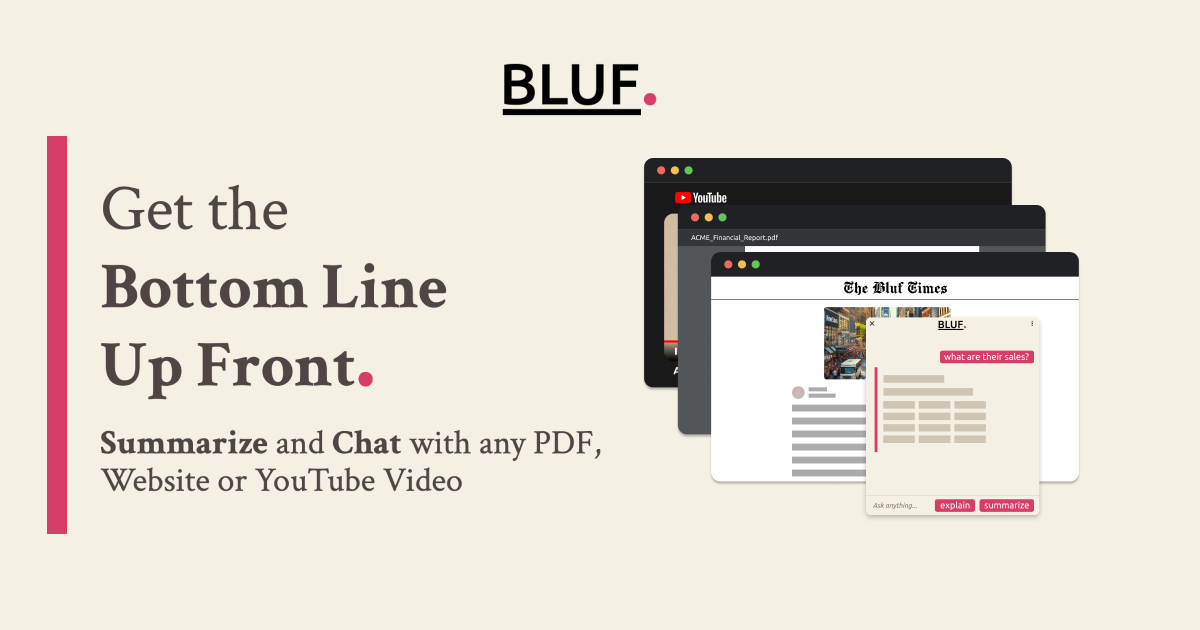
BLUF is an AI summarizer tool. A browser extension for Chrome, Firefox, Edge and Opera that summarizes and explains websites, PDFs and YouTube videos, then answers follow-up questions about the same content. Keyboard shortcut and right-click access keep it inside the page you are already reading.
BLUF is a browser extension built around a simple reading habit: get the bottom line before you commit to the full text. It sits in Chrome, Firefox, Edge or Opera and works on three content types, websites, PDF documents and YouTube videos, plus local files. Right-click a selection, click the toolbar icon or press Shift + Alt + B, and the extension returns a condensed set of key points. From there you can keep asking questions about the same source to pull out specific details. The tool splits its core work into two modes. Summarize is aimed at material you already intend to skim, such as a long news article, a report or an email thread, and returns the main points. Explain is aimed at material that is dense rather than long, and rewrites technical jargon and complicated concepts in plain terms. A separate Ask flow handles targeted questions, so you can treat the page as a source to interrogate rather than something to read end to end. It suits people who read for a living or read under time pressure: researchers working through academic papers, students revising, journalists checking sources, social media managers mining posts for angles, moderators tracking long forum threads and professionals clearing a backlog of reports. The extension is deliberately narrow. It does not try to be a document workspace or a note system, and its page limits mean very long documents are best handled by selecting a section and running the tool on that portion. BLUF competes with the built-in AI features now appearing in browsers and with general chat assistants where you paste text manually. Its advantage is placement: the summary happens on the page you are already on, in one keystroke, without copying anything into another tab. Prompts are sent to OpenAI for processing, so anyone handling confidential material should factor that into the decision. The free tier is generous enough to test the workflow on real reading before paying.
A free plan is offered with 25 prompts per month and a 20,000 word per page limit, so the tool can be evaluated at no cost.
Learn moreThree tiers. Free at 0 per month with 25 prompts and 20,000 words per page. Standard at 4 per month with 200 prompts and 50,000 words per page. Professional at 10 per month with unlimited prompts and 200,000 words per page.
Learn moreSupport is handled by email at support@bluf.ai. No help centre, documentation site or live chat is listed.
Runs as a browser extension for Chrome, Firefox, Edge and Opera, and processes prompts through OpenAI. No other integrations are described.
Summarize mode extracts key points from long articles, reports and emails. Explain mode rewrites complex concepts and technical jargon in simple terms. Ask mode answers targeted questions about the current source, with several questions in one message counting as a single prompt. Works on websites, PDFs, YouTube videos and local files, with a Shift + Alt + B shortcut and a right-click menu for selected text.
 AI Angels400+ customizable AI girlfriends for NSFW chat, voice calls, and roleplay
 Candy AIExperience the future of companionship with AI friends who chat, role-play, and connect with you on a human level.
 ourdream.aiA vast AI roleplay platform with millions of characters for chat, images, video and voiceAI Angels400+ customizable AI girlfriends for NSFW chat, voice calls, and roleplayCandy AIExperience the future of companionship with AI friends who chat, role-play, and connect with you on a human level.ourdream.aiA vast AI roleplay platform with millions of characters for chat, images, video and voice


