Pricing
The homepage states the current monthly price for AI Bookkeeper (Business) is 129 USD per business. Full plan tiers and any firm-level arrangements are listed on the pricing page.
Learn moreAn AI bookkeeper that works inside QuickBooks Online and Xero

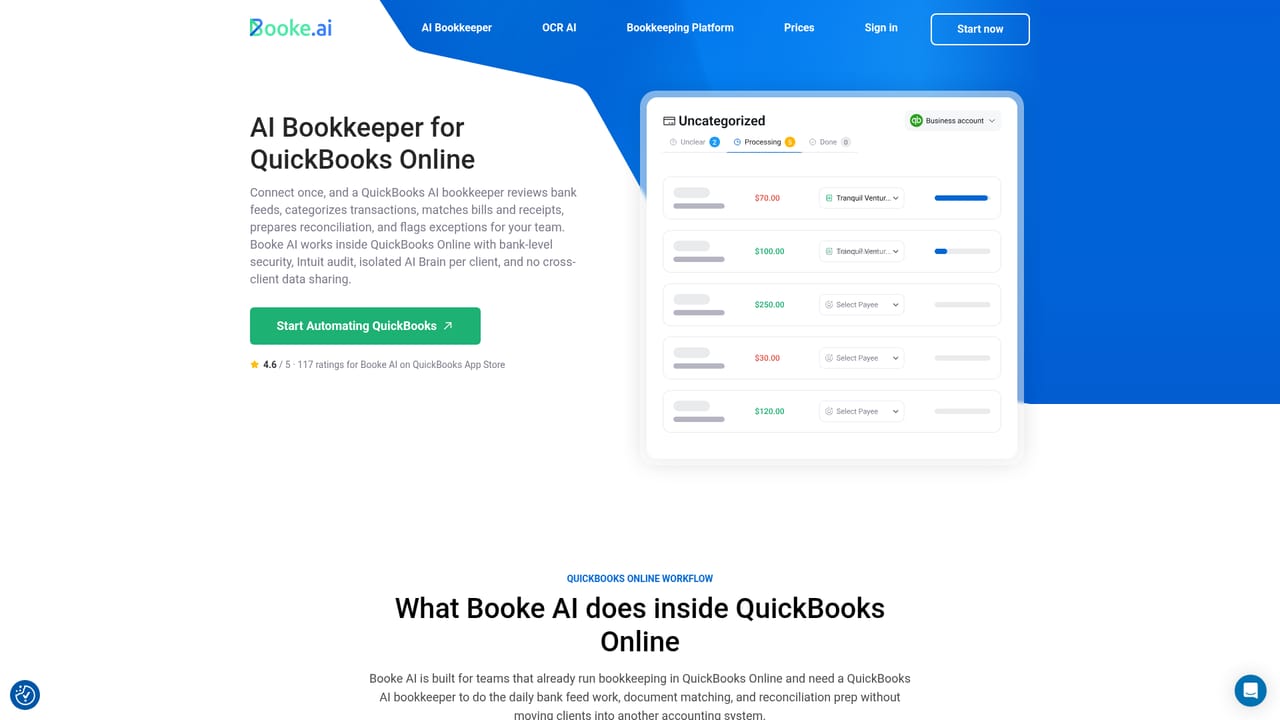
Booke AI is an AI bookkeeper for QuickBooks Online and Xero. It categorizes bank feed transactions, matches them to invoices, bills and receipts, requests missing documents and routes low-confidence items to your team for review.
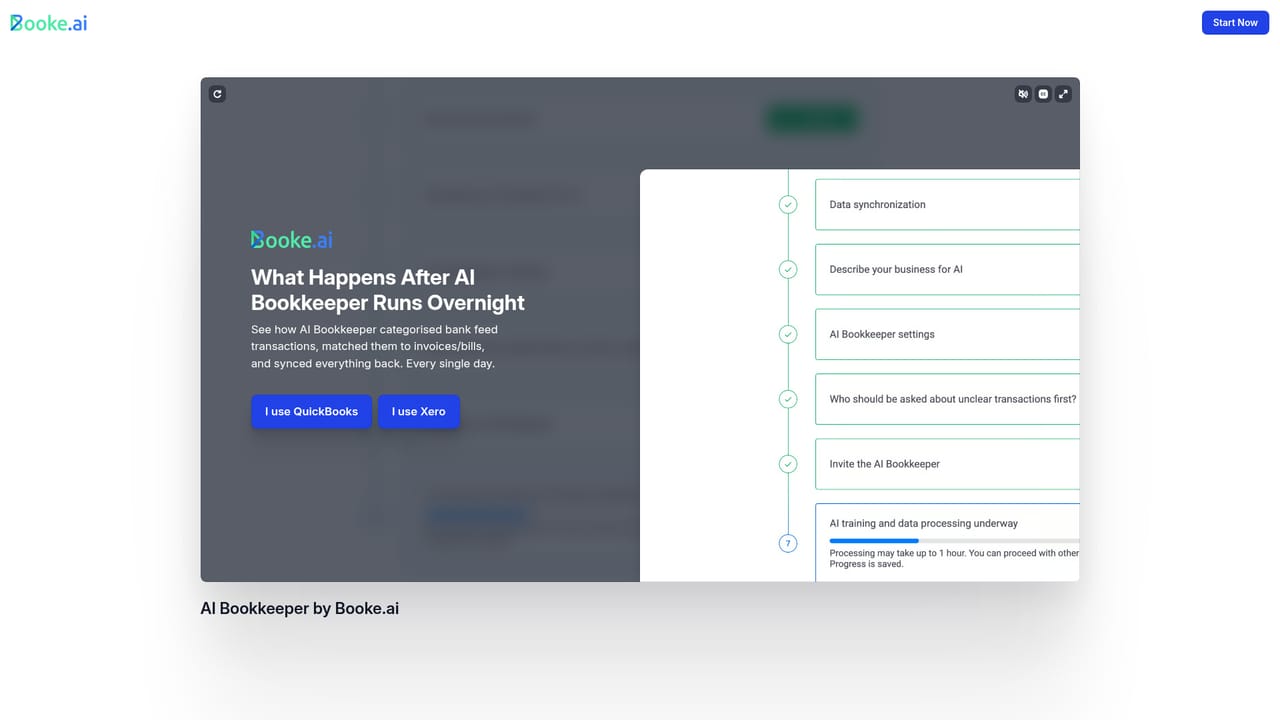
Booke AI is an AI bookkeeper that operates inside QuickBooks Online and Xero rather than alongside them. Once invited as a user to a set of books, it runs a daily pass over the existing bank feed: categorizing transactions, matching them to accounting records, and pulling in supporting invoices, bills and receipts. It does not open a parallel ledger or require a new bank connection, which keeps the accounting file as the single system of record. The matching logic goes past simple categorization. For each transaction the AI checks how that vendor has been handled historically and whether documents are typically attached. If a document is expected, it searches the accounting file for a matching invoice or bill and attaches it. If nothing is found, it requests the missing paperwork automatically instead of closing the item without support. Firms set their own thresholds, for example requiring receipts above a set amount, and the AI applies those preferences before anything reaches a human. Review is built into the workflow. Low-confidence or unusual transactions are routed to the team with a suggested treatment and the reasoning behind it, which is where an accountant or bookkeeper makes the call. The vendor claims this daily routine can clear a large share of manual bank feed work, leaving period-end reconciliation cleaner. Each client gets an isolated AI Brain trained only on that client's own history and approvals, with no cross-client sharing. The audience is accounting firms and in-house finance teams already living in QuickBooks Online or Xero, especially practices that spend billable hours chasing clients for receipts and explanations. It competes with pre-accounting tools such as Dext, Hubdoc and Zeni, which Booke compares itself against directly. The practical difference is placement: those tools tend to be separate dashboards or document inboxes, while Booke positions itself as a team member inside the books you already use.
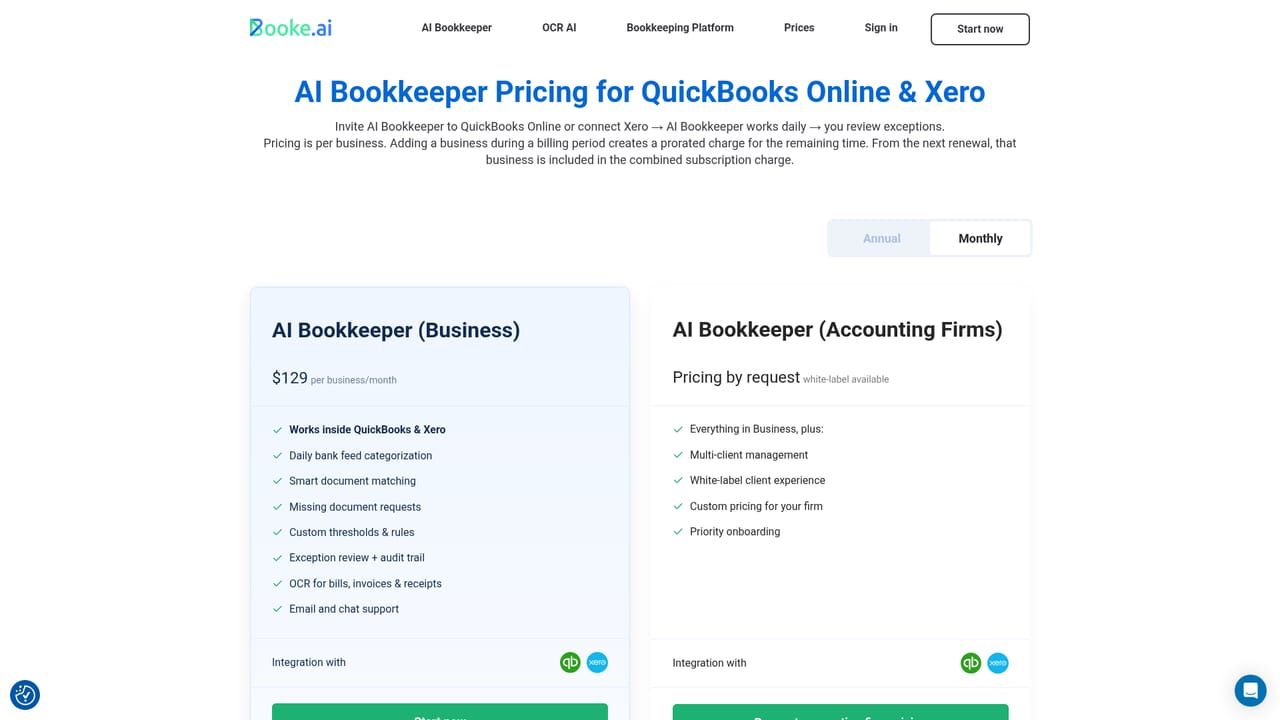
The homepage states the current monthly price for AI Bookkeeper (Business) is 129 USD per business. Full plan tiers and any firm-level arrangements are listed on the pricing page.
Learn moreConnects to QuickBooks Online and Xero. It uses the existing bank feed in those files, so no separate bank data provider or additional connection is required.
Learn moreDaily categorization of QuickBooks Online and Xero bank feed transactions, automatic matching to invoices, bills and receipts, automatic requests for missing documents, user-defined rules and receipt thresholds, an exception queue with suggested treatments and decision rationale, per-client isolated AI Brain, and bank-level encryption with annual security audits by Intuit and Xero.
Learn more AI Angels400+ customizable AI girlfriends for NSFW chat, voice calls, and roleplay
 Candy AIExperience the future of companionship with AI friends who chat, role-play, and connect with you on a human level.
 ourdream.aiA vast AI roleplay platform with millions of characters for chat, images, video and voiceAI Angels400+ customizable AI girlfriends for NSFW chat, voice calls, and roleplayCandy AIExperience the future of companionship with AI friends who chat, role-play, and connect with you on a human level.ourdream.aiA vast AI roleplay platform with millions of characters for chat, images, video and voice


