Support
Buyers reach the vendor through the contact page for sales enquiries, custom agent builds and quotes. Product level support terms are not described on the catalog page.
Learn moreA prebuilt catalog of 13 managed AI agents for regulated finance and healthcare work
Own SS&C Blue Prism? Verify ownership to get a dofollow link

SS&C Blue Prism is an accounting journal entries tool. A curated catalog of 13 managed AI agents from SS&C Blue Prism, each built for a specific regulated workflow in financial services or healthcare, such as invoice reconciliation, contract analysis, expense claims and imaging vetting.
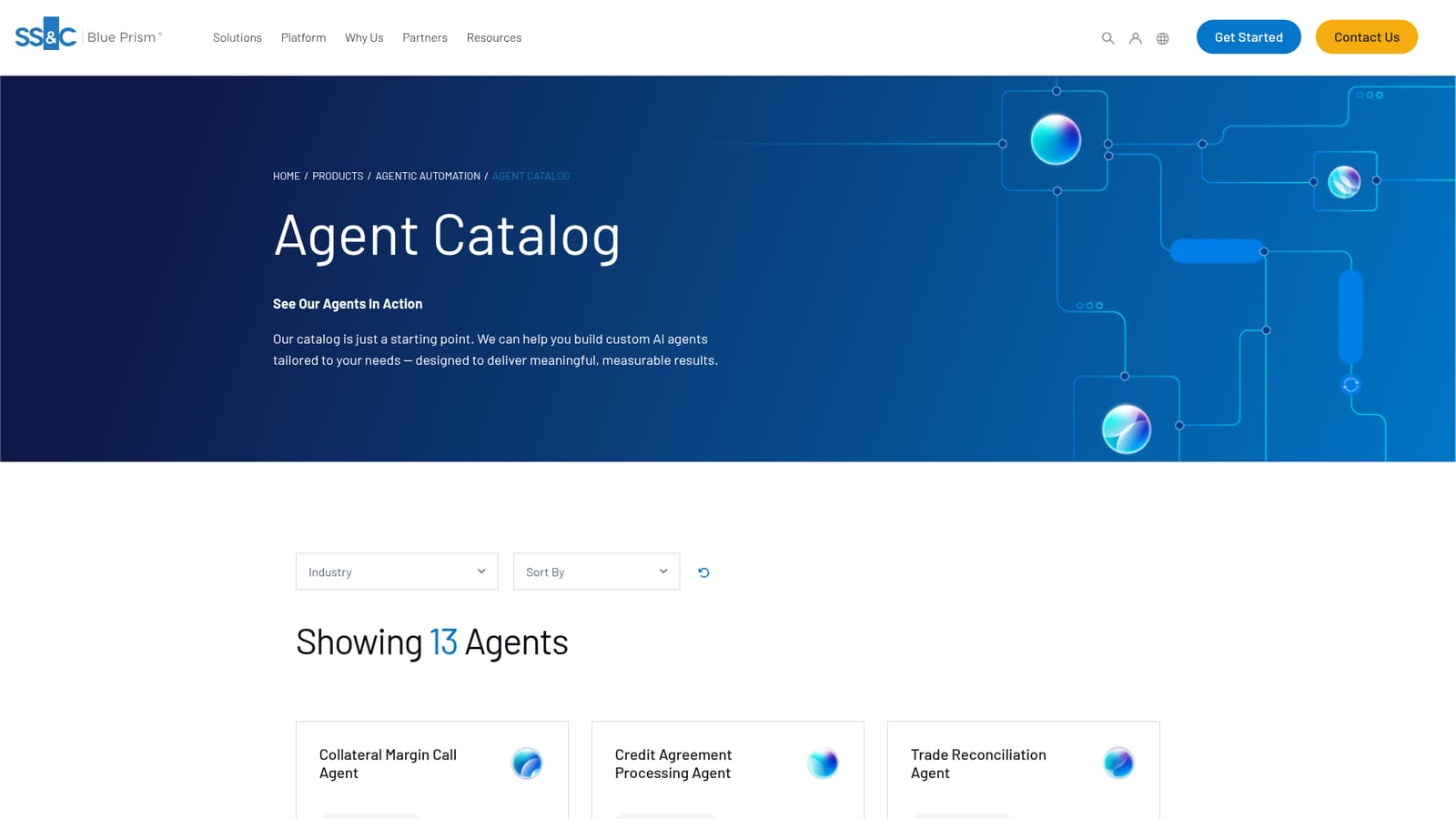
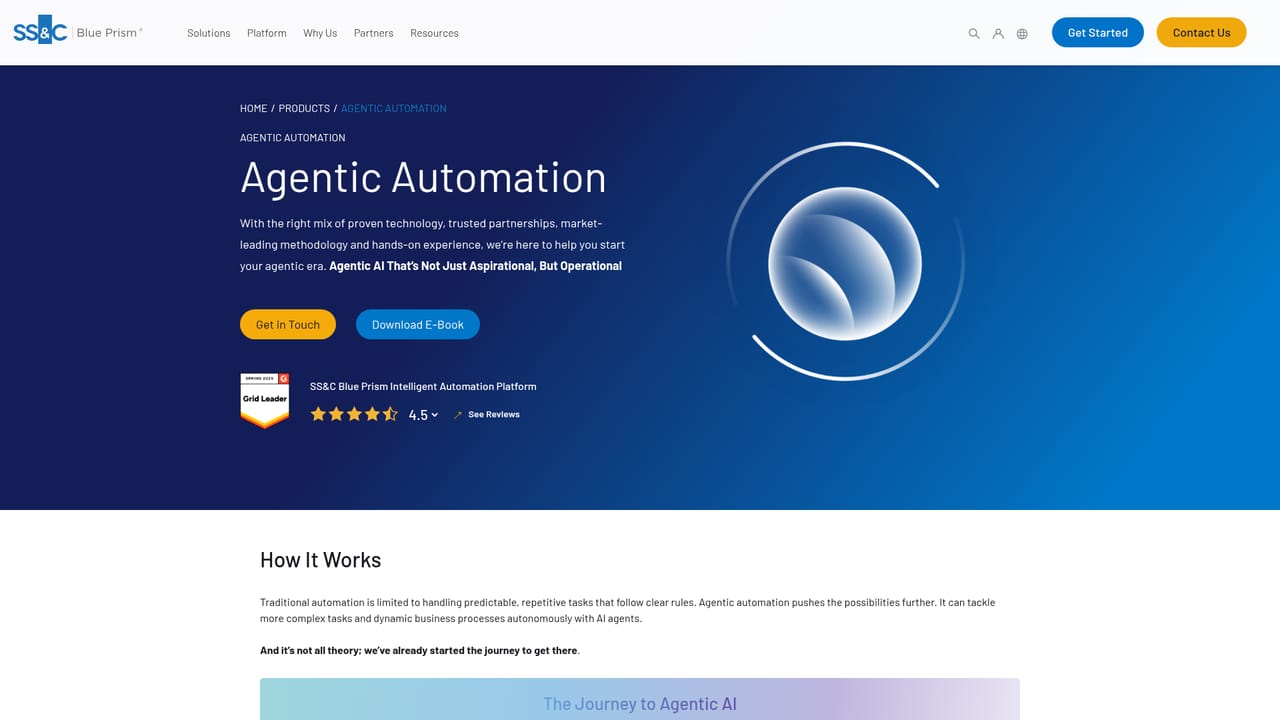
SS&C Blue Prism's Agent Catalog is a showcase of prebuilt, managed AI agents aimed squarely at back office operations in financial services and healthcare. Rather than a single general purpose assistant, the catalog presents 13 discrete agents, each scoped to one repetitive process: invoice reconciliation, trade confirmation processing, collateral margin calls, expense claims, contract analysis, imaging vetting and more. Each card names the industry it serves and describes the workflow it automates, and most link to a data sheet or a short video so buyers can inspect an agent before committing time to an evaluation. The design logic is document heavy work handled by a combination of generative AI and automation. Several agents read unstructured input such as credit agreements or scanned post, extract the relevant fields, validate them and push structured results into downstream systems. Others operate as orchestrators: the PCAP Statement Reconciliation agent is described as part of a multi-agent virtual team that extracts statement data, compares line items against an accounting system, validates the comparison and produces a reconciliation report. The customer facing agents draft written responses, review call transcripts against the FCA Handbook or another regulator's rulebook, and route formal complaints with generated letters. This is enterprise software with a narrow target. The catalog suits operations leaders, shared service centres and compliance teams inside banks, insurers, asset managers and healthcare providers who already run automation programmes and want vetted starting points instead of building from scratch. The firm states the catalog is a starting point and offers to build custom agents where nothing fits, which positions the listing as much as a sales entry point as a product shelf. Compared with consumer agent marketplaces, the emphasis is on governance, regulatory fit and measurable process outcomes rather than breadth of general capability. Integration detail, per-agent pricing and deployment specifics are not published on the catalog page, so buyers should treat the data sheets and vendor conversations as the real source of truth.
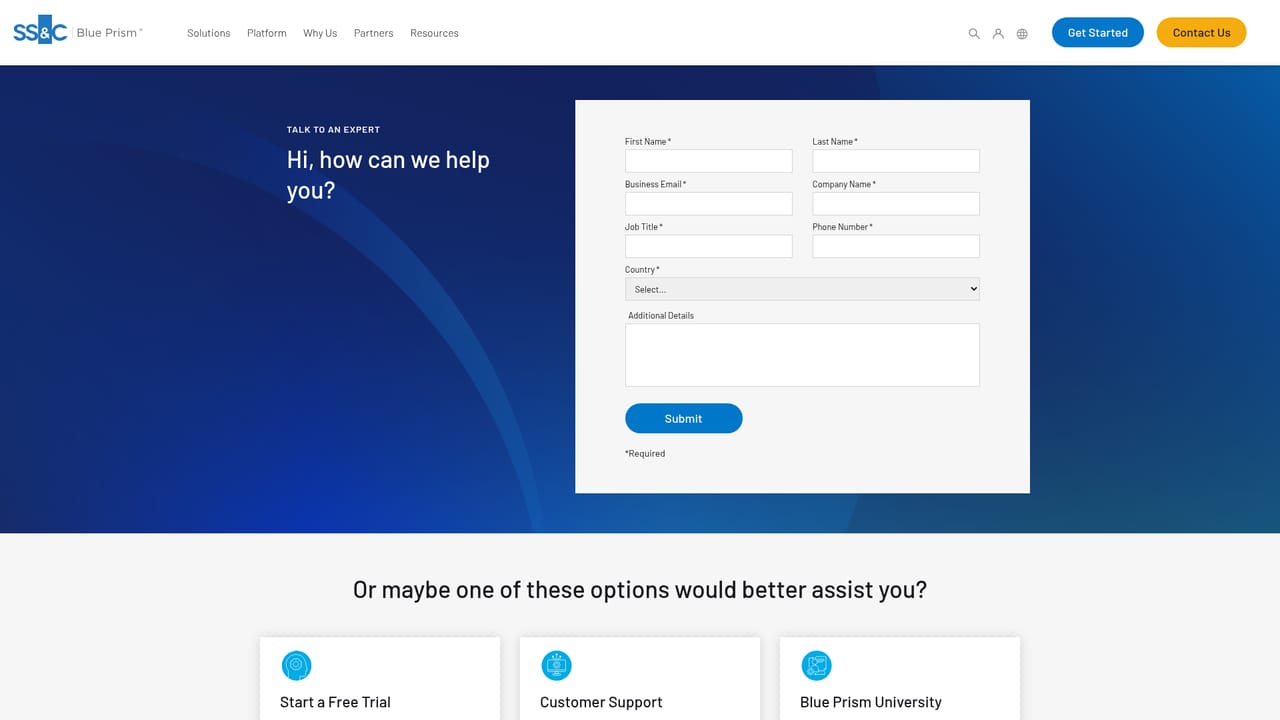
Buyers reach the vendor through the contact page for sales enquiries, custom agent builds and quotes. Product level support terms are not described on the catalog page.
Learn moreThe catalog page references reconciliation against accounting systems and names Workday for expense claim validation, but no broader integration list is published on the page.
A browsable catalog of 13 managed AI agents tagged by industry (Financial Services, Healthcare and Life Sciences) with A to Z sorting. Agents cover collateral margin calls, credit agreement processing, trade reconciliation, CPI contract analysis, invoice reconciliation, PCAP statement reconciliation, vendor contract analysis, expense claims, imaging vetting, customer communications, complaint handling, document vetting and signature extraction. Each entry links to a data sheet and a demo video.
 AI Angels400+ customizable AI girlfriends for NSFW chat, voice calls, and roleplay
 Candy AIExperience the future of companionship with AI friends who chat, role-play, and connect with you on a human level.
 ourdream.aiA vast AI roleplay platform with millions of characters for chat, images, video and voiceAI Angels400+ customizable AI girlfriends for NSFW chat, voice calls, and roleplayCandy AIExperience the future of companionship with AI friends who chat, role-play, and connect with you on a human level.ourdream.aiA vast AI roleplay platform with millions of characters for chat, images, video and voice


