Support
Support details are not described on the homepage. Contact runs through a demo request, and the site says agents escalate only exceptions, leaving routine work inside the product.
Tabs AI reads contracts and runs the revenue workflow from invoice to reconciliation.

Tabs AI is the agent layer in Tabs, a revenue operations platform that ingests contracts, CRM and payment data to generate invoices, apply cash, run RevRec and reconcile accounts with human approval on exceptions.
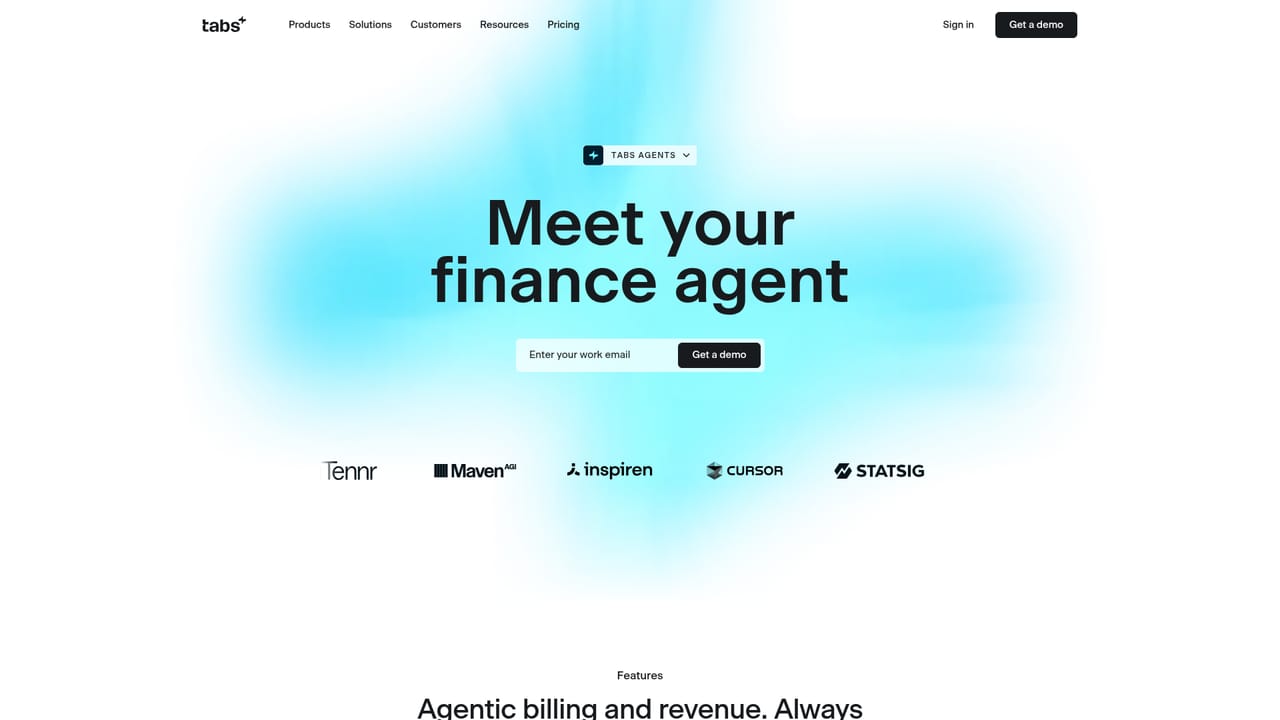
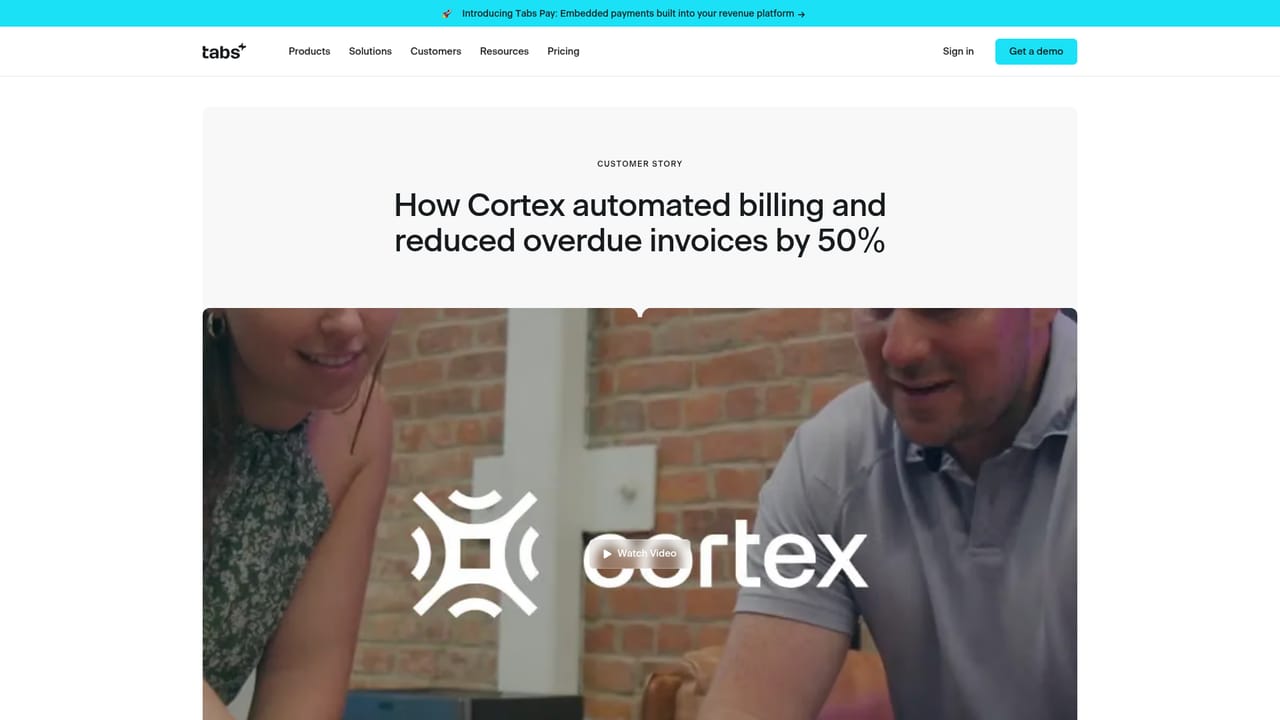
Tabs AI is the artificial intelligence layer inside Tabs, a revenue operations system built for finance teams at software and subscription businesses. Rather than bolting AI onto a spreadsheet or a separate billing tool, Tabs positions its agents as the engine that reads contracts, pulls billing terms from CRM and payment data, and then executes the resulting work: preparing invoices, applying cash, handling revenue recognition and running reconciliations. The mechanics rest on two ideas the homepage calls AI contract ingestion and the Commercial Graph. Contracts, CRM records and payment platforms are ingested by proprietary models trained to interpret key terms and logic, with no custom mapping or manual setup required. Those signals are then consolidated into a multi-dimensional customer record that holds billing terms, ARR, renewal clauses and customer activity in one place. Because an agent can consult that record before acting, the actions it takes are contextual rather than generic. In daily use, the tool is designed to be supervised lightly. Routine tasks resolve in the background, while exceptions surface for human judgment. Approvals for invoices or payment reminders happen in one click, and updates and actions can arrive through Slack or email so staff do not have to learn another interface. Reference customers named on the site include Cursor, Statsig, Cortex, Tennr, MavenAGI and Inspiren, and a finance lead at Cortex describes approving invoices from the inbox while the agent handles the rest. Tabs AI sits at the workflow-execution end of finance tooling, closer to a billing and RevRec replacement than to a reporting dashboard or a general-purpose chatbot. Buyers comparing it with standalone billing platforms or manual RevRec rules should note that the homepage gives no pricing, no plan tiers and no formal statement about implementation time, so those details need to come from a sales conversation.
Support details are not described on the homepage. Contact runs through a demo request, and the site says agents escalate only exceptions, leaving routine work inside the product.
The homepage states that Tabs AI ingests contracts, CRM and payment platforms, and that approvals and updates flow through Slack and email. No named connectors or a formal integration list are published on the page.
Core features run the revenue cycle end to end: AI contract ingestion with no custom mapping, a Commercial Graph combining billing terms, ARR, renewals and usage, agent-driven invoice generation, cash application, revenue recognition and reconciliation, plus one-click approvals and Slack or email workflows with exception escalation.
 AI Angels400+ customizable AI girlfriends for NSFW chat, voice calls, and roleplay
 Candy AIExperience the future of companionship with AI friends who chat, role-play, and connect with you on a human level.
 ourdream.aiA vast AI roleplay platform with millions of characters for chat, images, video and voiceAI Angels400+ customizable AI girlfriends for NSFW chat, voice calls, and roleplayCandy AIExperience the future of companionship with AI friends who chat, role-play, and connect with you on a human level.ourdream.aiA vast AI roleplay platform with millions of characters for chat, images, video and voice


