Free trial
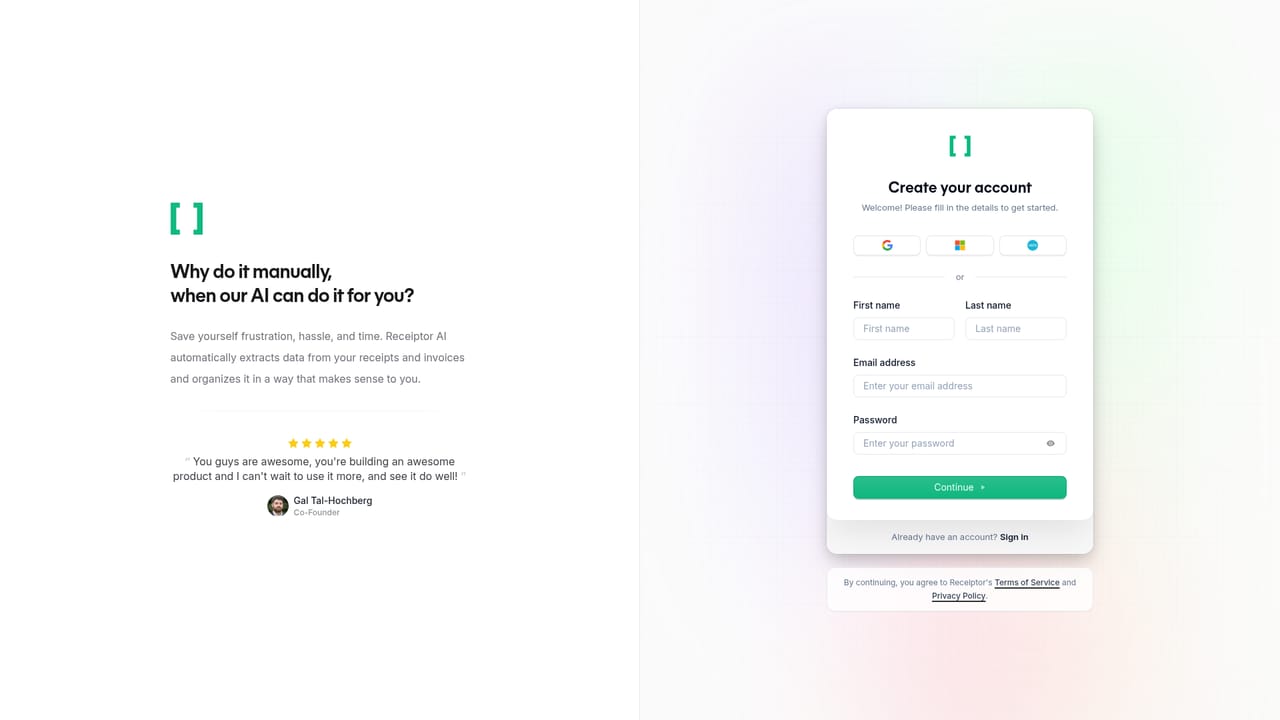
Every feature is free to try for 14 days, starting from the sign-up page. No credit card terms are stated on the homepage.
Learn moreReceipts and invoices captured, categorized and filed into your books

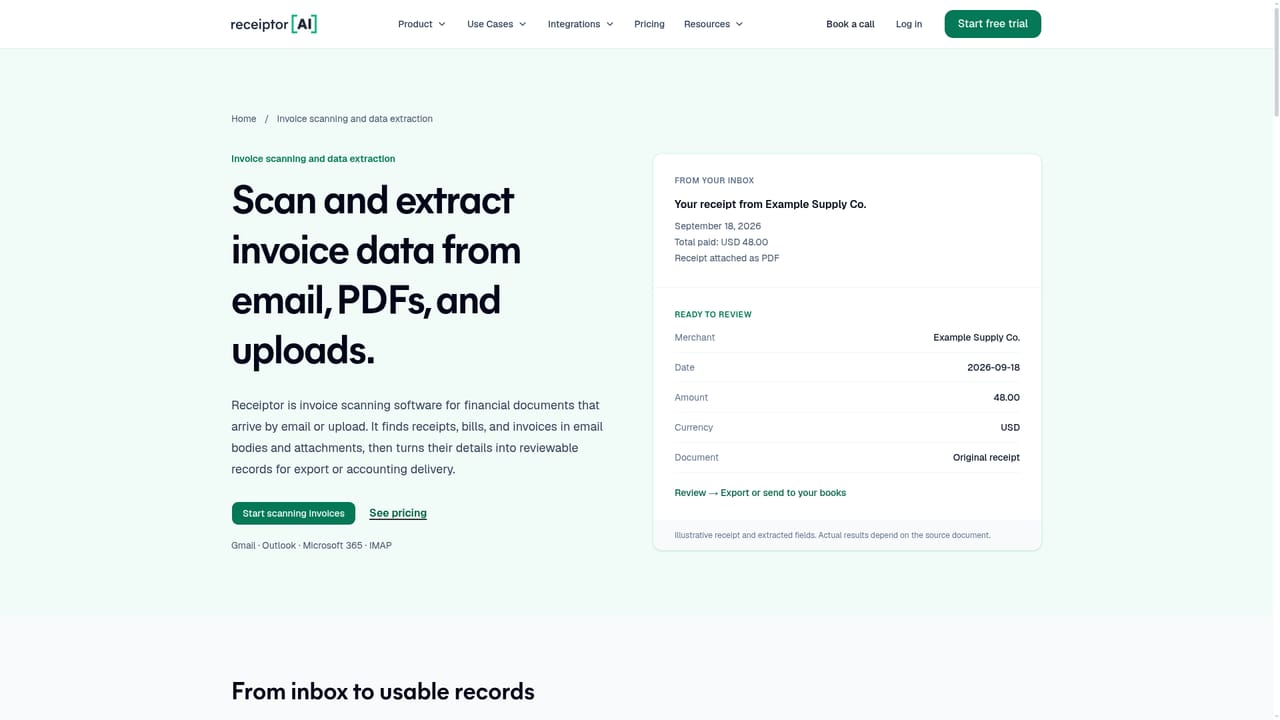
Receiptor is an accounting journal entries tool. Receiptor AI finds receipts and invoices across email, WhatsApp, iMessage and bulk uploads, categorizes them against your chart of accounts and per-entity books, and files them into Xero, QuickBooks, Google Drive, Dropbox or exports with the original document attached.
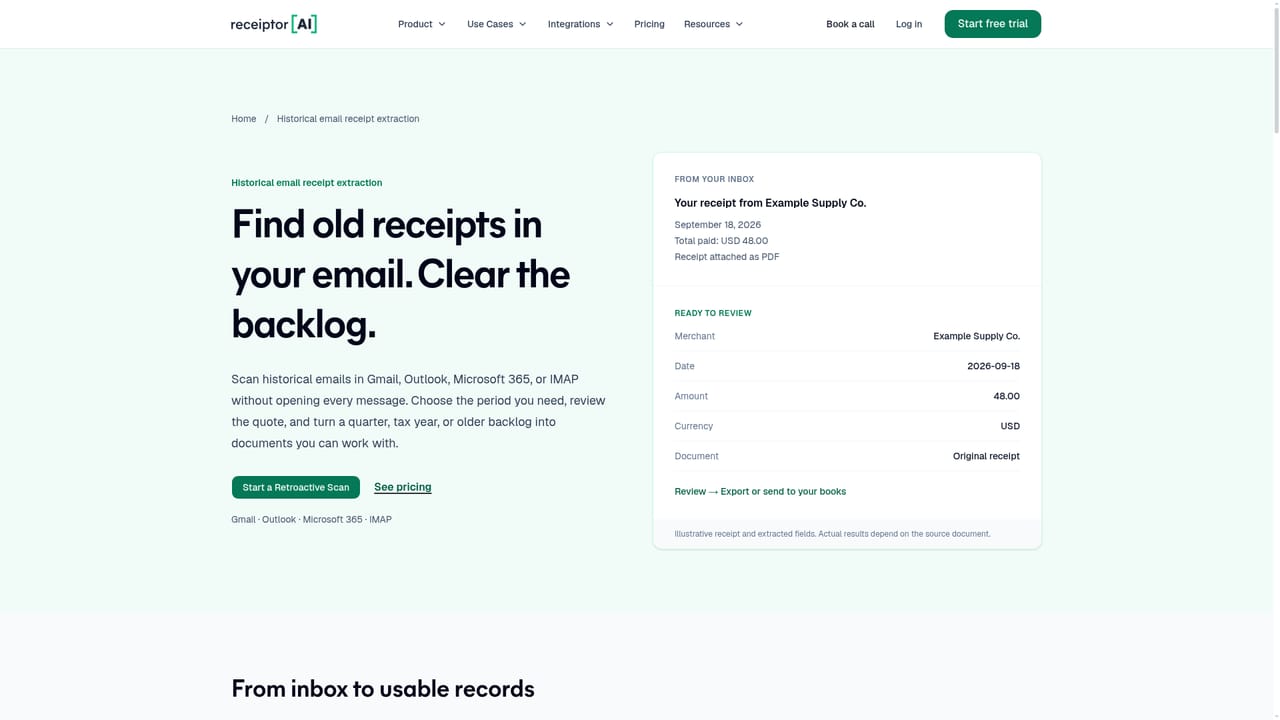
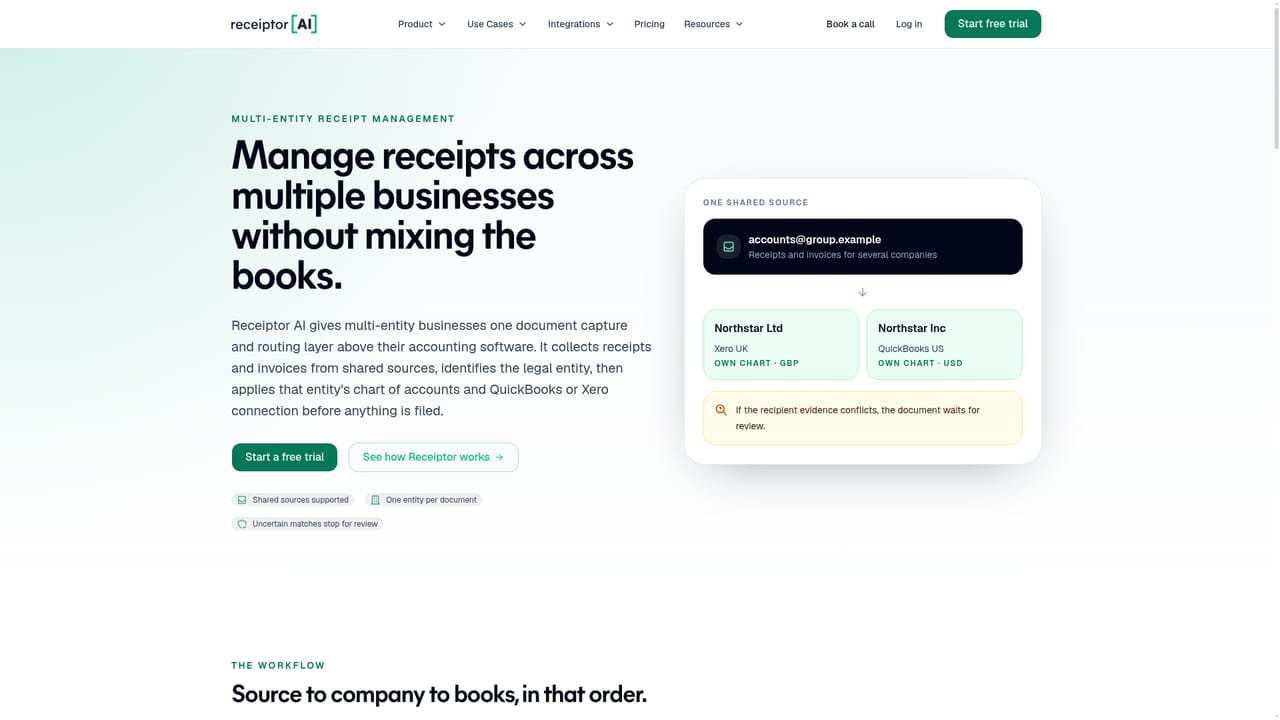
Receiptor is a document capture and bookkeeping workflow layer that sits above an accounting system. Rather than asking users to forward receipts into a dedicated inbox, it connects to Gmail, Outlook, any IMAP provider, WhatsApp and iMessage, then searches those sources for receipts, invoices, purchase confirmations and embedded links. Bulk uploads cover anything that arrives outside a connected channel. Documents in any language or currency are extracted, and the original file stays attached to the record all the way through to export. The extraction step is only part of the job. Receiptor assigns each document to the correct legal entity, so a shared inbox serving a parent company and a subsidiary does not blur the two sets of books. Each entity carries its own Xero, QuickBooks or custom chart of accounts, and categorization draws on supplier history, purchase context and previous decisions. When the tool is genuinely unsure, it asks: users can review in an in-app queue or answer a question over WhatsApp. Saved preferences are reapplied to future documents from the same supplier, which cuts down on repeated corrections. The product suits business owners and finance teams running one company or several, and it has a separate track for accountants and bookkeepers who want cleaner client records before reconciliation. Automation rules run on arrival or on a schedule to categorize, set fields, archive, store, notify and export. A retroactive scan can pull earlier months or years of documents in one pass, which is useful when records are incomplete. Publishing goes to Xero or QuickBooks with the original attached, or files can go to Google Drive, Dropbox, email, CSV, PDF or ZIP. Compared with generic OCR tools that wait for an upload, Receiptor's differentiator is the workflow around the document: discovery, entity context, memory of past decisions and a destination that keeps the source file. A Claude plugin is also available for drafting a monthly document pack, still marked as in testing, and finance staff review that draft before it reaches the books.
Every feature is free to try for 14 days, starting from the sign-up page. No credit card terms are stated on the homepage.
Learn morePublishes to Xero and QuickBooks with originals attached. Files can also go to Expensify, Google Drive, Dropbox, email forwarding, CSV, PDF and ZIP. A Claude plugin is available for drafting a monthly document pack.
Learn moreAutomatic discovery of receipts, invoices and purchase confirmations across Gmail, Outlook, IMAP, WhatsApp and iMessage, plus bulk upload. Extraction handles any language or currency, assigns each document to the right entity, categorizes against per-entity charts of accounts and reuses saved supplier decisions. Automation rules run on arrival or on a schedule, retroactive scans backfill older periods, and originals stay attached through export.
Learn more AI Angels400+ customizable AI girlfriends for NSFW chat, voice calls, and roleplay
 Candy AIExperience the future of companionship with AI friends who chat, role-play, and connect with you on a human level.
 ourdream.aiA vast AI roleplay platform with millions of characters for chat, images, video and voiceAI Angels400+ customizable AI girlfriends for NSFW chat, voice calls, and roleplayCandy AIExperience the future of companionship with AI friends who chat, role-play, and connect with you on a human level.ourdream.aiA vast AI roleplay platform with millions of characters for chat, images, video and voice


