Pricing
A single one-time payment of $129 covers the complete logo system and brand guide, with no subscription. It includes up to five generations, 16 color palettes and full commercial rights.
Learn moreOne-time AI logo generator that also delivers a PDF brand guide

BrandPro is a web-based AI logo generator that turns a short business brief into a logo, a 16-palette color system, font pairings and a PDF brand guide for a single one-time payment with full commercial rights.
BrandPro is a browser-based logo generator aimed at founders and small businesses that need a usable brand identity without hiring a freelancer or agency. Instead of selling a bare logo file, it packages the logo with a color system, typography pairings and a written style guide, all produced from a short business brief. The workflow has three phases. In the first, the user enters a business name, tagline, industry and a short description, then picks one of four brand vibes: Vintage, Artisan, Classic or Tech. In the second, the logo is generated on the spot and can be previewed across 16 curated color palettes. Each purchase includes five generations in total, which can be spent on a single vibe or spread across several, so the user can regenerate or switch direction until a result fits. In the third phase, the chosen logo is downloaded as an SVG and a transparent PNG, together with a PDF brand guide covering hex codes, font pairings from Google Fonts, and usage rules with do and don't examples. Pricing is a single one-time payment of $129 with no subscription, and the site states that buyers receive full commercial rights with no attribution. The terms also note that the generation technology itself stays with the vendor, and that trademark clearance is the buyer's responsibility, since similarity to existing marks cannot be ruled out. Compared with template-driven design editors, BrandPro trades flexibility for a guided, opinionated outcome: there is no canvas to edit by hand, and the range of styles is limited to its four vibes. That makes it a fit for startups, local businesses and side projects that want a coherent starter identity quickly. Teams that need extensive custom illustration, ongoing design work or an editable layout will likely still want a designer or a general-purpose design tool alongside it.
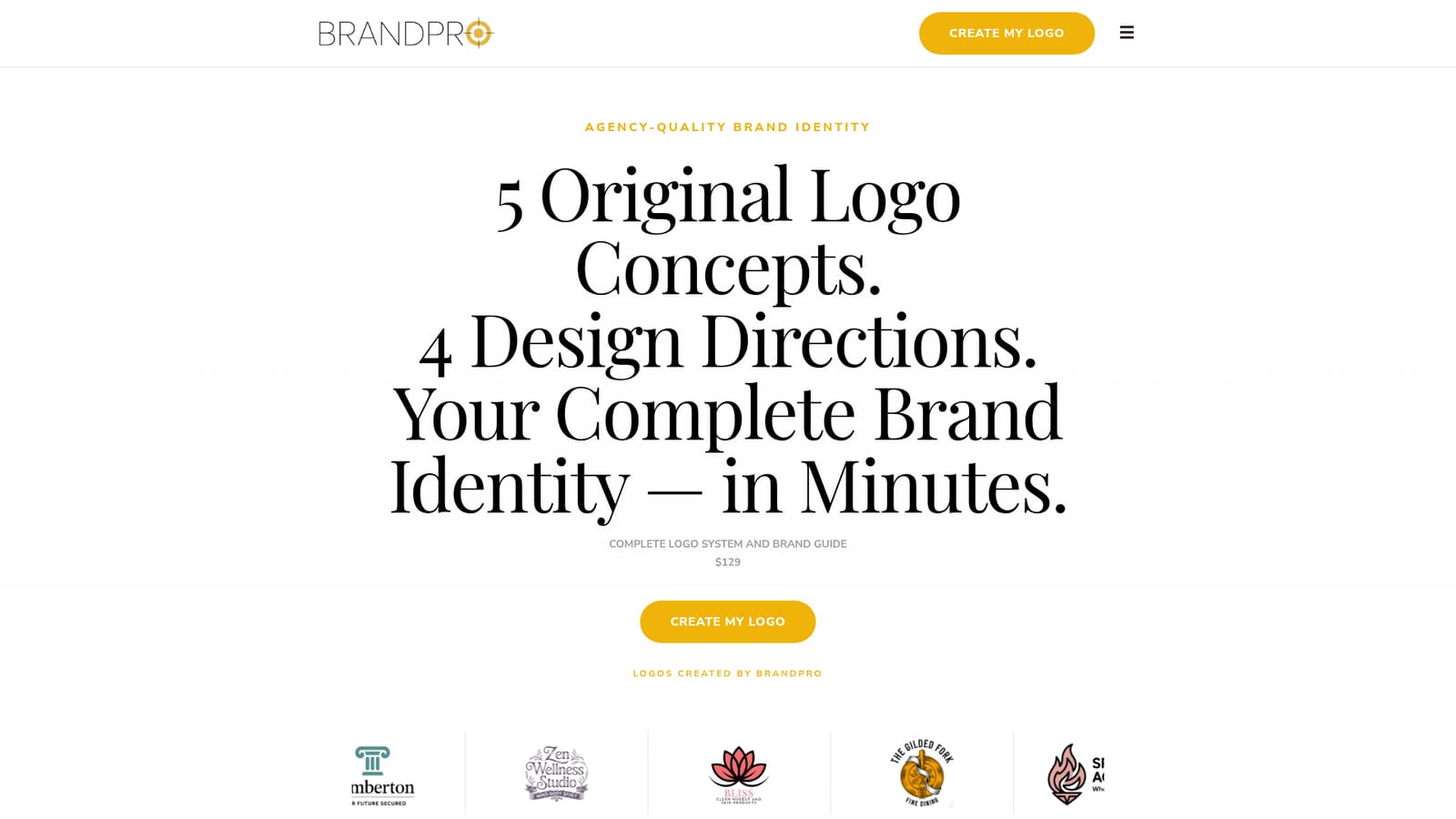
A single one-time payment of $129 covers the complete logo system and brand guide, with no subscription. It includes up to five generations, 16 color palettes and full commercial rights.
Learn moreFour brand vibes, five logo generations, 16 curated color palettes with hex codes, multiple font pairings per vibe, SVG and transparent PNG downloads, and a PDF brand guide covering logo usage, colors and typography.


