Free trial
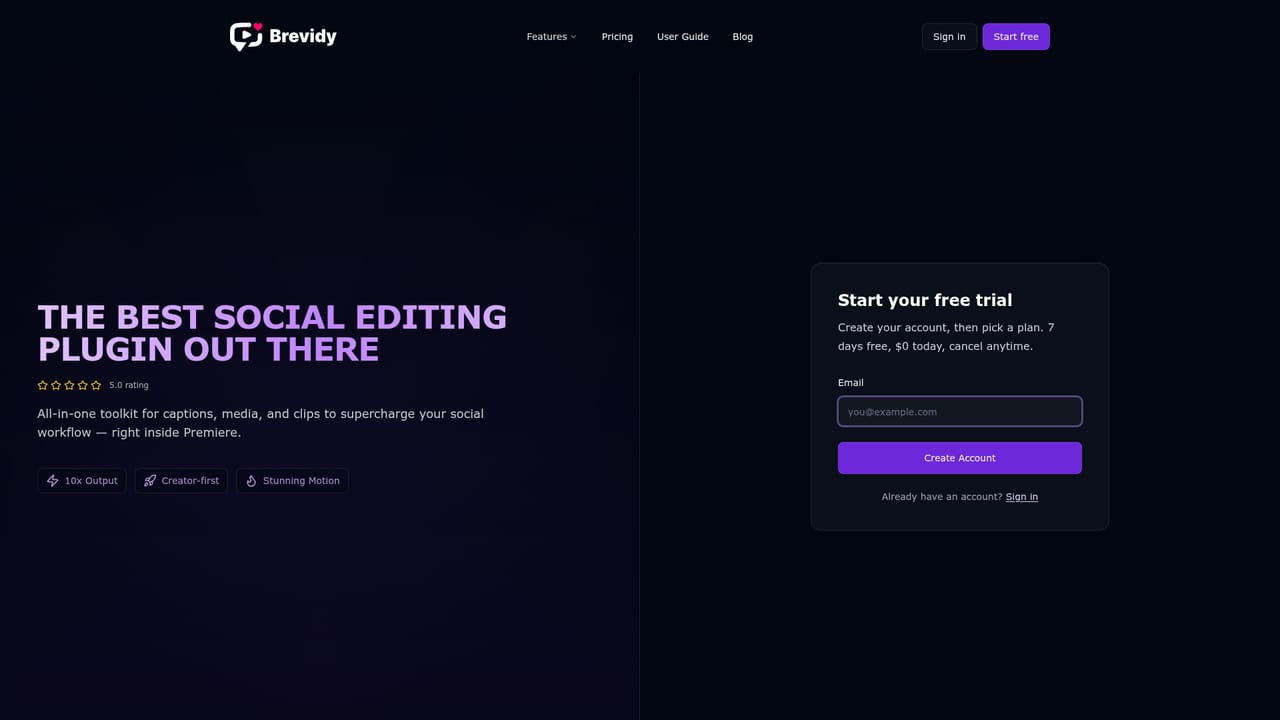
A 7-day free trial is available on the Captioner and Producer plans. A card is required, nothing is charged on day one, and the subscription can be cancelled at any time.
Learn moreCaption, clip and reframe video without leaving Adobe Premiere Pro

Brevidy is a clip finder tool that captions clip and reframe video without leaving Adobe Premiere Pro. A Premiere Pro panel that handles captioning, stock media import, clip extraction and vertical reframing in one place.
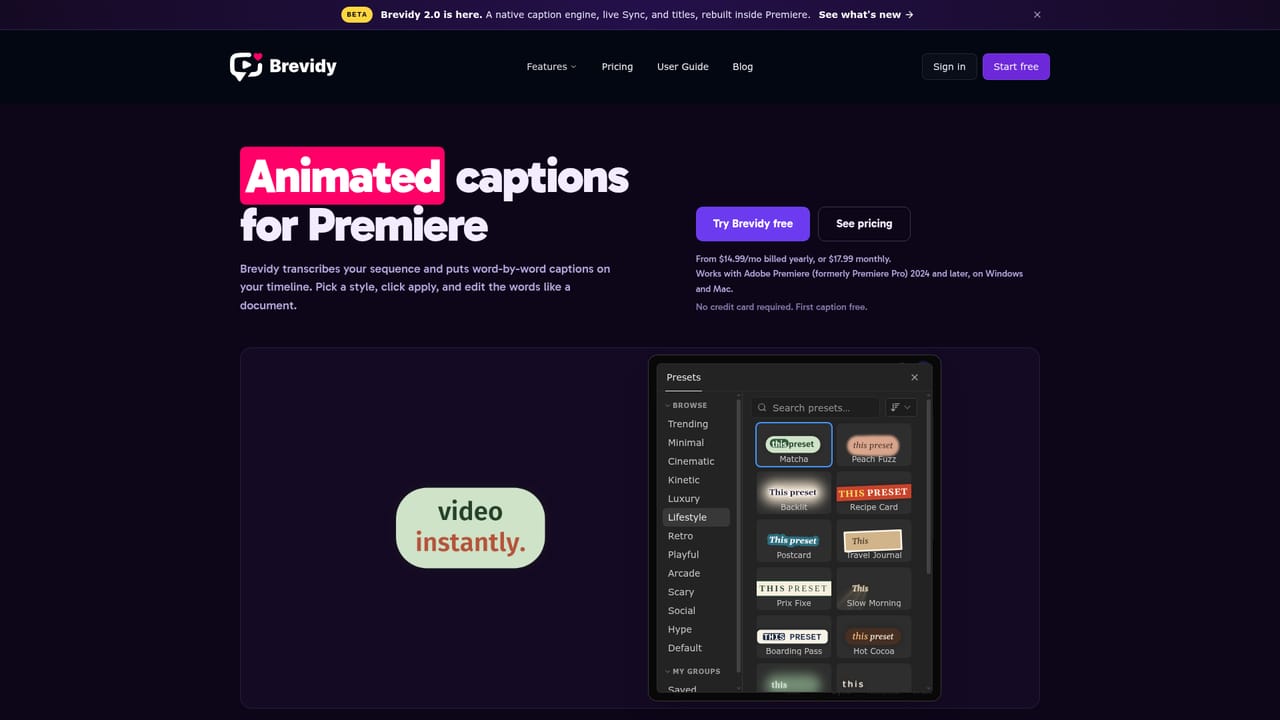
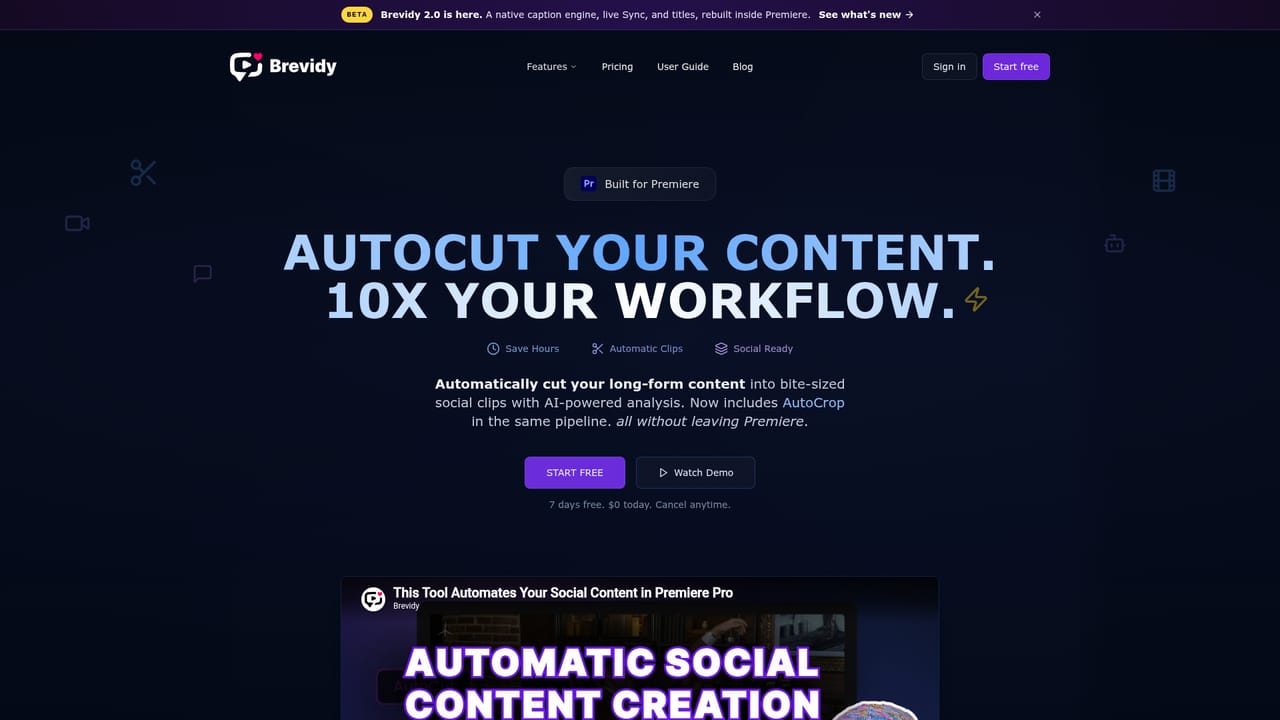
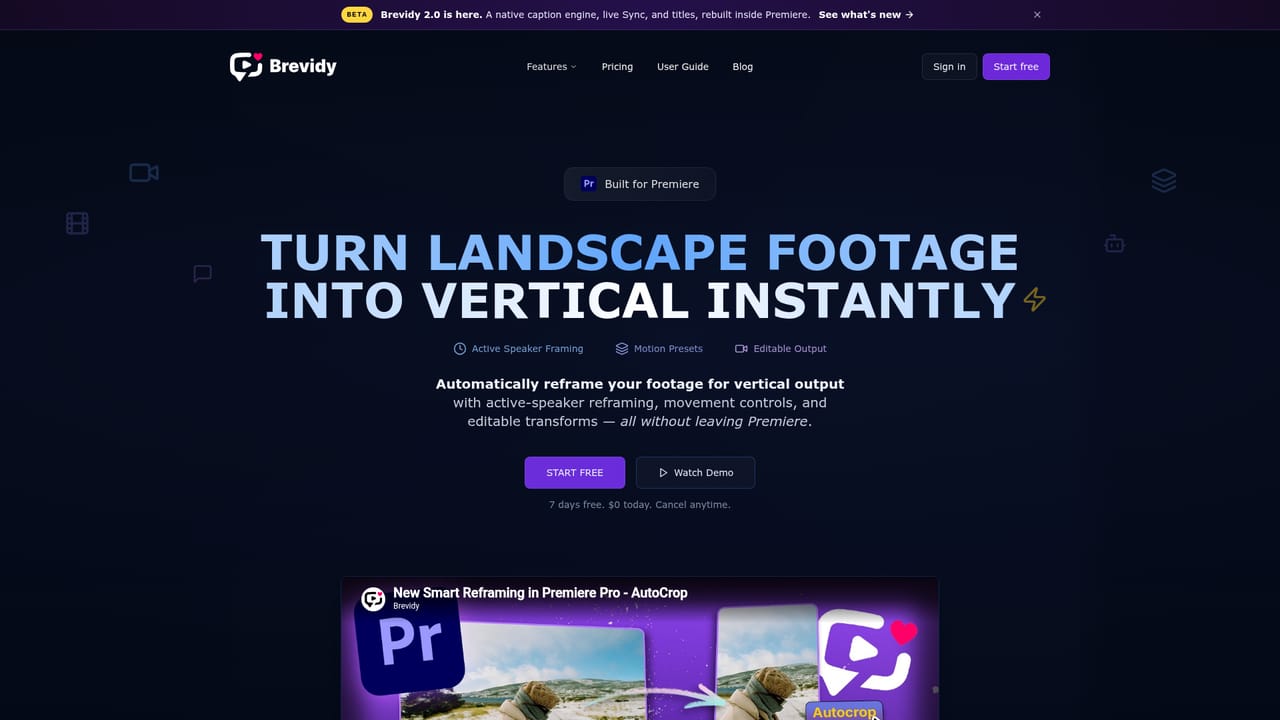
Brevidy is an AI toolkit that runs as a panel inside Adobe Premiere Pro. It bundles four jobs that short-form editors usually stitch together from separate plugins: animated captions, stock media import, long-form to short clip extraction, and vertical reframing. The company is an official Adobe Video Partner, and the whole product is built around the idea that social deliverables should be produced on the same timeline as the main edit rather than exported to another app. Captioning is the core. An editor sets in and out points on a sequence, transcribes through the Brevidy panel using cloud speech recognition the company rates at about 95% accuracy across 99+ languages, then edits the transcript, assigns styles and applies captions back to the timeline. A preset library covers trending, minimal, cinematic, kinetic and other looks, with word-by-word animation, highlight control and translation into other languages. AutoCut scans long sequences, finds moments worth clipping, can strip silence and builds shorter sequences that are ready for captions and cropping. AutoCrop, still in beta, converts landscape timelines to vertical by tracking the active speaker and leaving editable transforms on clips. The Media tool browses Giphy, Pexels, Unsplash and Pixabay from inside Premiere, animates imports with motion presets, and can suggest b-roll or emojis based on the transcript. The audience is working editors and social teams: podcast and interview producers, agencies pushing constant uploads, and media departments where non-editors need to turn around captioned clips. It fits teams that already live in Premiere and want publish-ready captions with minimal styling effort. SubMachine undercuts it on price with a simpler SRT workflow, Captioneer appeals to offline and After Effects users, and standalone tools such as Opus Clip handle clipping outside the NLE, so Brevidy's case rests on staying inside Premiere and on its preset and transcript tooling.
A 7-day free trial is available on the Captioner and Producer plans. A card is required, nothing is charged on day one, and the subscription can be cancelled at any time.
Learn moreCaptioner costs $14.99 per month billed yearly, or $17.99 month to month, and includes captioning minutes. Producer adds unlimited captions plus video-workflow minutes for AutoCut and AutoCrop. Both plans start with a 7-day trial at $0 today with a card required.
Learn moreBug reports and help go by email to brevidy@pluginplay.app. There is no chat widget or ticket portal named on the site.
Runs as a panel inside Adobe Premiere Pro and is listed as an official Adobe Video Partner. The media browser pulls assets from Giphy, Pexels, Unsplash and Pixabay.
Learn moreCloud transcription rated near 95% accuracy across 99+ languages, transcript editing with word highlights and find and replace, 700+ one-click caption presets, translation, AutoCut clip extraction with silence removal, AutoCrop active-speaker vertical reframing (beta), a stock media browser with motion presets, and AI media suggestions driven by the transcript.
Learn more AI Angels400+ customizable AI girlfriends for NSFW chat, voice calls, and roleplay
 Candy AIExperience the future of companionship with AI friends who chat, role-play, and connect with you on a human level.
 ourdream.aiA vast AI roleplay platform with millions of characters for chat, images, video and voiceAI Angels400+ customizable AI girlfriends for NSFW chat, voice calls, and roleplayCandy AIExperience the future of companionship with AI friends who chat, role-play, and connect with you on a human level.ourdream.aiA vast AI roleplay platform with millions of characters for chat, images, video and voice


