Free trial
A free trial is offered for the Assistant and is promoted from the homepage and a dedicated trial page; no duration or usage caps are stated on the homepage.
Learn moreAsk questions about any video and get clips, captions and metadata back.

Valoss is a clip finder tool. Conversational video AI that transcribes, captions, tags and clips footage in response to natural language prompts, with companion products for brand safety, moderation and mood analysis.
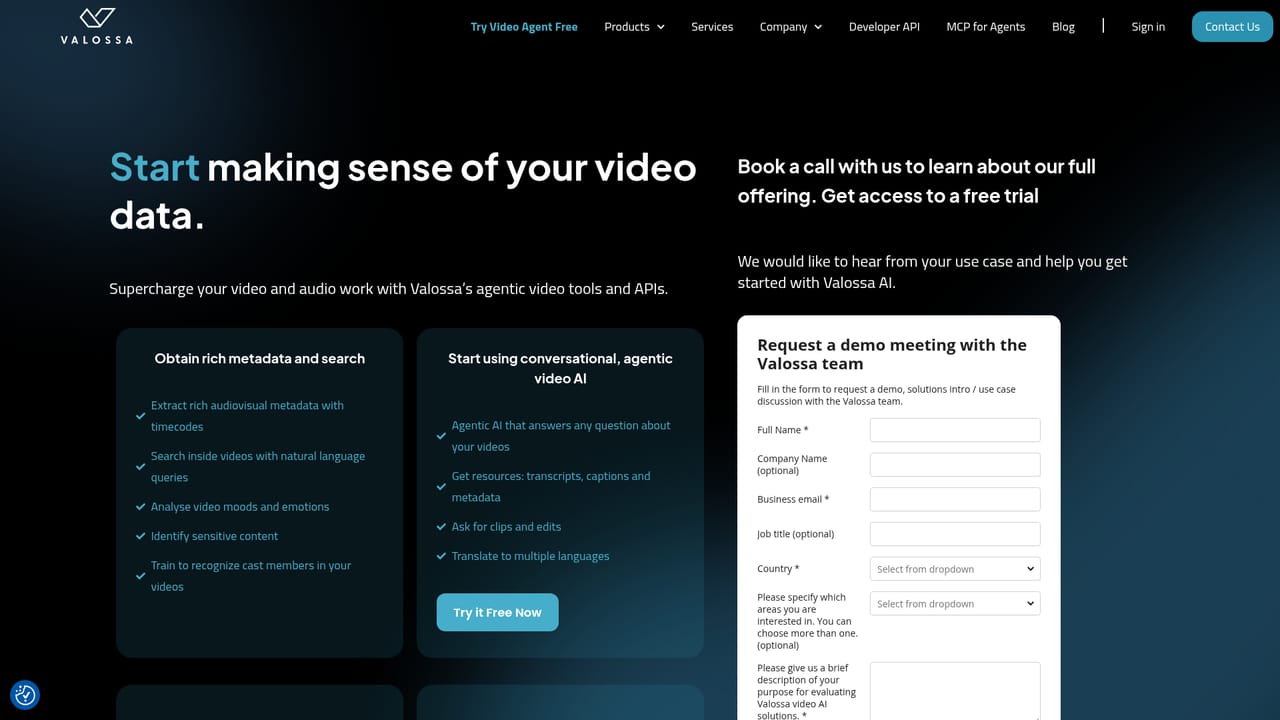
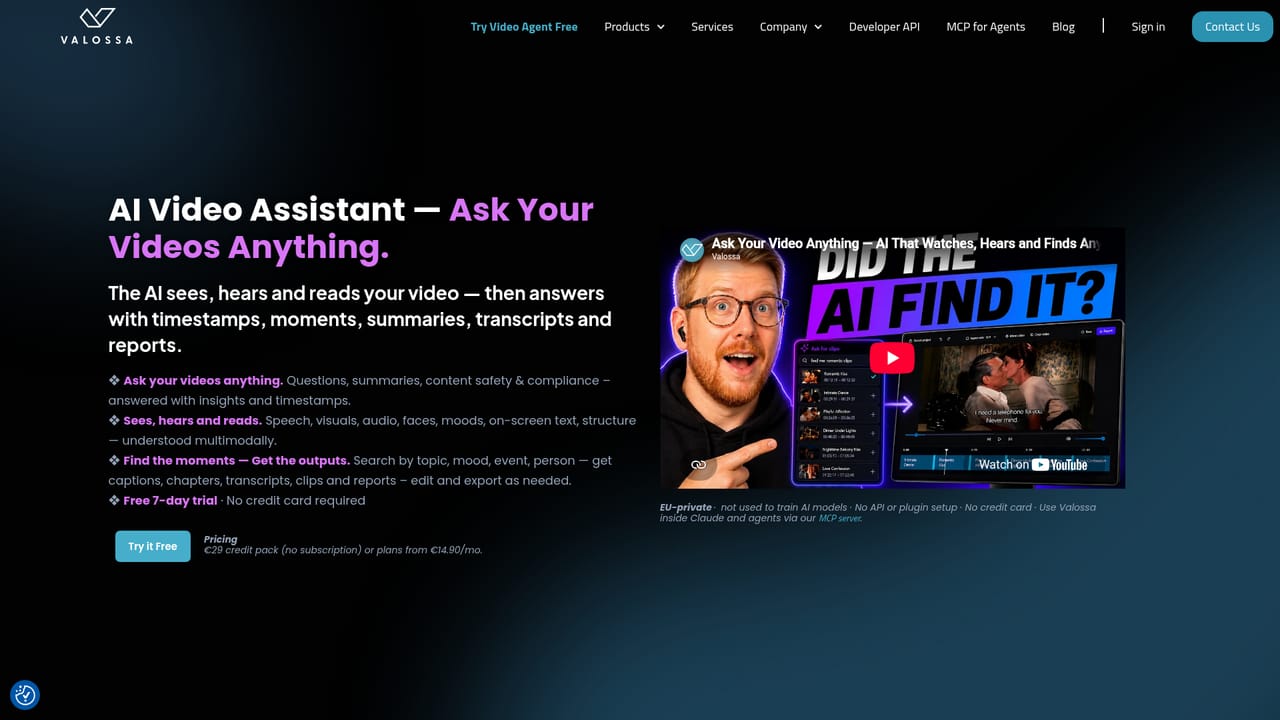
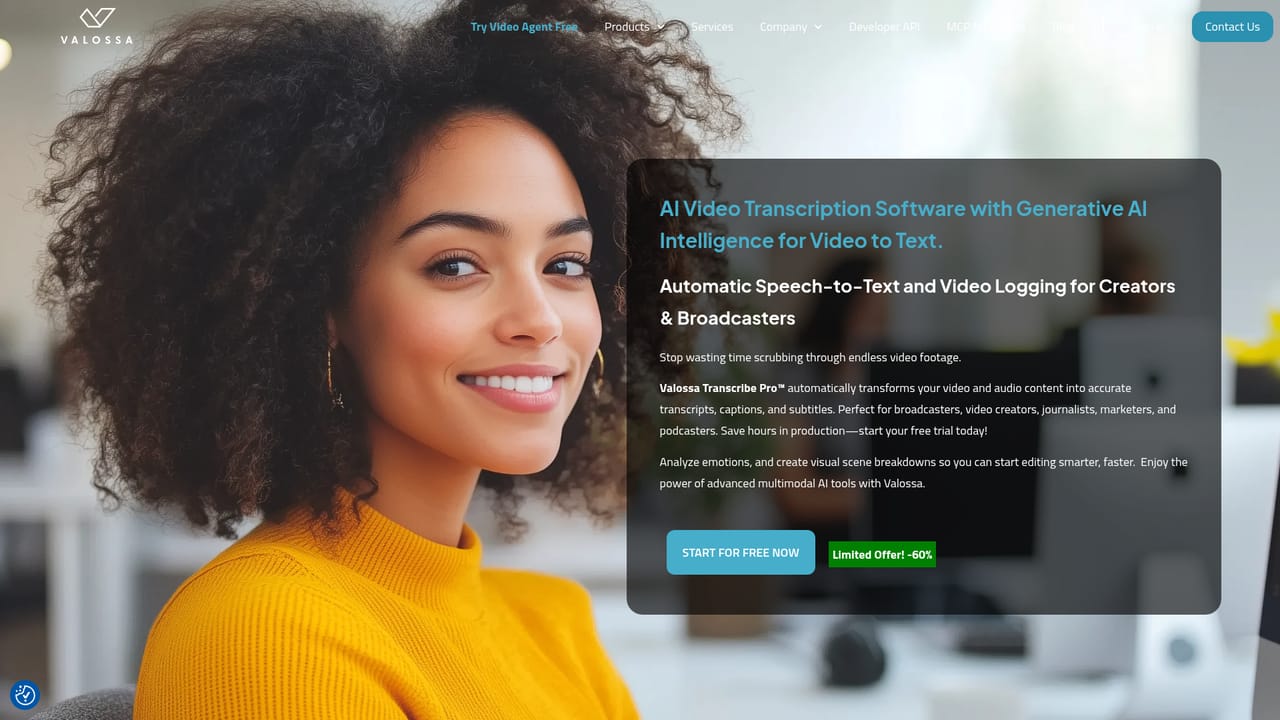
Valossa is a Finnish deep tech company that has been building multimodal video analysis systems since 2015, and its SaaS front end, Valossa Assistant, lets users interrogate footage in plain language instead of scrubbing timelines. A video is uploaded, the AI watches and listens to it in a single pass across seven modalities (speech, visuals, audio, faces, moods, on-screen text and structure), and then answers prompts about what happened. Typical outputs include speaker-labelled transcripts, captions, scene descriptions, chapter markers, summaries, structured metadata and exported highlight clips framed in portrait or landscape for social and OTT delivery. A separate product, Transcribe Pro, handles transcription and translation work on its own. The tool is aimed at media companies, broadcasters, advertisers and independent creators sitting on large video libraries. A producer can ask for the moment a presenter mentions pricing while a chart is on screen, or request five strong clips assembled into a one-minute teaser, and the agent plans the search steps and produces the result. Sibling products extend the same engine into narrower jobs: Ad Scout classifies scenes with IAB and GARM taxonomies to mark brand-safe ad slots, Auto Preview cuts promotional teasers by rule, Moderator flags violence, sexual content, bad language and underage persons, and Moods reads emotion and sentiment from faces and speech. In practice Valossa sits between manual editing suites and generic speech-to-text services. It is more expensive in complexity than a simple transcription tool, and it is built around analysis and retrieval rather than frame-level creative editing. Teams that need repeated inspection of long-form content, archive monetisation or compliance review will find the conversational model faster than timeline work; teams that only need a quick caption file have lighter options.
A free trial is offered for the Assistant and is promoted from the homepage and a dedicated trial page; no duration or usage caps are stated on the homepage.
Learn moreA conversational video agent covering speaker-labelled transcription, captions, scene descriptions, chapter markers, summaries, metadata, sensitive content flags, highlight clip selection and portrait or landscape exports, with the same engine also sold as Transcribe Pro, Ad Scout, Auto Preview, Moderator and Moods.
Learn more AI Angels400+ customizable AI girlfriends for NSFW chat, voice calls, and roleplay
 Candy AIExperience the future of companionship with AI friends who chat, role-play, and connect with you on a human level.
 ourdream.aiA vast AI roleplay platform with millions of characters for chat, images, video and voiceAI Angels400+ customizable AI girlfriends for NSFW chat, voice calls, and roleplayCandy AIExperience the future of companionship with AI friends who chat, role-play, and connect with you on a human level.ourdream.aiA vast AI roleplay platform with millions of characters for chat, images, video and voice


