Free trial
No free trial is stated on the homepage. The advertised sign-up offer grants unlimited Nano Banana 2.1 image generations for 30 days plus an extra discount, which is a promotional benefit rather than a trial of the editor.
Learn moreAgentic video editor that handles the busywork on a real timeline.

InVideo is a clip finder tool. InVideo pairs a professional multitrack timeline with AI editing agents that take plain-language direction, index footage for moment search, and apply changes across multiple shots. Built for serious creatives and small production teams, with storyboarding, script writing, multiplayer collaboration, custom role agents and optional connections to external assistants.
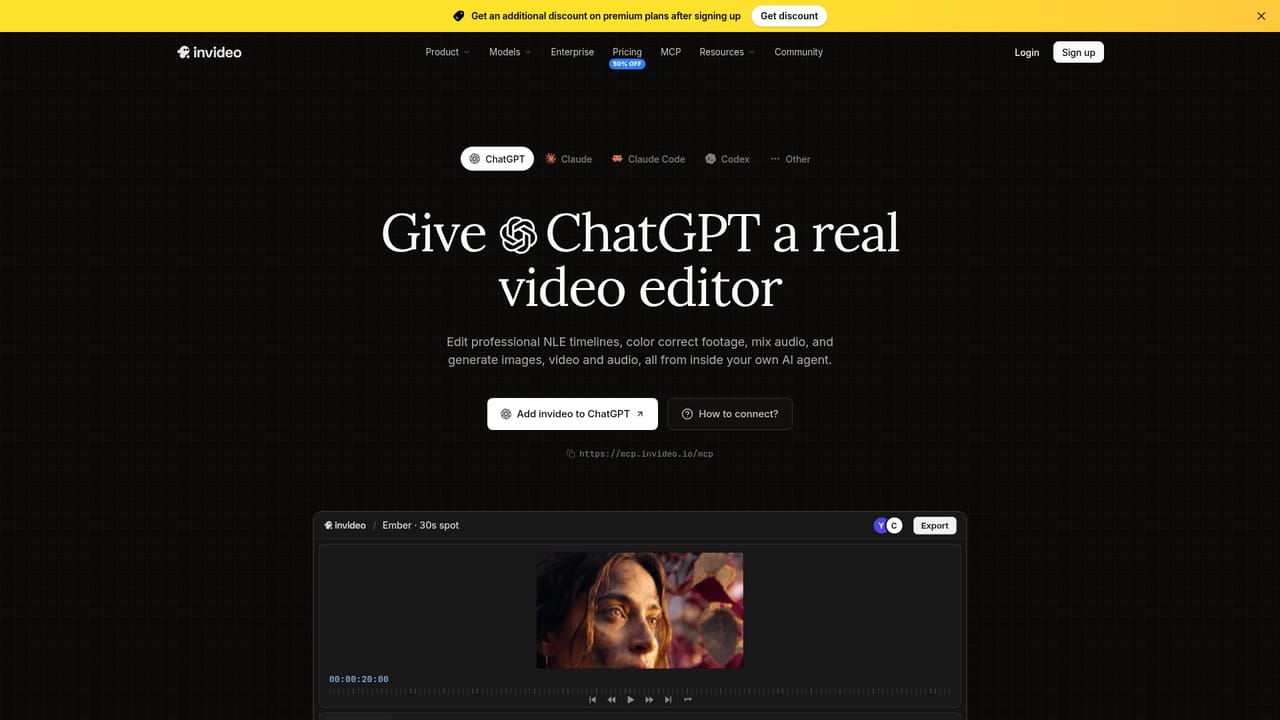
InVideo is a browser-based video editor built around AI agents rather than one-shot generation. The core product, Agent Two, sits inside a multitrack timeline and takes plain-language direction: cut the pauses, match the look across forty shots, or find a specific moment by describing it. The editing agent indexes every uploaded clip in memory, so locating a take becomes a search phrase instead of a manual scrub. The timeline itself remains fully editable at any frame, which matters for editors who want to review and override rather than accept a black box. The workflow spans pre-production and post. Storyboarding turns a script or idea into a shot-by-shot plan that can be adjusted before generation, and script writing includes an AI co-writer for drafting inside the app. Multiplayer mode adds live cursors and real-time collaboration for producers, editors, writers and sound designers working on the same project. Users can also define custom agents for roles such as cinematographer, music designer, sound designer and colorist, then let those agents execute on the timeline. InVideo is aimed at serious creatives and small production teams rather than casual prompt users. The homepage positions it against NLEs with a "Premiere Pro with full AI" framing, and against pure text-to-video tools by keeping a professional timeline at the center. Plans scale by credits and seats: Starter, Plus and Max tiers cover multiplayer seats, access to Agent Two Lite, Pro and Ultra, Seedance 2.5 and 2.0 video models, stock footage and storage. Editing agent memory and multi-shot direction are the differentiators; the credit model is the main constraint to understand before committing. Teams can also connect external agents such as Claude Cowork, ChatGPT Codex, Grok and Gemini to the editor through a remote agents bridge, letting an existing assistant trim, grade or mix on the Invideo timeline. The company cites SOC 2, GDPR and ISO alignment for private and secure use, and lists enterprise customers including Google, NVIDIA, Salesforce, Visa, IBM, Cisco, Meta, Netflix and Ford.
No free trial is stated on the homepage. The advertised sign-up offer grants unlimited Nano Banana 2.1 image generations for 30 days plus an extra discount, which is a promotional benefit rather than a trial of the editor.
Learn moreThree seat-based tiers are listed, each shown at 50 percent off when billed annually: Starter at $10 per seat per month (400 credits), Plus at $30 (2,000 credits, 10 guest seats) and Max at $75 (5,000 credits, 20 guest seats). Starter is limited to Agent Two Lite and excludes Seedance 2.5 and 2.0. Plus and Max add frontier agents, full Seedance access and lower cost per credit on Max.
Learn moreExternal assistants can connect to the editor through the remote agents page, with Claude Cowork, ChatGPT Codex, Grok and Gemini shown as supported examples that can trim, grade and mix on the timeline.
Learn moreAgent Two editing agent with footage memory for moment search; multi-shot direction from a single instruction; plain-language editing on a multitrack timeline; storyboarding from script; AI script co-writing; real-time multiplayer with live cursors; custom role agents (cinematographer, sound, music, colorist); access to Seedance 2.5 and 2.0 video models plus image models on higher plans; guest seats, premium stock footage and storage tiers.
 AI Angels400+ customizable AI girlfriends for NSFW chat, voice calls, and roleplay
 Candy AIExperience the future of companionship with AI friends who chat, role-play, and connect with you on a human level.
 ourdream.aiA vast AI roleplay platform with millions of characters for chat, images, video and voiceAI Angels400+ customizable AI girlfriends for NSFW chat, voice calls, and roleplayCandy AIExperience the future of companionship with AI friends who chat, role-play, and connect with you on a human level.ourdream.aiA vast AI roleplay platform with millions of characters for chat, images, video and voice


