Free trial
Every generation starts as a free watermarked preview with no account and no credit card required. HD output without the watermark requires a paid credit pack.
Learn moreTurn a selfie into a LEGO minifigure in about 10 seconds

BrickifyMe is a generative image tool that turns a selfie into a LEGO minifigure in about 10 seconds. BrickifyMe converts a selfie into a LEGO style minifigure image in about ten seconds, with a free watermarked preview and no sign-up.
BrickifyMe is a browser based AI generator that converts an ordinary portrait photo into a digital LEGO style minifigure. A selfie, or a photo of somebody else, is uploaded and the model reproduces the details it can read from the shot: hairstyle, glasses, clothing and accessories, all rendered in a brick figure aesthetic. The site puts a single generation at roughly ten seconds. There is no download and no account creation, so the whole flow happens in the browser tab. Practical use splits into three tracks. The first is gifting: birthdays, graduations, retirements and holidays all have their own browsing pages, and a figure can be built for a friend, colleague or family member from a photo already on hand. The second is professional identity: the avatar pages target LinkedIn, Zoom, Slack and Discord profile pictures, and a team builder exists for offices, wedding parties and friend groups that want a matching set. The third is novelty: people simply want to see themselves as a minifigure and share the result. Each generation starts as a free watermarked preview, so the quality of a particular photo can be judged before any money changes hands. Paid credits unlock HD output without the watermark, and the credit packs never expire, which suits occasional gift making rather than daily output. Processing speed and resolution both scale with the tier chosen, so the cheapest pack is visibly slower and lower resolution than the higher ones. Compared with general purpose image generators, BrickifyMe is narrower by design and removes prompt work entirely: the photo is the input and the LEGO look is fixed. Anyone who wants a different art style or fine control over pose and outfit will find it limited, while gift buyers and teams wanting consistent figures get a short, predictable path. The site notes that photos are deleted within 24 hours and that LEGO is a trademark of the LEGO Group, which does not sponsor or endorse the service.
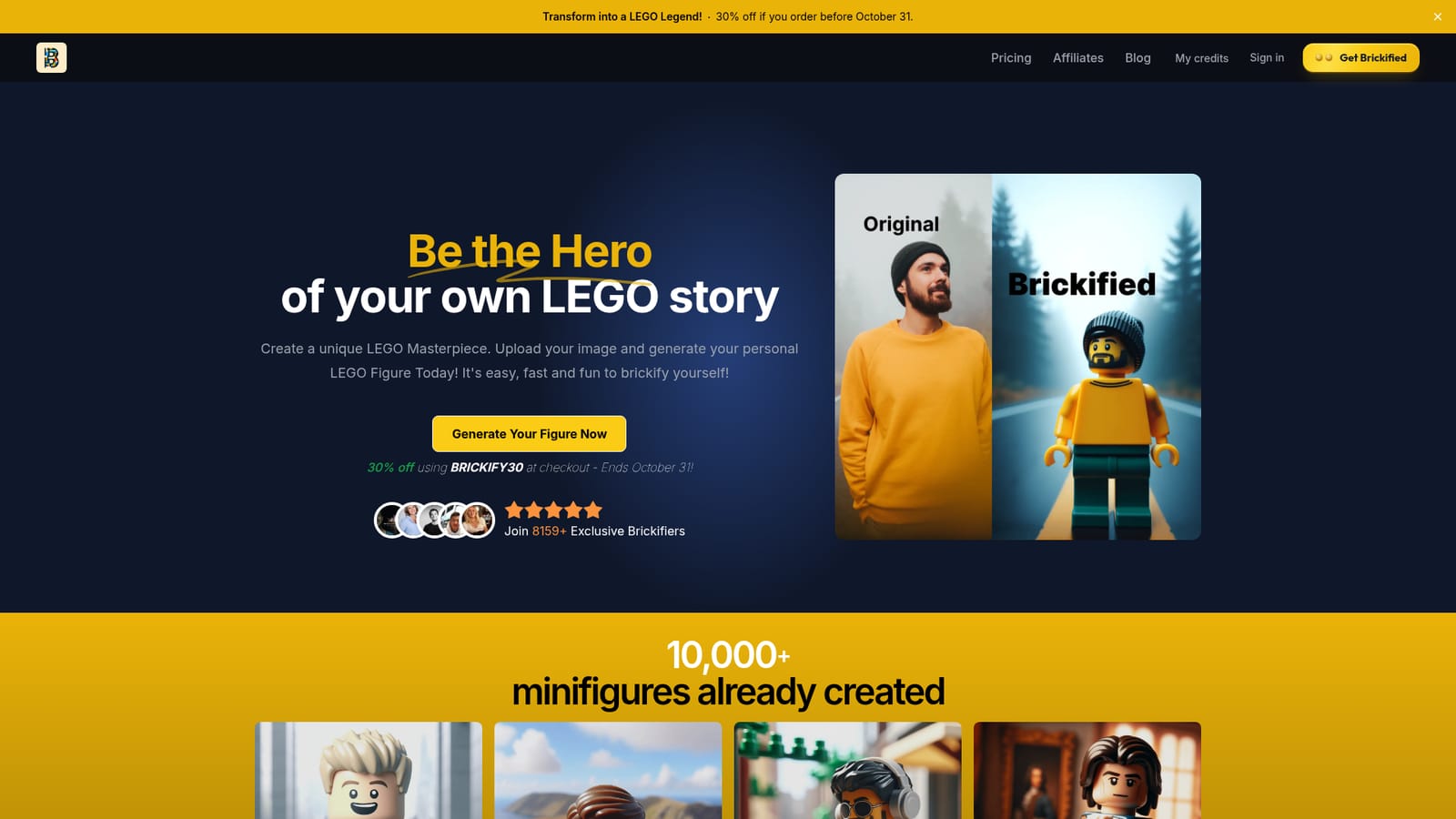


Every generation starts as a free watermarked preview with no account and no credit card required. HD output without the watermark requires a paid credit pack.
Learn moreThree one time credit packs priced in USD or EUR: MiniMaker at $5 for 5 credits ($1.00 per figure), Starter at $9 for 30 credits ($0.30 per figure) and Purist at $19 for 100 credits ($0.19 per figure). All include no watermark, with resolution and processing speed improving as tiers rise. Credits never expire and unused credits are refundable.
Learn morePhoto to minifigure conversion in roughly ten seconds, with the model picking up hairstyle, glasses, clothing and accessories. Runs in the browser with no app or account. Paid tiers add watermark free HD output and faster processing. Browsing pages organize figures by profession, occasion and social platform, and a team builder creates matching sets for groups.
Learn more AI Angels400+ customizable AI girlfriends for NSFW chat, voice calls, and roleplay
 Candy AIExperience the future of companionship with AI friends who chat, role-play, and connect with you on a human level.
 ourdream.aiA vast AI roleplay platform with millions of characters for chat, images, video and voiceAI Angels400+ customizable AI girlfriends for NSFW chat, voice calls, and roleplayCandy AIExperience the future of companionship with AI friends who chat, role-play, and connect with you on a human level.ourdream.aiA vast AI roleplay platform with millions of characters for chat, images, video and voice


