Free trial
Several catalogue entries, including FLUX.2 klein 4B, are labelled free to try, so models can be evaluated in the browser before any API spend. The homepage does not state a trial length or usage cap.
Learn moreOne API and playground for dozens of image and video models

Prodia is an AI image upscaler tool. Prodia aggregates dozens of image and video generation models (FLUX.2, Nano Banana, Seedream, Recraft, Veo, Sora 2, Kling and more) behind one API and browser playground, with published per model latency, add on editing and upscaling utilities, and pay per job pricing.
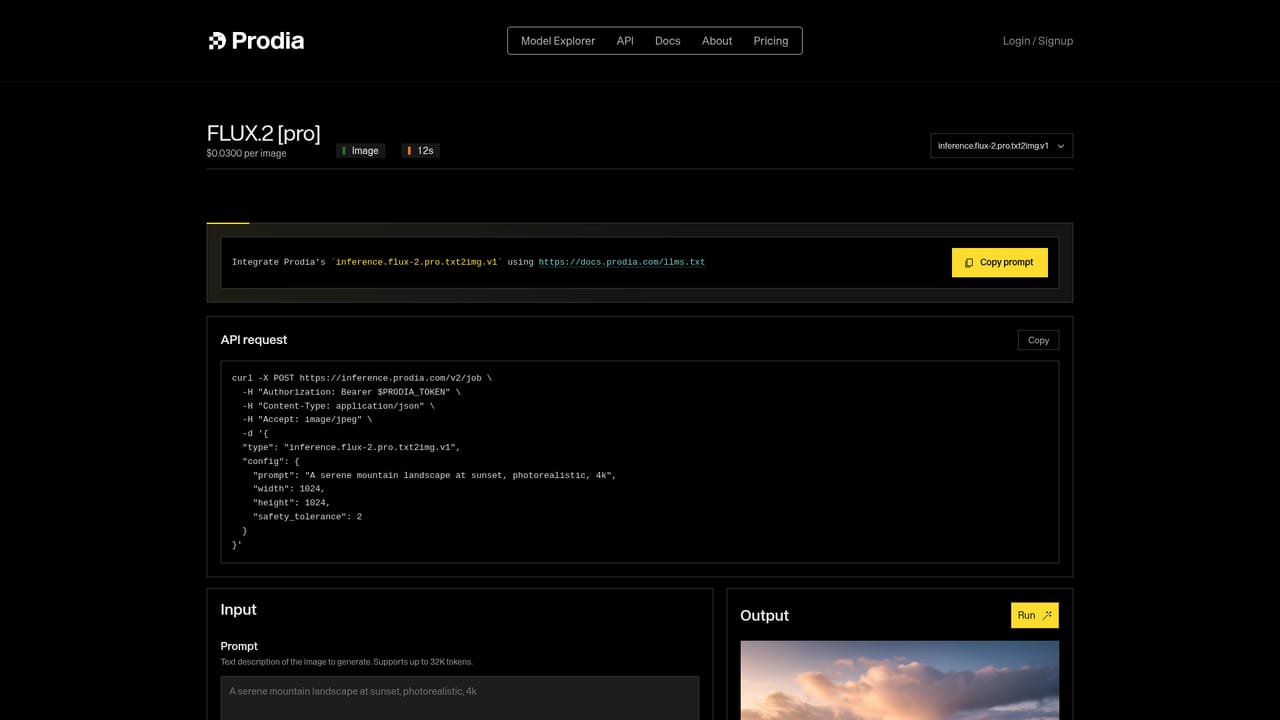
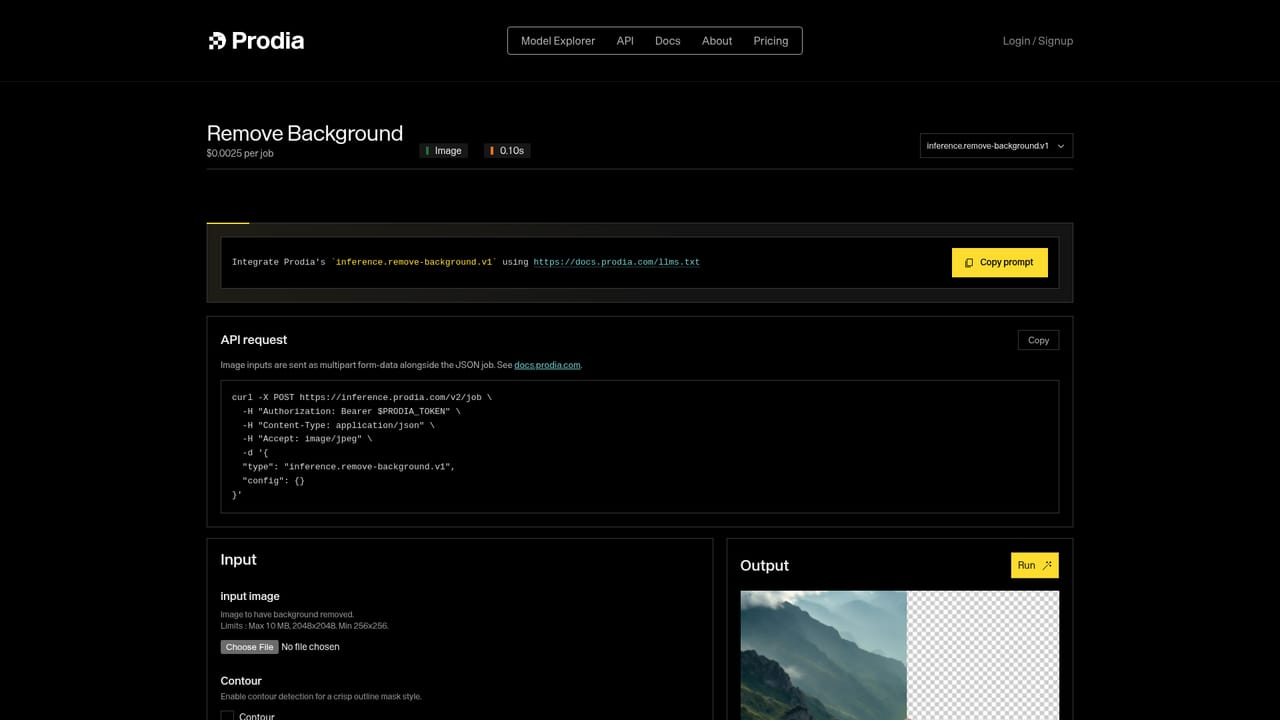
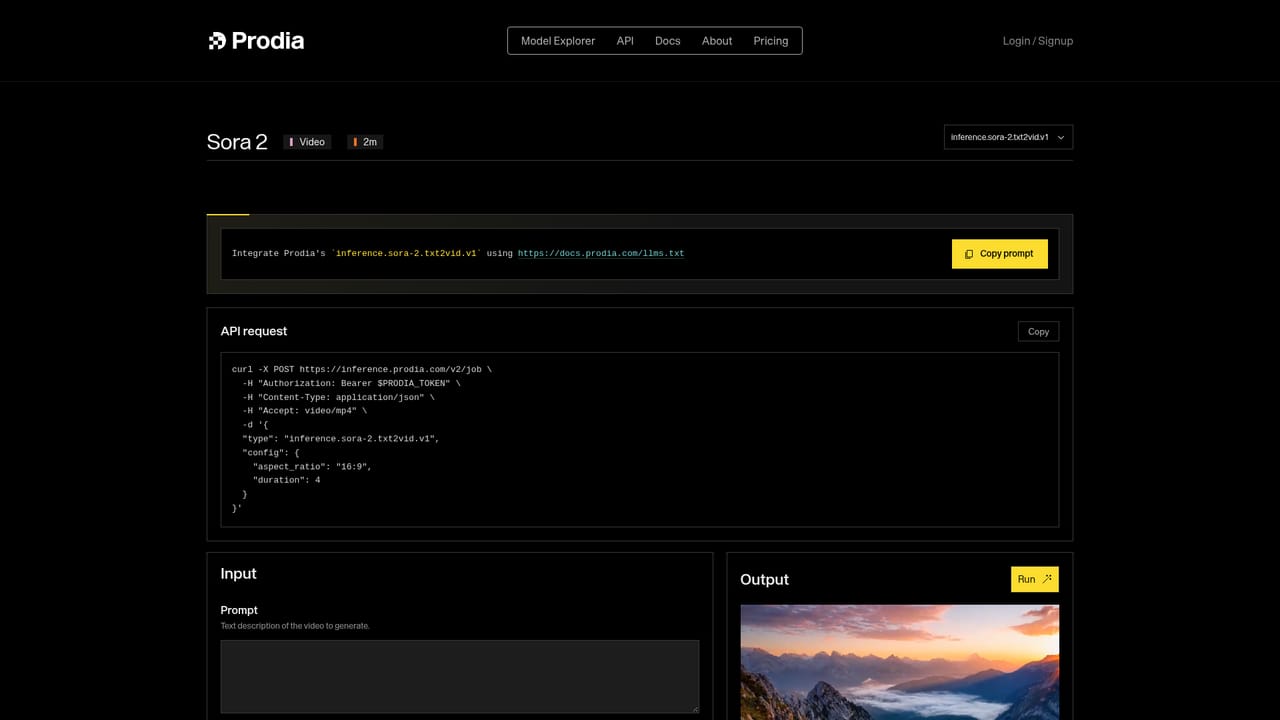
Prodia is a model aggregation platform for AI image and video generation. Rather than committing to a single vendor, it puts a large catalogue of third party and first party models behind one interface: FLUX.2 in klein, dev, pro, flex and max variants, Google's Nano Banana family, Seedream 4.0 through 5.0, Recraft V3 and V4 (including vector output), Stable Diffusion XL, plus video models such as Veo 3.1, Sora 2, Kling, Runway Gen-4, Seedance, Wan 2.2, Minimax H3 and LTX 2 Pro. Utility endpoints round out the set: background removal, background masking, SAM 3 segmentation, inpainting with FLUX.1 Fill, and upscaling through HyPIR, Topaz Gigapixel and Topaz Proteus. The practical appeal is speed and comparison. Prodia publishes a per model latency figure next to each card, and several entries carry a "World's Fastest" badge, including FLUX.2 klein 4B at half a second, Qwen Image Edit Plus at 1.2 seconds and FLUX.1 dev at 1.4 seconds. Utility calls such as background removal and masking are listed at a tenth of a second. The catalogue can be filtered by task (text to image, image editing, inpainting, text to video, utility), so a team can pick the right model per job instead of defaulting to one. It suits developers and product teams who need to route generation jobs across providers, and creative studios that want to test a prompt across several models before settling on one. The site describes the service as an API with pay per job pricing, with models marked "Free to try" in the browser playground, so evaluation happens before integration work begins. Against single vendor tools, the tradeoff is depth versus breadth: Prodia offers many models, but output quality and licensing still depend on whichever upstream provider you pick, and partner models are labelled as such. It competes with other inference aggregators and with the native consoles of Flux, Google and OpenAI, and its case rests on breadth, published latency and a low friction way to trial models side by side.
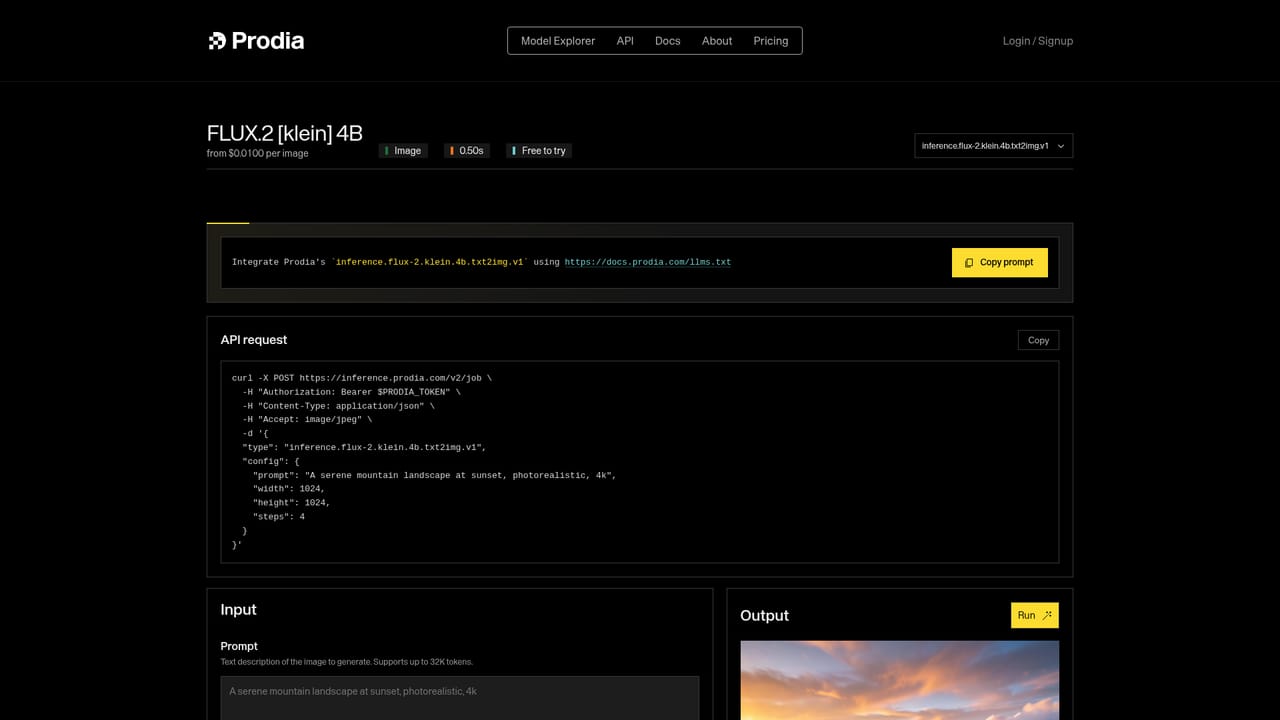
Several catalogue entries, including FLUX.2 klein 4B, are labelled free to try, so models can be evaluated in the browser before any API spend. The homepage does not state a trial length or usage cap.
Learn moreThe homepage describes pay per job pricing with transparent rates, but does not list specific figures for any model. Some models are marked free to try in the browser playground. Check the app for current per job rates before planning costs.
Learn moreText to image across FLUX.2, Nano Banana, Seedream, Recraft, SDXL and Wan variants; image editing and inpainting with Qwen Image Edit Plus, FLUX.1 Kontext and FLUX.1 Fill; utilities for background removal, background masking, SAM 3 segmentation and upscaling via HyPIR and Topaz; text to video with Veo 3.1, Sora 2, Kling, Runway Gen-4, Seedance, Wan 2.2, Minimax H3 and LTX 2 Pro.
 AI Angels400+ customizable AI girlfriends for NSFW chat, voice calls, and roleplay
 Candy AIExperience the future of companionship with AI friends who chat, role-play, and connect with you on a human level.
 ourdream.aiA vast AI roleplay platform with millions of characters for chat, images, video and voiceAI Angels400+ customizable AI girlfriends for NSFW chat, voice calls, and roleplayCandy AIExperience the future of companionship with AI friends who chat, role-play, and connect with you on a human level.ourdream.aiA vast AI roleplay platform with millions of characters for chat, images, video and voice


