Integrations
Briefy runs as a Chrome extension and a Safari extension for iOS, iPadOS and macOS, with a dedicated Gmail copilot for skimming threads and drafting replies. No third party integrations are listed on the homepage.
Learn moreTurn long reads, videos and PDFs into structured briefs you can keep.

BriefyAI is an AI summarizer tool that turns long reads, videos and PDFs into structured briefs you can keep. BriefyAI summarizes webpages, YouTube videos, PDFs, podcasts and Gmail threads, then stores each brief in a searchable knowledge base.
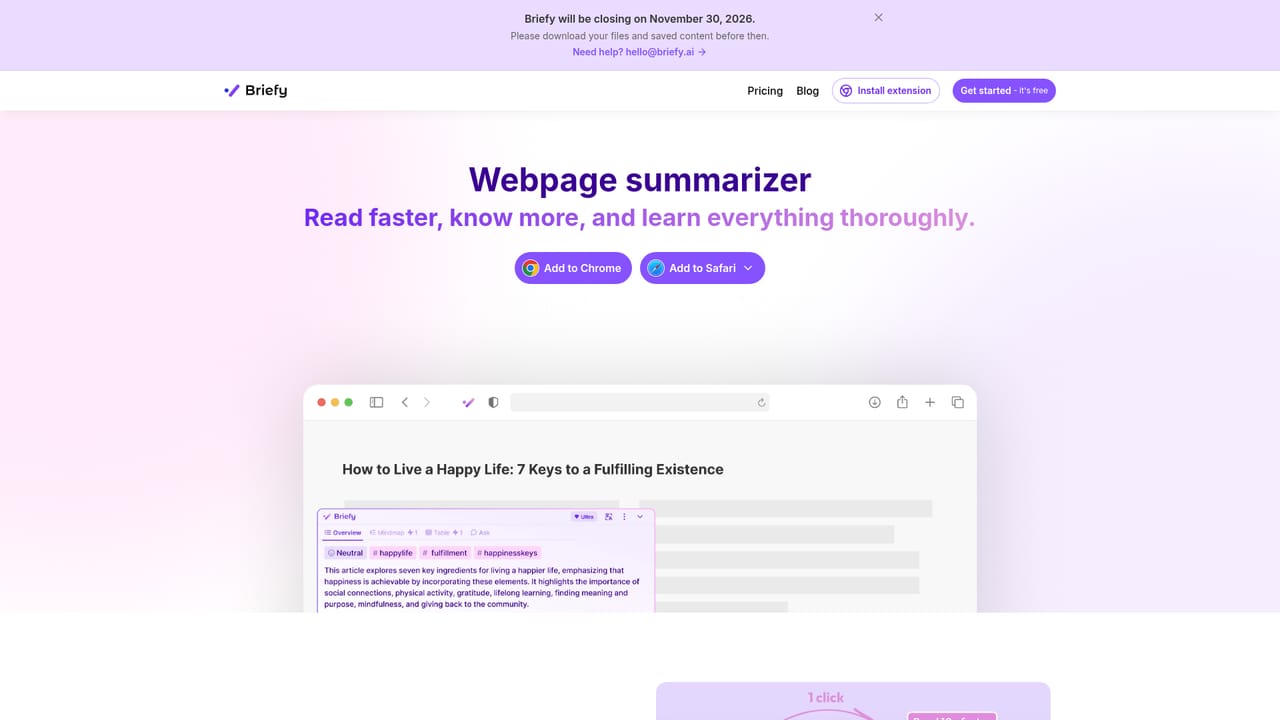
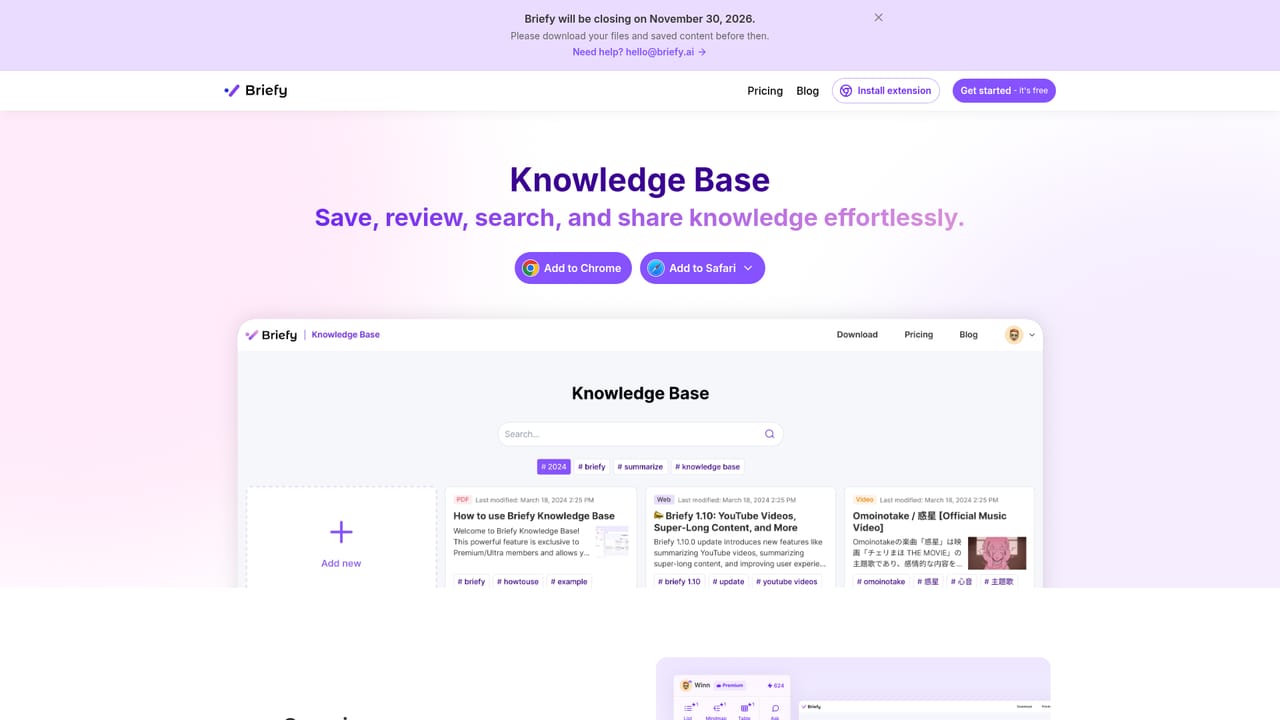
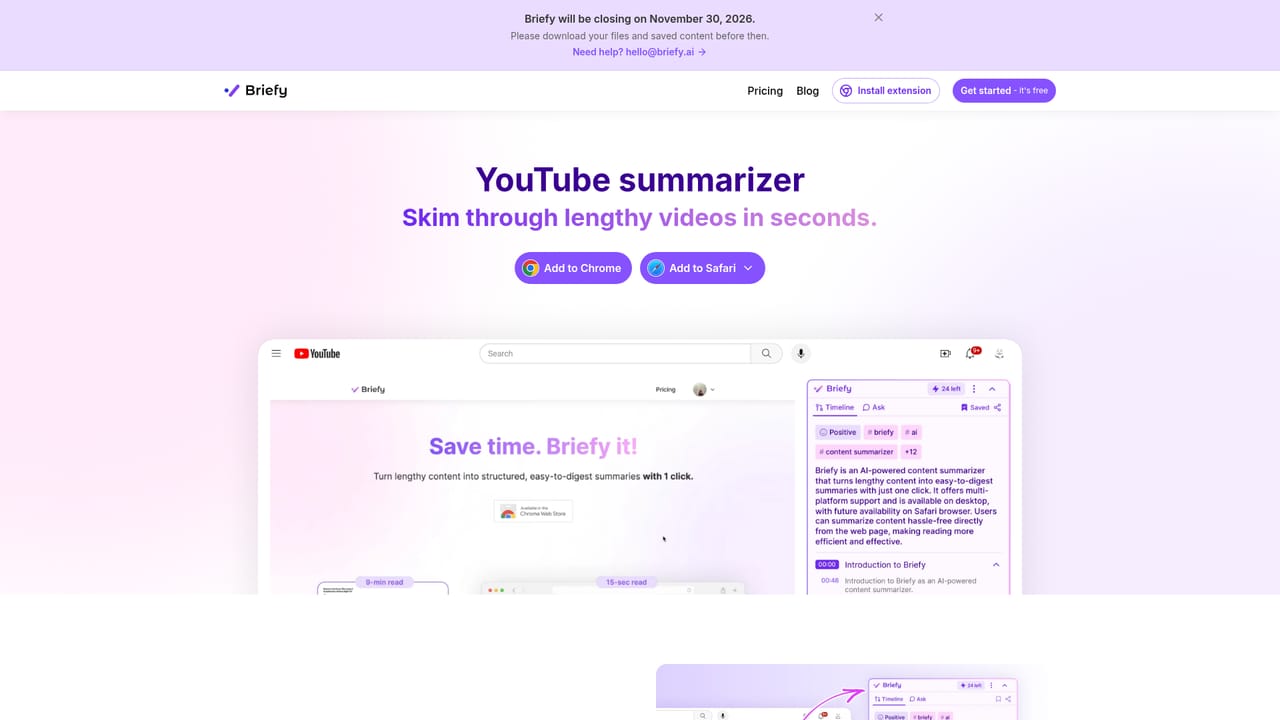
BriefyAI is an AI knowledge assistant built around one repeated job: taking long, dense content and returning a structured brief that can be stored and revisited. The extension summarizes webpages, articles, YouTube videos, PDFs, podcast episodes and email threads, then offers the result in several shapes rather than a single wall of text. An overview condenses the argument, a table organizes facts for comparison, a mindmap shows how ideas connect, and a timeline lays out sequences. Users pick the view that matches the material instead of reformatting a generic paragraph. The second half of the product is the knowledge base. Every brief can be saved, searched, reopened, queried with follow up questions and shared with other people. Answers stay tied to the source, so a reader can jump back to the original passage and verify a detail before citing it. That combination of compression plus a searchable archive is what separates BriefyAI from a browser summarizer that forgets everything once the tab closes. The free Chrome and Safari extensions handle the capture, and apps for iPhone, iPad and Mac extend it to reading on the move. The audience is fairly broad. Students and academics use it on research papers and lecture material, where the mindmap view earns its keep on complex topics. Professionals point it at reports, industry publications and long email threads. Content creators run it as a fast research step before writing. Anyone who reads more than they can comfortably finish gets the obvious benefit. Alternatives fall into two camps: single purpose summarizers that produce one style of output and chat assistants that answer questions but keep no library. BriefyAI sits between them, trading some depth of conversation for stronger structure, retention and source traceability.
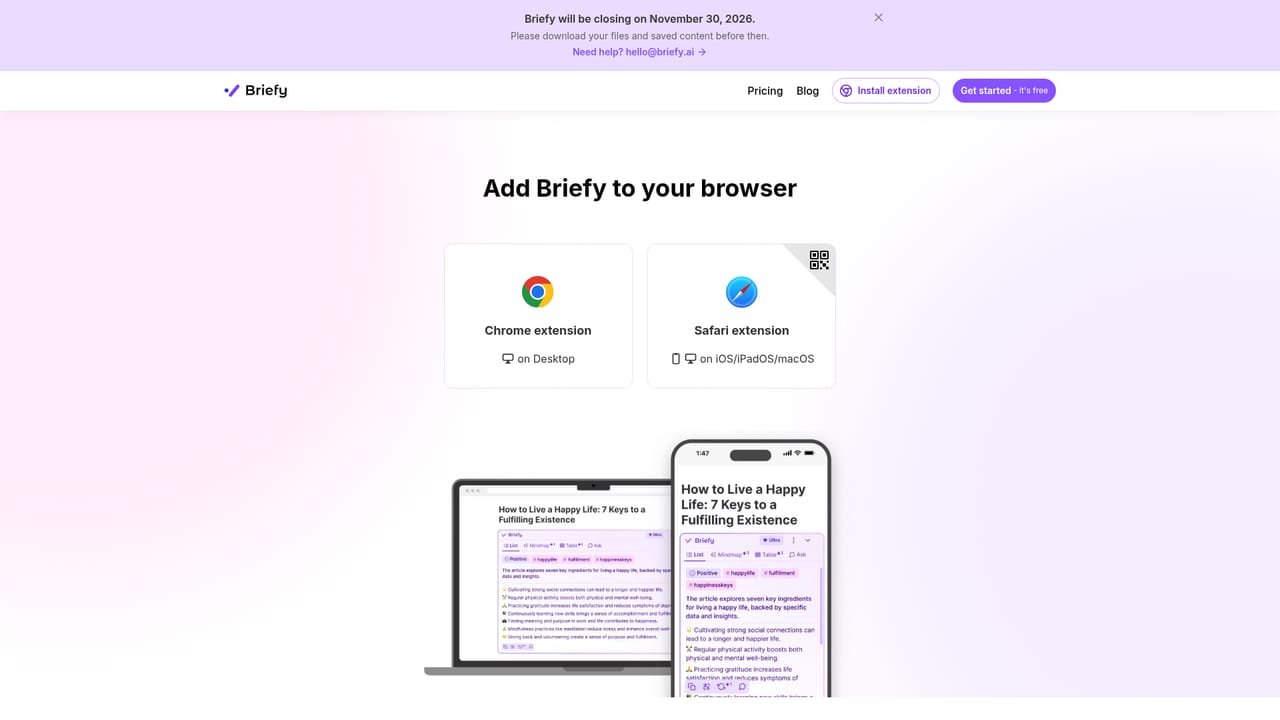
Briefy runs as a Chrome extension and a Safari extension for iOS, iPadOS and macOS, with a dedicated Gmail copilot for skimming threads and drafting replies. No third party integrations are listed on the homepage.
Learn moreSummarization for webpages, articles, YouTube videos, PDFs, podcasts and Gmail threads, with output in four views: overview, table, mindmap and timeline. A knowledge base stores, searches, questions and shares saved briefs, and every summary links back to the source for cross-checking. Multi-language support, inline translation, and apps across Chrome, Safari, iPhone, iPad and Mac.
Learn more AI Angels400+ customizable AI girlfriends for NSFW chat, voice calls, and roleplay
 Candy AIExperience the future of companionship with AI friends who chat, role-play, and connect with you on a human level.
 ourdream.aiA vast AI roleplay platform with millions of characters for chat, images, video and voiceAI Angels400+ customizable AI girlfriends for NSFW chat, voice calls, and roleplayCandy AIExperience the future of companionship with AI friends who chat, role-play, and connect with you on a human level.ourdream.aiA vast AI roleplay platform with millions of characters for chat, images, video and voice


