Free trial
Free to start with no credit card required, according to the homepage, which also says most clinicians are up and running in under an hour.
Learn moreAI transcription and drafting that sits inside a clinical practice platform
Own Carepatron Medical Transcription? Verify ownership to get a dofollow link

Carepatron Medical Transcription is an AI transcriber tool. A transcription and note-drafting feature inside Carepatron's practice platform, aimed at allied health and mental health clinicians who want session notes, forms and billing in one system.
Carepatron Medical Transcription is the documentation layer of Carepatron AI, a set of clinical tools built into the Carepatron practice platform. Rather than a standalone dictation app, it drafts clinical notes during sessions and hands them back to the clinician for review. The stated goal is that a session ends with a note already written, and the gaps between clients stay free instead of being eaten by paperwork. The workflow is deliberately passive. Notes are drafted while the session runs, then the clinician edits before signing off. Around the transcription sit supporting features: grammar cleanup and spelling correction, prompts that generate treatment goals from session data, and controls to insert, replace or append AI output to notes that already exist. A side panel answers questions about a client's history, past sessions, completed forms and uploaded PDFs or images without leaving the note you are working in. It is aimed at allied health and mental health practitioners rather than hospitals. The homepage testimonials come from occupational therapists, and the emphasis is on solo or small practices that want notes, intake forms, reminders, invoices and payment nudges handled in one place. Practically, that means choosing Carepatron as your practice management system, not bolting transcription onto software you already use. Against dedicated AI scribes, the advantage is that transcribed notes feed directly into scheduling, billing and client records rather than being copied across. The trade is dependence on one vendor for everything. Privacy terms are explicit: client data is not used for model training, the platform states HIPAA, GDPR and SOC 2 Type II compliance, and AI features can be switched off per workspace. Startup is quick by the vendor's account, with most clinicians running in under an hour and no credit card needed to begin.
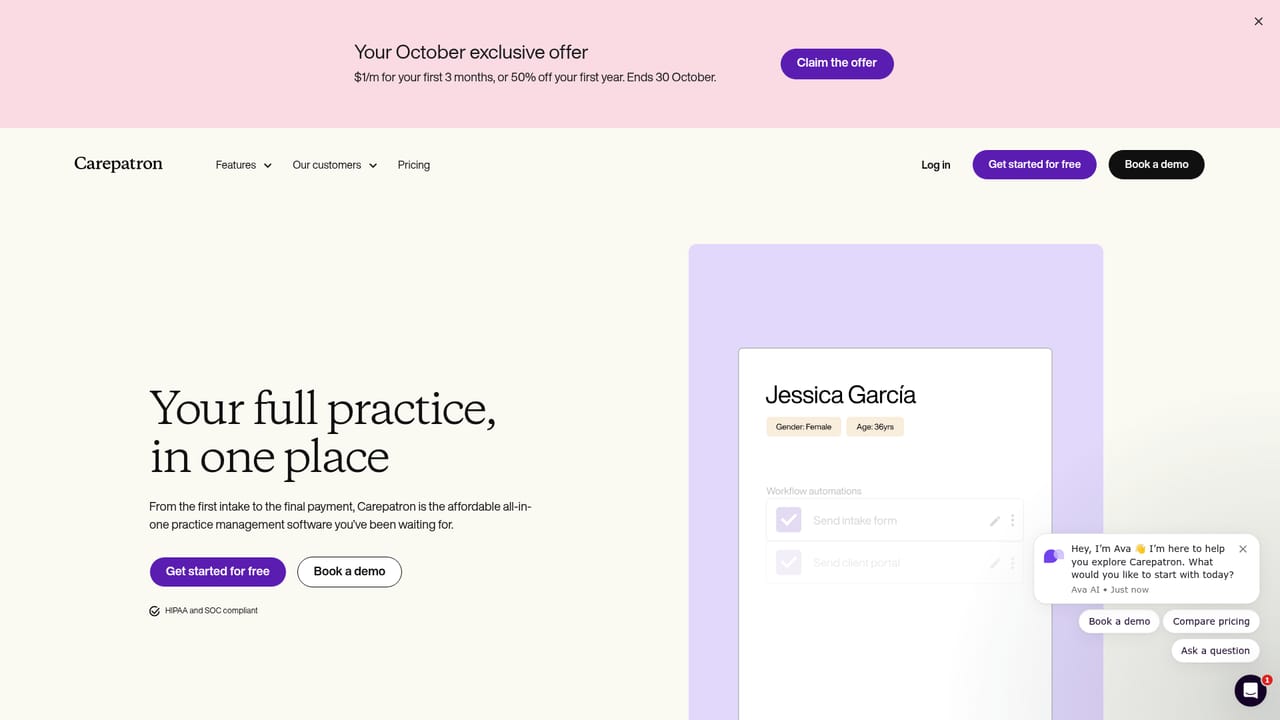
Free to start with no credit card required, according to the homepage, which also says most clinicians are up and running in under an hour.
Learn moreThe homepage advertises a promotion of $1 per month for the first 3 months, or 50 percent off the first year, ending 30 October. No standard plan tiers or regular prices are listed on this page.
Learn moreSession notes drafted during appointments and queued for review. Documentation tools cover summarising, grammar cleanup and spelling correction. Prompts generate treatment goals and content from session data, and output can be inserted, replaced or appended to existing notes. An AI side panel answers questions from client records, prior notes, forms and uploaded PDFs or images.
Learn more AI Angels400+ customizable AI girlfriends for NSFW chat, voice calls, and roleplay
 Candy AIExperience the future of companionship with AI friends who chat, role-play, and connect with you on a human level.
 ourdream.aiA vast AI roleplay platform with millions of characters for chat, images, video and voiceAI Angels400+ customizable AI girlfriends for NSFW chat, voice calls, and roleplayCandy AIExperience the future of companionship with AI friends who chat, role-play, and connect with you on a human level.ourdream.aiA vast AI roleplay platform with millions of characters for chat, images, video and voice


