Pricing
The homepage gives no prices or limits. A separate pricing page exists on the site for plan details.
Learn moreTurn selfies and pet photos into anime art with no prompt
AnimeGen is an anime tool that turns selfies and pet photos into anime art with no prompt. AnimeGen converts an uploaded selfie, pet photo or portrait into anime, manga, cartoon or comic art in the browser. Users pick from dozens of styles and generate a downloadable image without writing any prompt.
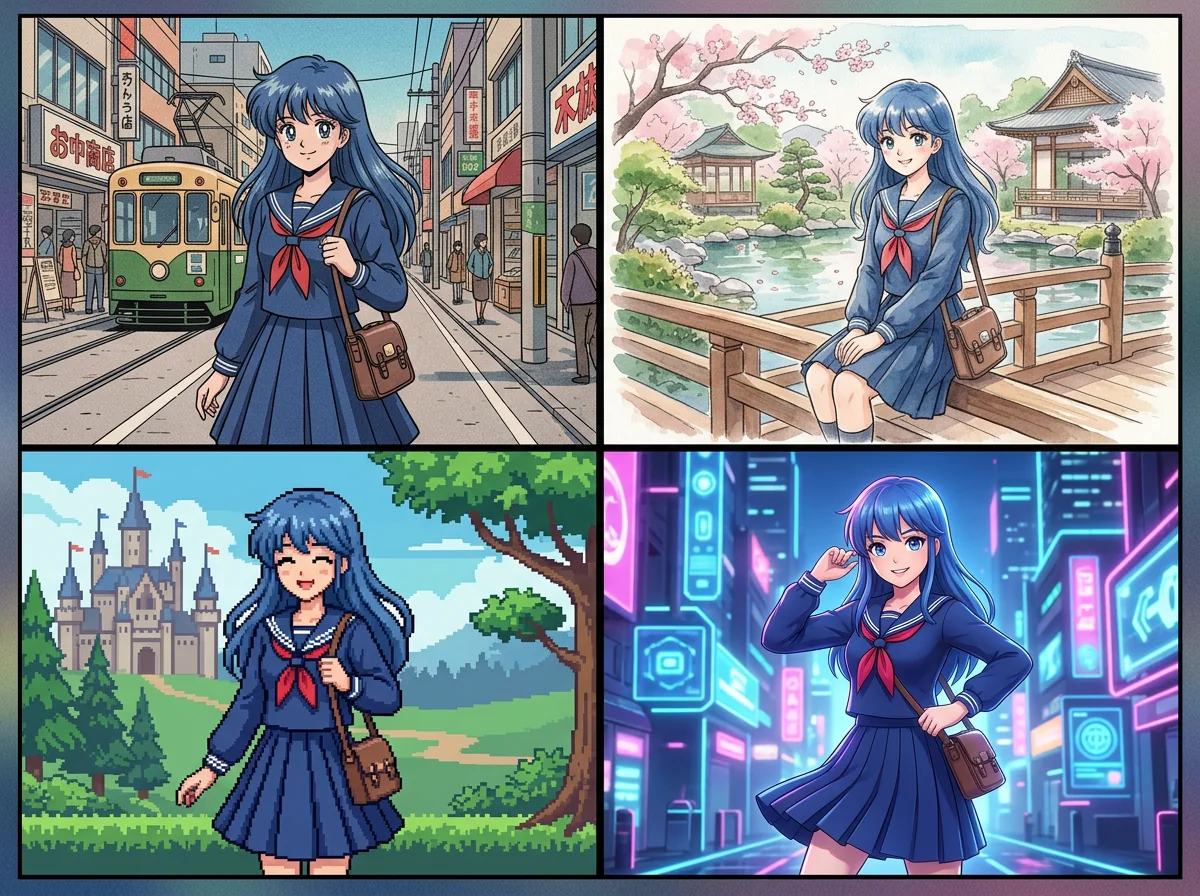
AnimeGen is a browser-based photo to anime converter. A user uploads a selfie, portrait or pet photo, picks a visual style from a gallery, and receives a stylized, downloadable image. The site stresses that no prompt writing is involved, which separates it from general text-to-image generators where the result depends on careful wording. The style catalog is the core of the product. It covers anime looks such as Studio Ghibli, Makoto Shinkai, 90s anime, Japanese anime, manga, chibi, cel shaded and realistic anime, plus genre options like cyberpunk, fantasy RPG, romance webtoon, detective mystery and battle shonen. It also reaches beyond anime into Pixar-style 3D, Disney-style, Marvel and DC comic looks, Minecraft, pixel art, watercolor, newspaper comic strip, action figure and several cartoon styles. Many entries are named after well-known franchises or studios, so users should treat them as stylistic directions rather than official outputs. In practice the flow is short. The visitor chooses a style, uploads a JPG, PNG or WebP file (the site says the photo is used only to create the result), and generates. Sample photos, including a portrait and a pet picture, let first-time visitors test the system before using their own image. Before-and-after pairs on the page show how a single original changes across styles, which helps when comparing directions. AnimeGen suits people who want a profile picture, a gift, a social post or a fun transformation of a pet or family photo without learning prompt engineering or installing software. It is less suited to illustrators and studios that need fine control over composition, character consistency across many frames, or editable layers. Compared with open-ended generators and avatar apps, it trades flexibility for speed and predictability: the style menu does the creative steering. A separate pricing page exists for plan details, while the homepage itself does not state costs.
The homepage gives no prices or limits. A separate pricing page exists on the site for plan details.
Learn morePhoto to anime conversion with dozens of styles (Ghibli, Makoto Shinkai, chibi, manga, 90s, cyberpunk, Pixar 3D, comic, pixel art and more), no prompt required, sample photos to try, JPG, PNG and WebP uploads, downloadable results.
Learn more AI Angels400+ customizable AI girlfriends for NSFW chat, voice calls, and roleplay
 Candy AIExperience the future of companionship with AI friends who chat, role-play, and connect with you on a human level.
 ourdream.aiA vast AI roleplay platform with millions of characters for chat, images, video and voiceAI Angels400+ customizable AI girlfriends for NSFW chat, voice calls, and roleplayCandy AIExperience the future of companionship with AI friends who chat, role-play, and connect with you on a human level.ourdream.aiA vast AI roleplay platform with millions of characters for chat, images, video and voice