Pricing
The homepage title calls it a free online image generator and model hosting site. Specific plans, credit limits or paid tiers are not stated, though some models carry Early Access or Exclusive labels.
Learn moreBrowser-based AI image and video generation built around a community model hub

Tensor.Art is a web platform for generating AI images and video with a huge library of community checkpoints and LoRAs, plus tools to upload, download and train models. It leans toward anime, illustration and stylized art.
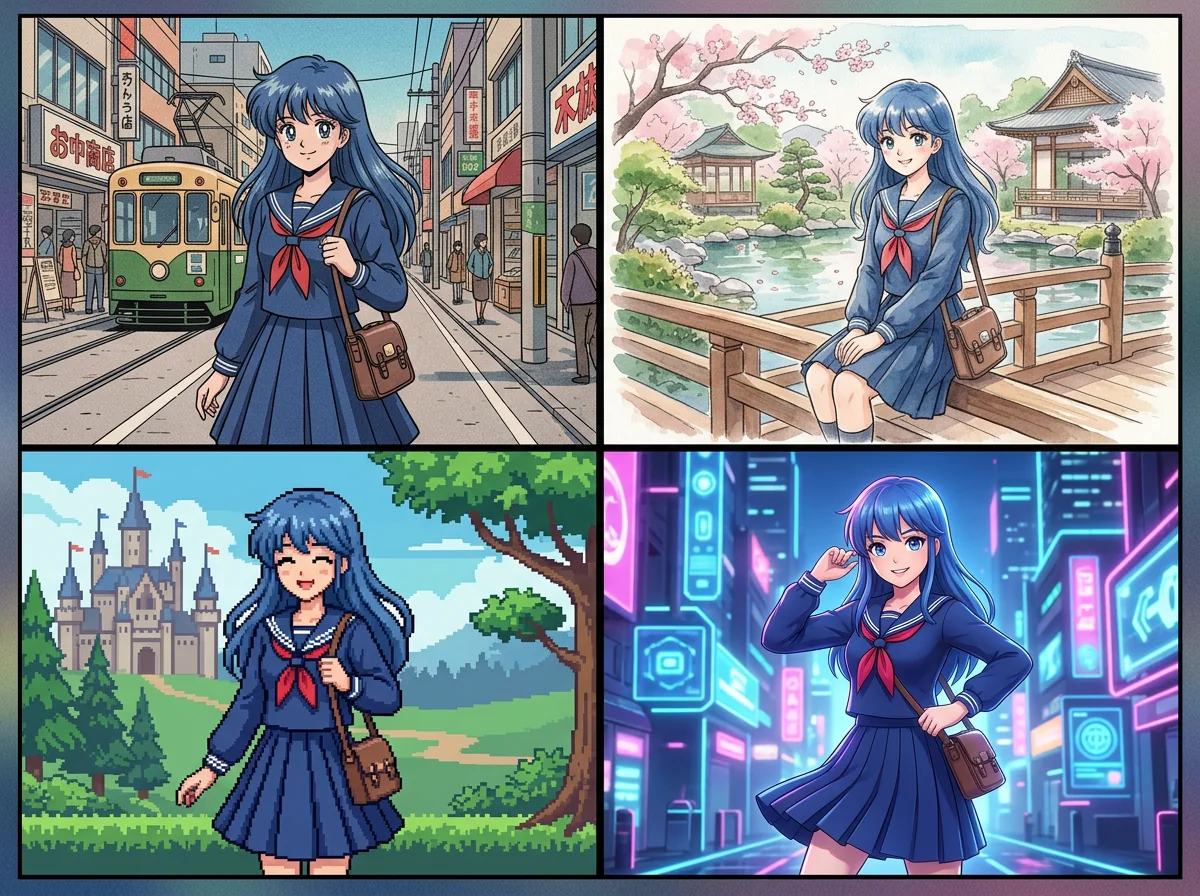
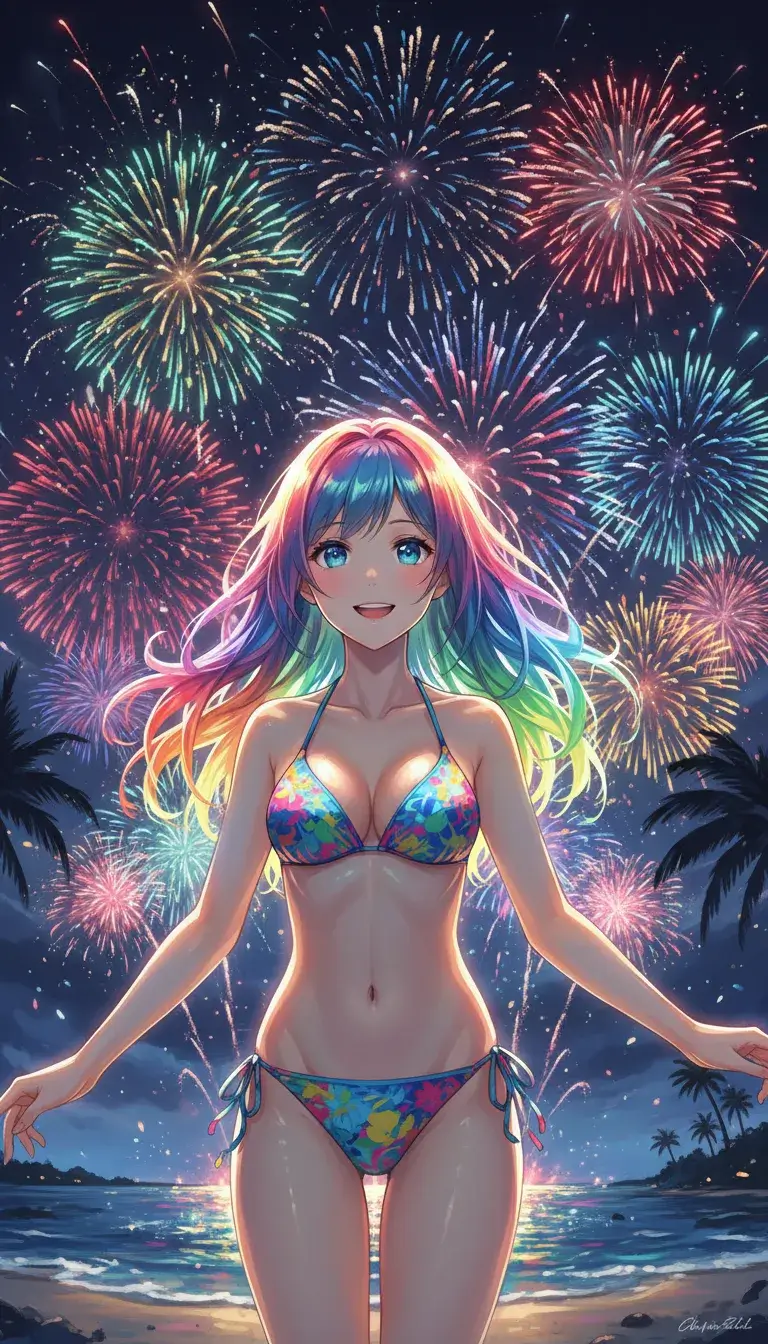
Tensor.Art is a web platform that combines an online generator for images and video with a large library of community-shared AI models. Users can run checkpoints and LoRA files directly in the browser, upload their own models, download others, and train new ones, all from one site. The homepage describes the service as a free image generator and model hosting site. The front page works as a showcase. A Featured strip points to guided workflows such as OC Creator for designing original characters, Create from Reference for building images or video from a reference or character, a Design Agent that edits designs through chat, Digital Avatar, Anime Lab, Photoreal Studio, Smart Edit, Brand Design and a Motion and Pose Ref tool. Below that, the Models section is organized by style groups including Manga, Niji Style, VTuber, Photography, E-commerce, 3D and CGI, Chibi, Vintage Art and Cozy and Healing. Each model card shows its type (checkpoint, LoRA or video), its base family such as Krea 2, Anima or Illustrious, its creator, and usage counts, with a Run button to start generating. Some entries carry Exclusive or Early Access labels. In practice, a user picks a model that matches the look they want, runs it with a prompt, and iterates, or opens the Forge and training pages to build something custom. The emphasis on artist-style and character LoRAs makes the site especially relevant to anime illustrators, concept artists, hobbyists and people who want to experiment with fine-tuned styles rather than a single house model. Compared with closed generators that offer a fixed set of styles, Tensor.Art sits closer to model-sharing hubs where variety comes from creators. That gives it unusual breadth, but quality and licensing vary from model to model, and the catalog can feel crowded for newcomers. It suits people comfortable browsing and comparing models, and less so those who want one polished tool with predictable output.
The homepage title calls it a free online image generator and model hosting site. Specific plans, credit limits or paid tiers are not stated, though some models carry Early Access or Exclusive labels.
Learn moreOnline image and video generation, community checkpoint and LoRA hosting, model upload and download, model training, and featured workflows like OC Creator, Design Agent, Smart Edit, Digital Avatar, Anime Lab and Brand Design.
Learn more AI Angels400+ customizable AI girlfriends for NSFW chat, voice calls, and roleplay
 Candy AIExperience the future of companionship with AI friends who chat, role-play, and connect with you on a human level.
 ourdream.aiA vast AI roleplay platform with millions of characters for chat, images, video and voiceAI Angels400+ customizable AI girlfriends for NSFW chat, voice calls, and roleplayCandy AIExperience the future of companionship with AI friends who chat, role-play, and connect with you on a human level.ourdream.aiA vast AI roleplay platform with millions of characters for chat, images, video and voice