FontVibe

Free AI text effect generator with 130+ styles and instant PNG or JPG export

Beginner
Screenshot of FontVibe, Free AI text effect generator with 130+ styles and instant PNG or JPG export

What is FontVibe?

FontVibe is a free web-based AI font generator that turns text into styled artwork using 130+ effects like neon, glitch, fire and 3D. Users describe a job or pick a style and download a PNG or JPG in seconds.

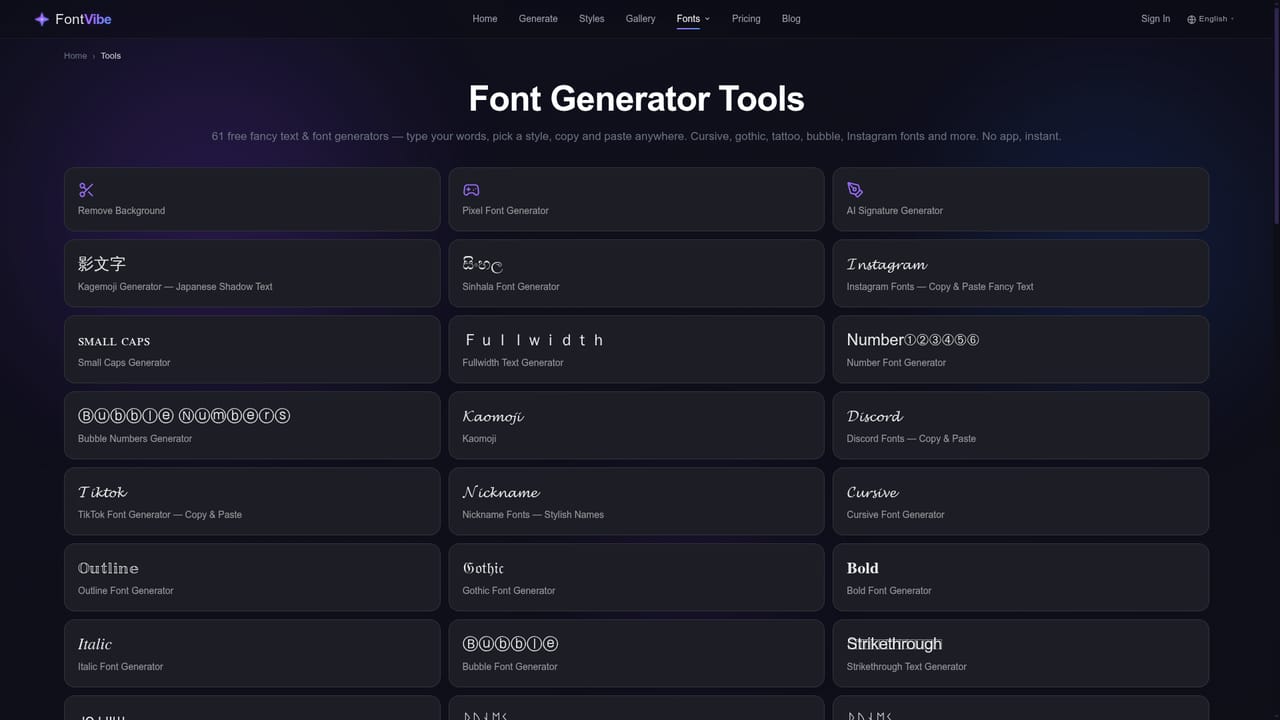
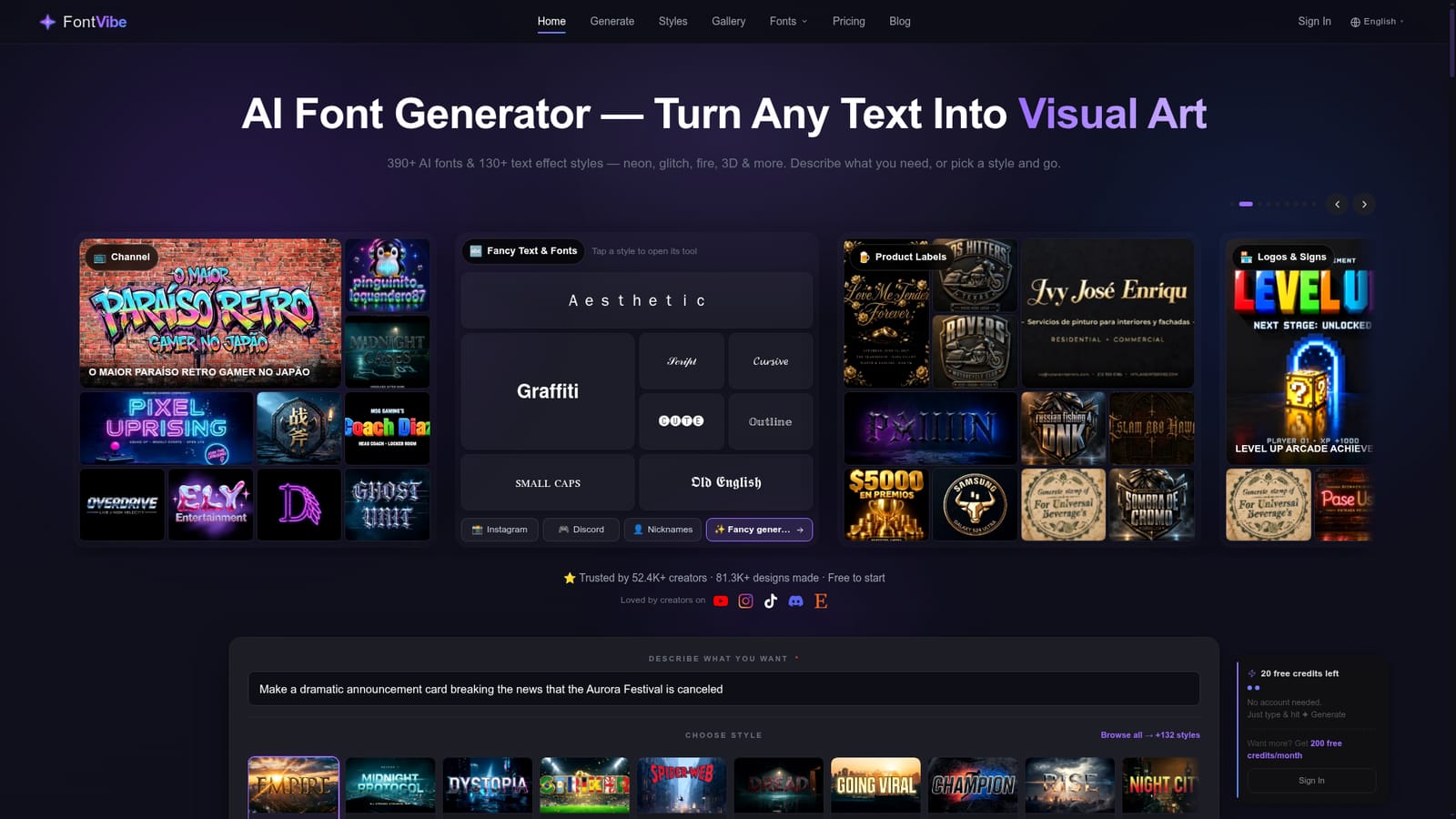
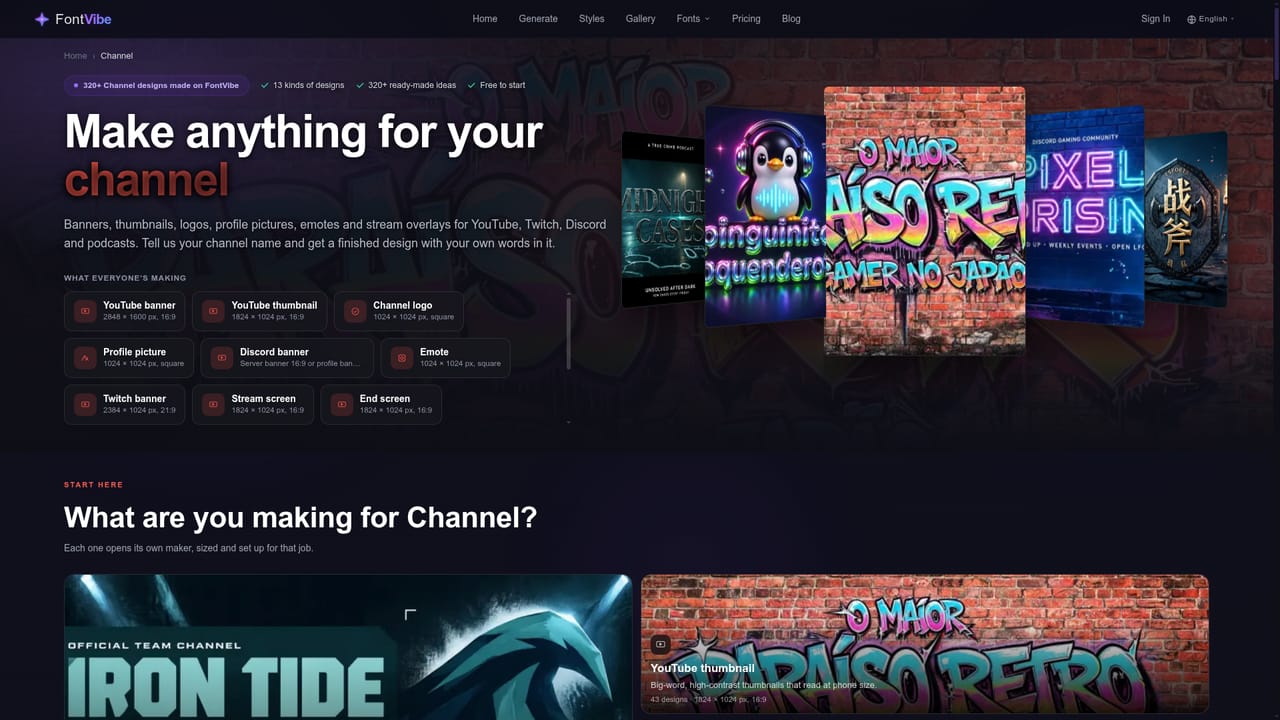
FontVibe is a web-based AI font and text effect generator that turns plain words into finished text artwork. Instead of installing typefaces and styling them by hand, the user either describes the job in a sentence or picks one of more than 130 text effect styles, such as neon, glitch, fire, chrome, 3D, graffiti or brush ink. The result is a rendered image that can be downloaded as a PNG or JPG within seconds. The site also advertises a library of over 390 AI fonts. The gallery on the homepage shows what the output looks like in practice. Examples include Halloween party flyers with full event details, gaming channel logos, esports team names, podcast cover lettering, wedding reception signs, product labels, neon bar signs and Chinese ink brush calligraphy. Prompts range from a bare word to a long, detailed art-direction request, and several gallery entries are in languages other than English, including Chinese, Spanish and Portuguese. Browsable collections are grouped by use case, such as Halloween, channel branding, product labels, logos and signs, and name art. A second part of the site covers fancy Unicode text. Separate tools generate Old English, aesthetic fullwidth, graffiti, small caps, italic, script, cool and tattoo-style lettering, along with pages aimed at Instagram, Discord and nickname use. These are text-style converters, a different job from the image-based effects, and they suit bios, usernames and chat messages. FontVibe fits creators who need styled lettering quickly and do not want a full design suite: streamers, Discord community owners, small business owners making signs or labels, and people producing party invitations. It sits between simple font-swap websites and general image generators. The style presets give more predictable typography than a freeform image model, while the gallery works as a source of inspiration. Anyone needing editable vector files, brand-controlled typefaces or print-ready layouts will likely still want a dedicated design application, since the homepage describes raster image downloads.
How do you use FontVibe?

  1. 1Open the generator
    Go to the FontVibe homepage, where the generator lets you either describe the artwork you need or pick from the list of text effect styles.
    FontVibe — Open the generator
  2. 2Browse the gallery for ideas
    Look through use-case collections such as Halloween or channel branding to see which styles and prompt wording match your project.
    FontVibe — Browse the gallery for ideas
  3. 3Enter your text and choose a style
    Type the words, or a longer description of the job, and select an effect like neon, chrome 3D, graffiti or glitch.
  4. 4Generate and download
    Create the artwork, review the result, adjust the wording or style if needed, then save the image as a PNG or JPG.
  5. 5Try the fancy text tools for bios and names
    For usernames, Discord or Instagram bios, open the fancy text tools and copy the styled Unicode text.
    FontVibe — Try the fancy text tools for bios and names

Pros and cons

Pros

  • Large preset library of 130+ text effect styles makes it easy to get a specific look without prompt engineeringAI
  • Accepts either a plain-language description or a style pick, so both casual and exacting users are servedAI
  • Outputs ready-to-use PNG or JPG images quickly, with no font installation neededAI
  • Public gallery of real generations organized by use case offers useful inspiration and prompt ideasAI
  • Separate Unicode fancy text tools cover Instagram, Discord and nickname styling for bios and usernamesAI

Cons

  • Downloads are raster images (PNG or JPG), so there is no editable vector or installable font fileAI
  • Homepage does not state pricing limits, so free usage caps or paid tiers are unclearAI
  • Generative output can vary between runs, making exact brand-consistent lettering hard to guaranteeAI
  • No stated integrations, API or desktop and mobile apps, so it works only as a standalone websiteAI
  • Fancy Unicode text tools may not render consistently across every app and platformAI

How much does FontVibe cost?

Pricing

The homepage title and description call it a free AI font generator, but no paid plans, limits or prices are stated.

Learn more

Features

130+ text effect styles (neon, glitch, fire, 3D and more), 390+ AI fonts, describe-the-job prompting, instant PNG or JPG download, a use-case gallery, and Unicode fancy text tools for Instagram, Discord and nicknames.

Learn more

Frequently asked questions about FontVibe

  • How much does FontVibe cost?
    The homepage title and description call it a free AI font generator, but no paid plans, limits or prices are stated.
  • How do you use FontVibe?
    The walkthrough on this page covers 5 steps: 1. Open the generator 2. Browse the gallery for ideas 3. Enter your text and choose a style 4. Generate and download 5. Try the fancy text tools for bios and names.
  • What platforms does FontVibe support?
    FontVibe is available on Web App.
  • What are the limitations of FontVibe?
    Downloads are raster images (PNG or JPG), so there is no editable vector or installable font file. Homepage does not state pricing limits, so free usage caps or paid tiers are unclear. Generative output can vary between runs, making exact brand-consistent lettering hard to guarantee.

Status

StatusActive
Views0
Outbound clicks0
Added10/18/2026

Platforms

Web App

Pricing

Free