What these tools do
Impact frames animation tools generate short, hard-hitting animated moments: stingers, transitions and punchy motion graphics that land on a beat. Most of the tools here are prompt-driven, so a sentence describing the effect is enough to produce a looping or one-off clip. They are built for editors, social media producers, marketers and designers who need motion without opening a full compositing suite. In practice they replace the slow part of traditional animation work, the timeline building and keyframing, not the taste or the final polish.
How to choose one
Start with how much control you want. A prompt-only impact frames generator is fastest when you have a rough idea and a deadline; it trades fine control for speed. If you need to place the effect over your own footage or brand assets, look for a tool that layers motion over video rather than producing standalone clips.
Next, check the output format. Web and app work often needs Lottie or similar vector output, while video stinger work needs a standard video file. Pricing model matters too: free tiers suit testing, freemium suits occasional use and subscriptions suit teams producing regularly. Finally, consider the learning curve; some tools assume vector thinking and animation state logic, others expect nothing beyond a text box.
Notable tools
Vibe Motion turns text prompts into looping motion graphics through a chat interface, which suits quick social and web loops.
iArt.ai produces prompt-driven motion graphics without a timeline or keyframes, a good fit for people who want results without animation software habits.
FrameCall animates from a typed prompt into video, pitched at users without After Effects skills.
Explainium works as an AI agent that builds an animated explainer from a description, useful when the impact frame is part of a longer narrative.
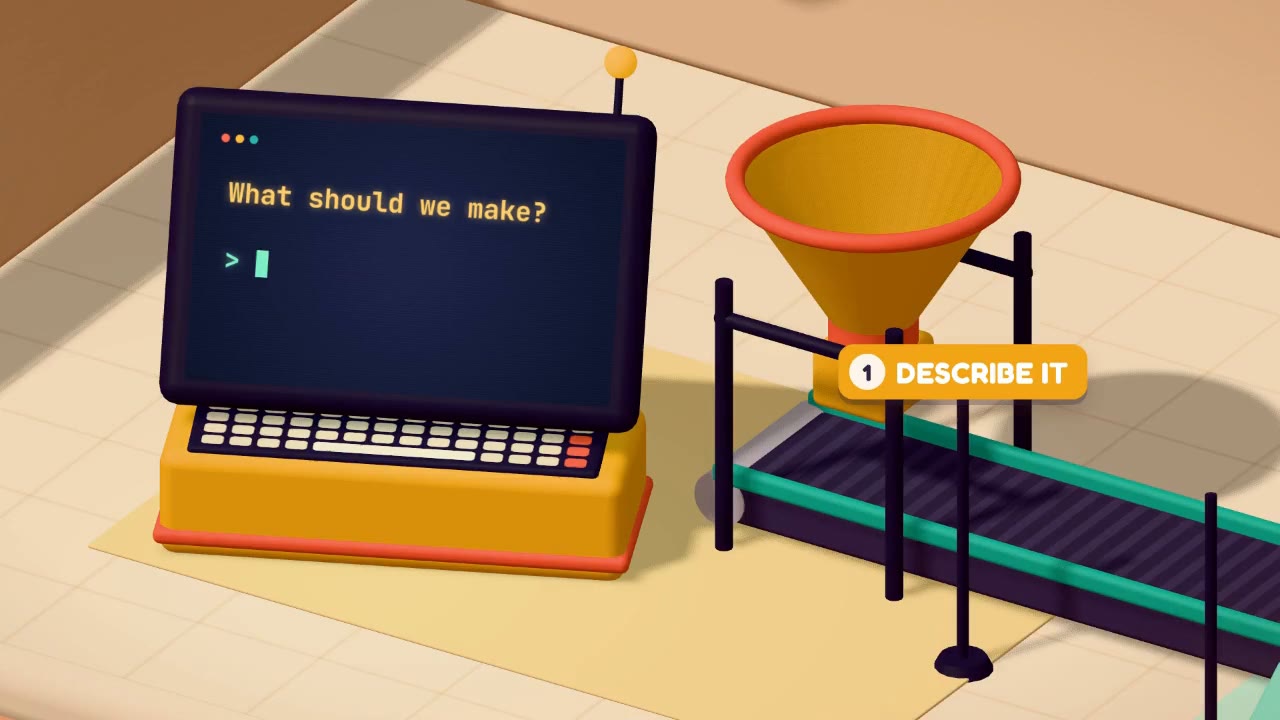
Malloy Studio creates prompt-driven motion graphics that you layer over your own footage, handy for adding hits and accents to existing video.
Lottie Creator is a browser-based Lottie animation studio with an AI copilot and state machines, the choice when the output must be interactive or lightweight on the web.
Common questions
What is an impact frame maker?
An impact frame maker is a tool that generates the short, emphatic animation used to punctuate a cut, a reveal or a beat. Instead of hand-building the effect in a timeline, you describe it and the tool produces a clip or loop. The results suit stingers, transitions and social edits where speed matters more than frame-level control.
How does an impact frames generator work?
Most generators here take a text prompt and return an animated result, sometimes as video and sometimes as vector or Lottie output. The AI handles motion and timing suggestions; you judge whether the result fits the edit. Expect to iterate on the prompt rather than adjust curves, and pick a tool whose export format matches where the clip will live.
Do I need animation experience for impact frames animation?
No, and that is the point of most of these tools. They are built for people without timeline or keyframe skills, and the prompt does the structural work. Some familiarity with timing and pacing still helps you choose a usable result, and vector tools like Lottie Creator reward a little more technical comfort.
When to look elsewhere
If your goal is a single subtle moving still rather than a burst, the Cinemagraph category is the better fit. For character rigging and live avatar work, see Rigging VTuber instead; impact frames are about accents, not performances.