Support
Questions, feedback and bug reports go to a support email address listed on the homepage. Privacy and terms pages are also linked.
Chat-driven AI that turns text prompts into looping motion graphics

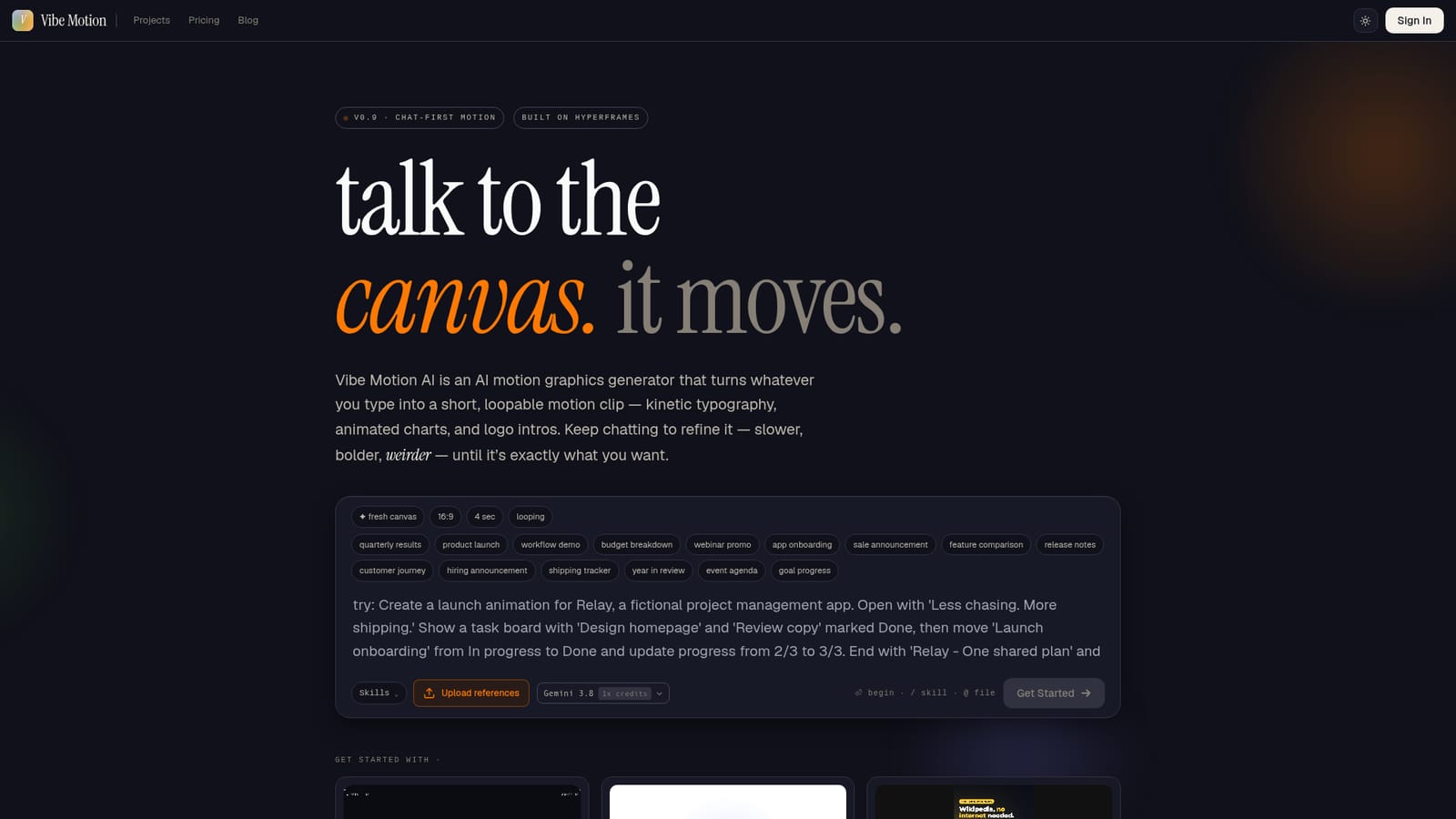
Vibe Motion is a chat-first AI motion graphics generator that turns text prompts and uploaded references into loopable clips such as kinetic typography, animated charts and logo intros, refined by follow-up messages.
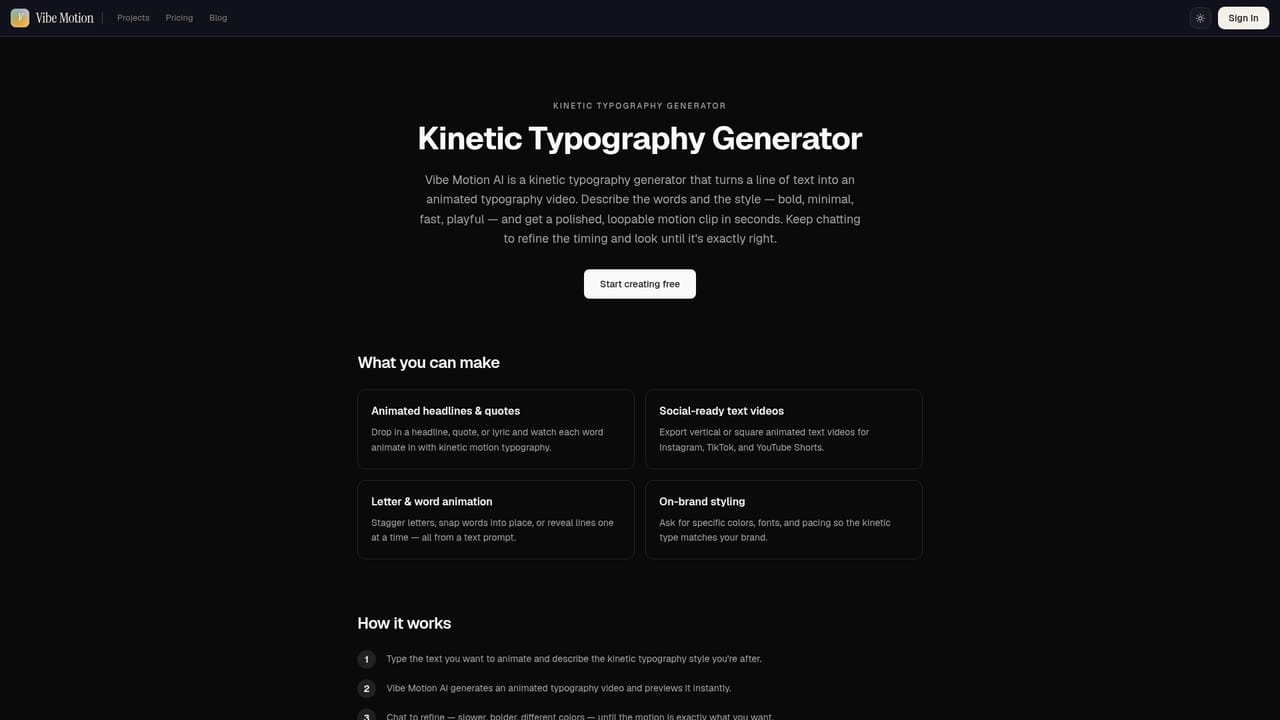
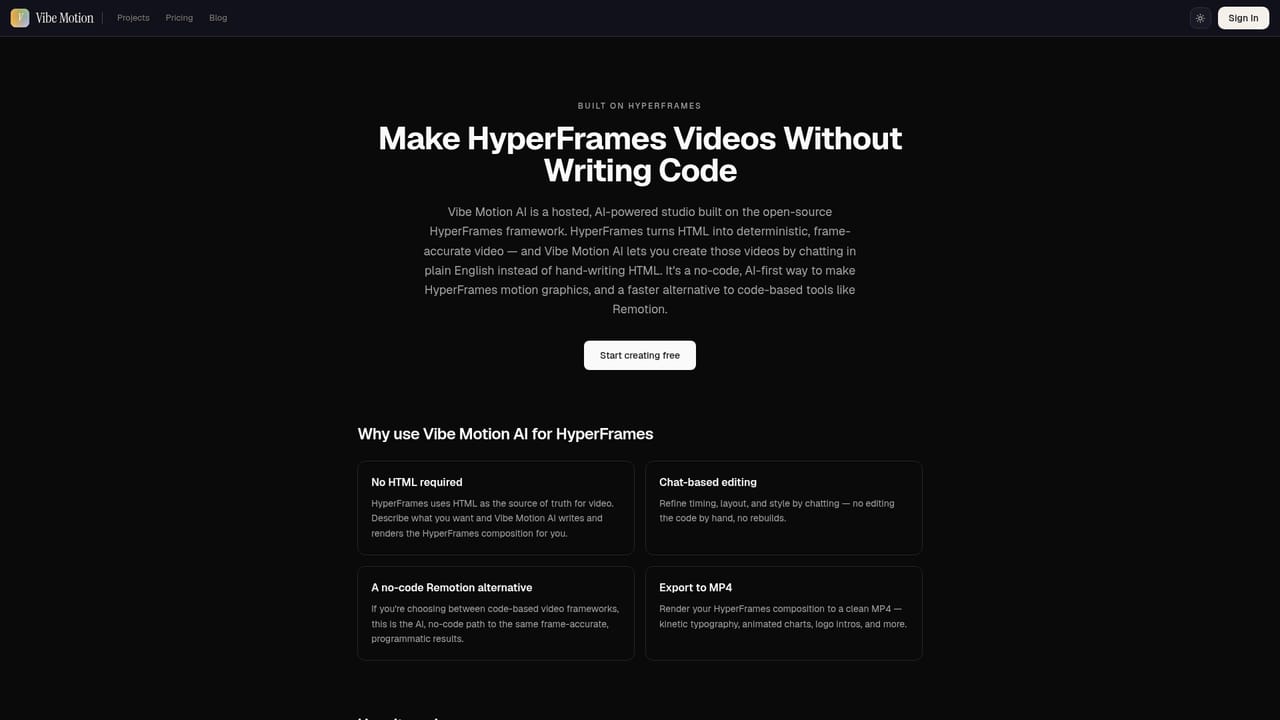
Vibe Motion is a browser-based motion graphics generator that replaces timelines and keyframes with a chat box. A user types what they want to see, and the tool returns a short, loopable clip: kinetic typography, animated charts, logo intros, captions, maps and product callouts. The site positions it as a quicker alternative to traditional motion design software such as After Effects, aimed at people who need polished movement without learning a full animation suite. The workflow is conversational. A prompt creates a fresh canvas, and follow-up messages adjust the result, for example making it slower, bolder or stranger, until the clip matches the idea. Users can also attach reference files, such as a logo to animate or a video that needs animated social captions, and invoke reusable skills with a slash command or pull in files with an @ mention. A model picker sits in the prompt bar, with the current option shown alongside a credit multiplier, which suggests usage is metered in credits. The homepage also shows a gallery of example projects (a 15-second showreel, a flight path map, an animated pie chart, a feature highlight) that can be opened and remixed as starting points. Under the hood the product is described as built on HyperFrames, and it has a dedicated page for that studio, plus landing pages for kinetic typography and logo animation. Typical users would be marketers producing webinar promos, release notes or sale announcements, founders making product demos and onboarding clips, and analysts who want a moving version of quarterly results or budget breakdowns. Among alternatives, it sits between general text-to-video generators, which produce photographic footage, and template-based video editors, which limit changes to preset slots. Its focus is on designed, graphic output with typography and data visuals, refined through dialogue. The version label on the homepage reads v0.9, so buyers should treat it as an early-stage product still changing quickly.
Questions, feedback and bug reports go to a support email address listed on the homepage. Privacy and terms pages are also linked.
Text-to-motion generation, kinetic typography, animated charts, logo intros, animated captions on uploaded video, map animations, reference file uploads, reusable skills, a model selector with credit multipliers, and a remixable example gallery.
Learn more


