What these tools do
A pregnant generator takes the photos you upload, typically one of each parent, and produces an image of a hypothetical child. Some tools add a pregnancy angle by letting you build a pregnant belly view or a maternity style portrait from a prompt. Others focus on the baby itself: a blended face, a newborn portrait, or a short animated clip. The work replaces a manual edit in a photo editor, where combining two faces convincingly would take hours and a lot of skill. The audience is mostly couples and expecting parents who want a lighthearted preview, plus casual users who want a baby-themed picture to share. No tool here predicts a real child; the output is an illustration of a possibility.
How to choose one
Start with input. If you have two clear, front-facing photos of the parents, a two-photo blend gives the most specific result. If you only have one photo or none, a text prompt tool is the better fit. Check whether the site offers a free attempt before payment, since a single blend is often enough to judge quality, and the phrase pregnant ai generator free reflects how many people want to test the result first.
Look at output format next. Some tools return a still image, others animate the face or produce a short video, and that changes what you can do with the file. Consider image quality and realism: lighting, skin tone and hair blending are where weak generators show. Finally, read how the upload is handled and whether photos are stored, which matters for a picture of real people. Price sits last; most of these tools are subscriptions or freemium, and a one-off need rarely justifies a long plan.
Notable tools
BabyVideo AI previews a future baby from parent photos and then animates the result, which suits anyone who wants motion rather than a still frame. It runs as a web app on a freemium and subscription model.
Baby Magic builds baby-themed AI images from text prompts or reference photos, so it works when you want a styled maternity or belly scene rather than a strict face blend. It is subscription based and browser only.
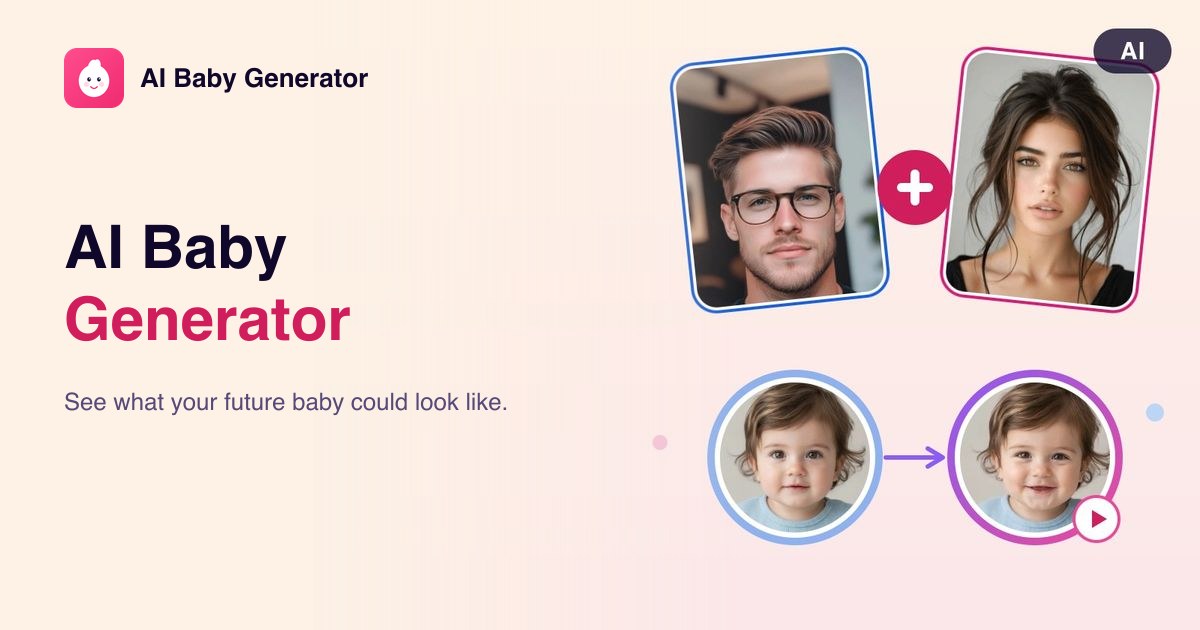
Baby Generator AI blends two parent photos into a realistic baby face preview in under a minute, which is the quickest route to a single test image. It offers free and paid tiers.
AI Baby Generator.ai also blends two parent photos into a realistic preview of a future baby, with a free tier, a trial and subscription options for more output.
Common questions
Is there a pregnant ai generator free to try?
Several tools on this list include a free tier or a trial, so a single blend or a few images can be made without paying. Free access usually comes with limits on resolution or the number of generations. Test one photo pair first, then decide whether a paid plan is worth it.
What does a pregnant generator actually produce?
The output is a synthetic image, not a prediction. Most tools blend two parent faces into a plausible baby portrait, and some add a pregnancy or maternity framing at your direction. Treat the result as a creative picture to share, not as medical or genetic information.
Can I generate a pregnant belly image?
Yes, where the tool accepts text prompts or reference photos, you can describe a maternity scene and get a styled image back. A two-photo blend tool is the weaker choice for that, since it focuses on the face rather than a full body scene. Pick based on whether you want a portrait or a scene.
When to look elsewhere
If the goal is a character or cartoon look rather than a realistic baby, the Anime Generator covers stylized faces and figures. For broader prompt-driven work outside baby themes, the Unfiltered Image Generator sits closer to general image creation.
.png)