Free trial
No separate trial is listed. The Free plan acts as the entry point, with 2 summaries per month, key message extraction and basic export options.
Learn moreCondense books, videos, papers and articles into key insights

Chapterize is an AI summarizer tool. AI summarizer for books, videos, papers, articles and podcasts. Produces digests with key message extraction, lets you chat with the source document, generates audio versions and exports to Kindle. Free tier covers 2 summaries per month; the paid Growth plan raises that to 50 and unlocks chat, audio and custom AI settings.
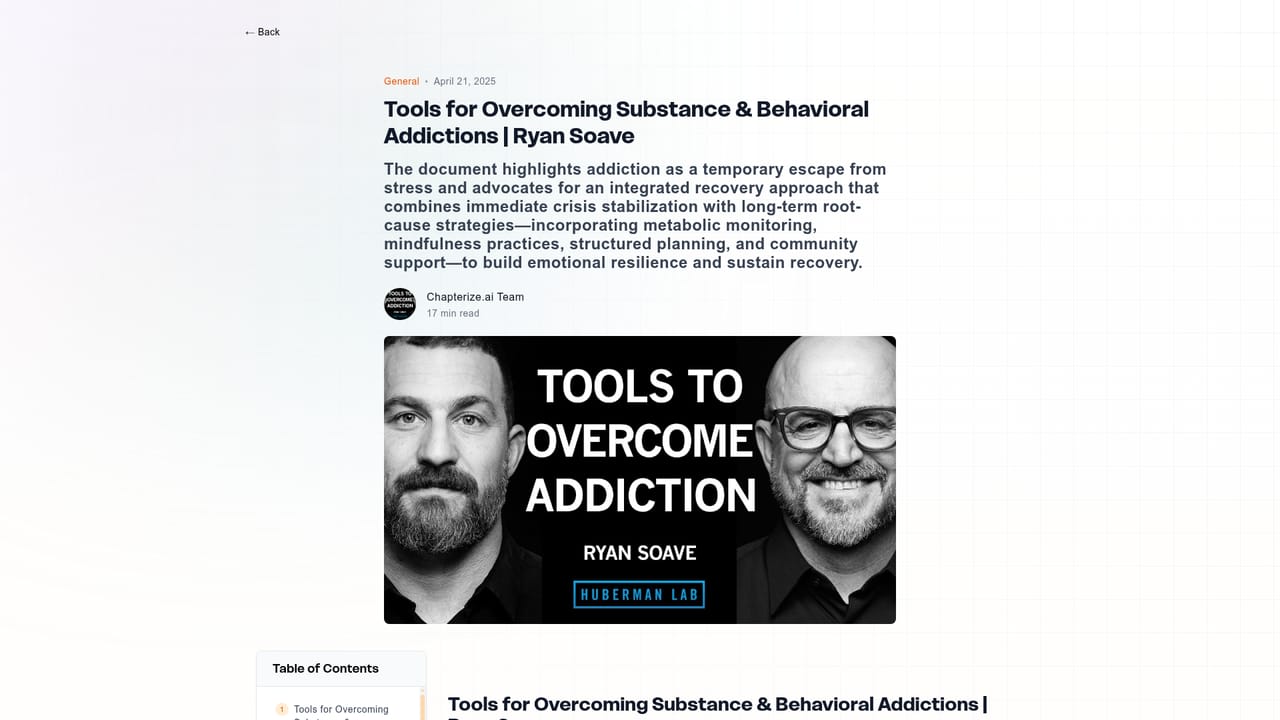
Chapterize is an AI summarization service that turns long form material into short, structured digests. The homepage positions it against the usual problem of long videos, dense papers, blog posts and books that never get finished: you submit a piece of content, the system identifies the central message and returns a condensed version plus the insights worth keeping. The public summary library already shows the output format in practice, with entries covering podcast episodes, science interviews, fitness discussions and YouTube videos. The feature set goes beyond a single block of condensed text. An AI chat lets you ask follow up questions about the source document and get answers that take context into account. Audio summaries read the digest aloud for commutes and other multitasking situations. Custom AI settings expose parameters that shape how the output is produced, and key message extraction pulls out the most important points so they are not buried. Finished summaries can be exported in several formats or sent straight to Kindle, and every processed item lands in a personal library you can return to later. The tool suits readers, researchers, commuters and podcast listeners who accumulate more material than they can get through, as well as students who want the gist of a paper before committing to a full read. The workflow is simple: sign in, submit content, review the summary and dig deeper through chat or audio if needed. It sits in the same space as other summarization and reading assistant products, but its mix of podcast and video handling, Kindle delivery and audio playback gives it a slightly broader remit than tools built only around documents. The free tier is deliberately small, so heavy users will need the paid plan quickly.
No separate trial is listed. The Free plan acts as the entry point, with 2 summaries per month, key message extraction and basic export options.
Learn moreTwo plans. Free costs nothing and includes 2 summaries per month with key message extraction and basic export options. Growth is $15 per month billed annually ($180 per year) and includes 50 summaries per month, all export formats, Kindle delivery, custom AI parameters, document chat and audio summaries.
Learn moreKindle delivery is the only documented integration. No other third party integrations are described on the homepage.
Summaries for books, videos, papers, articles and podcasts; key message extraction; AI chat over documents; audio summaries; custom AI parameter settings; multiple export formats; direct Kindle delivery; a personal library of processed content.
 AI Angels400+ customizable AI girlfriends for NSFW chat, voice calls, and roleplay
 Candy AIExperience the future of companionship with AI friends who chat, role-play, and connect with you on a human level.
 ourdream.aiA vast AI roleplay platform with millions of characters for chat, images, video and voiceAI Angels400+ customizable AI girlfriends for NSFW chat, voice calls, and roleplayCandy AIExperience the future of companionship with AI friends who chat, role-play, and connect with you on a human level.ourdream.aiA vast AI roleplay platform with millions of characters for chat, images, video and voice


