ChatArtPro

One AI workspace for video, images, music, fiction and copy.

Beginner
Screenshot of ChatArtPro, One AI workspace for video, images, music, fiction and copy

What is ChatArtPro?

ChatArtPro is an all in one AI workspace for creators and marketers, combining video generation, image editing, music and lyric creation, long form fiction writing and chat tools with an infinite canvas and an autonomous creative agent.

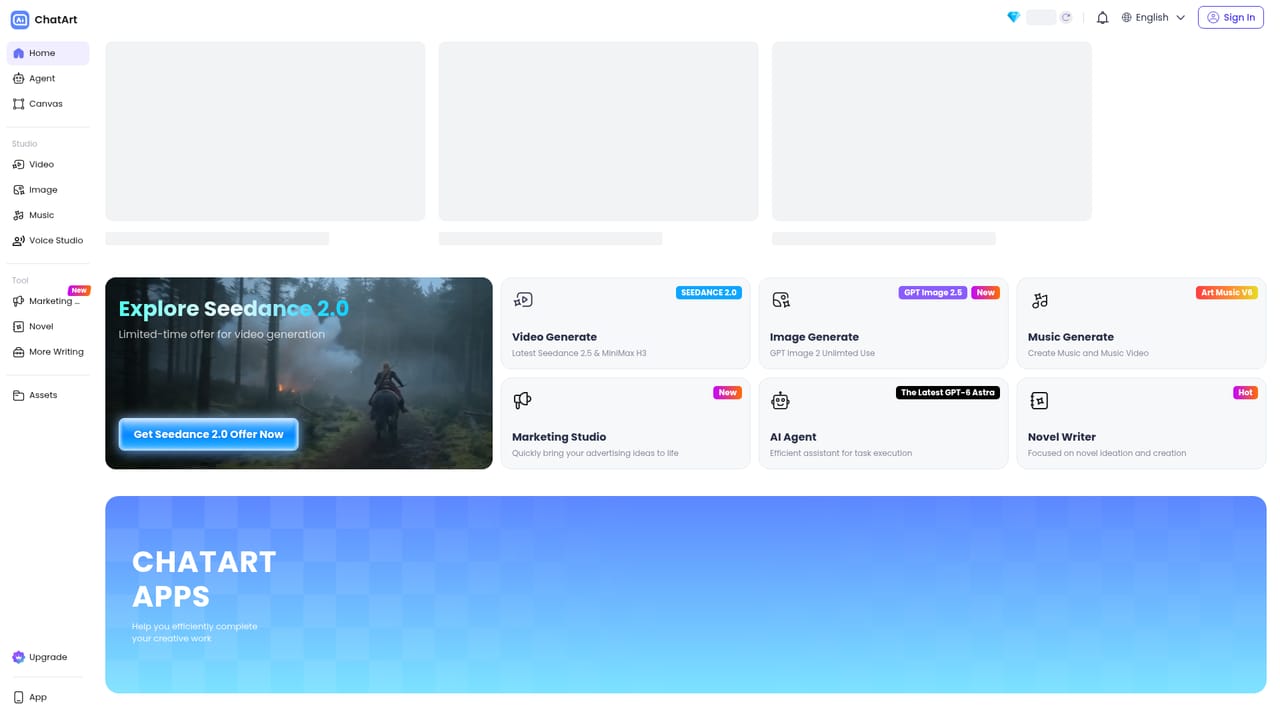
ChatArtPro is a browser based AI creation suite that bundles several media generators and writing tools behind a single login. The pitch is consolidation: instead of paying for a video model, an image model, a music generator and a chat assistant separately, creators and marketers work inside one dashboard that switches between them. Video, image, music, writing and a marketing studio sit as separate entry points from the homepage, and the app also carries an infinite canvas for chaining prompts and references plus an autonomous agent that picks tools on the user's behalf. The moving image side is the strongest part of the offer. Text prompts and still photos can both be turned into clips, with 4K output advertised for social content, ads, storytelling and anime. Image to video, video extension and motion control are broken out as their own pages, and named models such as Wan AI and Seedance 2.0 have dedicated landing pages, which suggests users are expected to choose a model rather than accept one default. The image tools cover generation, image to image editing, background removal, anime styling and a set of one tap effects aimed at product ads and UGC style social posts. Music generation, lyric writing and music video assembly are grouped together, as is a long form fiction studio for plotting and chapter drafting. The audience is broad by design. Social media marketers get ad and UGC effect presets, indie creators get video and music in one place, and writers get novel and paraphraser tools alongside general chat. The tradeoff of that breadth is depth: the homepage promotes many capabilities without publishing technical specifications, export formats, commercial licensing terms or model version details, so anyone with strict production requirements should verify those before committing. Competitively, ChatArtPro sits between single purpose generators like dedicated video or image services and general chat assistants. It wins on convenience and price bundling, not necessarily on best in class output for any one medium, and users who only need video or only need writing may find a specialist tool cleaner.

How do you use ChatArtPro?

  1. 1Create your account and open the workspace
    Sign up at the app subdomain, then land on the main dashboard where video, image, music, writing and marketing modules are listed.
    ChatArtPro — Create your account and open the workspace
  2. 2Generate your first video clip
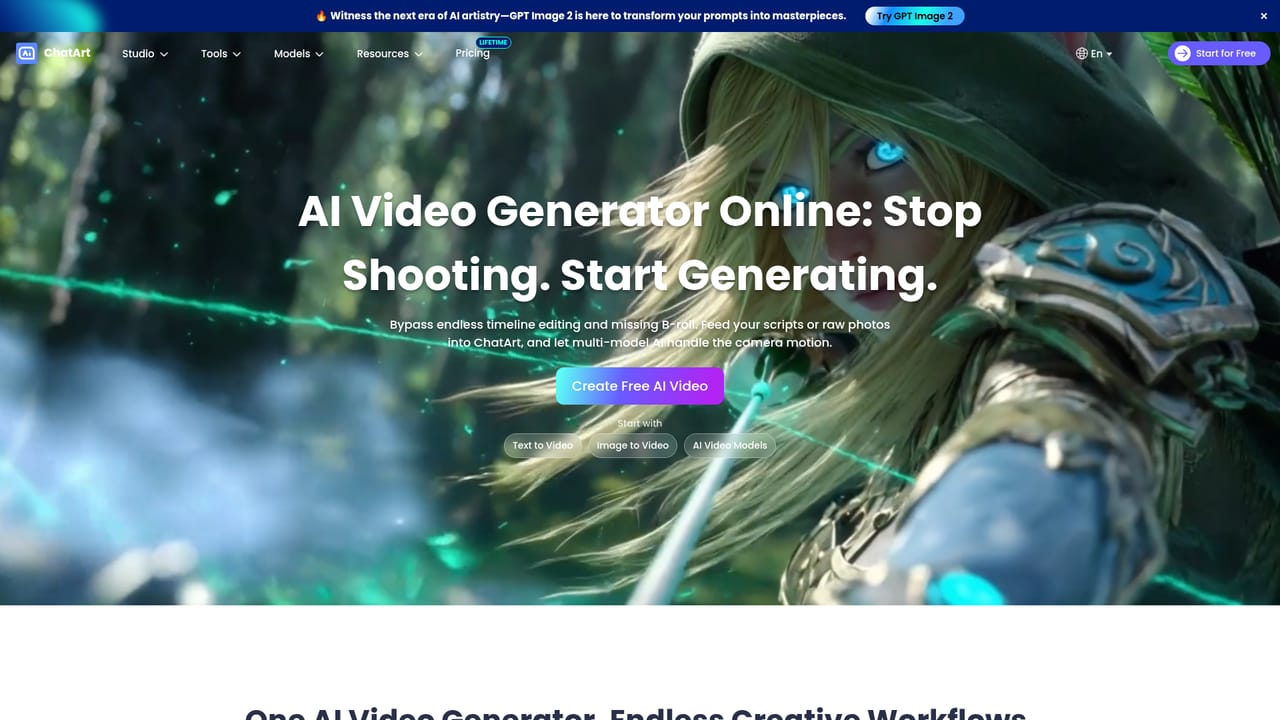
    Open the video generator, describe the scene or upload a still image, and render a short clip. The image to video route is the quickest way to animate existing artwork.
    ChatArtPro — Generate your first video clip
  3. 3Pick a video model for the look you want
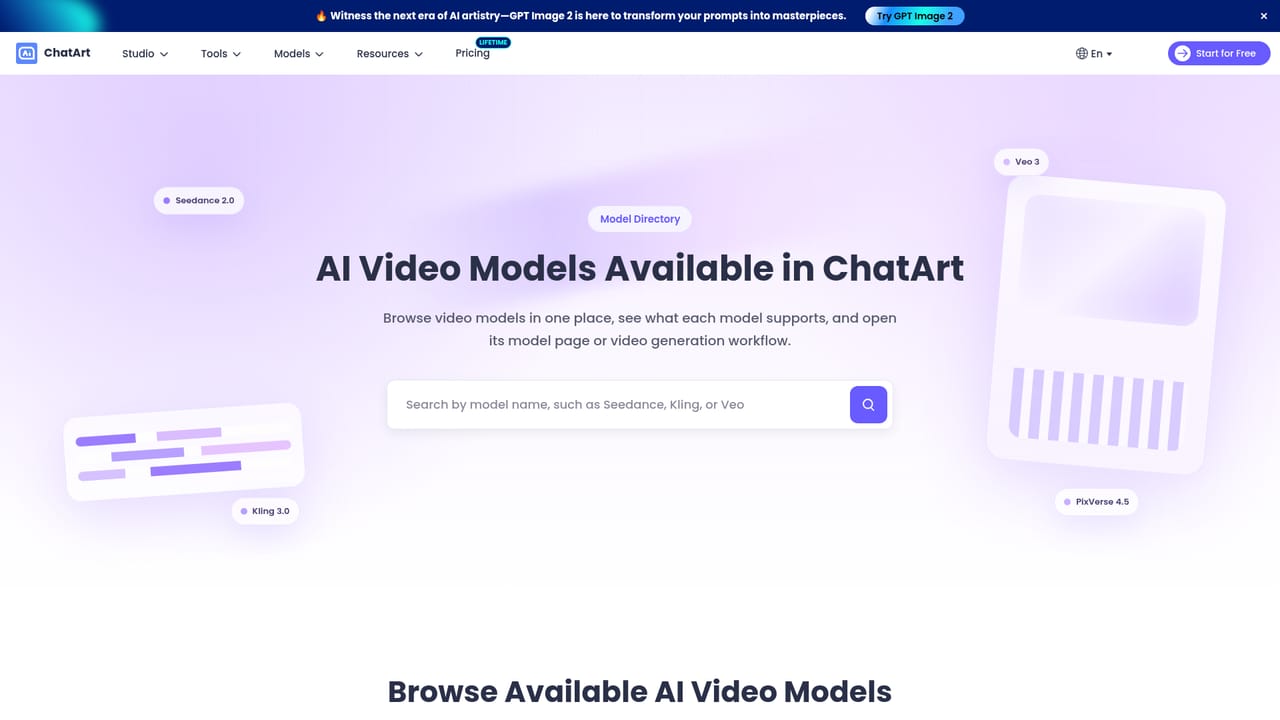
    Compare the model pages before committing to a style. Wan AI and Seedance 2.0 have their own pages describing what each is tuned for.
    ChatArtPro — Pick a video model for the look you want
  4. 4Produce images and apply effects
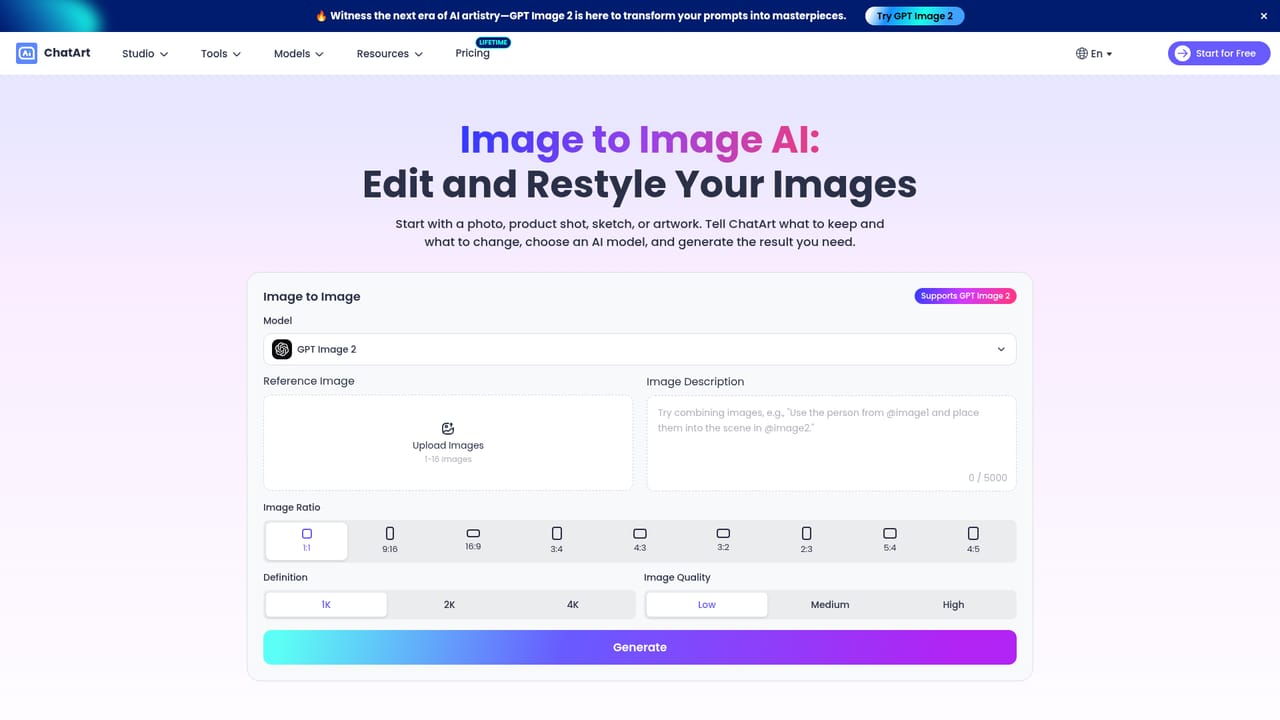
    Use the image tools for generation or image to image edits, then try a preset such as background removal or an ad style effect to finish a social ready visual.
    ChatArtPro — Produce images and apply effects
  5. 5Draft a story or script
    Move to the story studio to outline a plot, build characters and expand into chapters, or use the chat tools for shorter copy and rewriting.
  6. 6Assemble music and a music video
    Compose a track and lyrics, then convert the audio into a music video inside the same module to keep the release workflow in one place.

Pros and cons

Pros

  • Several media types (video, image, music, writing) share one account and workspace, which cuts tool switchingAI
  • Model choices are exposed, with dedicated pages for Wan AI, Seedance 2.0 and Nano Banana ProAI
  • Image to video, video extension and motion control cover the common editing needs around generated clipsAI
  • One tap effect presets target concrete marketing formats such as product ads and UGC style postsAI
  • Free chat and writing utilities lower the entry cost for users testing the platformAI

Cons

  • No pricing figures, credit costs or plan tiers are published on the homepage, so budgeting requires a sign upAI
  • The homepage omits output specifications, export formats and commercial licensing terms for generated mediaAI
  • Spreading across video, image, music, fiction and chat risks shallower control per medium than dedicated toolsAI
  • The autonomous agent and canvas features are described in general terms with no documentation on limits or failure handlingAI
  • Heavy emphasis on effect presets may suit social marketers better than studios needing precise, repeatable pipelinesAI

How much does ChatArtPro cost?

Features

Core modules cover AI video from text and images, image generation and image to image editing, music and lyric creation with music video output, a long form story and novel studio, conversational chat with rewriting and summarizing tools, an infinite canvas for linked visual workflows, and an autonomous agent that plans and executes multi step content tasks.

Learn more

Frequently asked questions about ChatArtPro

  • How do you use ChatArtPro?
    The walkthrough on this page covers 6 steps: 1. Create your account and open the workspace 2. Generate your first video clip 3. Pick a video model for the look you want 4. Produce images and apply effects 5. Draft a story or script 6. Assemble music and a music video.
  • What platforms does ChatArtPro support?
    ChatArtPro is available on Web App.
  • What are the limitations of ChatArtPro?
    No pricing figures, credit costs or plan tiers are published on the homepage, so budgeting requires a sign up. The homepage omits output specifications, export formats and commercial licensing terms for generated media. Spreading across video, image, music, fiction and chat risks shallower control per medium than dedicated tools.