Free trial
Free to try on the App Store, and the browser guides for 80 museums and landmarks are free with no account required.
Learn moreTurn any photo of an artwork or landmark into an instant audio story.
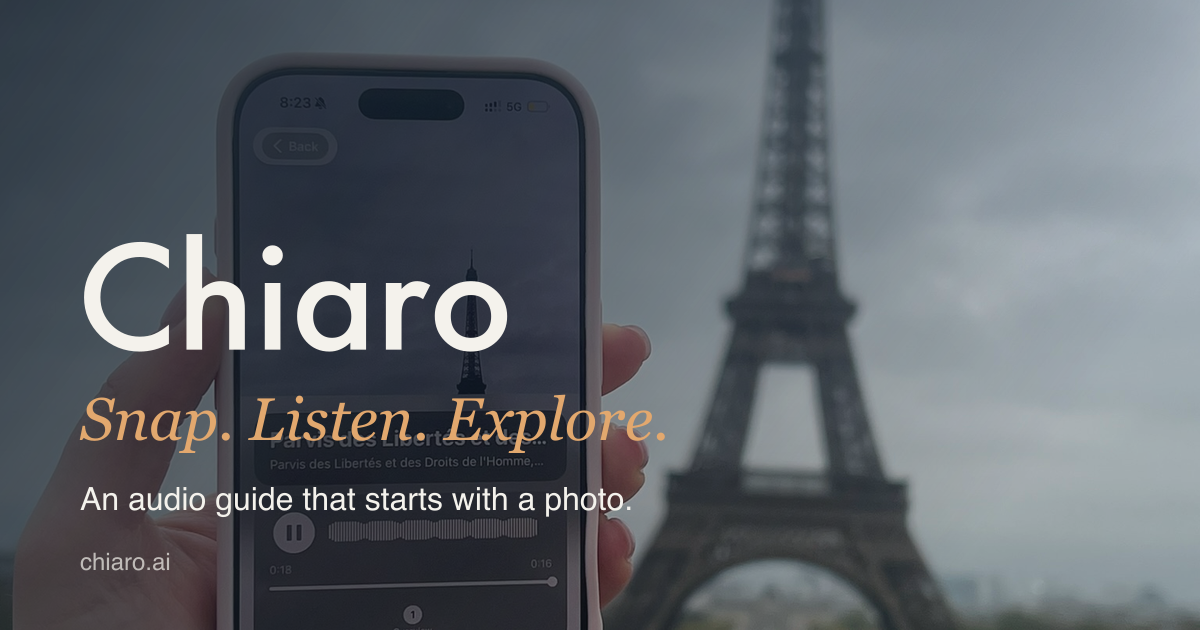
Chiaro is an AI narration tool that turns any photo of an artwork or landmark into an instant audio story. Chiaro is an iPhone app that turns a photo of an artwork or landmark into a short audio guide in seconds, with spoken answers to follow up questions, a nearby picks map, daily story recaps and trip planning.
Chiaro is an iPhone app that turns a photograph of an artwork, monument or building into a spoken audio guide within seconds. Point the camera at a painting in the Louvre, a bridge in Prague or a street mural, and the app identifies the subject and narrates what it is, who made it and why it matters. The audio starts quickly so the phone can stay in a pocket while the viewer looks up. The app was created in Rome and is built around the kind of on the spot curiosity that a dense historic city provokes. The product is aimed at independent travellers and museum visitors who prefer context without a group tour or a pre downloaded city pack. Recognition is not tied to a fixed list of cities, so the guide extends to towers, bridges and murals that never appear in standard audio guide catalogues. In a museum the narration goes deeper into composition, symbols and the story behind a work, and users can type or speak follow up questions and hear the answers aloud. The app checks the web when a question depends on current information. Beyond single objects, Chiaro works as a light travel companion. A map surfaces nearby picks with a one line reason to visit, and each photo taken becomes a pin. In the evening the app assembles the day into a short connected story with threads to explore further. Planning for tomorrow can be done in one tap, with opening hours, weather and a rain backup, and a recap arrives after leaving a city and again at the end of the trip. Audio is offered in 18 languages, with a choice of voice, and English, Spanish and Portuguese also offer accent selection. On the web, 80 museum and landmark guides are free to try in the browser without an account, five stops each, which makes it easy to judge the narration style before installing anything. The app requires iOS and an Apple device, and sign in with Apple carries guides, chats and stories across phones. Compared with subscription audio guide apps built around major cities, Chiaro trades curated depth in a handful of capitals for broad, photo driven coverage anywhere.
Free to try on the App Store, and the browser guides for 80 museums and landmarks are free with no account required.
Learn moreThe homepage describes Chiaro as free to try on the App Store and does not publish subscription or one time prices. The 80 browser guides are free to use without an account, so part of the product can be evaluated at no cost, but the cost of continued in app use is not stated.
Learn moreSign in with Apple is the only integration mentioned on the homepage. It keeps guides, chats and stories available when moving to a new iPhone. No third party or API integrations are described.
Photo to audio guide conversion for artworks, landmarks and murals; immediate audio playback; deeper museum commentary on composition and symbols; spoken or typed questions with live web checks; a map of nearby picks that turns photos into pins; an evening story assembled from the day; next day planning with opening hours, weather and a rain backup; trip recaps; 18 audio languages with voice and accent options; bilingual place names; Apple sign in for syncing.
 AI Angels400+ customizable AI girlfriends for NSFW chat, voice calls, and roleplay
 Candy AIExperience the future of companionship with AI friends who chat, role-play, and connect with you on a human level.
 ourdream.aiA vast AI roleplay platform with millions of characters for chat, images, video and voiceAI Angels400+ customizable AI girlfriends for NSFW chat, voice calls, and roleplayCandy AIExperience the future of companionship with AI friends who chat, role-play, and connect with you on a human level.ourdream.aiA vast AI roleplay platform with millions of characters for chat, images, video and voice


