Free trial
New users who qualify receive 10 free credits to test core features without payment. No card requirement is stated on the homepage.
Learn moreAI video face swap, character replacement and motion control in the browser
Own VideoSwap.app? Verify ownership to get a dofollow link
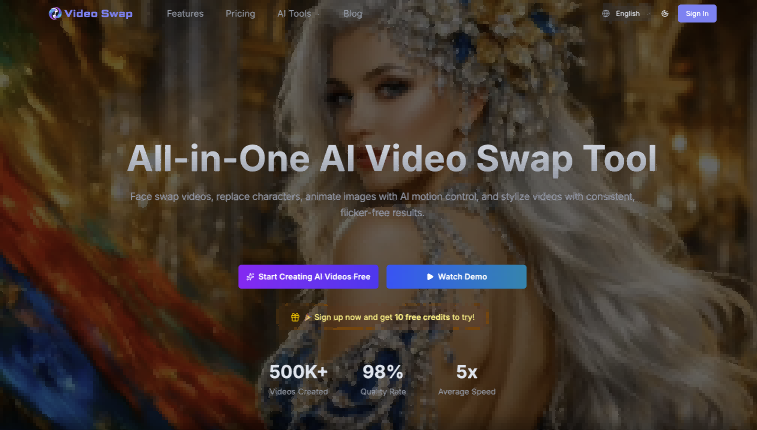
VideoSwap.app is a batch face swap tool. An online studio for face swaps, full-body character replacement, motion control and video style transfer, aimed at creators and marketing teams who need edited variants of existing footage without video editing skills.
VideoSwap.app is a browser-based studio for editing video with face and character replacement. Four features sit at its core: video face swap, character swap, AI motion control and video style transfer. Each one takes a different shortcut to the same end, which is a polished clip produced without a timeline editor or a compositing artist. You upload a face image plus reference footage, or an image plus a performance clip, and the platform renders the output for you. No client install is involved, and the interface is built for people who have never cut a video before. The face swap feature keeps the source performance intact (expression, timing, lighting) while substituting a new face. Character swap pushes that idea to the full body, with 480p and 720p modes, and is aimed at ad localization, mascot insertion and recasting a performer across a campaign. AI motion control works from the other direction: it takes a still image (an illustration, avatar or original character) and animates it using a driving video. Style transfer handles the visual look, applying anime, cinematic, cartoon or branded treatments with flicker-free consistency across a series. Practically, the tool fits short-form creators, marketing teams that need many localized variants of one ad, and animators who want to test a character's movement without keyframing. A 5 second face swap costs 10 credits, a 5 second motion control render at professional quality costs 40, and style transfer runs 25. Credits are consumed by actual processed duration, so longer or higher quality clips cost more. Compared with general text-to-video generators, VideoSwap.app is narrower by design: it transforms footage you already have rather than inventing scenes, which makes output more predictable for client work.
New users who qualify receive 10 free credits to test core features without payment. No card requirement is stated on the homepage.
Learn moreThree subscription tiers: Basic at $10 monthly ($5.0 on annual billing) with a stated 100 credits, Pro at $40 ($21.9 annual) with 500 credits, and Ultimate at $60 ($36.9 annual) with 1000 credits. Annual billing saves 20 percent. Per-credit cost falls from $0.05 to $0.0369. A separate plan reference panel lists different credit amounts, so confirm before buying.
Learn moreHelp center tutorials and email support at hi@videoswap.app. Priority support is listed on every paid plan, and the site claims multi-language support.
Four transformation modes: video face swap (1 face image plus reference video, professional mode at 2 credits per second), character swap at 480p or 720p, AI motion control that animates a still image from a driving performance video, and video style transfer with preset, image or text prompt styling. All run in the browser, output HD video, include a commercial license and are priced by processed duration.
 AI Angels400+ customizable AI girlfriends for NSFW chat, voice calls, and roleplay
 Candy AIExperience the future of companionship with AI friends who chat, role-play, and connect with you on a human level.
 ourdream.aiA vast AI roleplay platform with millions of characters for chat, images, video and voiceAI Angels400+ customizable AI girlfriends for NSFW chat, voice calls, and roleplayCandy AIExperience the future of companionship with AI friends who chat, role-play, and connect with you on a human level.ourdream.aiA vast AI roleplay platform with millions of characters for chat, images, video and voice