Support
A Trust Center covers privacy and data handling, the Cookbook walks through note styles, and a public manifesto explains the product philosophy. No dedicated help desk or contact channel is described on the homepage.
Learn moreSpeak your mind, get a structured note without typing a word.

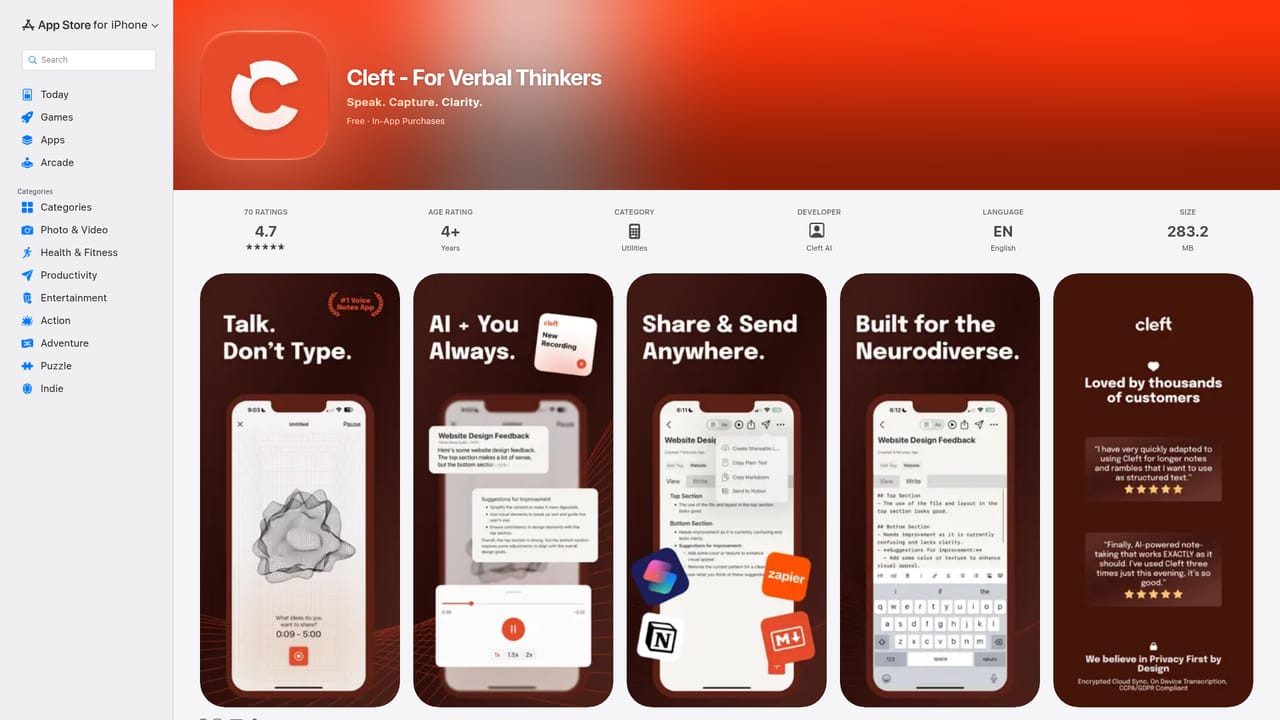
Cleft Notes is an AI transcriber tool that speaks your mind, get a structured note without typing a word. Cleft Notes turns spoken rambles into organized notes with a summary, action items, and transcript. Transcription runs on-device, works offline, and the app spans iPhone, iPad, Mac, Watch, and CarPlay.
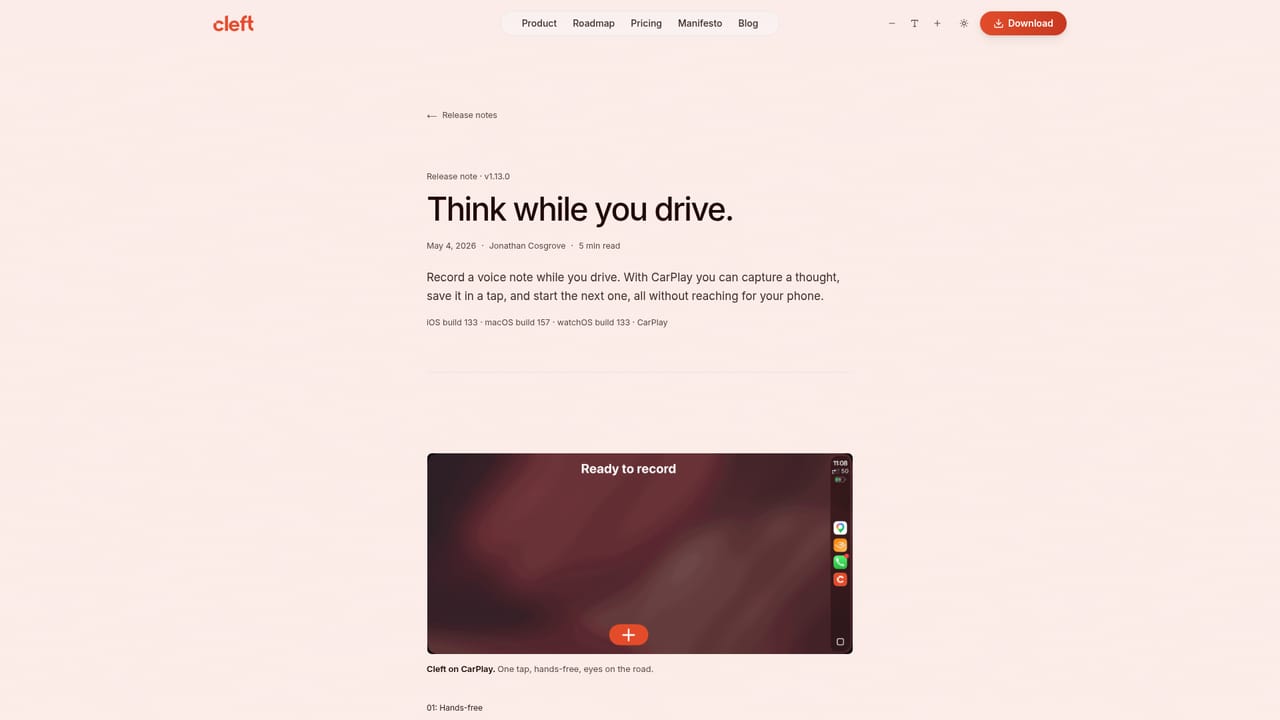
Cleft Notes is a voice-first note-taking app for Apple devices. The premise is simple: pressing record is faster than typing when a thought arrives, so Cleft lets you talk it out and handles the cleanup. Transcription happens on the device itself, which means your speech becomes text locally and works without a network connection. The finished note bundles three things together: a short summary, a list of action items pulled from what you said, and the transcript underneath for reference. The workflow is deliberately short. Tap record, ramble for as long as you need, and pick the output style from a dial that resembles a camera control. Structured produces sections and bullet points, Structured Prose renders the same material as flowing paragraphs, and Clean Transcript stays close to your original wording. A paid tier adds custom styles that can be saved for recurring formats such as meeting recaps or interview notes. Once a note is done, it can be sent onward to a note app you already use rather than living only inside Cleft. The audience is people whose thinking outruns their typing: founders logging ideas in the car, writers capturing drafts on a walk, and especially users with ADHD, a group the company openly designs for. Capture anywhere covers iPhone, iPad, Mac, Apple Watch, and CarPlay, so a recording can start from a dashboard and be waiting on a Mac later. Where Cleft fits is the gap between a raw voice memo and a full note system. It is not trying to replace Notion, Obsidian, or Bear; it feeds them. Compared with transcription suites built around meetings and shared workspaces, Cleft is personal, Apple-only, and oriented toward the single thought you do not want to lose. A sign-in is required, and the App Store is the only distribution channel listed, so Android and Windows users are out of scope.
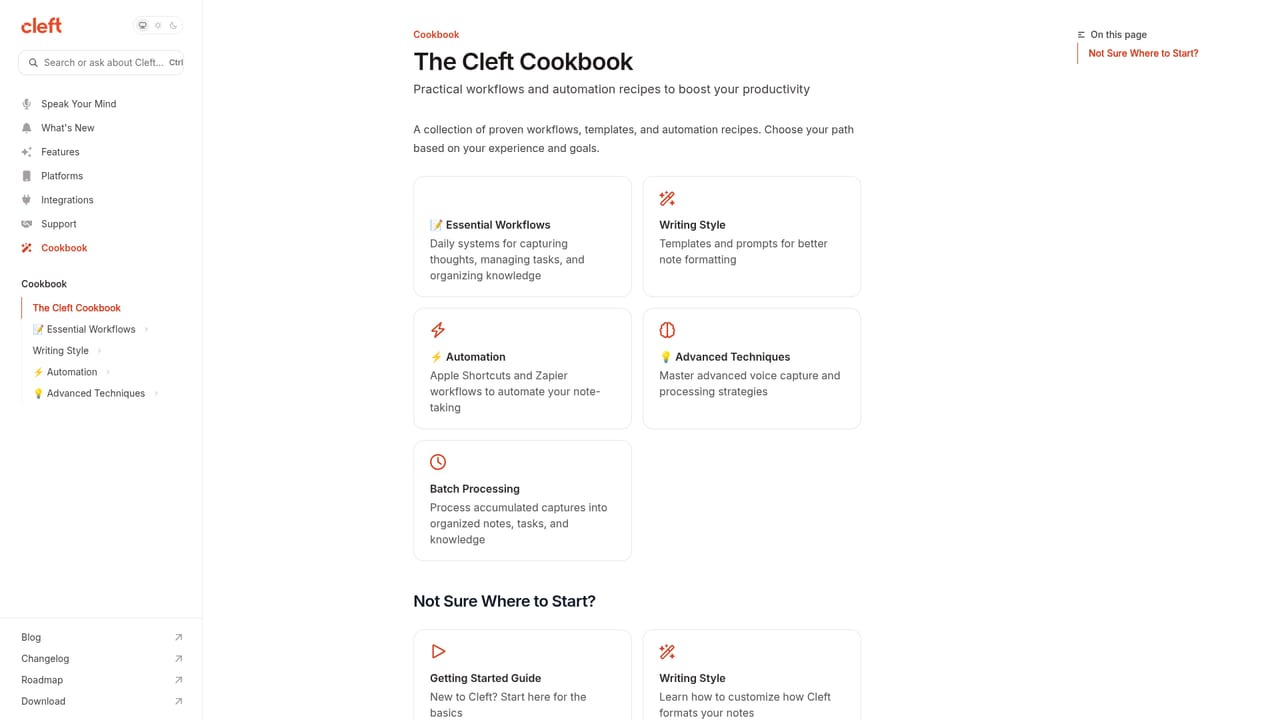
A Trust Center covers privacy and data handling, the Cookbook walks through note styles, and a public manifesto explains the product philosophy. No dedicated help desk or contact channel is described on the homepage.
Learn moreSends finished notes to Notion, Apple Notes, Apple Reminders, Apple Journal, Reflect, Obsidian, Bear, Craft, Capacities, NotePlan, Drafts, Ulysses, Logseq, iA Writer, Things 3, Todoist, and Zapier. Auto-send is available from the integrations panel.
On-device transcription with offline recording, automatic summary and action extraction, three note styles (Structured, Structured Prose, Clean Transcript), custom saved styles on the Plus tier, sync across iPhone, iPad, Mac, Watch, and CarPlay, plus auto-send and archive options for connected destinations.
Learn more AI Angels400+ customizable AI girlfriends for NSFW chat, voice calls, and roleplay
 Candy AIExperience the future of companionship with AI friends who chat, role-play, and connect with you on a human level.
 ourdream.aiA vast AI roleplay platform with millions of characters for chat, images, video and voiceAI Angels400+ customizable AI girlfriends for NSFW chat, voice calls, and roleplayCandy AIExperience the future of companionship with AI friends who chat, role-play, and connect with you on a human level.ourdream.aiA vast AI roleplay platform with millions of characters for chat, images, video and voice


