Free trial
The page shows a small number of free uses (3 remaining in the sample view) before asking visitors to sign up for more. Several models also cost 0 credits.
Learn morePython code generation with a choice of dozens of AI models

CodingFleet is a coding tool. CodingFleet's Python Code Generator creates starter code from plain-language descriptions, with a wide selection of AI models priced in credits, free models included, and support for dozens of languages, databases and frameworks.
CodingFleet's Python Code Generator turns plain-language instructions into working starter code. A user describes what the program should do, picks a language or framework, and receives an implementation that can be reviewed, edited and run in their own workflow. The same page also accepts any custom language or framework typed in, such as Django, SwiftUI or Rust with Tokio, so the tool is not limited to Python despite the URL. The distinguishing feature is model choice. Instead of tying every request to one engine, the interface lists models from OpenAI, Anthropic, Google, DeepSeek, Z.ai, Moonshot AI, MiniMax, Qwen, Meta, Xiaomi, SpaceXAI, Tencent, Mistral and others. Each entry shows a credit cost per run and, for many, adjustable reasoning levels from low up to max. Stronger models cost more credits, while a group of free models costs zero, which lets a user match the model to the difficulty of the task. The language list is long, covering mainstream options such as Python, JavaScript, Java and Go as well as older or niche ones like COBOL, Fortran, ABAP and VHDL. Dedicated sections for databases (MySQL, PostgreSQL, Snowflake, BigQuery and others) and Python web scraping libraries sit alongside it. In practice a visitor can try the generator without an account, with a small number of free uses shown at the top of the page, and signs up for more. Credits then fund runs on premium models. Related pages on the site cover a code assistant, a code explainer and a code enhancer for Python, plus generators for JavaScript, TypeScript, Java, C#, C++ and Go, and a public generations page. CodingFleet suits developers, students and analysts who want a quick first draft or a way to compare how different models handle the same prompt. Against single-model assistants and IDE plugins, it trades deep editor integration for flexibility and a browser-based workflow. Generated output is described as a starting point, so review and testing remain the user's job.
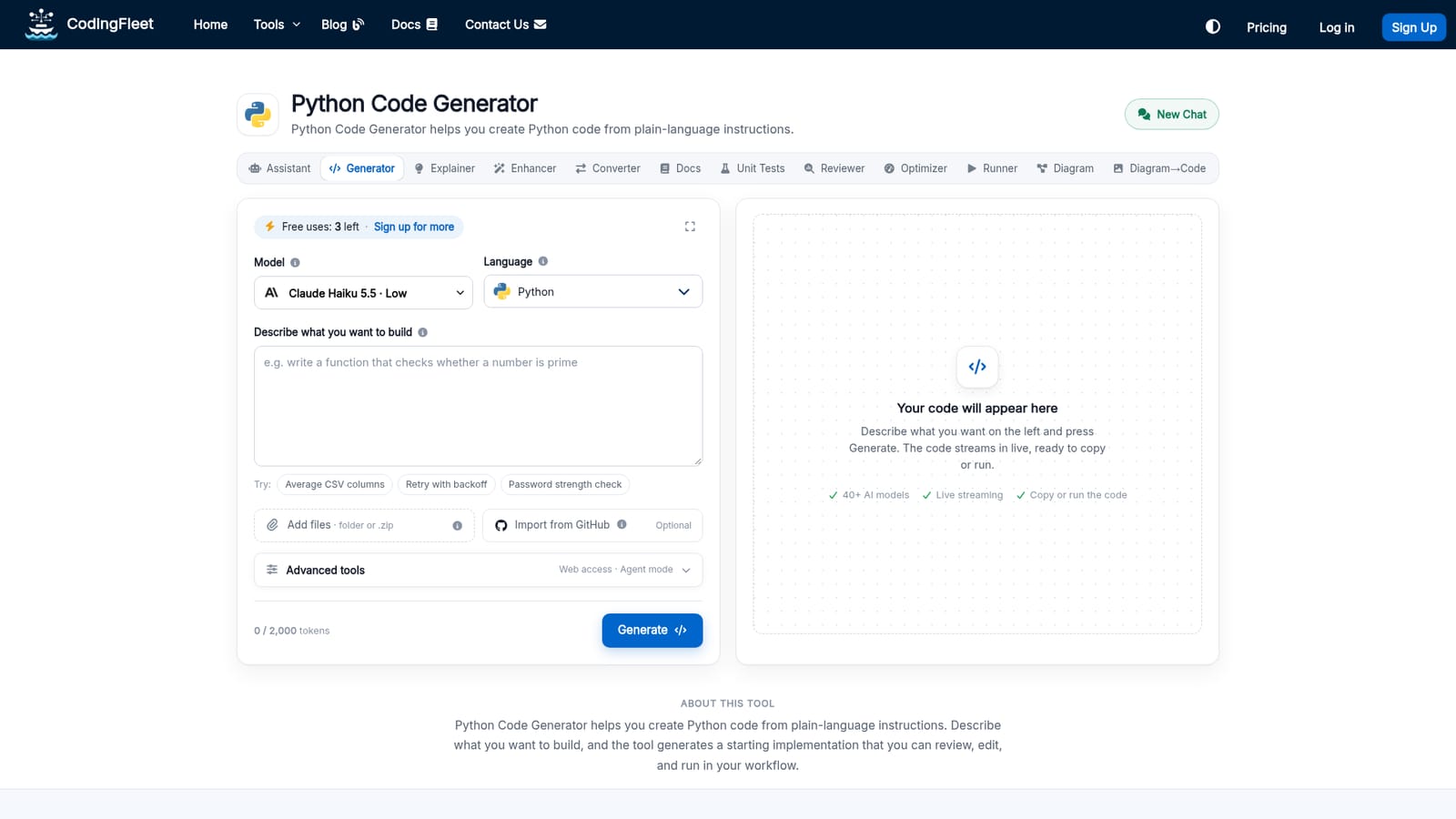
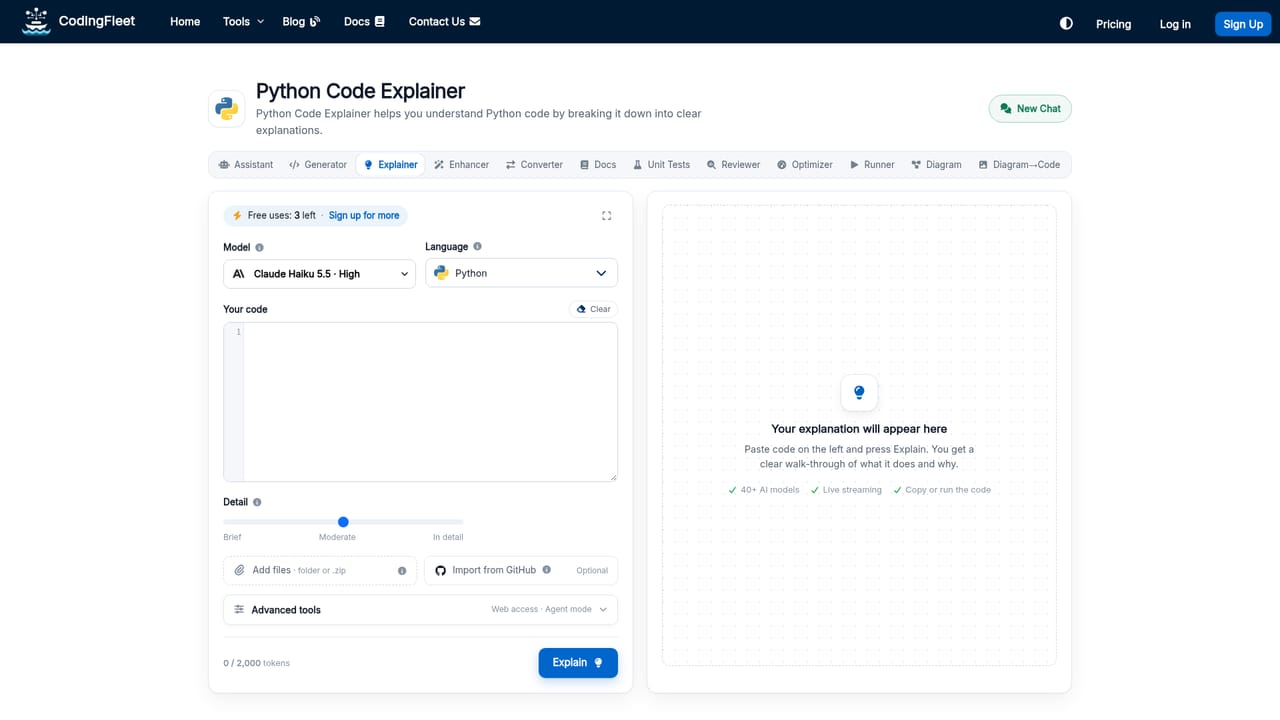
The page shows a small number of free uses (3 remaining in the sample view) before asking visitors to sign up for more. Several models also cost 0 credits.
Learn moreUsage is metered in credits. Each model shows its own cost per run, from zero for the free models up to around 30 credits for the most capable ones. Plan prices are not stated on this page.
Learn moreA contact page is linked on the site. No support hours, channels or response times are stated on this page.
Learn moreNo third-party integrations are listed on this page. A web access documentation page exists on the site, but its contents are not described here.
Generates code from plain-language instructions. Offers dozens of models from many providers with adjustable reasoning levels, a long list of programming languages, databases and web scraping libraries, custom frameworks, and a full-screen mode.


