Pricing
The platform itself is free and self-hosting is free. On Omnara Cloud, bring your own model keys and machines at no charge, or pay as you go with credits for models at provider token rates and machines by active time.
Learn moreOpen-source API for running durable agents on any model or machine

Omnara is an Apache 2.0 licensed API for deploying and running durable AI agents on any model, machine and cloud, with approvals, scoped secrets and audit history. It can be self-hosted or used as a managed cloud.
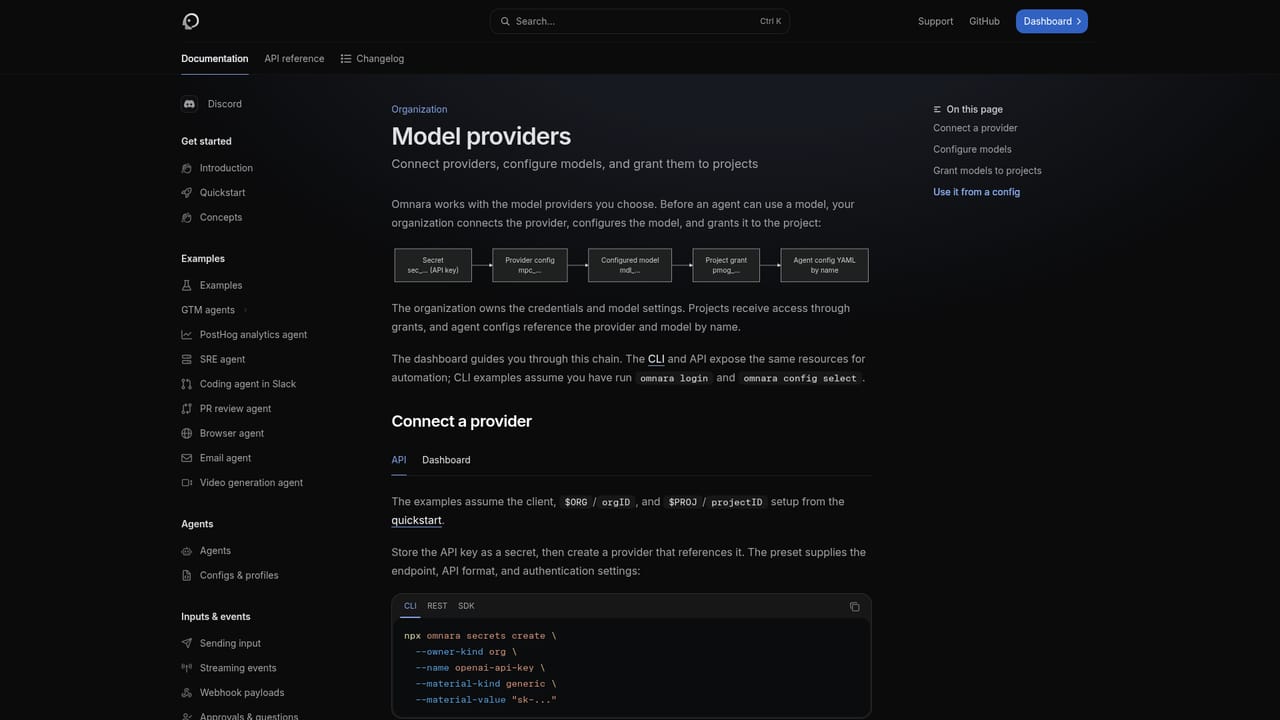
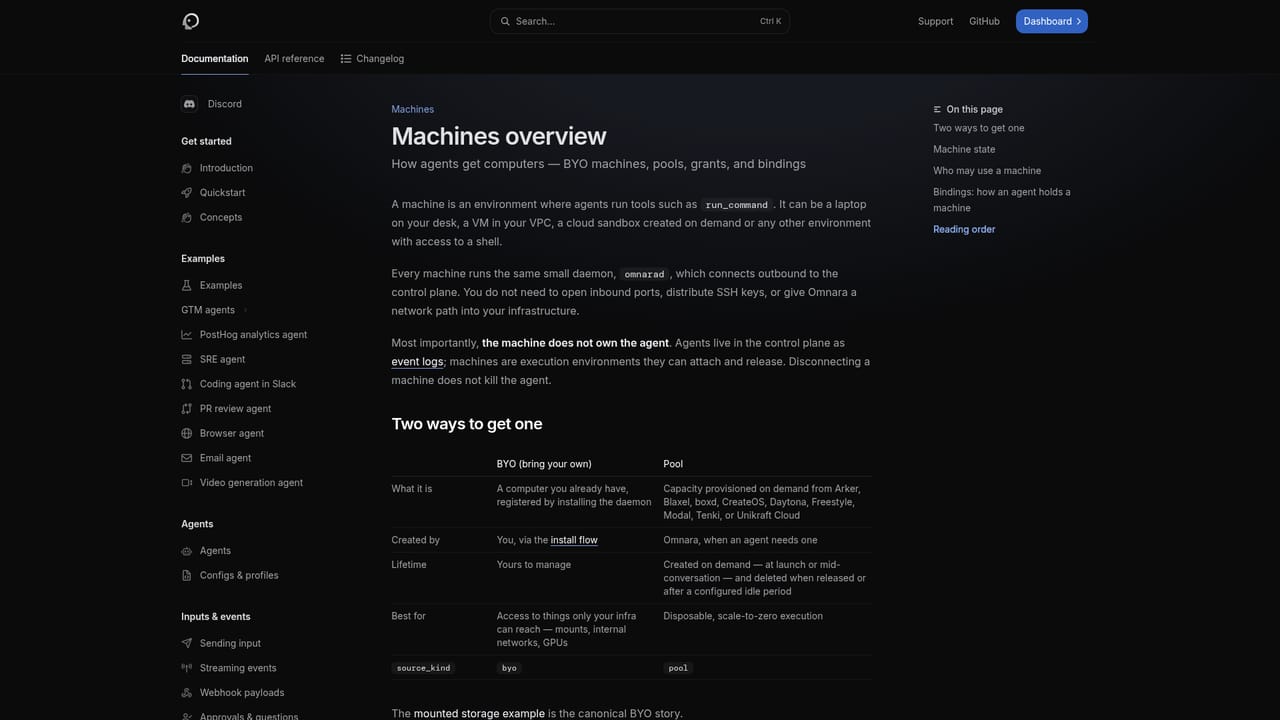
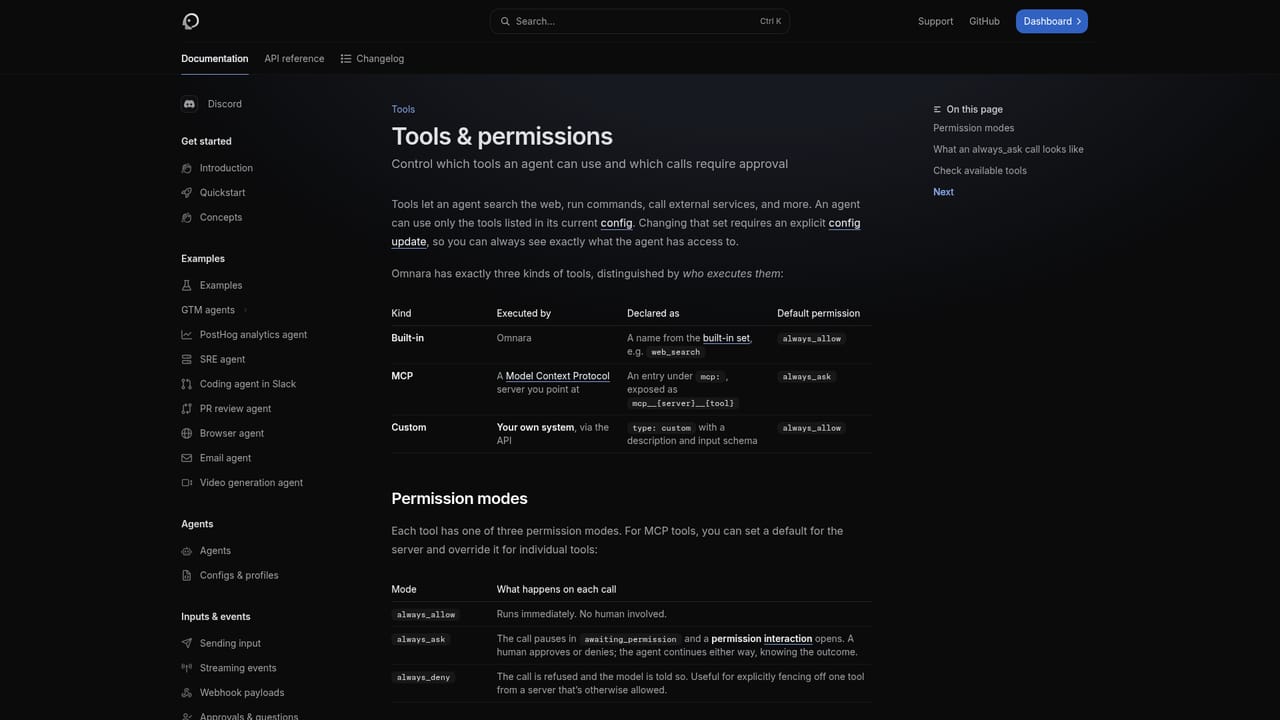
Omnara is an open-source API for running AI agents in production. Instead of asking teams to assemble their own runtime, it treats each agent as a durable API object and handles execution, state, machines, permissions and history through a control plane. The model, the tools, the machine and the user-facing experience stay in the builder's hands. The product targets engineering teams that want agents inside their own product or inside their company, such as a support triage assistant in a customer dashboard, a Slack agent for staff, a code review workflow or an interactive command-line tool. It is positioned as an alternative to vendor-run managed agent platforms, and the homepage frames the trade-off directly: managed platforms are quick to start but tie models, machines, cloud, data and pricing to one provider, while building in-house takes months of platform work. In practice, an agent is launched through the CLI, the TypeScript SDK or the REST API, then steered and observed while it runs. Agent state is preserved so a failed model call or a lost machine does not erase progress. Machines can be started through Omnara, connected from a Blaxel, Daytona or Unikraft Cloud account, or provided by installing a daemon on a laptop, VM or container that connects outbound, so no inbound ports are needed. Models come from OpenAI, Anthropic, OpenRouter, LiteLLM or any compatible endpoint, including self-hosted ones. Risky tool calls can pause for human approval, credentials are stored as scoped encrypted secrets, and actions land in an append-only history. MCP servers, reusable skills and a first-party Slack integration connect agents to team data and chat. The code is released under the Apache 2.0 license, so teams can self-host in their own VPC or use the managed Omnara Cloud and move later. Compared with agent frameworks such as LangGraph or Mastra, which are libraries for writing one agent into an app, Omnara aims at launching and changing many agents through an API without redeploying. It suits teams with real production requirements, and it is less relevant for casual users wanting a ready-made assistant.
The platform itself is free and self-hosting is free. On Omnara Cloud, bring your own model keys and machines at no charge, or pay as you go with credits for models at provider token rates and machines by active time.
Learn moreDocumentation is available at docs.omnara.com, and the site offers a call booking with a founder. Specific support tiers are not stated.
Learn moreWorks with MCP servers and reusable skills, a first-party Slack integration, model providers (OpenAI, Anthropic, OpenRouter, LiteLLM) and sandbox providers Blaxel, Daytona and Unikraft Cloud.
Learn moreDurable agents that preserve state through failures, machines on any provider or your own hardware, approval gates and role-based access with audit history, REST API, TypeScript SDK and CLI, any compatible model, MCP servers, skills and Slack.
Learn more


