Command Code

A coding agent that learns your personal coding taste over time

Intermediate API
Screenshot of Command Code, A coding agent that learns your personal coding taste over time

What is Command Code?

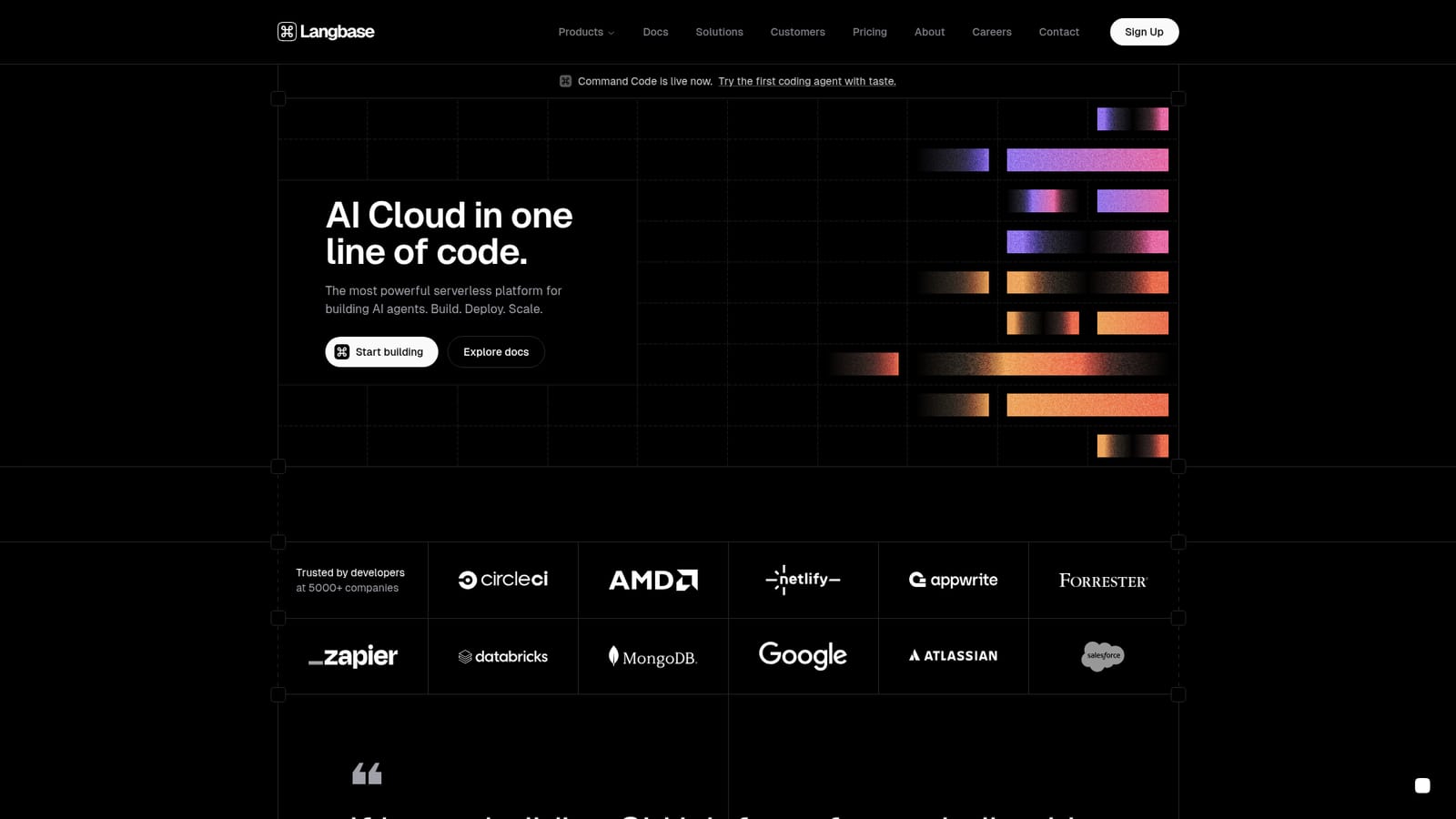
Command Code is a coding agent powered by the taste-1 model, which learns a developer's coding preferences from feedback and shares them across a team. It is announced on Langbase, a serverless AI developer platform.

Command Code is a coding agent built around a model called taste-1, which the vendor describes as a neuro-symbolic system. Its central idea is that code quality is partly personal: naming habits, structure, and the small decisions a developer makes without thinking. Instead of generating generic output, the agent watches both explicit feedback and implicit signals from how a developer works, then applies those learned preferences to later suggestions. The product is announced on the homepage of Langbase, a serverless AI developer platform, and sits alongside that company's other building blocks. Individual developers are the obvious audience, but the taste profile can also be shared with a team through the commands npx taste push and npx taste pull. That gives a group a way to keep generated code consistent across contributors, which is a common complaint about AI assistants that treat every user the same. In practice, a developer starts from the Command Code site and its docs, uses the agent in their normal workflow, and corrects it where it misses. Over time the stored preferences shape what it writes. The surrounding Langbase platform adds optional infrastructure for people who want to build their own agents: a Memory API for retrieval over documents and repositories, a unified API for more than 600 language models, MCP and tool connections, durable multi-step workflows, and a Studio with tracing and evaluation. Code samples on the page use a TypeScript SDK, with Python also shown. Among alternatives, Command Code competes with general coding assistants and agentic IDE tools. Its differentiator is personalization that persists and can be exported, rather than raw model size. Buyers should note that the homepage is thin on specifics about the agent itself, such as supported editors, languages, or pricing, so evaluation will mean reading the dedicated Command Code docs and trying it directly.
How do you use Command Code?

  1. 1Open the Command Code site
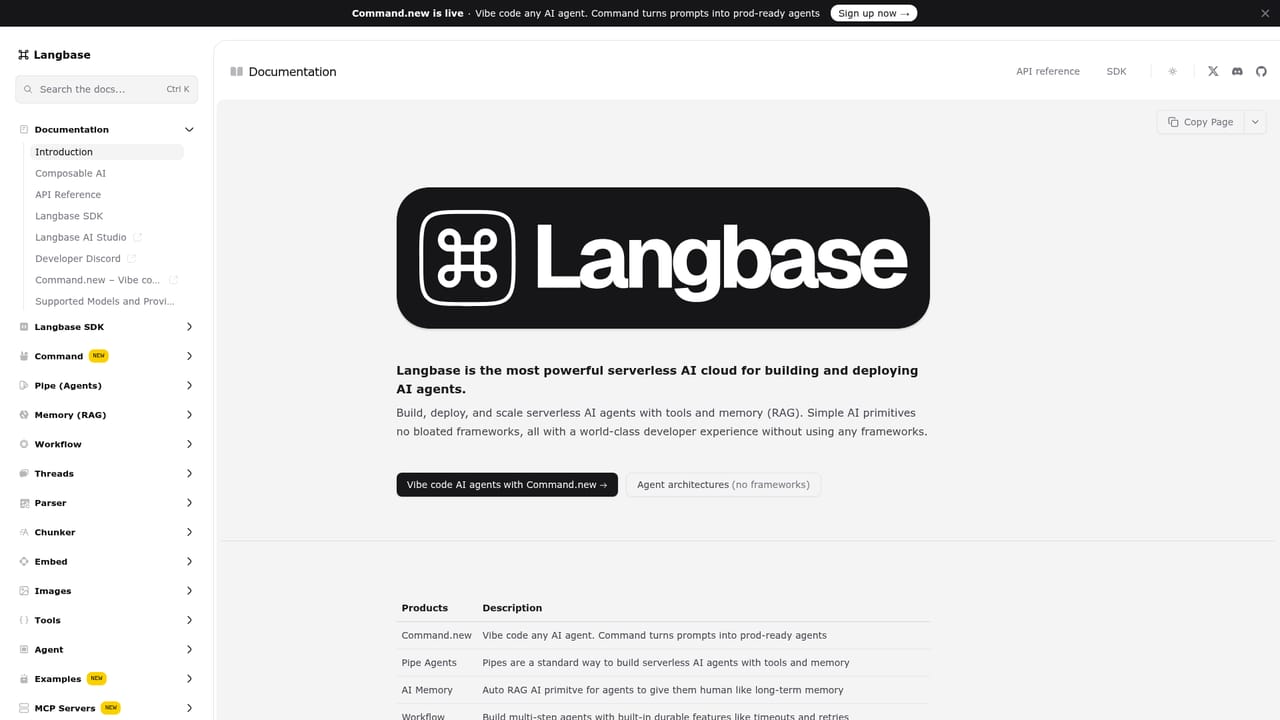
    Follow the Command Code link from the Langbase homepage to reach the agent's own site and documentation.
    Command Code — Open the Command Code site
  2. 2Create a Langbase account
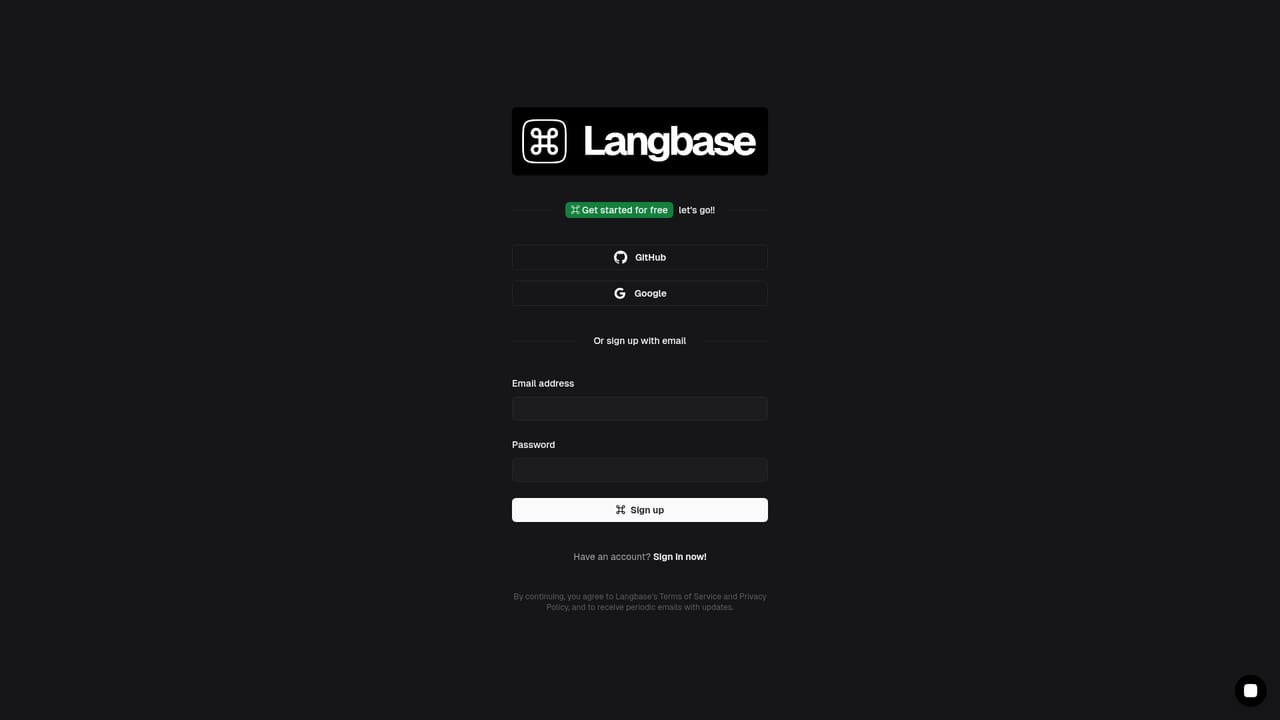
    Sign up to get access to the platform, an API key and the tools that sit around the agent.
    Command Code — Create a Langbase account
  3. 3Read the docs
    Review the documentation to understand how the agent, Memory and workflows fit together before starting a project.
    Command Code — Read the docs
  4. 4Teach the agent your taste
    Use the agent on real code and give feedback on its output so taste-1 can learn your preferences over time.
  5. 5Share taste with your team
    Run npx taste push to publish your preferences and npx taste pull so teammates generate code in the same style.

Pros and cons

Pros

  • Learns from both explicit and implicit feedback, so output moves toward a developer's own styleAI
  • Taste profiles can be shared with teammates using npx taste push and pull for consistent codeAI
  • Backed by the Langbase platform, with Memory, agents, workflows and tracing for custom buildsAI
  • Unified API covers 600+ LLMs, so switching providers takes a one-line changeAI
  • SDK examples in TypeScript and Python make the platform approachable for working developersAI

Cons

  • The homepage gives few concrete details on the agent itself, such as editors, languages or limitsAI
  • Command Code is promoted as a banner on a broader platform site, which can blur what is being soldAI
  • Claims like neuro-symbolic reasoning and near zero hallucinations are not backed by published benchmarks hereAI
  • Pricing and trial terms are not stated on the homepage, so cost cannot be judged up frontAI
  • Learned taste depends on ongoing feedback, so early results may feel genericAI

How much does Command Code cost?

Support

Documentation, a Discord community and a contact page are available through the Langbase site.

Learn more

Integrations

The surrounding platform connects to MCP servers and tools such as search, crawl and GitHub, and routes to more than 600 LLMs through one API. SDK examples are in TypeScript and Python.

Learn more

Features

Learns coding taste from explicit and implicit feedback, enforces it through the taste-1 model, and shares it with teams via npx taste push/pull. The Langbase platform adds Memory (agentic RAG), a 600+ LLM API, MCP tools, durable workflows, and Studio tracing and evals.

Learn more

Frequently asked questions about Command Code

  • Does Command Code have an API?
    Yes, Command Code offers an API.
  • How do you use Command Code?
    The walkthrough on this page covers 5 steps: 1. Open the Command Code site 2. Create a Langbase account 3. Read the docs 4. Teach the agent your taste 5. Share taste with your team.
  • What platforms does Command Code support?
    Command Code is available on Web App.
  • What does Command Code integrate with?
    The surrounding platform connects to MCP servers and tools such as search, crawl and GitHub, and routes to more than 600 LLMs through one API. SDK examples are in TypeScript and Python.
  • What are the limitations of Command Code?
    The homepage gives few concrete details on the agent itself, such as editors, languages or limits. Command Code is promoted as a banner on a broader platform site, which can blur what is being sold. Claims like neuro-symbolic reasoning and near zero hallucinations are not backed by published benchmarks here.

Status

StatusActive
Views0
Outbound clicks0
Added10/18/2026

Platforms

Web App

Pricing

Freemium

Categories