Free trial
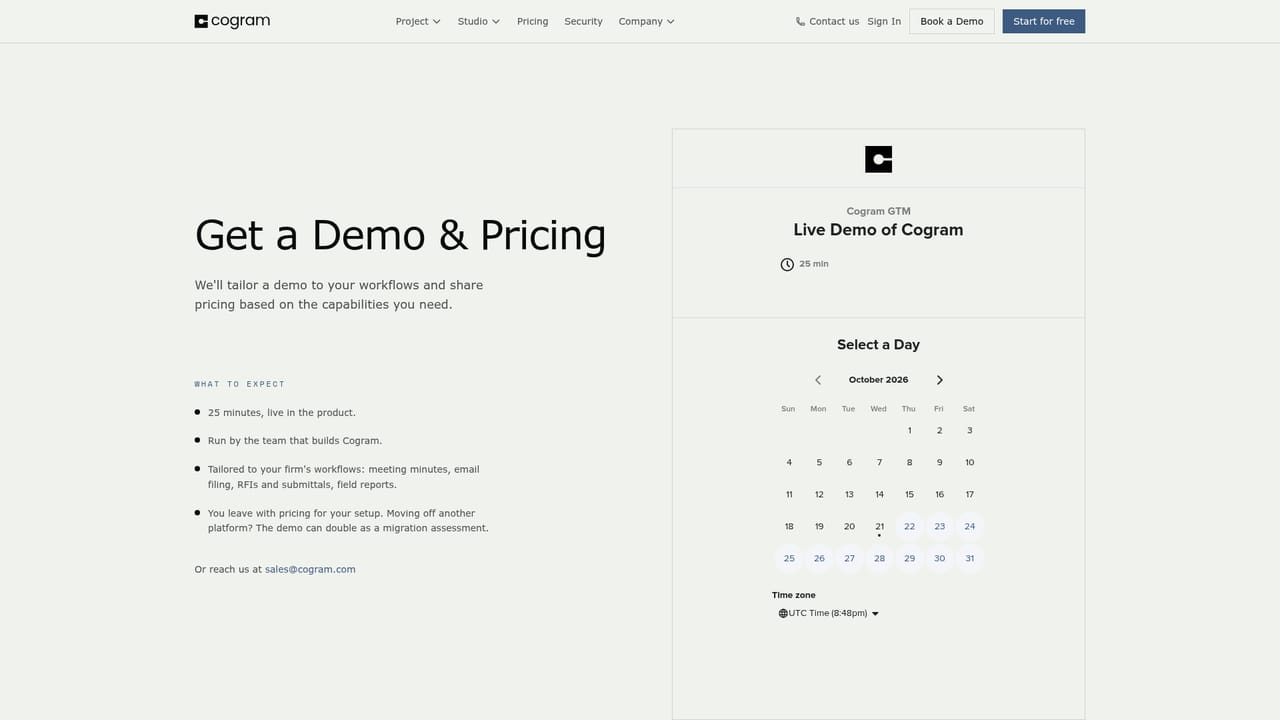
A free 14 day self-serve trial is available, and the team also runs free guided trials with reference calls to customer firms so technical capabilities can be validated.
Learn moreMeeting minutes and project admin AI built for architects and engineers

Cogram is an AI platform for architecture and engineering firms that automates meeting minutes, email filing, field reports and RFI and submittal logs, drafting output into a firm's own templates and connecting to Procore, Deltek, Unanet, Teams, Zoom and Google Meet.
Cogram is an AI platform aimed squarely at architecture, engineering and construction teams, a sector the company argues has been served by software built for a pre-AI era. Founded in 2021, it packages several project delivery tools into one product called Cogram Project, with meeting minutes as the entry point most firms notice first. Rather than a generic note taker, it drafts minutes in the firm's own templates, so the output arrives close to the format project managers already circulate. The platform extends well beyond meetings. Agent lets users question and analyse project documents. Email Management files and searches correspondence across a project. RFIs and Submittals provides logging and review that connects to Procore, and Field Reports lets staff speak observations and attach photos so reports assemble themselves. Meeting Minutes handles both virtual and in-person sessions, capturing action items alongside the narrative record. The stated goal is repeatability: consistent output whether the job sits in North Carolina or California, a point customers raise in the published testimonials. In practice, a firm connects its calendars and conferencing tools, imports projects from project management or ERP systems, and uploads its report and minutes templates. Cogram then drafts into those templates, reducing the copy-paste and reformatting that normally follows a site walk or client call. External collaborators such as subcontractors and co-consultants can be invited at no charge, which matters on jobs where the consultant list is long. Compared with general purpose transcription services, Cogram trades breadth for domain fit: construction vocabulary, contract administration workflows, and integrations with Procore, Deltek and Unanet. Security is pitched at enterprise buyers, with SOC 2 Type II certification, SSO and MFA, no model training on customer data, and optional private cloud or on-premises storage. Firms wanting a cheap standalone transcriber may find it heavier than needed; those running formal contract admin will recognise the target audience.

A free 14 day self-serve trial is available, and the team also runs free guided trials with reference calls to customer firms so technical capabilities can be validated.
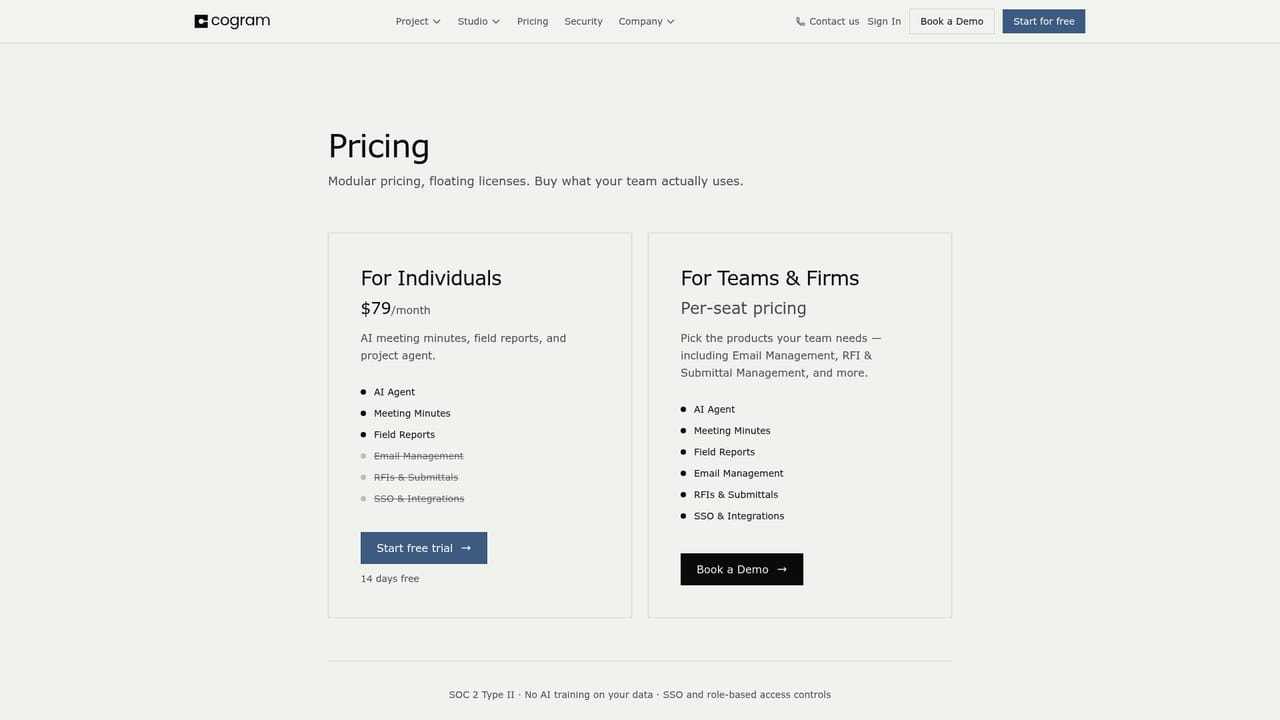
Learn moreThe homepage points to a pricing page and offers a free 14 day self-serve trial plus guided trials, but does not list plan tiers or rates. Booked demos end with pricing quoted for the firm's specific setup, so figures come from sales rather than public tables.
Learn moreSupport is described as high touch and human, with dedicated customer success managers, regular training sessions and workshops, and data migration help for firms moving off legacy tools.
Connects with Microsoft Teams, Outlook, Zoom, Google Meet and calendars, plus Procore, Autodesk Construction Cloud, Deltek and Unanet for project and ERP data. Custom integrations are supported through Cogram's API.
Cogram Project bundles an Agent for querying and analysing project documents, AI email filing and search, RFI and submittal logging with Procore integration, automated meeting minutes for virtual and in-person sessions, and spoken field reports with photo capture. Outputs are drafted in the firm's own templates, and external collaborator accounts are provided free.
Learn more AI Angels400+ customizable AI girlfriends for NSFW chat, voice calls, and roleplay
 Candy AIExperience the future of companionship with AI friends who chat, role-play, and connect with you on a human level.
 ourdream.aiA vast AI roleplay platform with millions of characters for chat, images, video and voiceAI Angels400+ customizable AI girlfriends for NSFW chat, voice calls, and roleplayCandy AIExperience the future of companionship with AI friends who chat, role-play, and connect with you on a human level.ourdream.aiA vast AI roleplay platform with millions of characters for chat, images, video and voice


