Free trial
Free start includes 2 image credits and a short Agent trial, valid for 7 days, with no card required. Figures made with Agent during the trial carry no watermark.
Learn moreChat-driven AI agent for scientific diagrams, flowcharts and charts

ConceptViz is a web AI agent that turns plain-language descriptions into scientific illustrations, flowcharts and data charts, refined through conversation with version history and SVG, PPTX, PNG and JPG export for teachers and researchers.
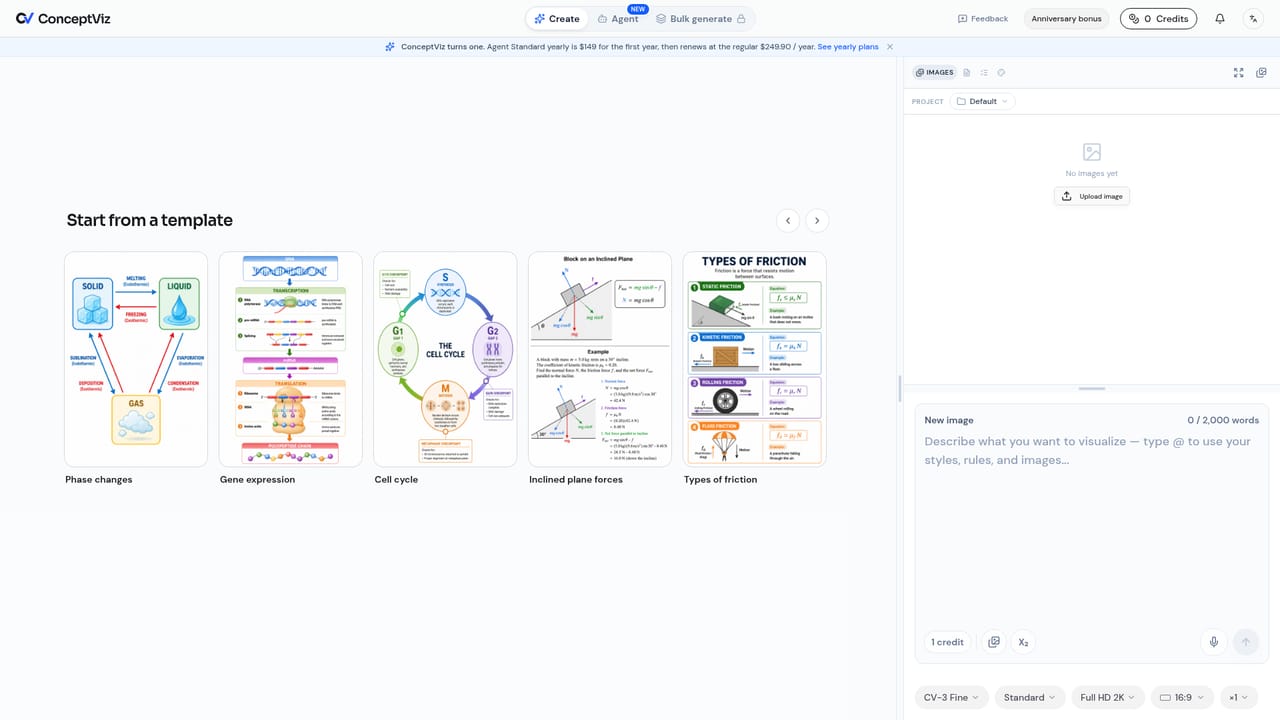
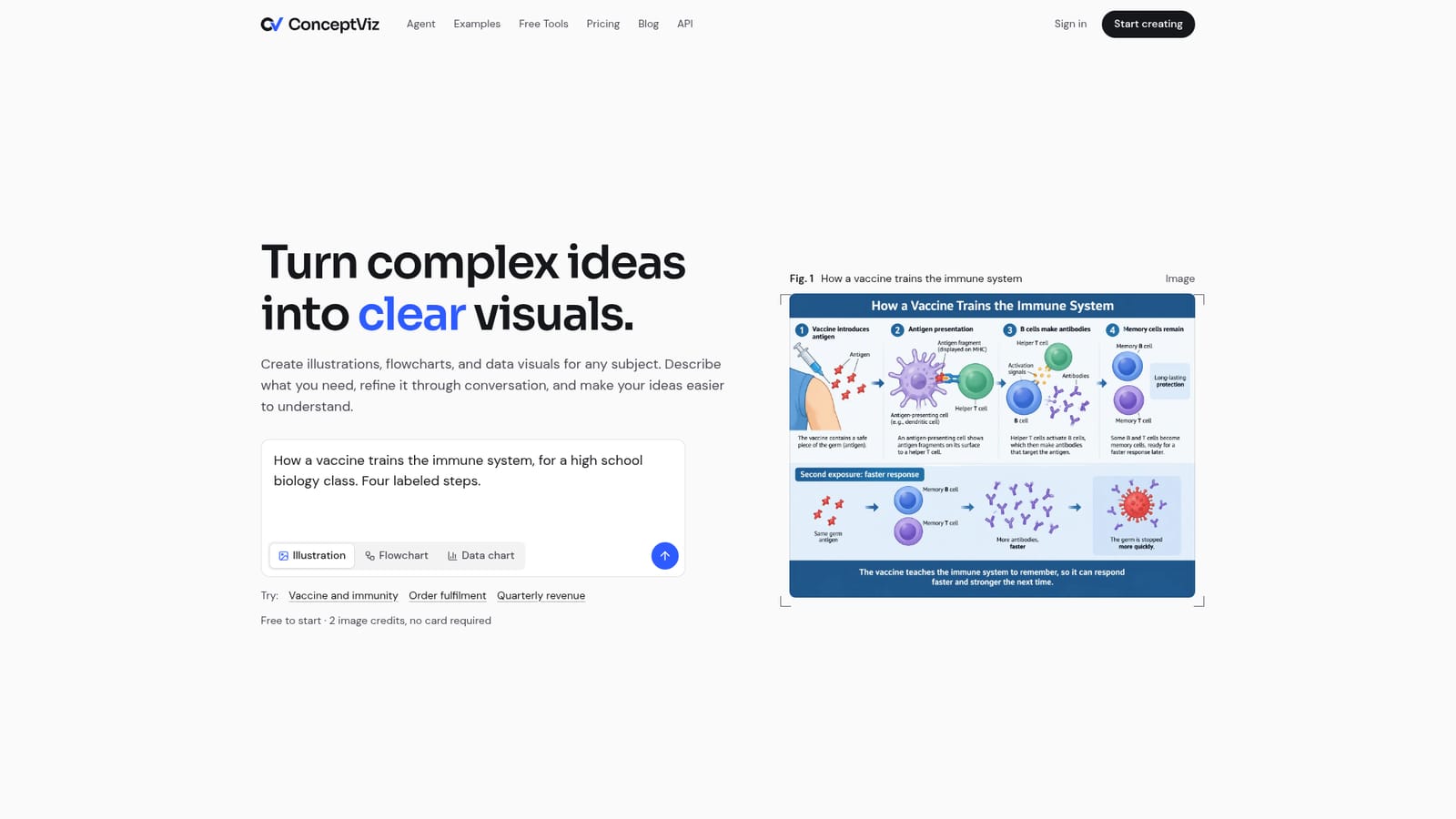
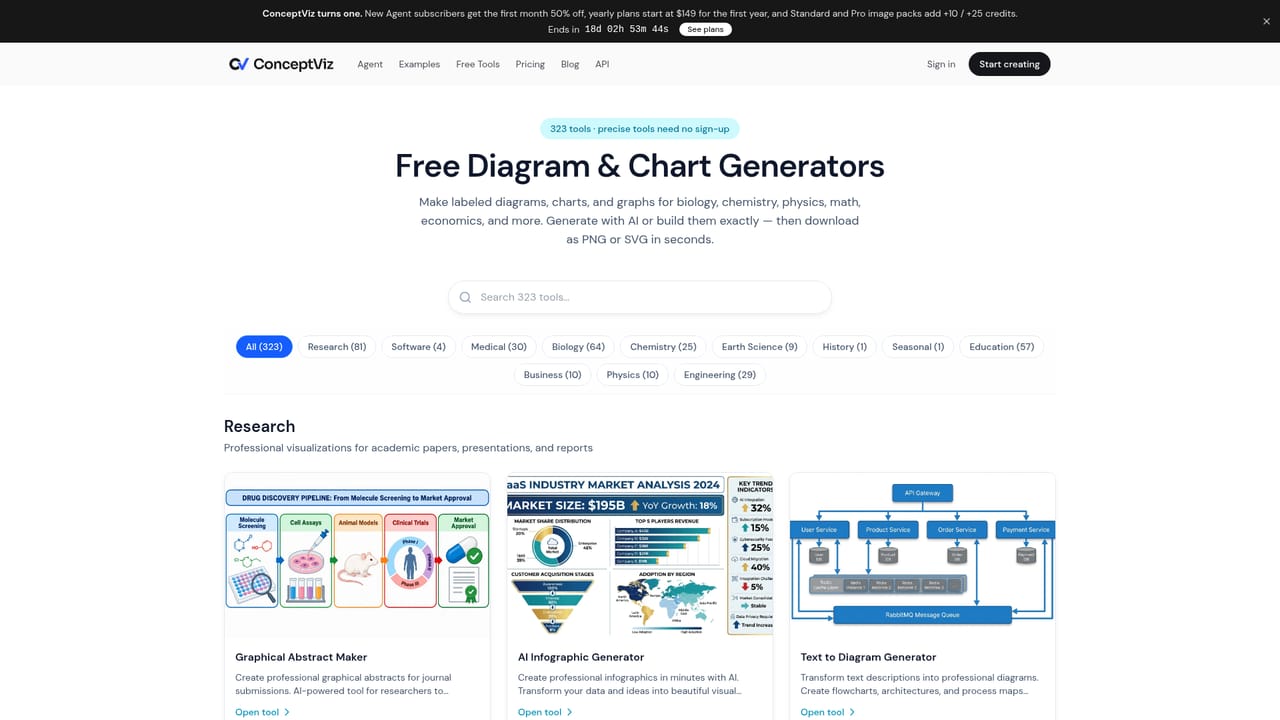
ConceptViz is a web-based AI agent that produces illustrations, flowcharts and data charts from a plain-language description. It is aimed at teachers, students and researchers who need clear figures for lectures, papers, handouts and theses, with examples spanning biology, chemistry, physics, medicine and engineering. Instead of returning a single picture, the agent chooses how each figure should be drawn: a rendered illustration, an editable SVG diagram, or an exact chart built from numbers the user supplies. The workflow is conversational. A user describes the figure, picks an output type (illustration, flowchart or data chart), and the agent writes out its prompt and settings before anything is generated. No credit is spent until the user presses Generate. Follow-up requests are made in ordinary words, such as adding a timeline under a specific panel while leaving the rest untouched, and each change produces a new version while earlier ones are kept. Finished figures can be downloaded as PNG or JPG, or exported as SVG and PPTX for further editing in tools like Figma, Illustrator or Inkscape. Beyond the agent, the site offers a library of 320 generators for common figures, from free body diagrams to PRISMA flowcharts, which serve as starting points for specific subjects. On the higher plans, users can upload documents and have the agent plan a set of up to six related figures from a brief or from their own notes, reviewing that plan before generation. Paid plans include commercial use, and the product states that illustrations are still AI-generated and should be checked before appearing in class or in a paper. Among alternatives, ConceptViz sits between general image generators, which tend to start over after every change, and manual diagramming software that demands drawing skill. Its value is in targeted edits, version history and editable exports, which suit people producing scientific and educational material repeatedly rather than one-off decorative images.
Free start includes 2 image credits and a short Agent trial, valid for 7 days, with no card required. Figures made with Agent during the trial carry no watermark.
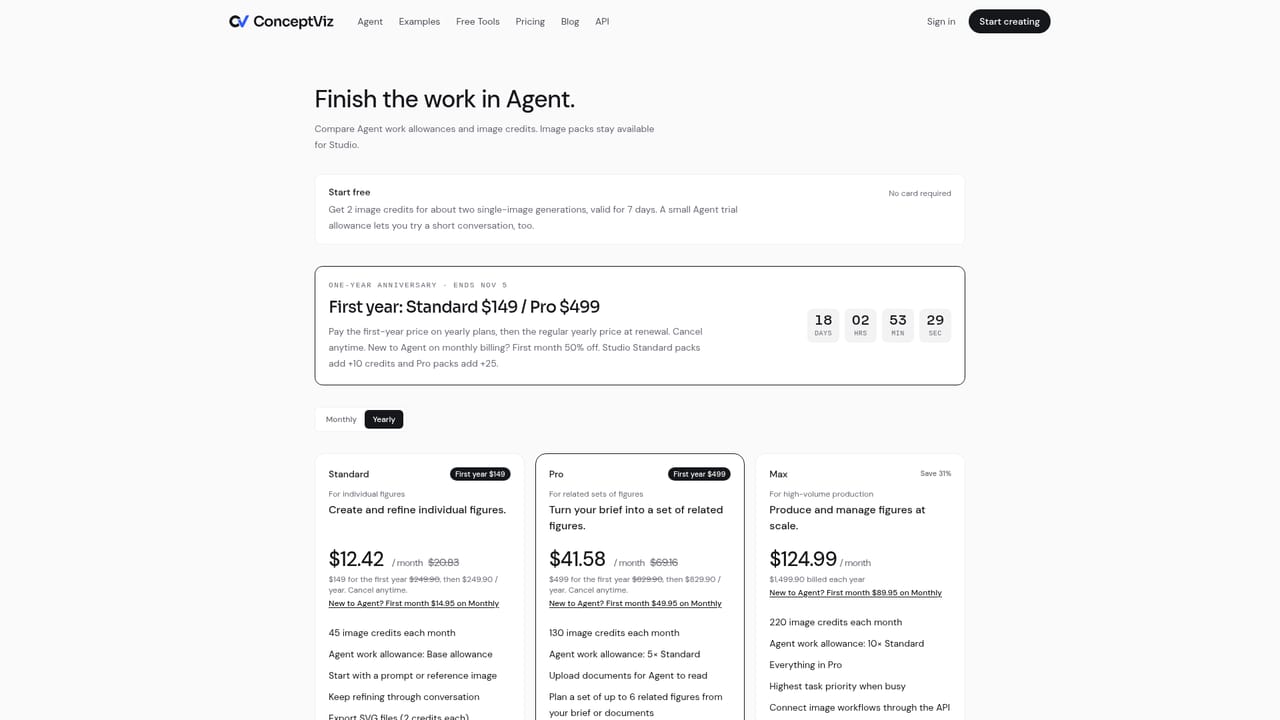
Learn moreFree start with 2 image credits. Standard is $20.83/month billed yearly ($29.90 monthly) for 45 credits; Pro is $69.16/month yearly ($99.90 monthly) for 130 credits; Max is $124.99/month yearly ($179.90 monthly) for 220 credits. Image packs are available for Studio.
Learn moreSupport is by email at contact@conceptviz.app. The homepage FAQ covers accuracy, editing, pricing, commercial use and data storage.
No direct integrations are listed. SVG exports can be edited in Figma, Illustrator or Inkscape, and PPTX exports open in presentation software. API access is included on the Max plan.
Conversational Agent for illustrations, editable SVG flowcharts and exact data charts. Plan preview before generation, targeted edits, full version history, PNG/JPG/SVG/PPTX export, 320 figure generators, document upload and sets of up to 6 related figures on Pro and Max.
Learn more


