Free trial
The developer platform is promoted as a free way to test the models, generate SDK keys and deploy from one dashboard. No trial length or usage cap is stated on the homepage.
Learn moreReal-time speech enhancement that keeps Voice AI pipelines working in the real world

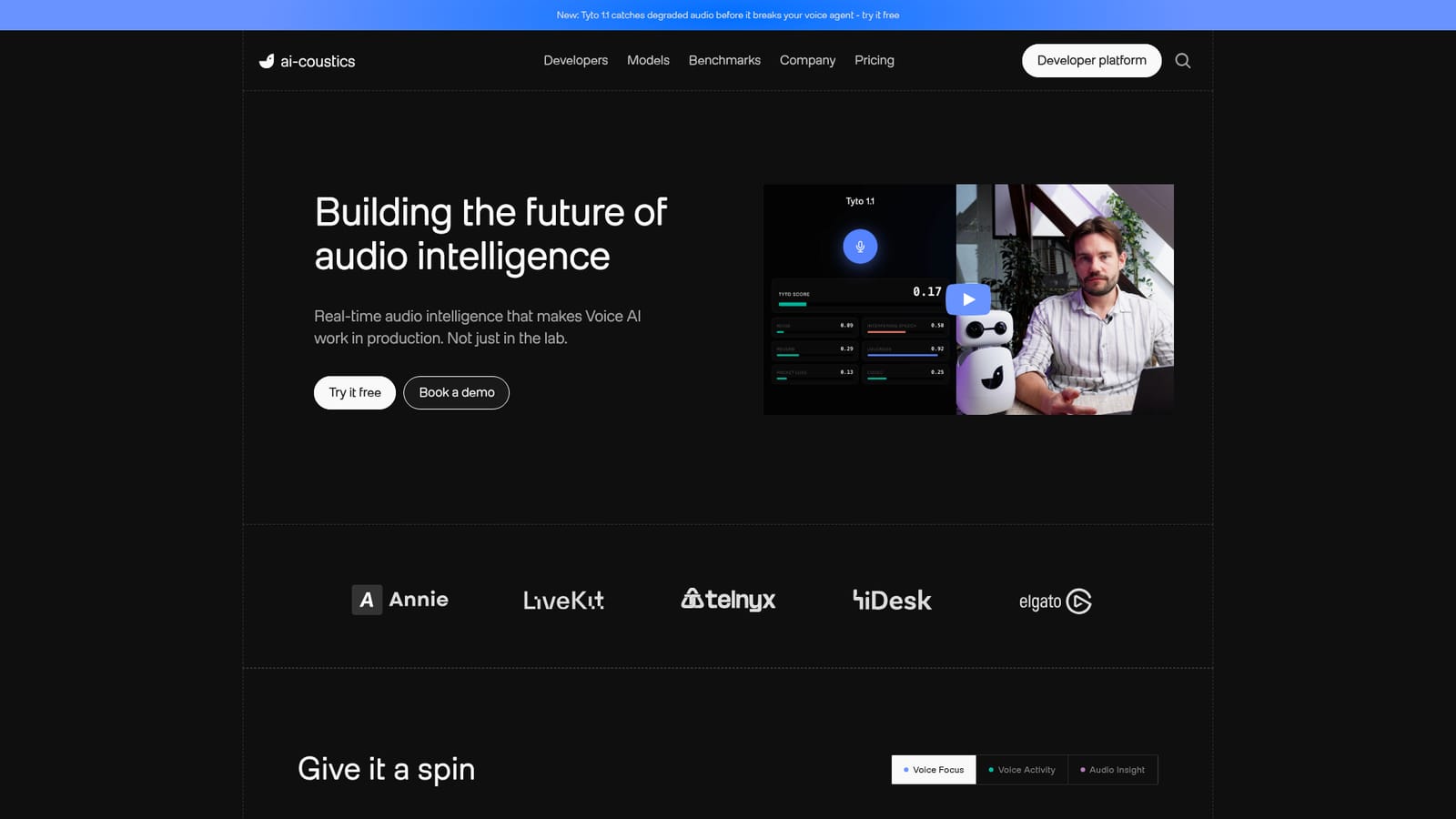
coustics is an audio analysis tool. ai-coustics sells a real-time speech enhancement and audio insight layer for Voice AI stacks. Quail cleans and isolates speech before STT, VAD improves voice activity detection, and Tyto scores whether audio will break an agent downstream.
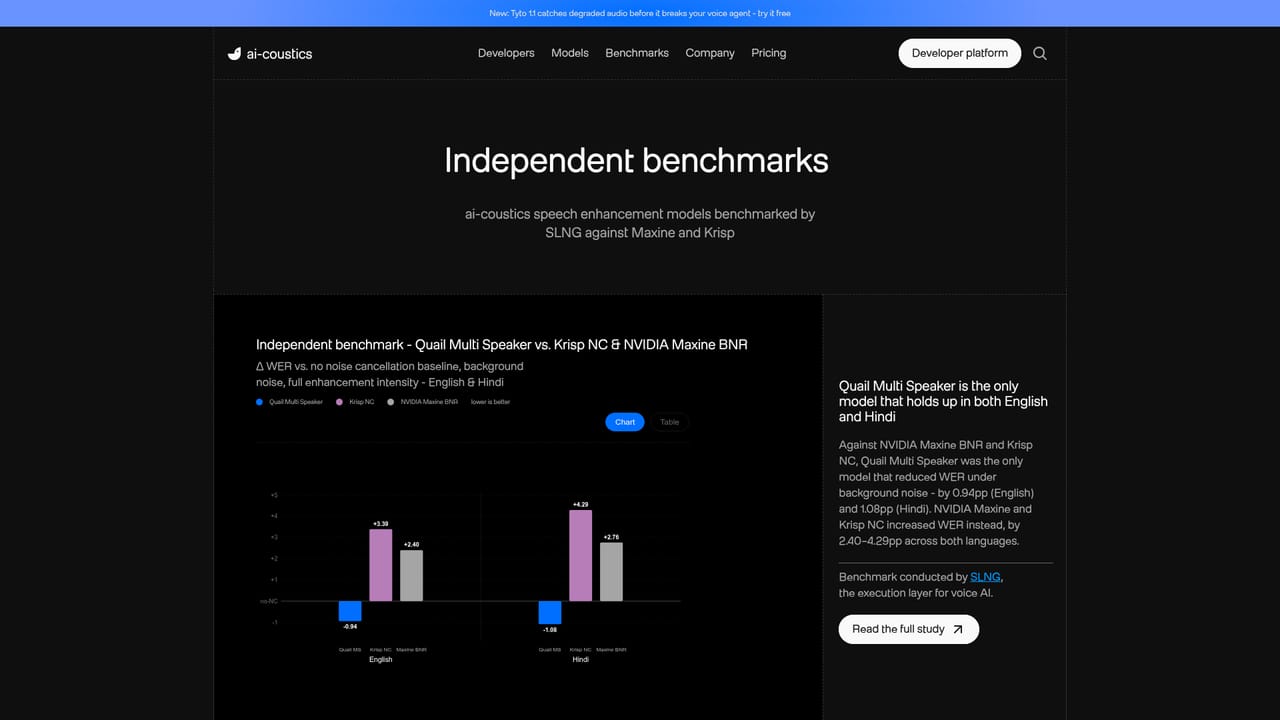
ai-coustics is an audio intelligence layer built for teams running voice agents, speech-to-text pipelines and real-time calls. Its premise is that speech recognition, voice activity detection and language models only behave as well as the audio they receive, and that audio captured in the wild (background chatter, clipped calls, reverberant rooms, impulsive noise) is frequently clean enough for a human ear yet unusable for a machine. The product cleans and conditions incoming speech before it reaches the rest of the stack, running inference in under 10ms without a GPU or ONNX dependency. The lineup is split into three model families. Quail handles speech enhancement: Quail Multi Speaker acts as an STT primer and is claimed to cut word error rate by as much as 30%, while Quail Voice Focus suppresses competing voices and isolates the foreground speaker. VAD is a rebuilt voice activity detector intended to work without separate de-noising tools, and it is pitched as outperforming Silero in accuracy and balance. Tyto takes a different angle: it scores whether incoming audio is likely to break the agent downstream and names the specific cause, which suits teams that want to monitor audio health rather than only fix it. A fourth model, Rook, is listed among the company's models. In practice the SDK drops into an existing voice stack after the microphone or telephony input and ahead of STT and VAD. The vendor cites native integrations for Pipecat and LiveKit, a developer platform for testing models and generating SDK keys, and inference at 8 and 16 kHz PCM. Published figures include up to 43% fewer word errors, 40% fewer false barge-ins and 30% fewer short-utterance failures. This is infrastructure for engineers, not a consumer audio editor. It competes with generic noise suppression built into conferencing platforms and with standalone de-noising models, but positions itself on real-time latency, ASR-specific tuning and the large training corpus the company describes: over 500 noise types and more than a million acoustic environments. Teams shipping voice agents at volume are the intended audience; anyone looking for an offline podcast cleanup tool will find it overbuilt.

The developer platform is promoted as a free way to test the models, generate SDK keys and deploy from one dashboard. No trial length or usage cap is stated on the homepage.
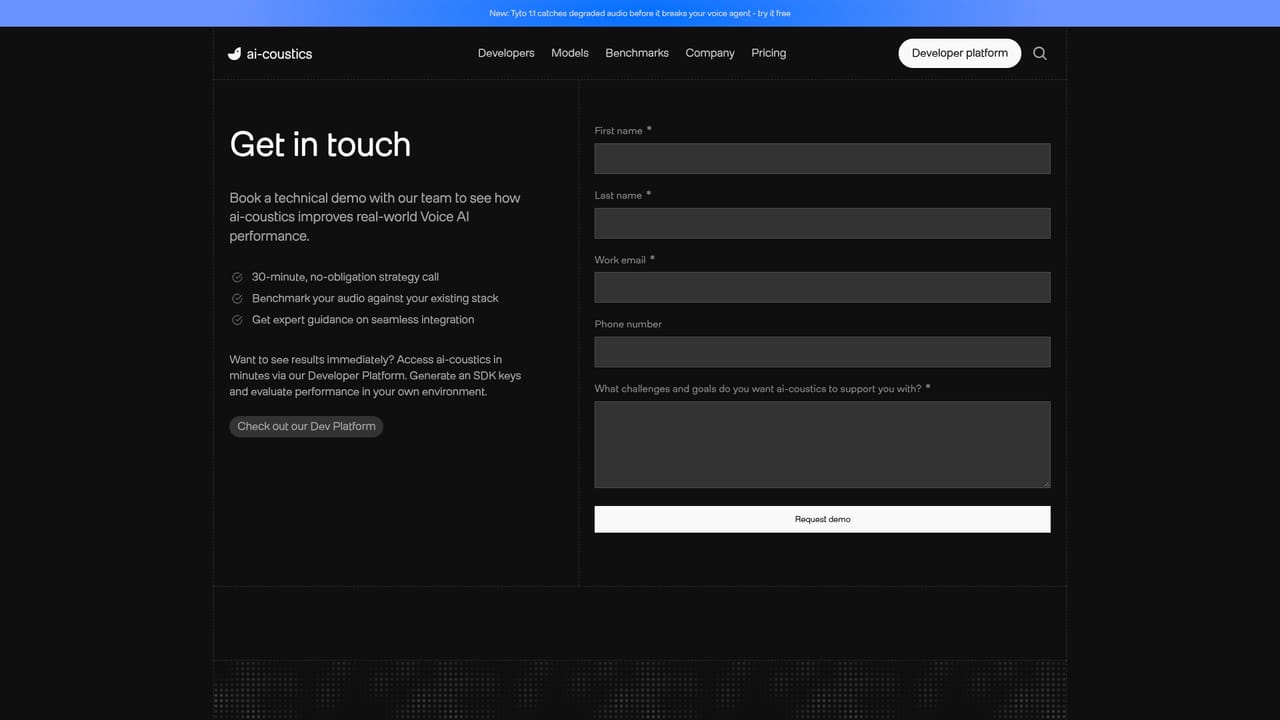
Learn moreA public Discord server is the listed support channel, alongside a contact page and a demo booking form for commercial conversations. Documentation lives on a separate developer docs site.
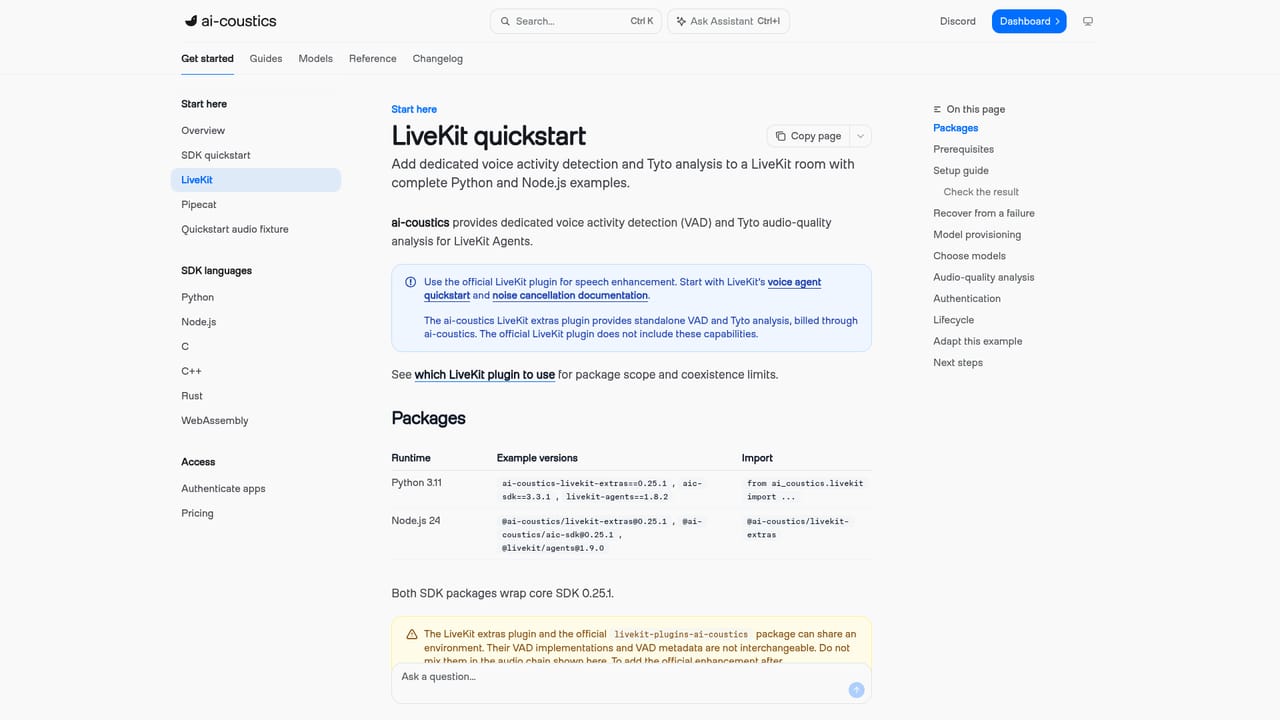
Learn moreNative integrations are documented for Pipecat and LiveKit, with the LiveKit setup covered in a quickstart tutorial. The homepage states support for every major framework but does not enumerate the full list.
Learn moreQuail Multi Speaker acts as an STT primer with claimed word error rate reductions of up to 30%. Quail Voice Focus suppresses competing voices and isolates the foreground speaker. VAD is a rebuilt voice activity detector that the vendor positions above Silero on accuracy, balance and reliability. Tyto scores whether audio will cause downstream agent failures and names the cause. The SDK runs in under 10ms without a GPU.
Learn more AI Angels400+ customizable AI girlfriends for NSFW chat, voice calls, and roleplay
 Candy AIExperience the future of companionship with AI friends who chat, role-play, and connect with you on a human level.
 ourdream.aiA vast AI roleplay platform with millions of characters for chat, images, video and voiceAI Angels400+ customizable AI girlfriends for NSFW chat, voice calls, and roleplayCandy AIExperience the future of companionship with AI friends who chat, role-play, and connect with you on a human level.ourdream.aiA vast AI roleplay platform with millions of characters for chat, images, video and voice


