Crayo

AI clipping and short-form video editing for creators chasing viral shorts

Beginner
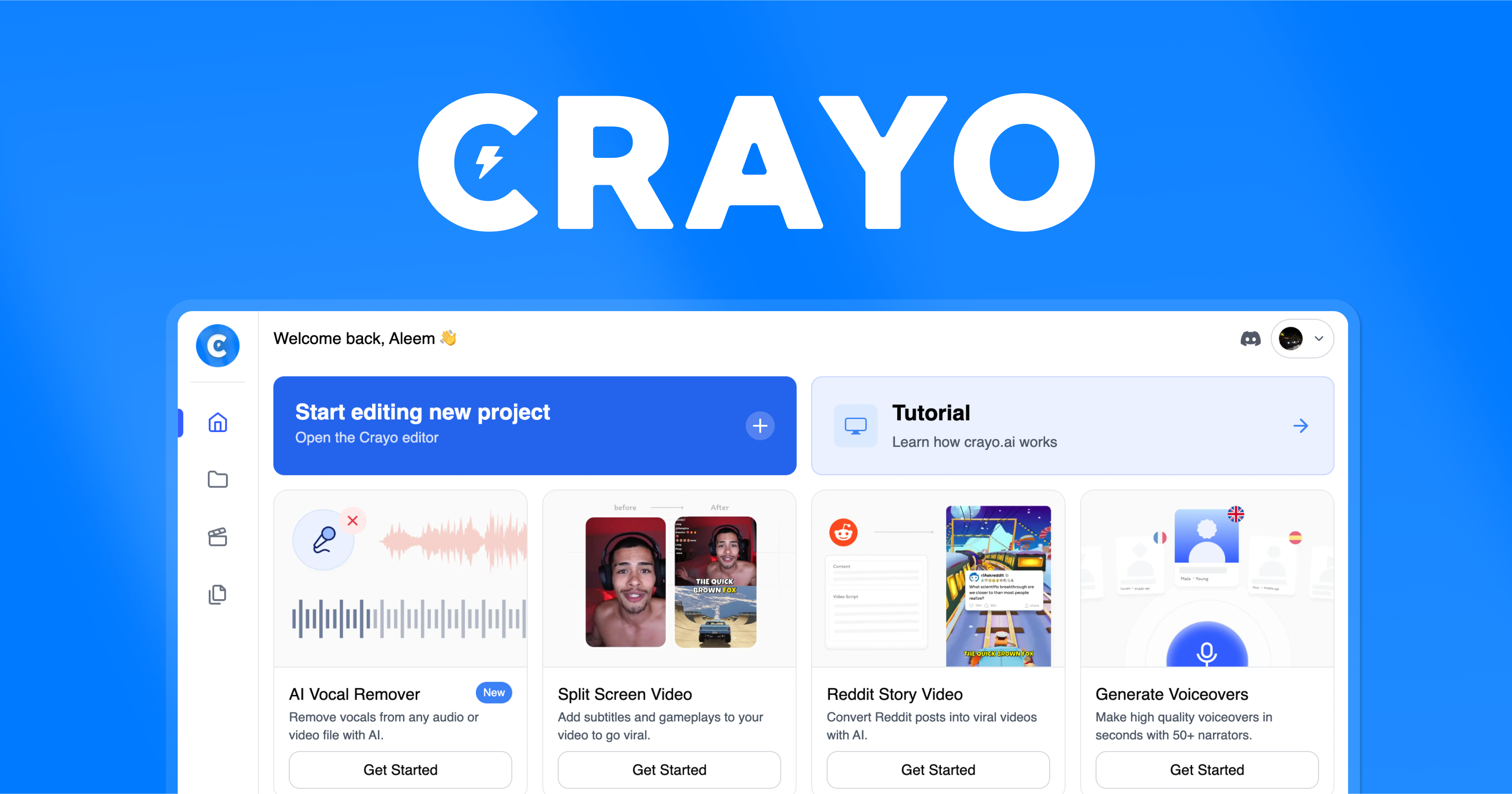
Screenshot of Crayo, AI clipping and short-form video editing for creators chasing viral shorts

What is Crayo?

Crayo is a browser-based AI video editor for short-form content: upload a file or paste a YouTube or TikTok link, choose a subtitle style, and get a captioned clip in seconds. It also bundles AI voiceovers, image and video generation, background removal and a social downloader.

Crayo is a web-based video editor built around one job: turning long footage into short, captioned clips fast. The homepage pitches it as a clipping tool first and an editor second, and the workflow reflects that. A user uploads a file or pastes a YouTube or TikTok link, picks one of more than 15 subtitle styles, and lets the platform generate the finished video. Crayo claims that generation takes seconds, and the whole pipeline runs in the browser with no desktop install. Beyond AutoClip, the platform bundles a broad set of adjacent tools. There are AI voiceovers, AI image and video generation, speech enhancement, background removal for both images and video, a social video downloader, Reddit story video creation, fake text videos, and a brainstorm feature for content ideas. Subtitle styling is treated as a core selling point rather than an afterthought, which tracks with the short-form verticals Crayo targets: YouTube Shorts, TikTok and Reels, where on-screen captions drive retention. The tool is aimed at clippers, streamers, channel operators and social media teams who publish volume rather than craft single hero videos. Testimonials on the site come from people running large channels and clipping for major creators, and the co-founder frames the product as a scaling answer to his own channel growth problems. Someone editing one video a month will find the feature sprawl unnecessary; someone shipping daily clips will recognize the intended use. How it fits among alternatives: Crayo positions itself as an all-in-one subscription that replaces a clipping tool plus separate AI image, voiceover and background removal services. Usage is metered through workflow credits (one per AI-generated video) and export minutes (total video length generated), with credits resetting each billing cycle and one-time top-ups tracked separately. The site reports over 3.2 million users, does not offer refunds, and states that creators fully own the rights to videos they make.

How do you use Crayo?

  1. 1Create an account
    Sign up on the Crayo site to get access to the dashboard and your credit allowance.
  2. 2Open the editor dashboard
    Log in and land on the web dashboard, where the clipping and generation tools live.
  3. 3Upload source footage
    Add a video file from your device or paste a YouTube or TikTok link to pull the source in directly.
  4. 4Pick a subtitle style
    Choose from over 15 viral caption styles and set the language for the generated text.
  5. 5Generate and export
    Run the workflow, review the generated clip in the browser editor, then export within your minute allowance.
  6. 6Get help if needed
    The support team is reachable through the Crayo Discord server for account or generation issues.

Pros and cons

Pros

  • AutoClip workflow turns a source file or social link into a captioned short in three stepsAI
  • More than 15 subtitle styles tuned for vertical short-form platformsAI
  • Background removal works on video as well as images, which is rare in this bracketAI
  • Bundles voiceovers, image generation, speech enhancement and a downloader into one subscriptionAI
  • Creators keep full ownership rights to videos generated on the platformAI

Cons

  • No refund policy; cancelling only stops renewal at the end of the billing cycleAI
  • Usage is metered by workflow credits and export minutes, and unused subscription credits do not roll overAI
  • Pricing tiers and credit allowances are not stated on the homepage, so costs need checking before committingAI
  • No native mobile apps listed, so all editing happens in the browserAI
  • Feature set is sprawling for anyone who only needs occasional clippingAI

How much does Crayo cost?

Pricing

Subscription plans metered by two counters: workflow credits (one per AI-generated video, covering AutoClip, Reddit videos and fake texts) and export minutes (total length generated). Credits reset each billing cycle and do not roll over; one-time top-up credits are tracked separately. Plans can be cancelled anytime and stay active until the cycle ends. No refunds.

Learn more

Support

The site advertises 24/7 support and directs users to the Crayo Discord server for questions and concerns.

Learn more

Features

Auto clipping from uploads or YouTube and TikTok links, 15+ subtitle styles, AI voiceovers, AI image and video generation, Reddit story and fake text videos, speech enhancement, background removal for images and video, a social video downloader, and a content idea brainstormer. Generation and export are metered by workflow credits and export minutes.

Frequently asked questions about Crayo

  • How much does Crayo cost?
    Subscription plans metered by two counters: workflow credits (one per AI-generated video, covering AutoClip, Reddit videos and fake texts) and export minutes (total length generated). Credits reset each billing cycle and do not roll over; one-time top-up credits are tracked separately. Plans can be cancelled anytime and stay active until the cycle ends. No refunds.
  • How do you use Crayo?
    The walkthrough on this page covers 6 steps: 1. Create an account 2. Open the editor dashboard 3. Upload source footage 4. Pick a subtitle style 5. Generate and export 6. Get help if needed.
  • What platforms does Crayo support?
    Crayo is available on Web App.
  • What are the limitations of Crayo?
    No refund policy; cancelling only stops renewal at the end of the billing cycle. Usage is metered by workflow credits and export minutes, and unused subscription credits do not roll over. Pricing tiers and credit allowances are not stated on the homepage, so costs need checking before committing.

Status

StatusActive
Views0
Outbound clicks0
Added10/21/2026

Platforms

Web App

Pricing

FreemiumSubscription