Free trial
A free account can be created without a credit card and includes 10,000 characters per month, so it functions as an ongoing free tier rather than a timed trial.
Learn moreTurn documents and images into natural audio you can listen to anywhere.

Crikk is an AI narration tool that turns documents and images into natural audio you can listen to anywhere. Crikk converts text, PDFs and images into natural-sounding audio, highlighting words as it reads and offering voices across many languages.
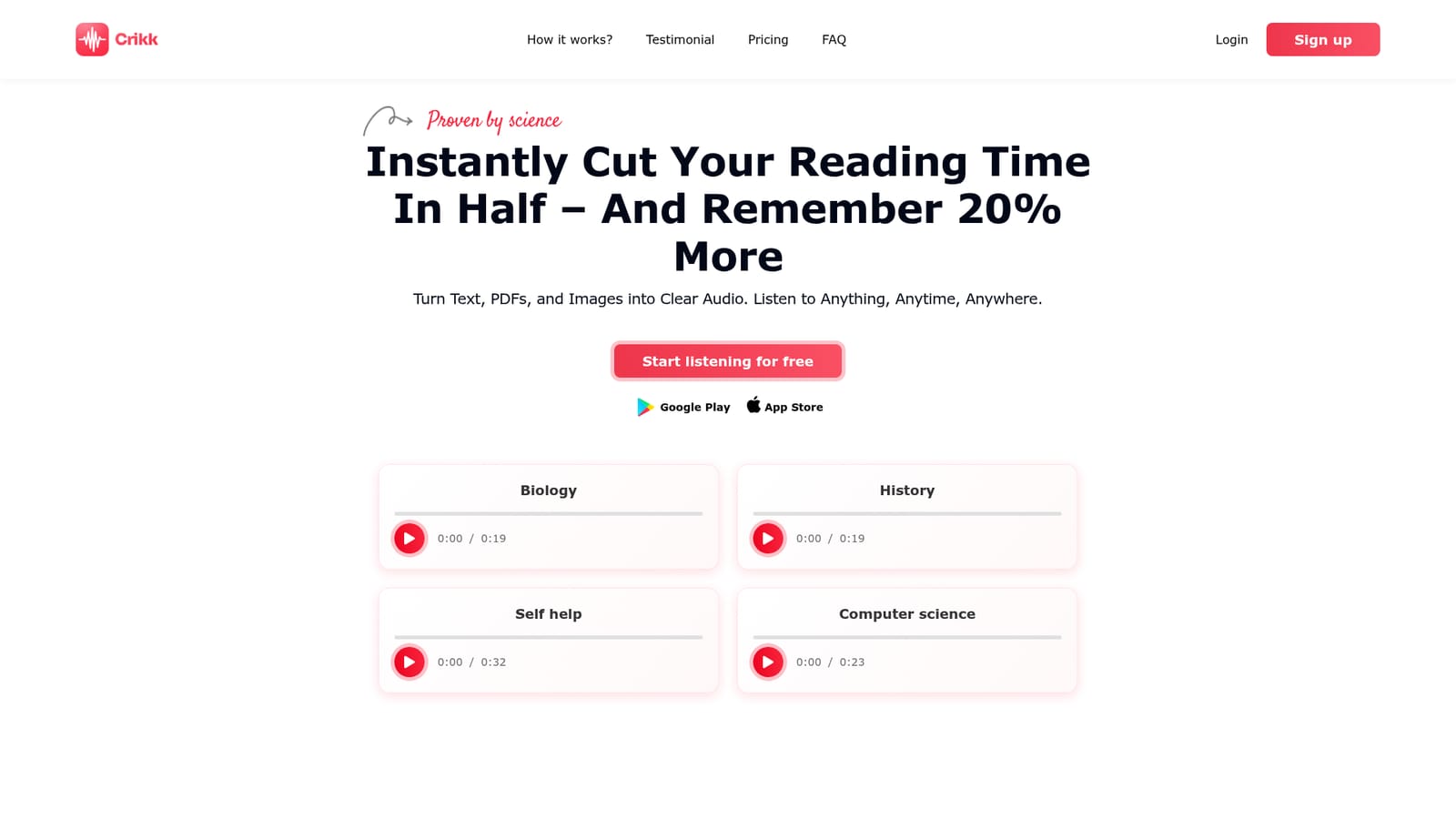
Crikk is a text-to-speech reader built around a simple idea: you absorb more when you read and listen at the same time. The app converts text, PDFs and images into spoken audio and highlights each sentence and word as it plays, so your eyes and ears stay on the same line. Speaking speed can be pushed up to 4X for skimming or for listening while cooking, commuting or exercising. The same engine doubles as a voiceover tool: you pick a voice, adjust speaking style and pitch, insert pauses, and export narration for videos and other projects. The voice library is broad. Crikk claims coverage from Afrikaans to Zulu, with multiple accents for widely spoken languages such as English, French, Spanish and Arabic. Named voices (Adam, Ava, Onyx, Ryan and others) are presented as natural enough for long listening sessions, and the marketing leans on studies suggesting that combined reading and listening aids focus, vocabulary and comprehension, particularly for students with reading challenges. Whether those numbers hold for you depends on the material and your habits, but the read-along highlight is a genuine differentiator against plain TTS players. The product runs as a web app plus Android and iOS apps, which makes it practical for people who want their documents read on a phone. Typical users include students working through textbooks and papers, language learners building vocabulary through audio, commuters catching up on long articles, and creators who need quick narration without hiring a voice actor. Compared with dedicated voiceover studios, Crikk is lighter on production controls; compared with bare-bones screen readers, it is friendlier and multimodal, since images and PDFs are accepted alongside pasted text. The free tier is real rather than a teaser: 10,000 characters per month, unlimited imports and access to free voices, with Pro pitched as the unlimited-listening upgrade. No credit card is required to create an account.
A free account can be created without a credit card and includes 10,000 characters per month, so it functions as an ongoing free tier rather than a timed trial.
Learn moreThe homepage lists a free plan worth $5 per month with 10,000 characters, unlimited imports, free voices and 24x7 technical support. A Pro upgrade for unlimited listening is mentioned, but no Pro price or billing detail is published on the homepage.
Learn moreThe free plan lists 24x7 technical support, and a contact page is available for questions. No documentation portal or community forum is described on the homepage.
Learn moreConverts text, PDFs and images into spoken audio with sentence and word highlighting during playback. Speed goes up to 4X. Voices are offered across most languages with multiple accents for English, French, Spanish, Arabic and others. A voiceover mode adjusts speaking style and pitch and inserts pauses. Apps are available for web, Android and iOS.
 AI Angels400+ customizable AI girlfriends for NSFW chat, voice calls, and roleplay
 Candy AIExperience the future of companionship with AI friends who chat, role-play, and connect with you on a human level.
 ourdream.aiA vast AI roleplay platform with millions of characters for chat, images, video and voiceAI Angels400+ customizable AI girlfriends for NSFW chat, voice calls, and roleplayCandy AIExperience the future of companionship with AI friends who chat, role-play, and connect with you on a human level.ourdream.aiA vast AI roleplay platform with millions of characters for chat, images, video and voice


