Free trial
A free tier exists on the V1 model, but the homepage does not describe a time limited trial of the premium models or features.
Learn moreText and lyrics become finished songs with two takes per generation

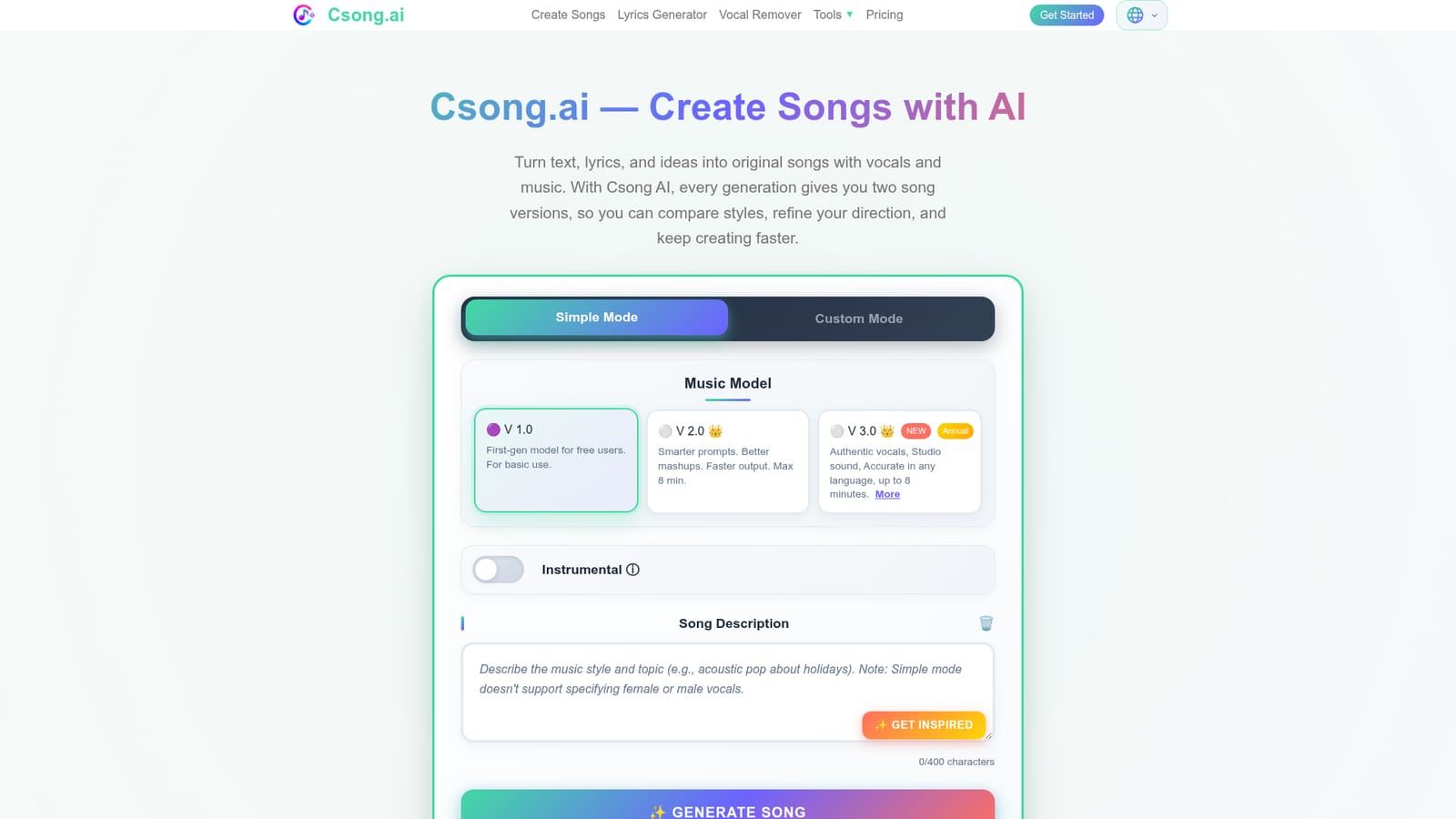
Csong AI is an MIDI generator tool. Csong.ai generates full songs with vocals from a text prompt or your own lyrics, giving two versions per generation plus connected tools for vocal removal, track extension, MIDI export and music video. Simple and Custom modes cover both quick ideas and lyric driven projects.
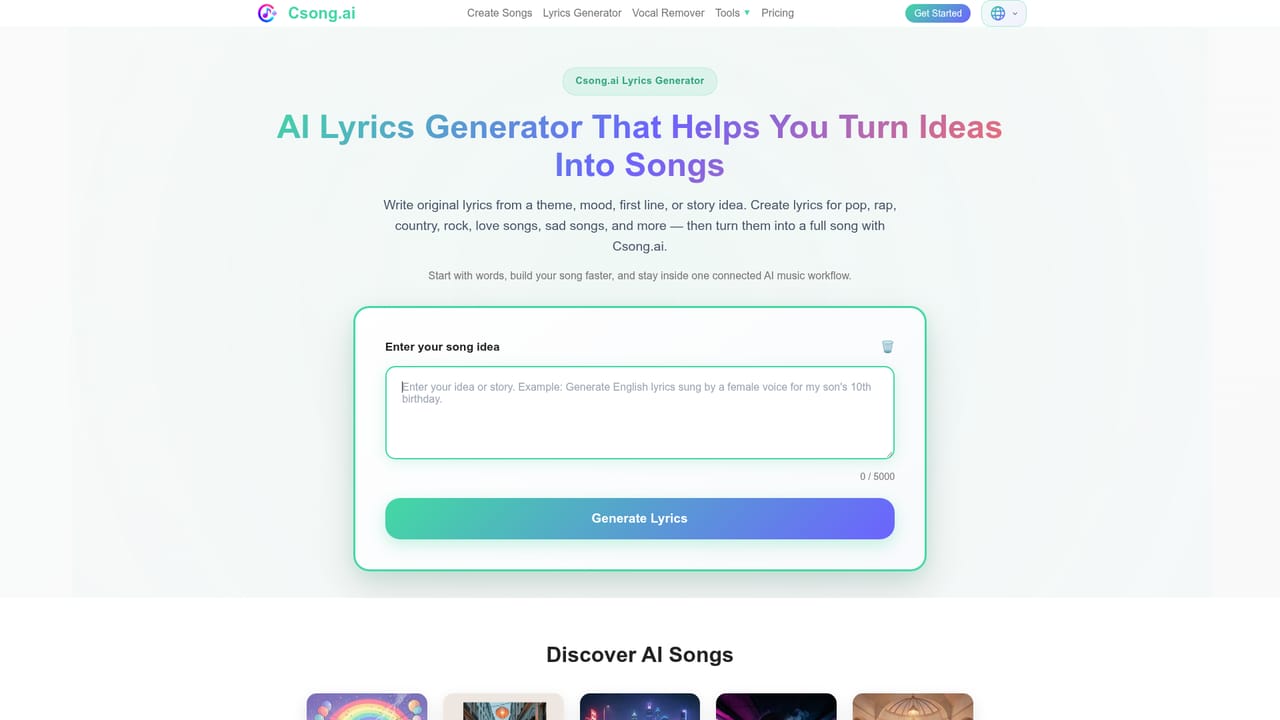
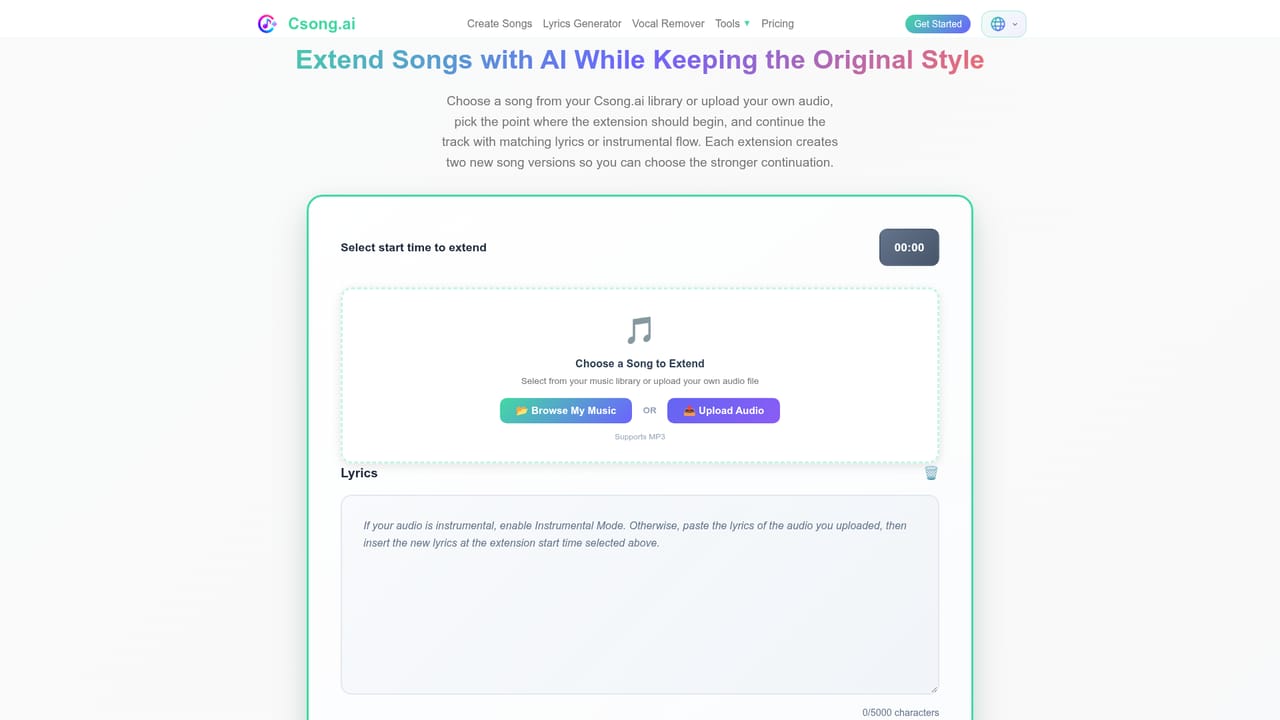
Csong.ai is a browser based song creation platform that turns a written prompt or a set of lyrics into a complete track with vocals and instrumentation. The generator sits in the middle of a wider toolkit: a lyrics writer, a vocal remover, a track extender, audio to MIDI conversion, picture to music, and a music video generator, so a single idea can be pushed into several formats without leaving the site. Sign in with Apple or Google and the creation screen opens directly, which keeps the barrier low for people who have never touched a DAW. The workflow offers two routes. Simple Mode takes a short text description of style, mood and subject and returns a finished song with sung vocals. Custom Mode is for users who already have words: paste up to 3000 characters of lyrics, then narrow the result with genre, mood, voice type, instrument and tempo pickers drawn from long preset lists. Instrumental Mode removes singing entirely, which suits background cues, beats and intros. Every generation returns two separate versions, so the practical loop is compare, pick the stronger take, and regenerate rather than accept a single output. The product is aimed at content creators, hobbyist songwriters, and small teams that need original music quickly and cheaply. Demo makers can sketch a chorus before booking studio time, video editors can produce a bespoke backing track instead of licensing stock, and lyricists have a route from a text file to a sung recording in a few minutes. Model choice shapes quality: V1 is the free first generation model, V2 adds smarter prompting and faster output with an eight minute ceiling, and V3 (annual plans only) claims authentic vocals and studio grade sound across languages. Where Csong competes is follow through rather than raw generation. Export covers MP3 and WAV, public song links handle sharing, and the extras (vocal isolation, extension, MIDI export, synced lyric files, AI video) address the tasks that usually send people to three other services. The trade-offs are real: the best model is locked behind an annual commitment, separate vocal and instrumental stems in high quality are a premium feature, and commercial rights come as a per song license download for annual members rather than a blanket grant.
A free tier exists on the V1 model, but the homepage does not describe a time limited trial of the premium models or features.
Learn moreFree accounts use the V1 model. Paid tiers unlock V2 and V3, higher monthly song counts (300 to 1000 songs per month), unlimited MP3 and WAV downloads, commercial license downloads, synced LRC and SRT files, audio to MIDI and separate vocal HQ. Annual billing saves over 50% versus monthly, and subscribers can buy one time lifetime credit packs that never expire.
Learn moreSong generation from text prompts or pasted lyrics with Simple and Custom modes, two versions per generation, instrumental output, and three model tiers (V1 free, V2, V3 annual). Style controls span genre, mood, voice, instrument and tempo presets. Supporting tools include a lyrics generator, vocal remover with a premium HQ mode, track extension, audio to MIDI conversion, picture to music, an AI music video generator, custom cover upload, and MP3, WAV, LRC and SRT exports.
 AI Angels400+ customizable AI girlfriends for NSFW chat, voice calls, and roleplay
 Candy AIExperience the future of companionship with AI friends who chat, role-play, and connect with you on a human level.
 ourdream.aiA vast AI roleplay platform with millions of characters for chat, images, video and voiceAI Angels400+ customizable AI girlfriends for NSFW chat, voice calls, and roleplayCandy AIExperience the future of companionship with AI friends who chat, role-play, and connect with you on a human level.ourdream.aiA vast AI roleplay platform with millions of characters for chat, images, video and voice