Free trial
The site promotes starting for free, and the FAQ linked from the pricing page is the place to confirm what the free tier includes. Specific credit or generation limits are not stated on the homepage.
Learn moreReal time AI image and video generation with a speed first design

Decoherence is a generative art tool. A speed focused generative media suite with real time image streaming, AI character and reference person consistency, image to video animation, a 4x creative upscaler, and style locked AI Stations, aimed at illustrators, social creators and casual visual experimentation.
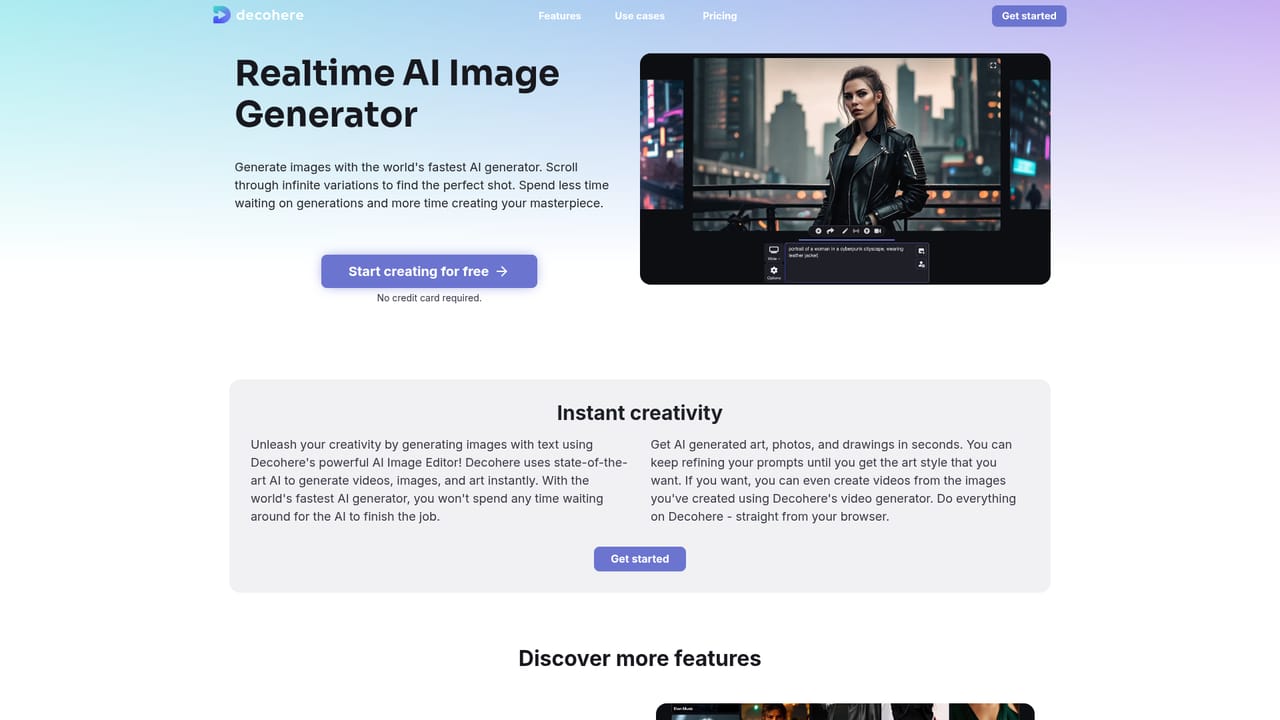
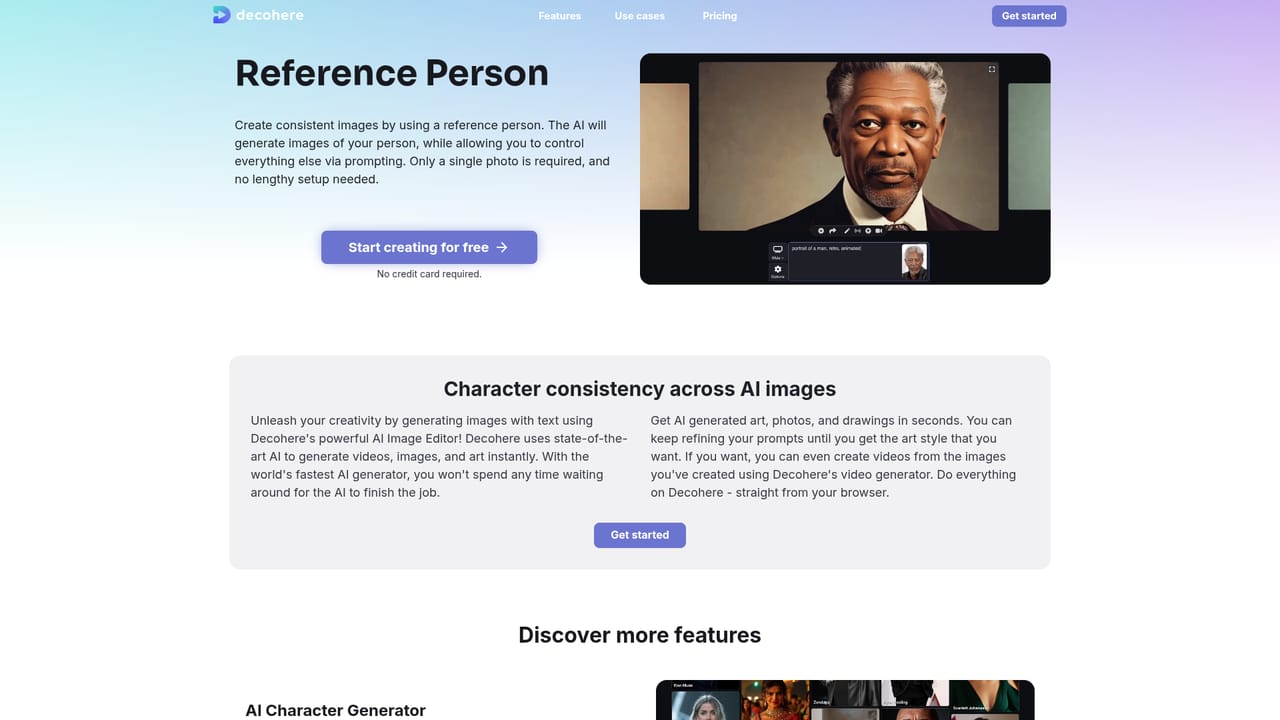
Decohere is a generative media platform built around one central claim: speed. Instead of typing a prompt and waiting, users watch images appear in a continuous stream and scroll through endless variations until something clicks. That real time loop is the product's identity, and every other feature on the site orbits it, from character creation to video and upscaling. The toolkit covers four main areas. An AI character generator produces photorealistic people and known characters, while a separate character creator lets users design their own avatars or influencer personas. Reference Person keeps a single face consistent across many generations from one photo, with prompting controlling everything else in the frame. AI Stations push the endless stream idea further: users seed a station with any image and receive unlimited output in that style. A video generator animates a starting image (generated on site or uploaded) with controllable motion so shots that cannot be filmed become possible. The creative upscaler rounds things out at up to 4x resolution while adding new detail, with a creativity control for tuning how far it departs from the original. The audience is broad but leans toward visual creators: illustrators, concept artists, social media producers, tattoo designers, tabletop players making DnD art, and people mocking up interiors or architecture. A long use case menu (anime, manga, Disney style, Marvel style, Pokemon style, wallpapers, headshots, shorts) signals a consumer friendly positioning rather than an enterprise pipeline tool. Against general purpose image generators, Decohere competes on iteration speed and style consistency rather than model variety or fine control. The real time stream suits exploration and happy accidents; users who need precise composition, layered editing, or documented API access should look elsewhere, since the homepage makes no such promises.

The site promotes starting for free, and the FAQ linked from the pricing page is the place to confirm what the free tier includes. Specific credit or generation limits are not stated on the homepage.
Learn moreSupport is reachable by email at support@decohere.co, and a separate guide and FAQ are linked from the site footer. No live chat or ticket portal is mentioned.
Learn moreCovers real time AI image generation with infinite variations, an AI character generator for photorealistic people and known characters, a creator for original AI characters, Reference Person for face consistency from one photo, image to video with controllable motion, a creative upscaler to 4x resolution, and AI Stations for unlimited images in a chosen style.
Learn more AI Angels400+ customizable AI girlfriends for NSFW chat, voice calls, and roleplay
 Candy AIExperience the future of companionship with AI friends who chat, role-play, and connect with you on a human level.
 ourdream.aiA vast AI roleplay platform with millions of characters for chat, images, video and voiceAI Angels400+ customizable AI girlfriends for NSFW chat, voice calls, and roleplayCandy AIExperience the future of companionship with AI friends who chat, role-play, and connect with you on a human level.ourdream.aiA vast AI roleplay platform with millions of characters for chat, images, video and voice


