Free trial
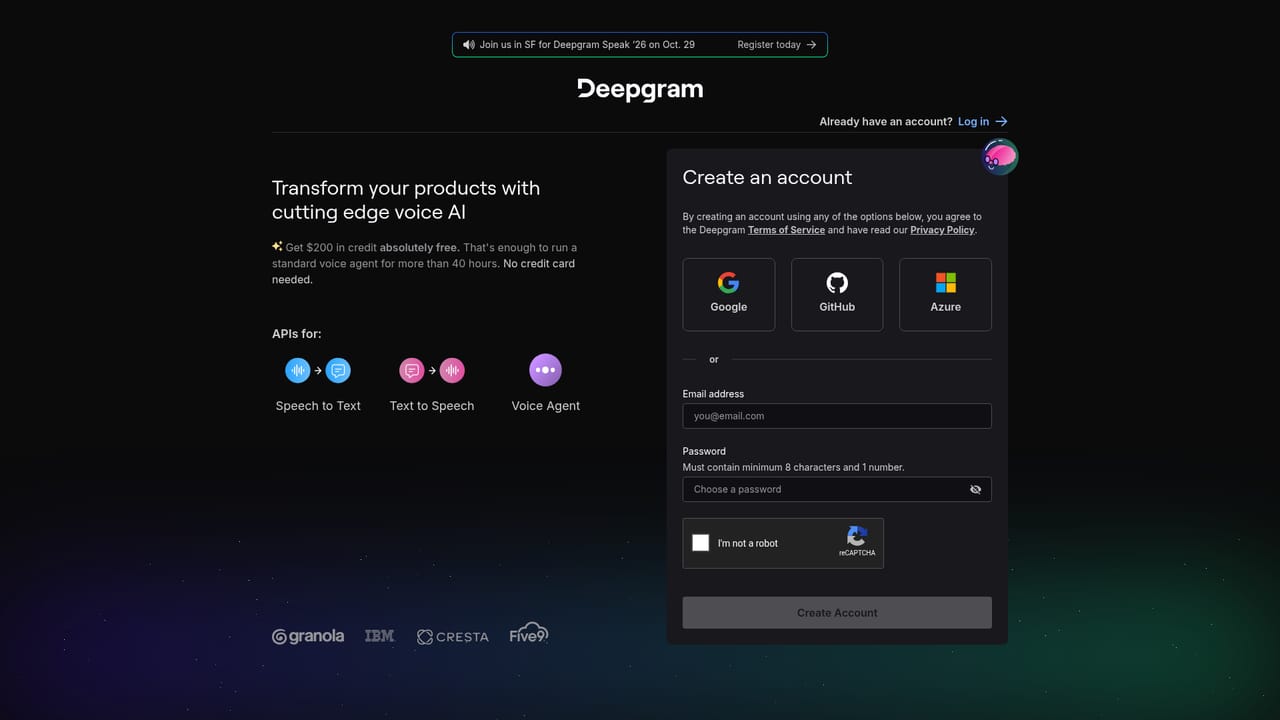
A free try-for-free signup is offered through the console, and Flux TTS is promoted as free to build with through September 12th, with concurrency limits of up to 45 streaming connections in the US and 5 in the EU and AU.
Learn moreConversation-aware speech APIs for transcription, voice and agents

Deepgram is an AI transcriber tool. Deepgram offers speech-to-text, text-to-speech and a unified Voice Agent API with conversational turn detection and interruption handling, available in real time or batch and deployable in the cloud or self-hosted. Aimed at developers and platforms building voice agents, transcription pipelines and embedded speech features.
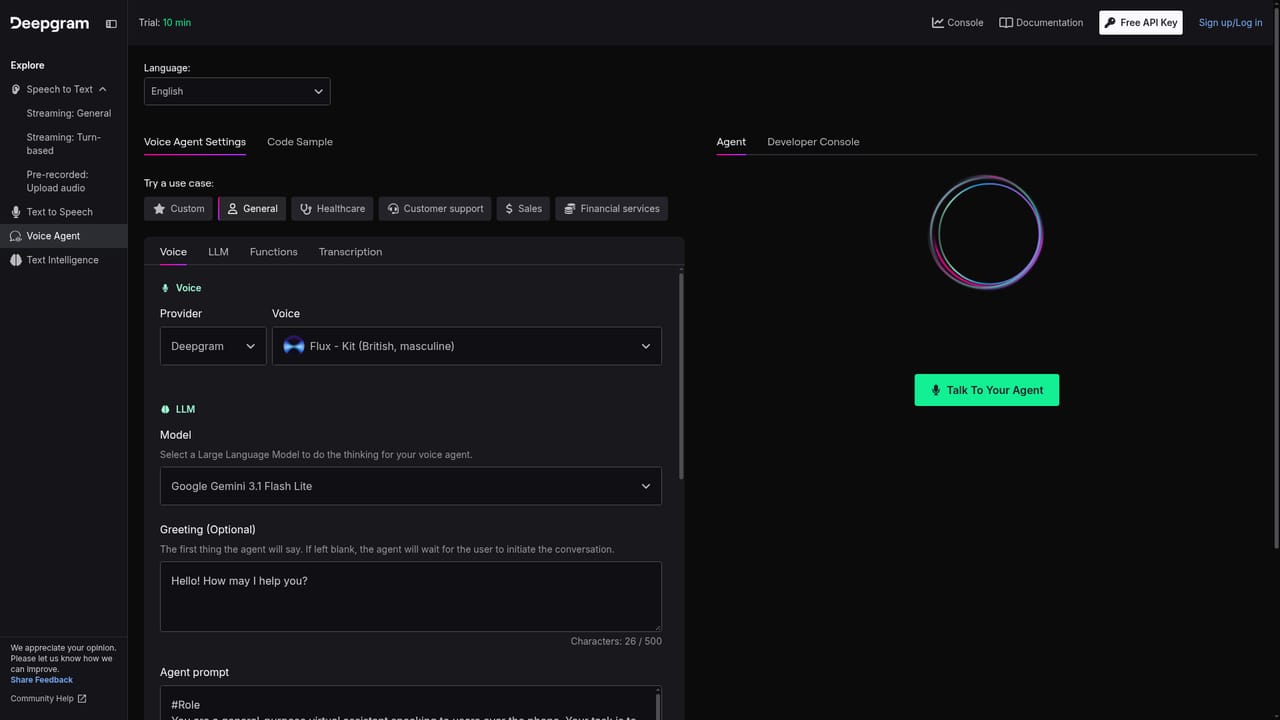
Deepgram is a voice AI platform built around two core models, Flux STT for listening and Flux TTS for speaking, plus a Voice Agent API that bundles both with LLM orchestration. Rather than treating transcription as a one-way dictation problem, the platform is designed for live conversation: it detects end of turn, handles interruptions, and keeps context across an exchange. Speech-to-text runs in real time or in batch. Text-to-speech is pitched as expressive with latency as low as 80ms, and audio intelligence layers add insight on top of raw transcripts. Deployment is available in the cloud or self-hosted. The natural audience is developers and product teams building voice agents, call handling, meeting notes or media transcription, along with platforms and partners embedding speech into their own products. Enterprises with unusual workflows or compliance requirements take the custom model route. For a straightforward transcription job, the batch STT endpoint is the simplest entry point. For a conversational agent, the unified API replaces the usual patchwork of a speech recognizer, a language model and a synthesizer wired together by hand, which the company argues lowers complexity, latency and cost. A browser playground lets teams trial the voice agent before committing to code. In practice, audio arrives through a partner-provided transport layer (telephony partners bridging PSTN or SIP, for example), gets transcribed, passes through LLM orchestration that manages context, system prompts, function calling and external data lookups, then returns as synthesized speech. Business logic and back-office systems sit alongside that loop so responses can be grounded in real records. Compared with single-purpose transcription services, Deepgram is broader: it competes for speech-to-text accuracy work but also for the voice agent stack that vendors like Twilio, Sierra and Cresta draw on. The trade-off is that the full agent path assumes engineering resources and a clear telephony or streaming setup, so teams wanting a finished app may prefer a higher-level builder.
A free try-for-free signup is offered through the console, and Flux TTS is promoted as free to build with through September 12th, with concurrency limits of up to 45 streaming connections in the US and 5 in the EU and AU.
Learn moreSupport runs through a contact form for demos and sales conversations, with enterprise and partner pages covering custom model and compliance discussions. No public help centre or docs link is listed on the homepage.
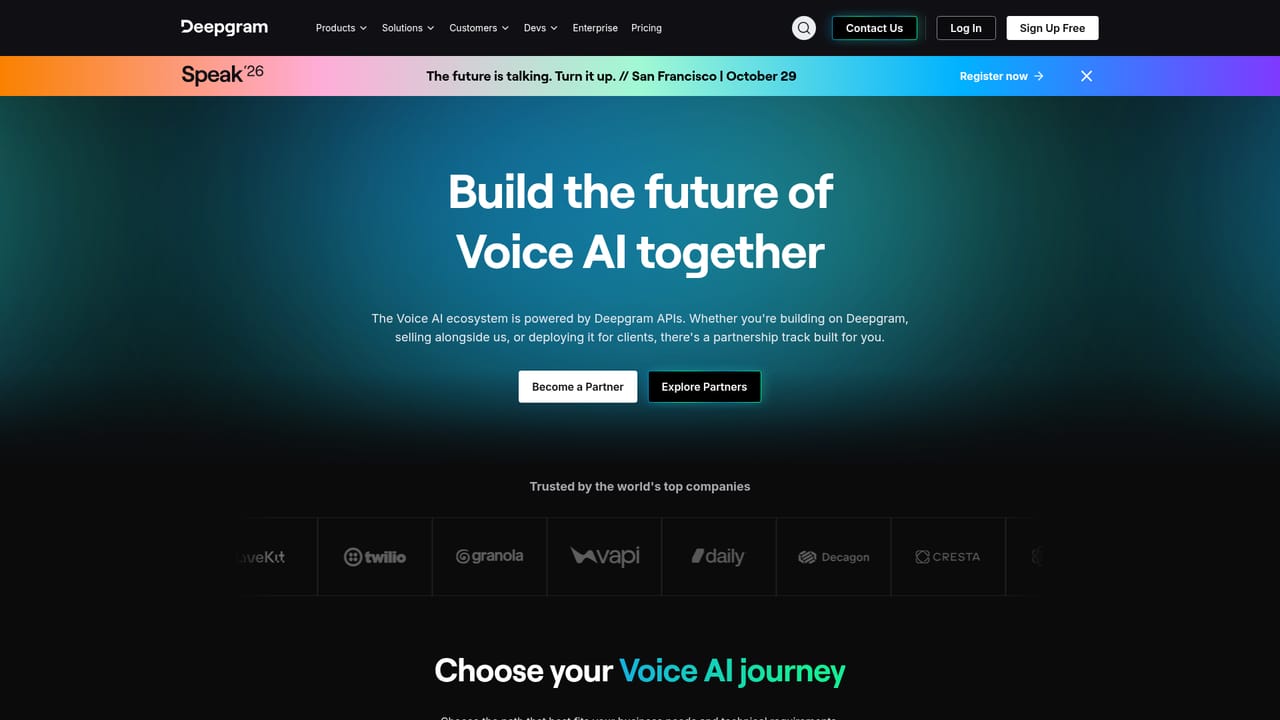
Learn moreThe voice agent stack relies on a partner-provided transport layer, including telephony partners bridging PSTN or SIP audio, and connects outward to an LLM via API plus your own databases and back-office systems for grounded responses. A partner program exists for platforms embedding the technology.
Learn moreCore pieces are Flux STT for real-time transcription with turn detection and interruption handling, Flux TTS for expressive speech with latency as low as 80ms, a unified Voice Agent API combining STT, TTS and LLM orchestration, and audio intelligence for deriving insight from conversations. Real-time or batch processing, cloud or self-hosted deployment, and custom models for enterprise workflows.
Learn more AI Angels400+ customizable AI girlfriends for NSFW chat, voice calls, and roleplay
 Candy AIExperience the future of companionship with AI friends who chat, role-play, and connect with you on a human level.
 ourdream.aiA vast AI roleplay platform with millions of characters for chat, images, video and voiceAI Angels400+ customizable AI girlfriends for NSFW chat, voice calls, and roleplayCandy AIExperience the future of companionship with AI friends who chat, role-play, and connect with you on a human level.ourdream.aiA vast AI roleplay platform with millions of characters for chat, images, video and voice


