Free trial
A free plan is available so users can create a first 3D video before paying. It is limited to personal and testing use, not commercial projects.
Learn moreTurn a single 2D image into a 3D depth motion MP4 video

Depthflow AI is an animation tool that turns a single 2D image into a 3D depth motion MP4 video. Depthflow AI converts a single 2D image into a 3D depth motion video exported as MP4.
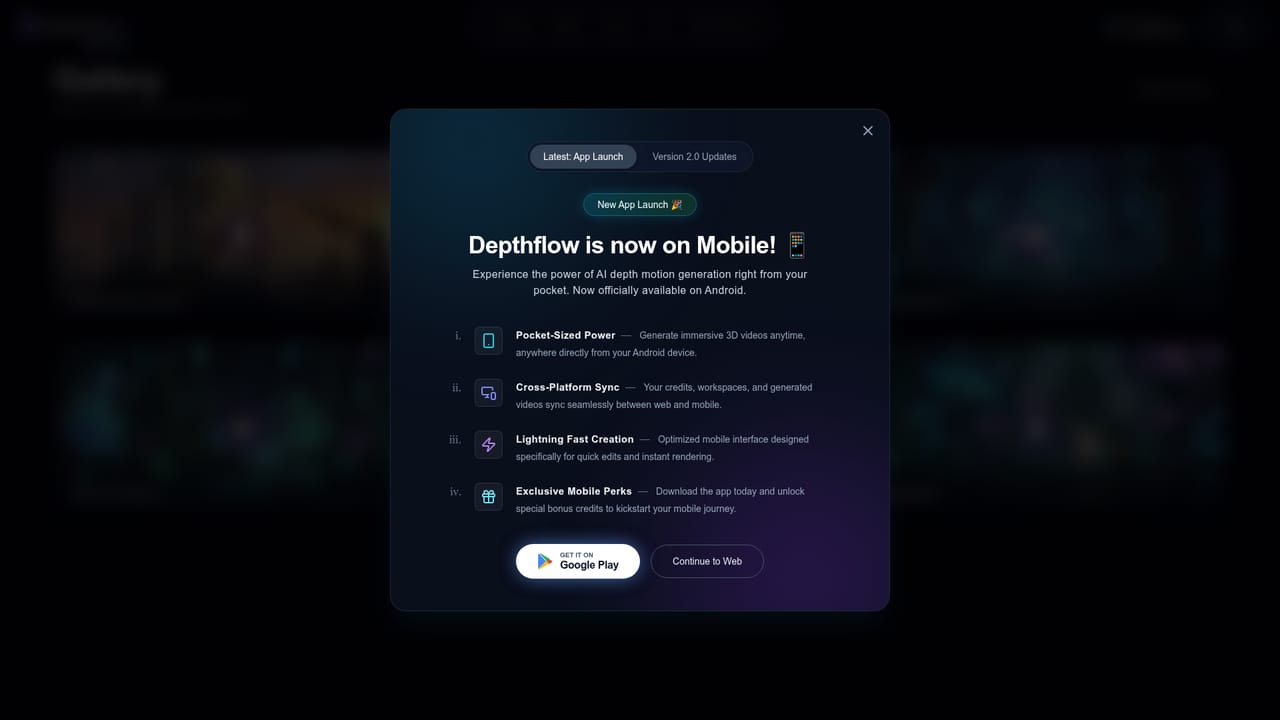
Depthflow AI is a web and Android service that takes a flat still image and renders it as a short video with 3D depth and camera-style motion. The AI estimates the scene's depth, builds a 3D representation from it, and animates a virtual camera through that space, so a photo or illustration appears to have parallax and volume. Output is delivered as an MP4, which makes the clips easy to drop into social posts, websites and presentations. The tool is aimed at creators, social media producers, marketers and designers who want motion from existing artwork without learning a compositing package. Developers are also addressed: the site lists API access alongside a Basic mode and an Advanced mode, with control over duration (up to 30 seconds), quality and style. Beginners can stay in the simple workflow, while those who want more control can use the advanced options. In practice the flow is short: upload an image, let the AI process it into a 3D scene, then download the finished video. Billing runs on credits, with one image conversion costing 20 credits, and credits are deducted only when a render completes successfully. A free plan exists for personal and testing use, while commercial use of renders requires the Basic or Pro plans. Monthly plan credits reset each billing cycle, and yearly plan credits last the full subscription year. Credits, workspaces and generated videos sync between the web app and the Android app, which launched alongside the Version 2.0 update. Among alternatives, Depthflow positions itself against Immersity AI and similar depth-animation platforms, arguing for a simpler interface, clearer credit rules and lower per-render cost. Those comparisons are the vendor's own claims and should be tested against real needs. It is a focused single-purpose tool: it does not edit video or generate images from prompts, so it suits users who already have source images and want quick depth-based motion from them.

A free plan is available so users can create a first 3D video before paying. It is limited to personal and testing use, not commercial projects.
Learn moreCredit-based system where one image conversion costs 20 credits, deducted only on a successful render. A Free plan plus Basic and Pro plans are mentioned, with monthly and yearly billing. Dollar prices for the plans are not stated on the homepage.
Learn moreThe homepage has an FAQ covering credits, output, commercial use, privacy and cancellation. Subscriptions can be cancelled from the account dashboard. No dedicated support channel is listed.
The homepage mentions API access for developers but names no third-party integrations. Web and Android apps share credits, workspaces and videos.
Converts 2D images to 3D depth motion videos, with Basic and Advanced modes, API access, clips up to 30 seconds, control over duration, quality and style, MP4 export, faster Version 2.0 rendering, and web plus Android apps with synced credits.


