Free trial
Free registration gives 2 credits, enough to upload an image, generate a paper animation and preview it.
Learn moreTurn photos into torn-edge paper unfold animations
Own Paper Animator? Verify ownership to get a dofollow link

Paper Animator is an animation tool that turns photos into torn-edge paper unfold animations. Paper Animator is a web tool that turns an uploaded photo into a torn-edge paper unfold animation. It removes the background with AI and exports 1080p MP4, GIF, transparent PNG or green screen files for social, ads and launches.
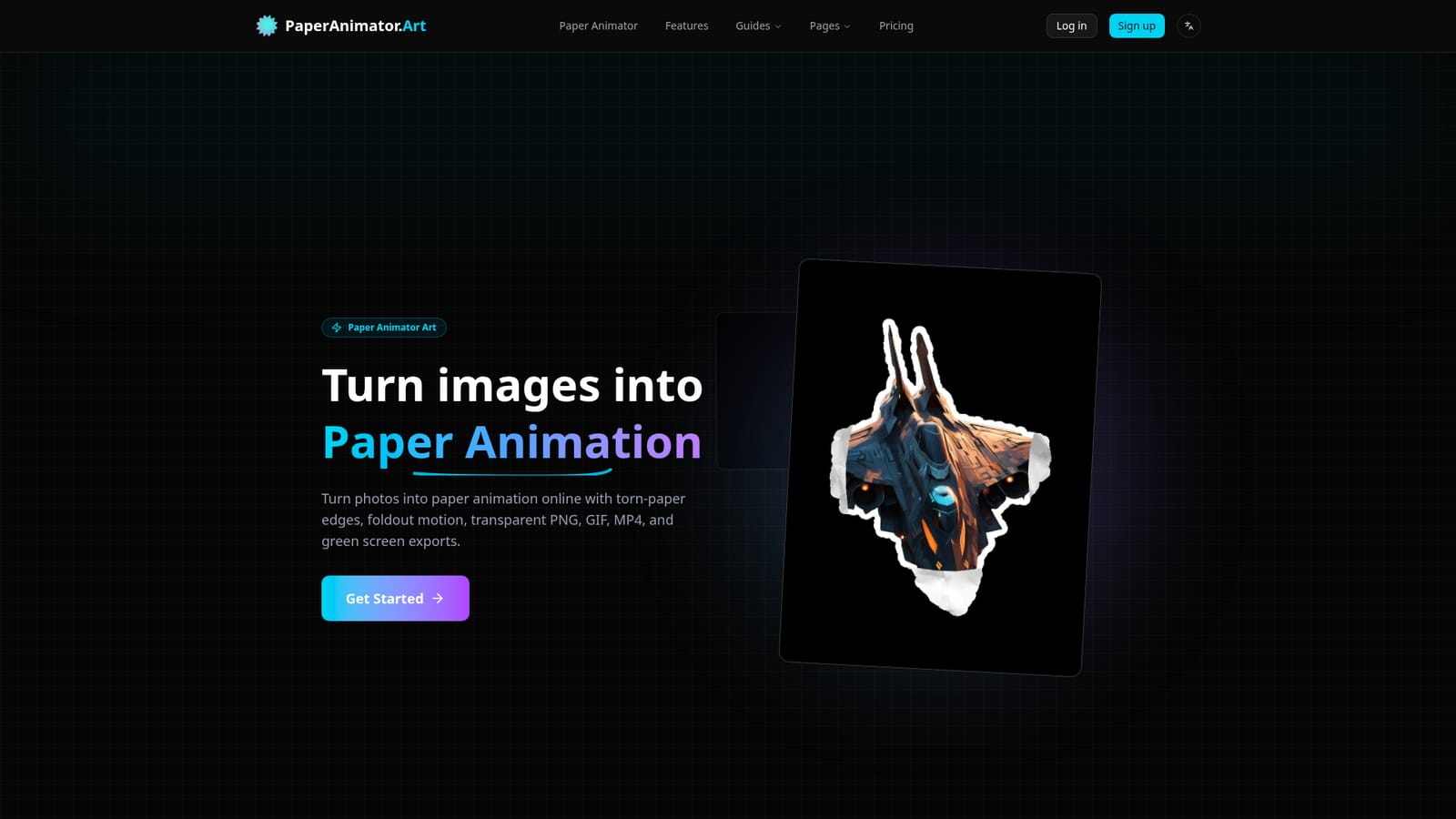
Paper Animator is a browser-based tool that converts a still image into a paper cutout animation. A user uploads a PNG, JPG, JPEG or WEBP file (up to 10MB), and the service isolates the main subject, applies uneven torn-paper edges, adds soft shadows and animates the result as a crumpled sheet that unfolds into shape. The output is meant to look like handmade stop-motion rather than a stock filter. The workflow is short. After uploading, the AI removes the background without manual masking, traces the subject and builds the torn edge. Settings cover edge thickness, level of detail, animation size and shadow, and the background can be switched between classic paper, pure white, transparent PNG or green screen, with a preview before export. Finished work downloads as a 1080p MP4, a looping GIF or a PNG, in the chosen aspect ratio and background color. The audience is mostly marketers, social media teams, brand storytellers and creators who publish visuals every week. The site lists social posts for Reels, TikTok and Shorts, product launch hero shots, brand campaigns and ads as typical uses. Green screen and transparent exports let editors place the animation on any timeline, and the site states that exports can be used in commercial projects. Access is credit-based: free registration includes 2 credits, enough to upload an image, generate an animation and check the result. The homepage does not publish paid plan prices, so buyers need to look at the account area for current costs. Among alternatives, Paper Animator is a narrow, single-purpose tool. General video editors and motion design suites offer far more control over timing and layers, while generic AI video generators produce open-ended clips. This product trades flexibility for speed: one effect, one upload, and a share-ready file in moments. That makes it a fit for people who want one recognizable paper look without learning keyframes or plugins, and a weaker fit for anyone needing varied styles or long-form edits.
Free registration gives 2 credits, enough to upload an image, generate a paper animation and preview it.
Learn moreCredit-based. Free registration includes 2 credits. The homepage does not list paid plan names or prices.
Learn moreAI background removal, automatic torn-edge detection, paper unfold animation, adjustable edge thickness, detail, size and shadow, background choices (paper, white, transparent, green screen), and 1080p MP4, GIF and PNG export.


