Free trial
The site invites users to try DesignSense for free with no credit card required, and the pricing table includes a start free trial option. Limits on the free tier are not specified on the homepage.
Learn moreTurn any room photo into a photorealistic redesign in seconds
Own Design Sense AI? Verify ownership to get a dofollow link
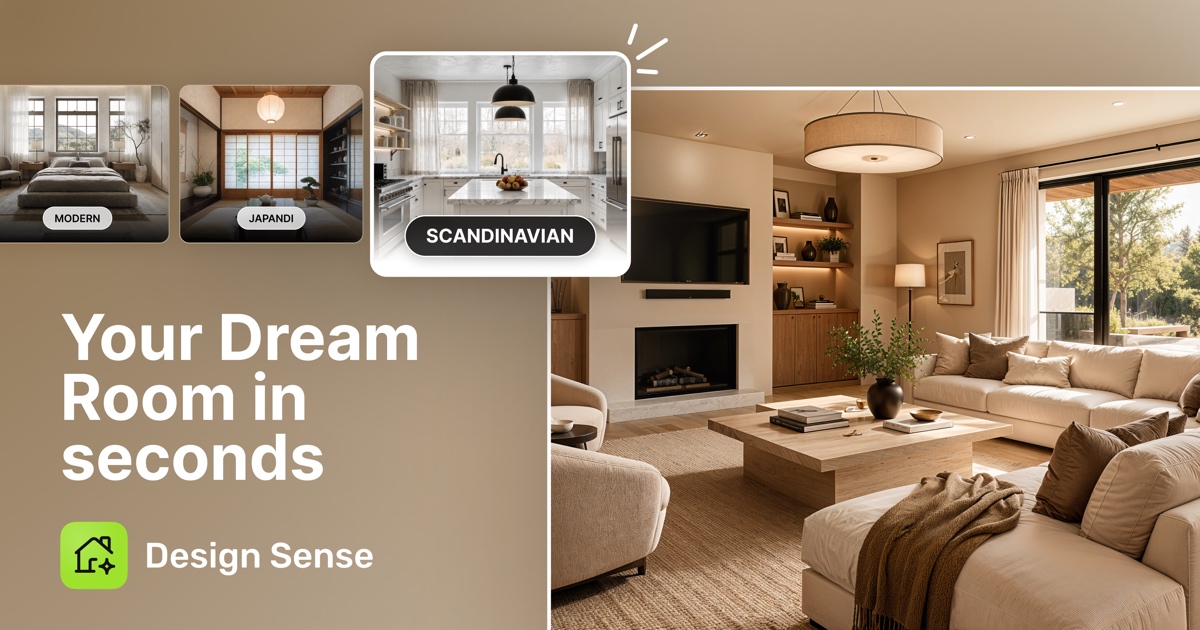
Design Sense AI is an exterior home design tool that turns any room photo into a photorealistic redesign in seconds. DesignSense AI generates photorealistic interior and exterior redesigns from a single uploaded photo. It offers 32+ styles, 34+ space types, virtual staging, floor plan renders and design videos, with Ultra HD exports for real estate listings.
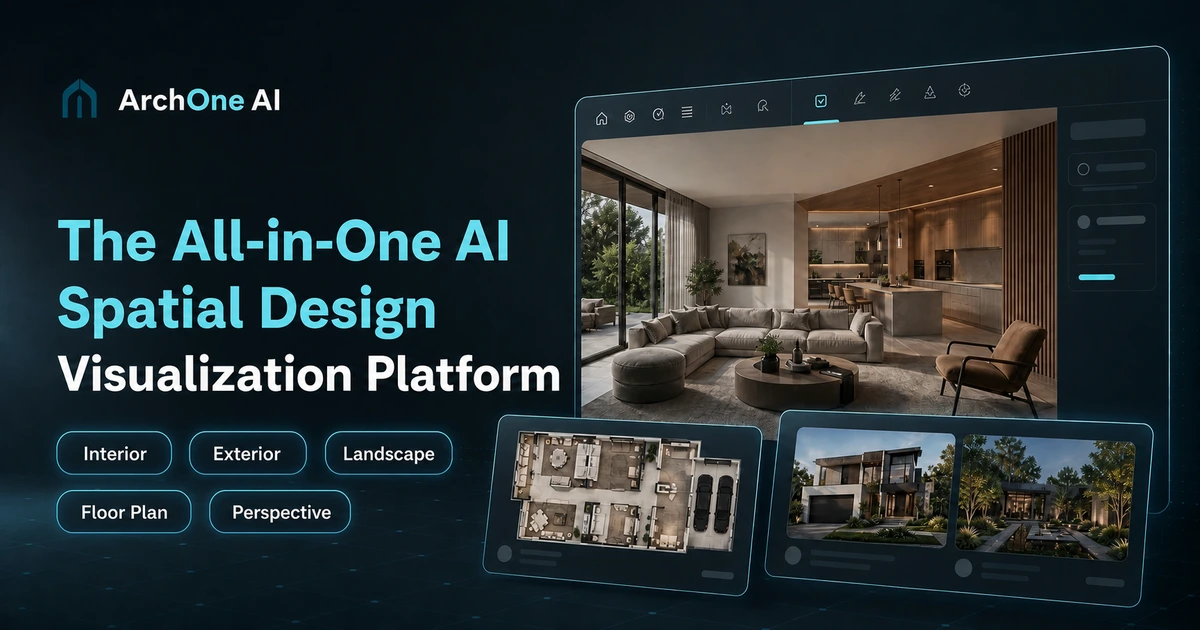
DesignSense AI is a web-based interior and exterior design tool that takes an ordinary photo of a space and returns a photorealistic redesign. You upload an image of a room, an outdoor area, or a building facade, pick a style, and the system generates a furnished render within seconds. The tool supports more than 32 design styles (Modern, Scandinavian, Japandi, Farmhouse, Art Deco, Maximalist, Midcentury Modern, Neoclassic and others) and 34+ space types, including living rooms, bedrooms, kitchens, bathrooms, home offices, dining rooms, patios, gardens and floor plans. Exports reach Ultra HD, with up to 8K output on the higher tier and 4K landscape files sized to meet common MLS image requirements. The product is organized around several workflows. Virtual Staging covers empty and furnished interiors and is aimed at listing photos. Touch Up Studio handles refinement of generated results. Floor Plan Studio turns blueprints into rendered concepts, and a Video Walkthrough feature produces design videos. Because the core interaction is upload, style selection and download, no CAD software or design training is involved, which places the tool closer to consumer visualization apps than to professional drafting suites. The audience splits into two camps. Real estate agents and stagers use it to furnish vacant listings without renting furniture or hiring photographers, then publish the images to Zillow, Realtor.com, Redfin, Homes.com and MLS feeds. Homeowners and contractors use it to test renovation directions before committing to materials or layouts. Interior designers can use it for fast client-facing mood renders, though it produces images rather than measured drawings, so it complements rather than replaces CAD and 3D modeling tools such as SketchUp or professional rendering engines. One caution applies to real estate use: MLS disclosure rules vary by association, and the company itself advises checking local requirements. Generated rooms are conceptual, and buyers should be told when furnishings are virtual.
The site invites users to try DesignSense for free with no credit card required, and the pricing table includes a start free trial option. Limits on the free tier are not specified on the homepage.
Learn moreTwo paid tiers are listed. Pro costs $14.99 per month and includes 100 high-quality renders, 32+ styles, HD exports up to 2K, interior and exterior staging and standard queue access. Premium costs $44.99 per month with unlimited renders, premium styles, 4K and 8K print-ready exports, a commercial usage license and priority queue. Yearly billing is discounted 25 percent.
Learn moreVirtual Staging for empty and furnished interiors and exteriors, Touch Up Studio for refining results, Floor Plan Studio for turning blueprints into renders, and Video Walkthrough for design videos. Users choose from 32+ styles and 34+ space types (including commercial spaces, patios, gardens and building facades) and export up to 8K.
 AI Angels400+ customizable AI girlfriends for NSFW chat, voice calls, and roleplay
 Candy AIExperience the future of companionship with AI friends who chat, role-play, and connect with you on a human level.
 ourdream.aiA vast AI roleplay platform with millions of characters for chat, images, video and voiceAI Angels400+ customizable AI girlfriends for NSFW chat, voice calls, and roleplayCandy AIExperience the future of companionship with AI friends who chat, role-play, and connect with you on a human level.ourdream.aiA vast AI roleplay platform with millions of characters for chat, images, video and voice