Free trial
Free starter credits are available without a credit card, enough to try an available workflow before buying credits.
Learn moreAI home design from photos, sketches, and floor plans
Own ImagineMyHouse? Verify ownership to get a dofollow link

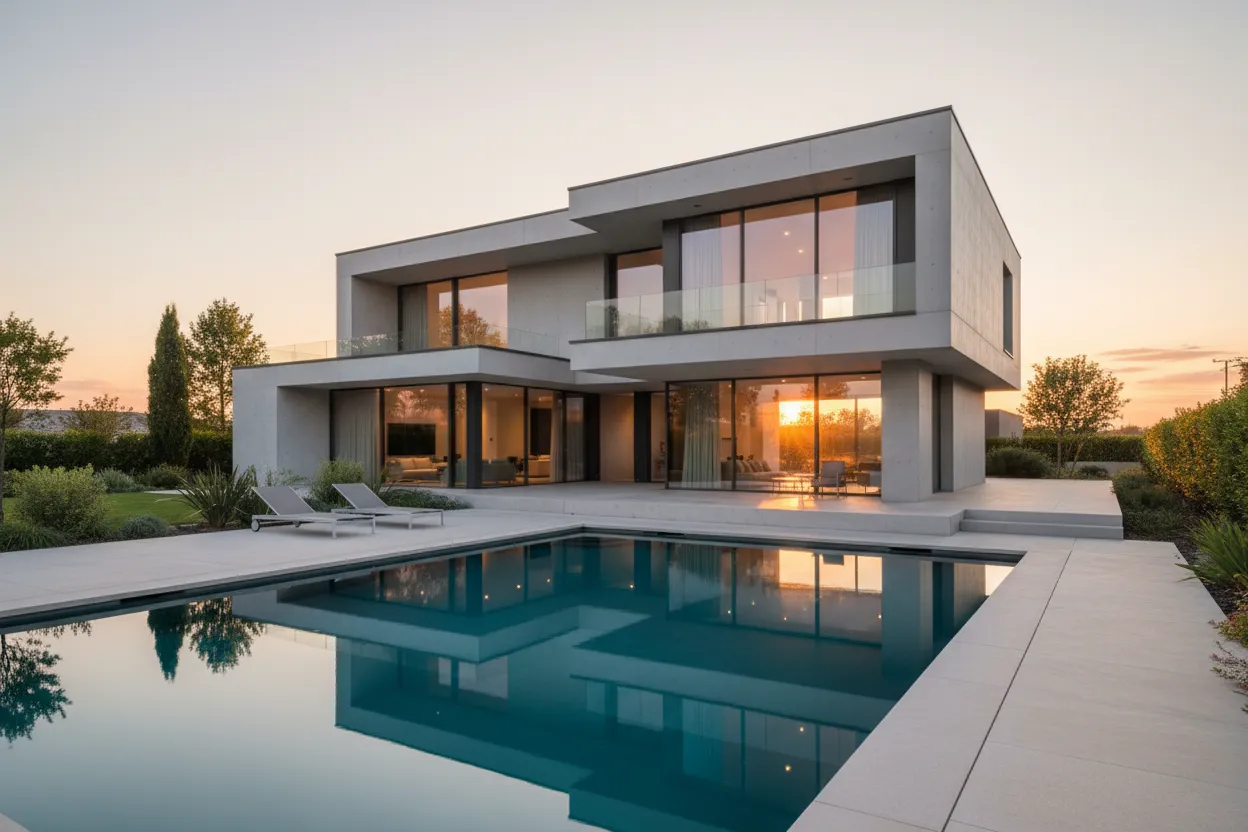
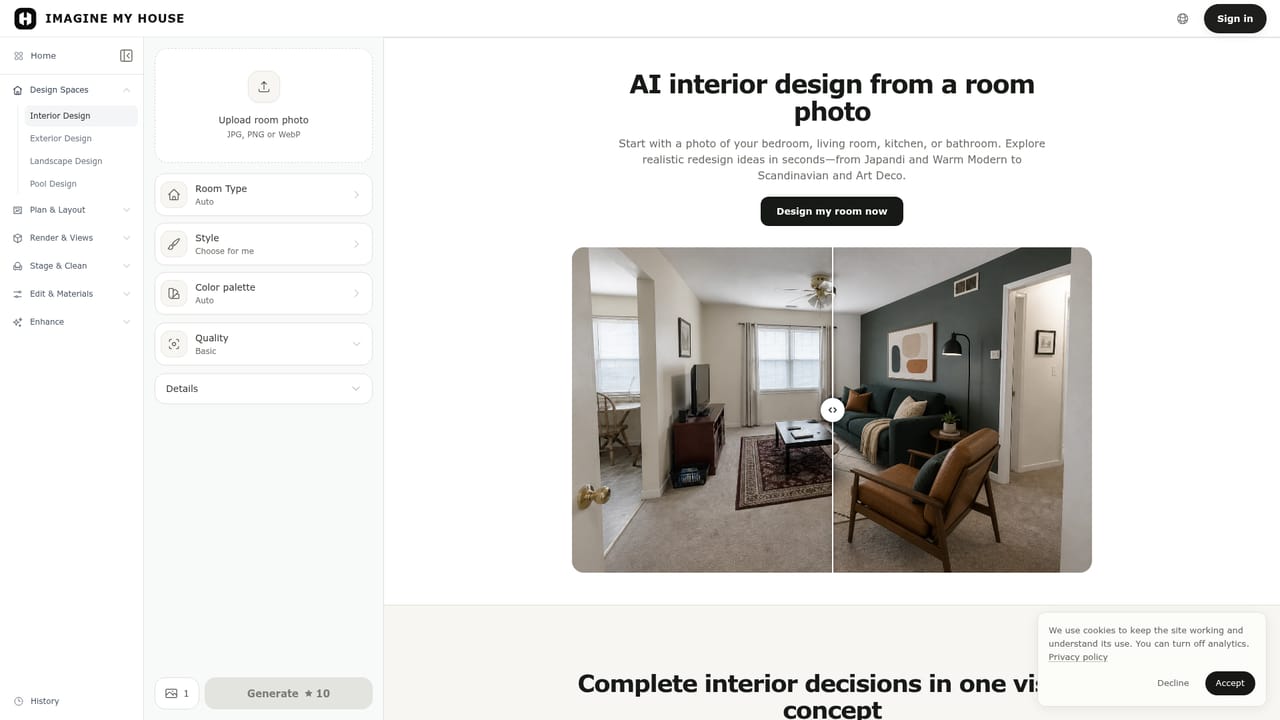
ImagineMyHouse generates photorealistic interior, exterior, and landscape concepts from a single photo, sketch, or floor plan. It keeps the original layout visible while letting you test styles, materials, and lighting in seconds. Paid plans add high resolution exports and commercial rights.
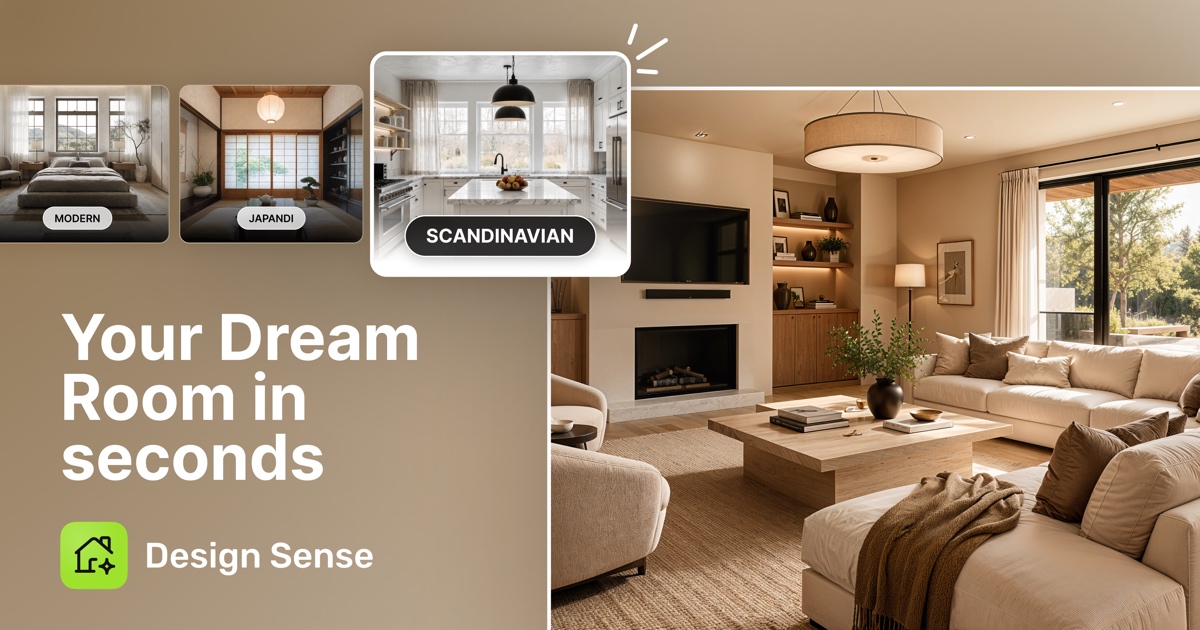
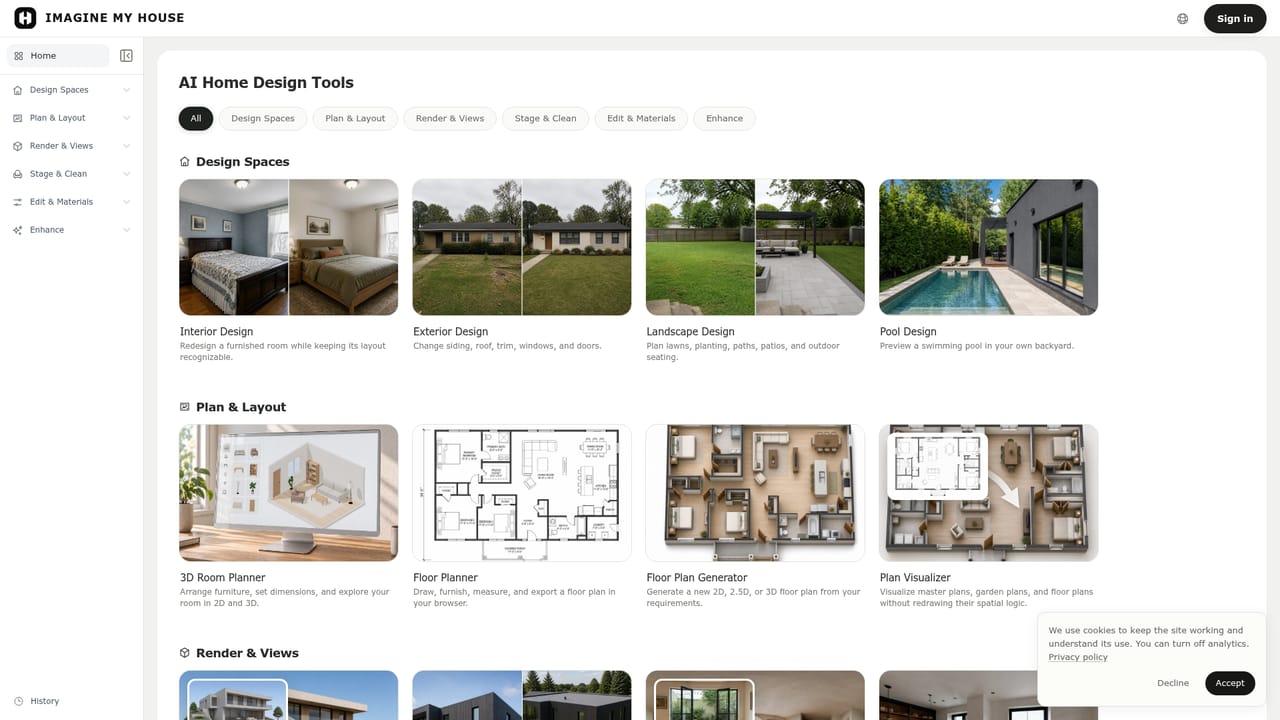
ImagineMyHouse is a web based AI design tool that turns ordinary photographs of rooms, exteriors, and gardens into redesigned concepts within seconds. Upload a picture of a space, and the system generates alternatives that keep the original layout, camera angle, and major structural features recognizable. The same engine handles interior redesign, facade updates, landscape planning, virtual staging, and even lighting changes, so the tool covers the core visual tasks that come up before a renovation or a property listing. The workflow is purposefully simple. You start with an image, choose a room type and a style orientation, or let the software pick automatically, and then compare the result against your source photo. Iterations are cheap because each direction reuses the same upload, which makes it practical to test several material palettes or furniture layouts in a single sitting. For professionals, the more specialized modules add architectural rendering from exported model views, style transfer from a reference image, panorama generation for immersive views, and a floor plan visualizer that converts 2D drawings into spatial presentations. The intended audience spans homeowners weighing a kitchen refresh, real estate agents staging vacant properties, interior designers producing mood boards, and architects who need fast concept renders before measured drawings exist. ImagineMyHouse is not a CAD package and does not replace construction documentation, but it fills the gap between a rough idea and a conversation with a contractor. Compared with traditional 3D rendering, which can take days, the tool prioritizes speed and volume of options over dimensional precision.
Free starter credits are available without a credit card, enough to try an available workflow before buying credits.
Learn moreSubscriptions: Starter $12.90/mo or $9.90/mo billed annually ($118.80), 1,600 credits; Pro $29.90/mo or $23.90/mo annually ($286.80), 4,000 credits; Volume $69.90/mo or $49.90/mo annually ($598.80), 10,000 credits. One-time credit packs and free starter credits are also offered. Paid plans add commercial use.
Learn moreSupport is provided via a contact channel on the website; no dedicated help center or documentation is listed on the homepage.
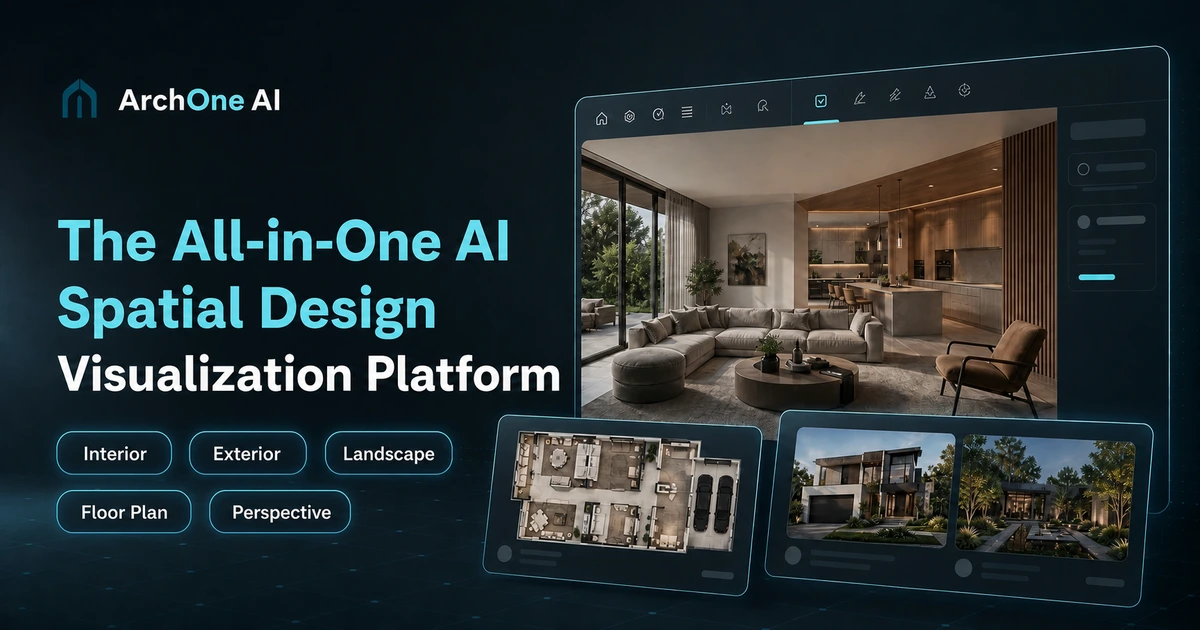
Interior redesign, exterior and facade updates, landscape planning, virtual staging, architectural rendering, sketch to render, floor plan visualization, style transfer, 360 panorama generation, and room relighting. All workflows preserve the source composition and major spatial features, support side by side comparison, and allow repeated iterations from the same upload.
Learn more AI Angels400+ customizable AI girlfriends for NSFW chat, voice calls, and roleplay
 Candy AIExperience the future of companionship with AI friends who chat, role-play, and connect with you on a human level.
 ourdream.aiA vast AI roleplay platform with millions of characters for chat, images, video and voiceAI Angels400+ customizable AI girlfriends for NSFW chat, voice calls, and roleplayCandy AIExperience the future of companionship with AI friends who chat, role-play, and connect with you on a human level.ourdream.aiA vast AI roleplay platform with millions of characters for chat, images, video and voice