DLTranslator

Document translation that keeps your layout intact

Beginner
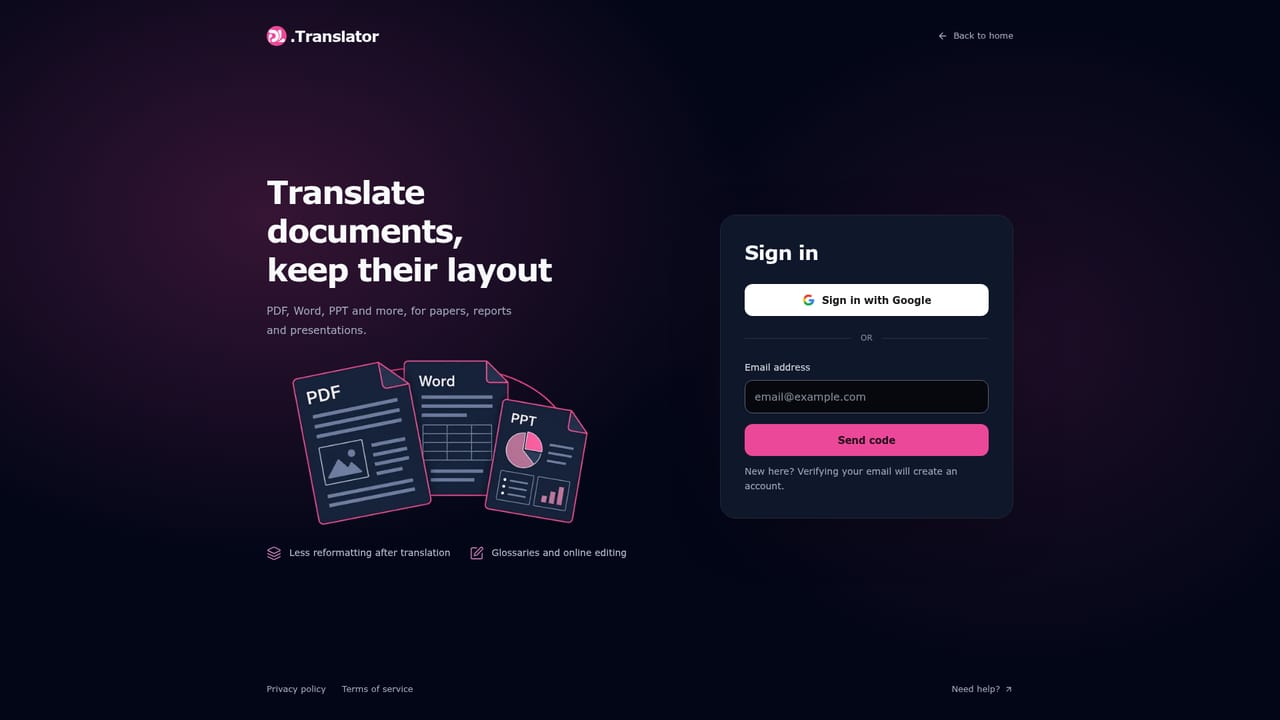
Screenshot of DLTranslator, Document translation that keeps your layout intact

What is DLTranslator?

DLTranslator is a document formatting tool. DL.Translator translates PDF, Word, PowerPoint, Excel and EPUB files while preserving the original layout, using deep learning for context and a separate document processing layer for typesetting. You preview part of a document and see a credit quote before paying for the full translation.

DL.Translator is a document translation service built around a specific problem: machine translation usually wrecks the formatting of a finished file. The product pairs deep learning language models, which handle context and terminology, with a separate document processing layer that parses the source file, runs OCR where needed, and places translated text back into the positions the original layout expects. The site quotes a 99.8 percent layout restoration rate and format support spanning PDF, Word, PowerPoint, Excel, EPUB and others. Workflow is deliberately gated. You upload a file, review a partial preview of the translation and a credit quote, then decide whether to pay for the full run. That preview step matters because it lets you judge tone, terminology and formatting before committing budget on a long document. A glossary feature unifies recurring professional terms, and there is an online editor for proofreading the output. OCR pulls text out of scanned PDFs and images, though the site is candid that recognition quality tracks scan quality and that the preview is where you spot missing or misread text. Supported input volume is large: up to 1GB for a single document and up to 500MB per document in batch upload. This is aimed at people whose output has to look finished, not at casual phrase lookups. Legal, technical, academic and marketing teams that circulate formatted PDFs, decks and reports are the obvious fit, as are translation coordinators handling batches. A standard model covers routine material, and higher level models trade cost for stronger handling of context and terminology. The pricing page carries the current credit structure, since cost depends on tokens, analysis fees and mode. Alternatives fall into two camps. Generic machine translation engines are free or cheap but leave you rebuilding tables and slide layouts by hand, and human translation agencies deliver polished results at a very different price and turnaround. DL.Translator occupies the middle ground: automated translation with the formatting problem handled, priced per task and reviewable before you buy. Documents are retained for 15 days when unpaid and 30 days when paid, so files need downloading before those windows close. Processing involves the third party AI provider you select, which is worth reading in the privacy policy before sending confidential material.

How do you use DLTranslator?

  1. 1Upload your document
    Go to the translation page and upload the PDF, Word, PowerPoint, Excel or EPUB file you want converted. Single documents can run up to 1GB.
    DLTranslator — Upload your document
  2. 2Pick the target language and model
    Choose from over 100 supported languages and select a standard or higher level translation model depending on how much context and terminology accuracy the document needs.
  3. 3Review the partial preview and quote
    Inspect the previewed portion of the translation for tone, terminology and formatting, and read the credit cost shown for the task. Preview scope depends on the document and your quota.
  4. 4Apply a glossary for recurring terms
    If the document repeats specialist vocabulary, set glossary entries so the same term is rendered consistently across every page of the finished file.
  5. 5Pay, translate and proofread online
    Confirm the quote, let the full document translate, then use the online editor to correct anything the preview or the glossary did not catch.
  6. 6Download before retention expires
    Download both the original and the translated file and back them up. Unpaid tasks are removed after 15 days and paid tasks after 30.

Pros and cons

Pros

  • Layout restoration is the core feature, so tables, columns and slide positions survive translation in supported formatsAI
  • Partial preview plus a quote before payment lets you check terminology and formatting before spending creditsAI
  • Glossary support keeps recurring professional terms consistent across long documentsAI
  • Broad format coverage including PDF, Word, PowerPoint, Excel and EPUB, with 1GB single file supportAI
  • OCR extends translation to scanned PDFs and images, with an enhanced recognition option for difficult pagesAI

Cons

  • Pricing is credit based on tokens, analysis fees and model mode, so the final cost of a long document is hard to predict in advanceAI
  • Preview scope is capped by your account quota, so a large file cannot be fully checked before you commitAI
  • OCR accuracy depends on scan quality and the site warns text can be missing or misreadAI
  • Unpaid files are deleted after 15 days and paid files after 30, which adds a manual download choreAI
  • Documents pass through a third party AI provider, a real obstacle for confidential or regulated materialAI

How much does DLTranslator cost?

Pricing

Translation is billed in credits calculated from tokens, document analysis fees and the selected translation mode. OCR and higher level models can raise the cost. A quote appears on the task page before you confirm payment, and preview credits are shown there too.

Learn more

Support

Help content covers previews, cost calculation, file retention and format questions, with a privacy policy explaining processing and retention. No direct contact channel is listed on the homepage.

Learn more

Features

Deep learning models handle context and terminology while document parsing, OCR and layout processing rebuild the file structure. Includes partial preview before full translation, credit quotes per task, glossary terminology control, online proofreading and editing, OCR for scanned PDFs and images with an enhanced recognition option, batch upload, and support for PDF, Word, PowerPoint, Excel, EPUB and more across 100+ languages.

Learn more

Frequently asked questions about DLTranslator

  • How much does DLTranslator cost?
    Translation is billed in credits calculated from tokens, document analysis fees and the selected translation mode. OCR and higher level models can raise the cost. A quote appears on the task page before you confirm payment, and preview credits are shown there too.
  • How do you use DLTranslator?
    The walkthrough on this page covers 6 steps: 1. Upload your document 2. Pick the target language and model 3. Review the partial preview and quote 4. Apply a glossary for recurring terms 5. Pay, translate and proofread online 6. Download before retention expires.
  • What platforms does DLTranslator support?
    DLTranslator is available on Web App.
  • What are the limitations of DLTranslator?
    Pricing is credit based on tokens, analysis fees and model mode, so the final cost of a long document is hard to predict in advance. Preview scope is capped by your account quota, so a large file cannot be fully checked before you commit. OCR accuracy depends on scan quality and the site warns text can be missing or misread.

Status

StatusActive
Views0
Outbound clicks0
Added10/21/2026

Platforms

Web App

Pricing

FreemiumPaid