Free trial
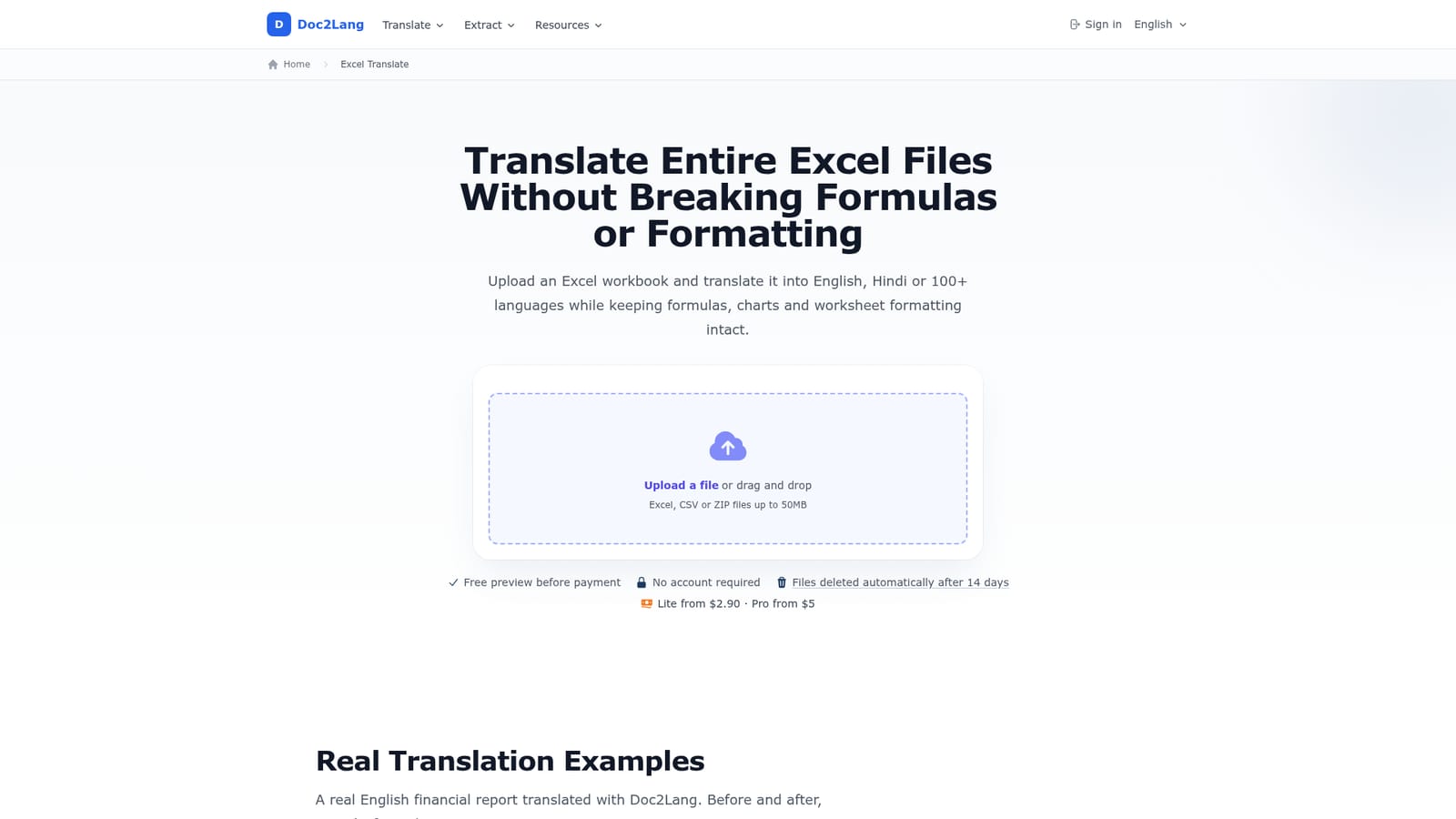
A free sample preview is generated before payment so you can judge translation quality and see the exact Lite and Pro prices. No account is required to upload.
Learn moreTranslate whole Excel workbooks while formulas, charts and formats survive
Own Doc2Lang Online Excel Translator? Verify ownership to get a dofollow link

Doc2Lang Online Excel Translator is a document formatting tool that translates whole Excel workbooks while formulas, charts and formats survive. A browser service that translates entire Excel workbooks into 100+ languages while keeping formulas, charts, merged cells and formatting intact.
Doc2Lang's Excel translator is a browser based service that takes an entire workbook and returns a translated copy, rather than asking you to retype cell text into a chat window. You upload an XLSX, XLS, XLSM, CSV or TSV file up to 50MB, pick a source and target language from a list of more than 100 (English and Hindi are called out explicitly), and the service translates the sheet text in one job. Formulas, function names, pivot tables, macros and VBA code are left untouched, and so are merged cells, currency and date formats, conditional formatting and cell comments. Chart titles and axis labels do get translated, while sheet tab names stay as they were. The context approach is the part that matters. Instead of translating cell by cell, the engine reads the whole sheet and chooses wording from surrounding content, which reduces the chopped phrasing that machine translation usually produces on financial line items. A glossary lets you pin terms such as "Gross margin" so they render the same way on every row, and you can exclude particular rows or worksheets so only the intended content is rewritten. It fits best with finance, procurement and operations teams handling supplier quotations, consolidated income statements and product specification sheets that arrive in a language nobody on the team reads. The free preview is the real selling point: you see the translation quality and the exact price for both Lite and Pro before paying anything, and no account is needed. A single file costs from $2.90 on Lite or from $5 on Pro, with no subscription. Batch work is handled by zipping multiple workbooks and uploading the archive. Alternatives each fail somewhere on this job. Built-in Excel tools and copy-paste into chatbots tend to wreck layout, and VBA or Python scripts take setup and maintenance. Doc2Lang trades that control for a one-shot turnaround, so anyone needing cell-level automation inside a live workbook should read its separate VBA guide instead.
A free sample preview is generated before payment so you can judge translation quality and see the exact Lite and Pro prices. No account is required to upload.
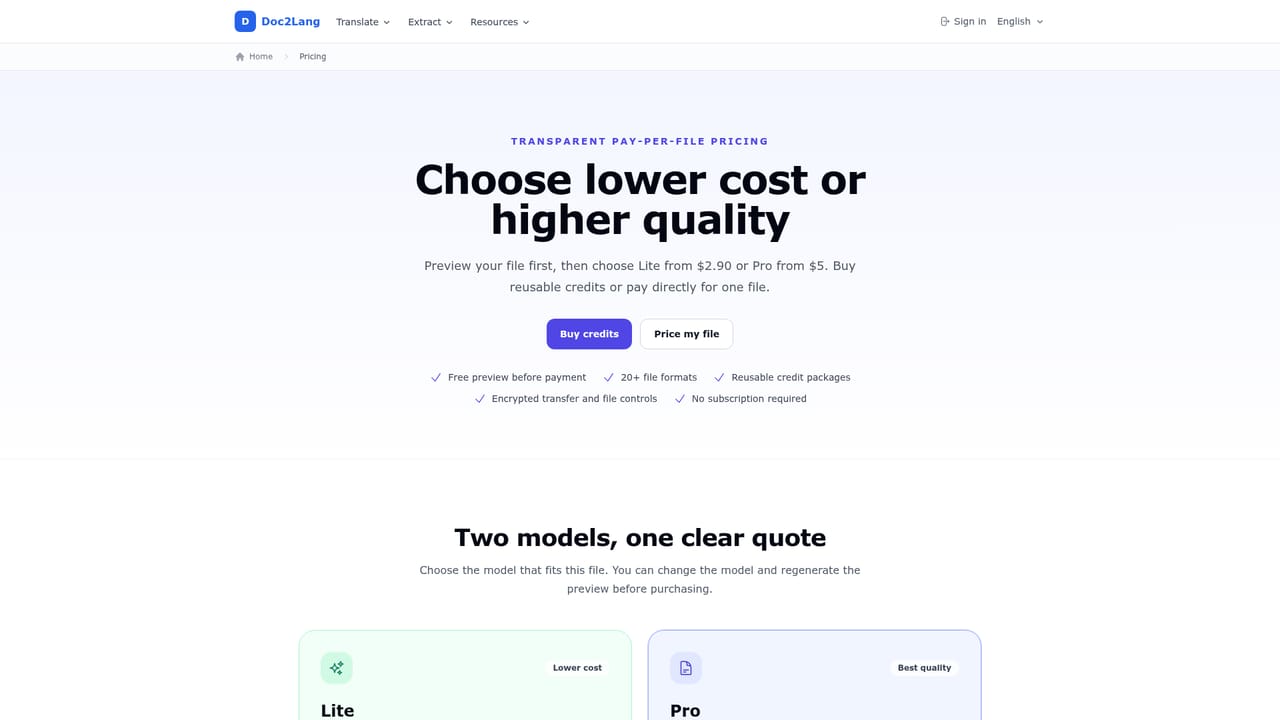
Learn morePer-file pricing with no subscription or monthly fee. Lite starts at $2.90 per file for faster, lower cost runs; Pro starts at $5 per file for financial reports and precise terminology. The exact price is calculated from your workbook and shown before you pay, alongside a free preview.
Learn moreWhole-workbook translation across 100+ languages, including English and Hindi. Formulas, pivot tables, macros, merged cells, currency and date formats, conditional formatting and cell comments are preserved, and chart titles plus axis labels are translated. A glossary pins key terms, rows and worksheets can be excluded, and ZIP uploads handle batch jobs.
Learn more AI Angels400+ customizable AI girlfriends for NSFW chat, voice calls, and roleplay
 Candy AIExperience the future of companionship with AI friends who chat, role-play, and connect with you on a human level.
 ourdream.aiA vast AI roleplay platform with millions of characters for chat, images, video and voiceAI Angels400+ customizable AI girlfriends for NSFW chat, voice calls, and roleplayCandy AIExperience the future of companionship with AI friends who chat, role-play, and connect with you on a human level.ourdream.aiA vast AI roleplay platform with millions of characters for chat, images, video and voice


