Free trial
A free plan covers 1 published production site and 5 editors. No time-limited trial is described.
Learn moreHosted docs-as-code with llms.txt, skill.md and MCP built in
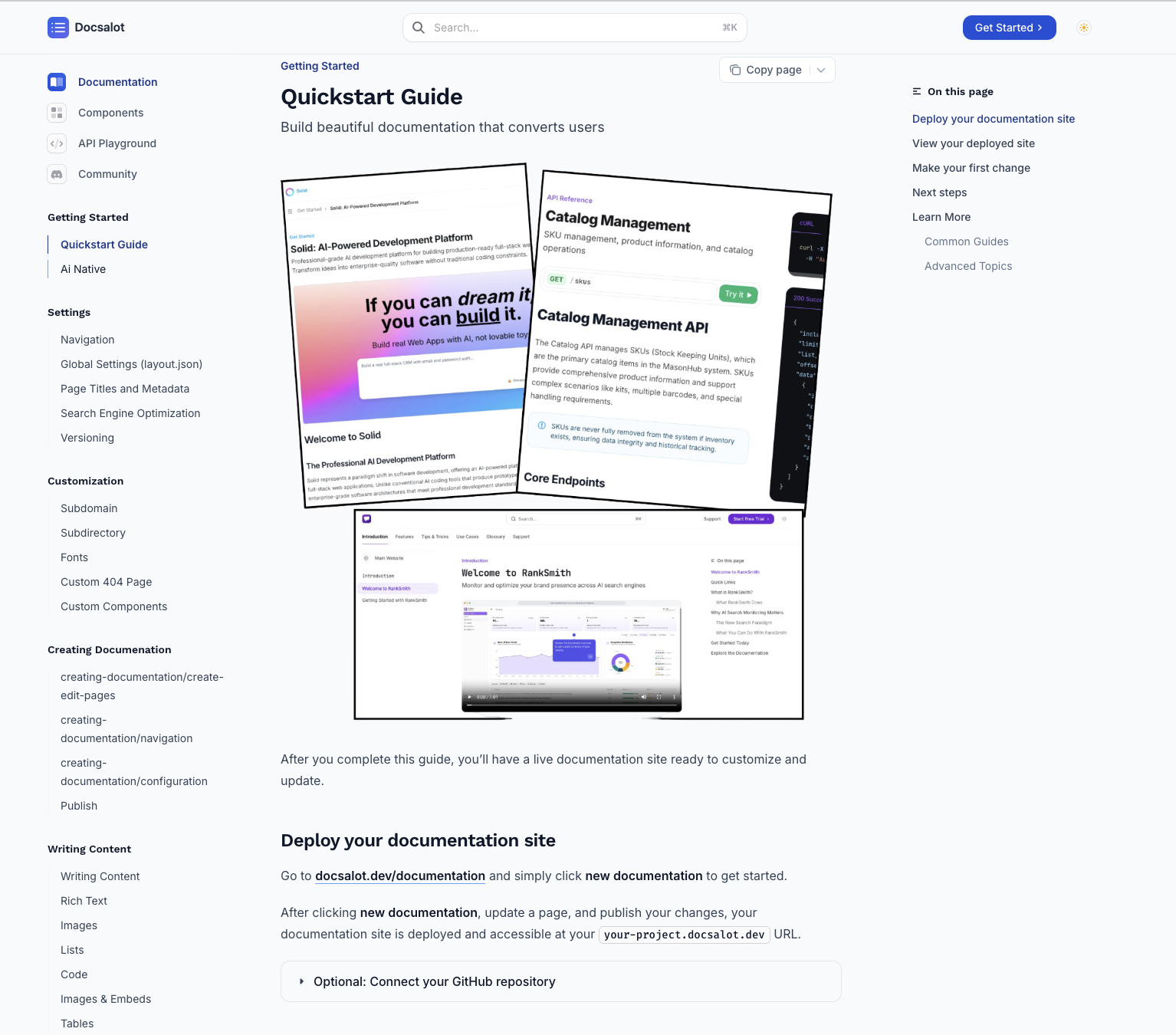
DocsAlot is a developer tool. DocsAlot hosts Git-backed documentation and packages it for both people and AI agents, with llms.txt, skill.md, a hosted MCP server and an AI visibility audit. It targets SaaS and developer teams that want accurate AI citations.
DocsAlot is a hosted documentation platform that treats docs as code. A team connects a repository, and the service publishes a navigable docs site without the team maintaining a framework or a deployment pipeline. Beyond the human-facing site, it produces machine-readable outputs from the same source: clean Markdown, an llms.txt routing file, a skill.md operating guide and a hosted MCP endpoint that exposes search, page fetch and runnable example tools. The product is aimed at SaaS companies and developer-tool teams whose onboarding increasingly runs through AI assistants such as ChatGPT, Claude and Cursor. It pulls material from GitHub docs, OpenAPI specs, Notion, Intercom, Zendesk and Confluence, then normalizes it into one maintained layer. A visibility audit and a public benchmark leaderboard let teams check which pages agents actually cite and where answers drift from current documentation. A free scoring tool evaluates any docs site. In practice, setup can start three ways: pasting a prompt into a repo-aware coding agent, running the docsalot-cli, or using the web editor. Published sites support custom domains and subfolder hosting, private or authenticated help centers, translation into several languages, and preview, review and publish workflows on higher plans. An AI Help Center widget is included in paid tiers. Enterprise customers can add done-for-you migration, SDK generation, drift checks and SSO. Among alternatives, DocsAlot sits between traditional static docs generators, which leave hosting and upkeep to the team, and general documentation hosts that focus only on human readers. Its distinguishing angle is the agent-facing packaging and the auditing layer around it. Teams that only want a simple self-hosted site may find it more than they need, while those who care about being cited accurately by AI tools get a purpose-built workflow. Pricing is per site with a free tier, and collaborators are not charged per seat.
A free plan covers 1 published production site and 5 editors. No time-limited trial is described.
Learn moreFree tier includes 1 published production site and 5 editors. Startup is $79/month for one public site with hosted MCP. Team is $149/month with 2 sites, custom domains, private docs and unlimited editors; extra sites are $39/month. Enterprise is custom priced.
Learn moreProduct docs and CLI documentation are published online, and a 30-minute onboarding call can be booked. Enterprise adds priority support and done-for-you migration.
Learn morePulls from GitHub, OpenAPI, Notion, Intercom, Zendesk and Confluence. Works with coding agents such as Codex, Cursor and Claude through a CLI and a copyable prompt.
Learn moreHosted docs site, API reference from OpenAPI, llms.txt, skill.md, hosted MCP with search_docs, get_page and run_example, AI Help Center widget, translations, custom domains, private docs, and an AI visibility audit with benchmark reports.
Learn more AI Angels400+ customizable AI girlfriends for NSFW chat, voice calls, and roleplay
 Candy AIExperience the future of companionship with AI friends who chat, role-play, and connect with you on a human level.
 ourdream.aiA vast AI roleplay platform with millions of characters for chat, images, video and voiceAI Angels400+ customizable AI girlfriends for NSFW chat, voice calls, and roleplayCandy AIExperience the future of companionship with AI friends who chat, role-play, and connect with you on a human level.ourdream.aiA vast AI roleplay platform with millions of characters for chat, images, video and voice


