Free trial
A free trial is offered through a dedicated signup page. Pricing and trial length are not stated on the homepage.
Learn moreAI risk reviews built for construction contracts and specs
Own Document Crunch? Verify ownership to get a dofollow link

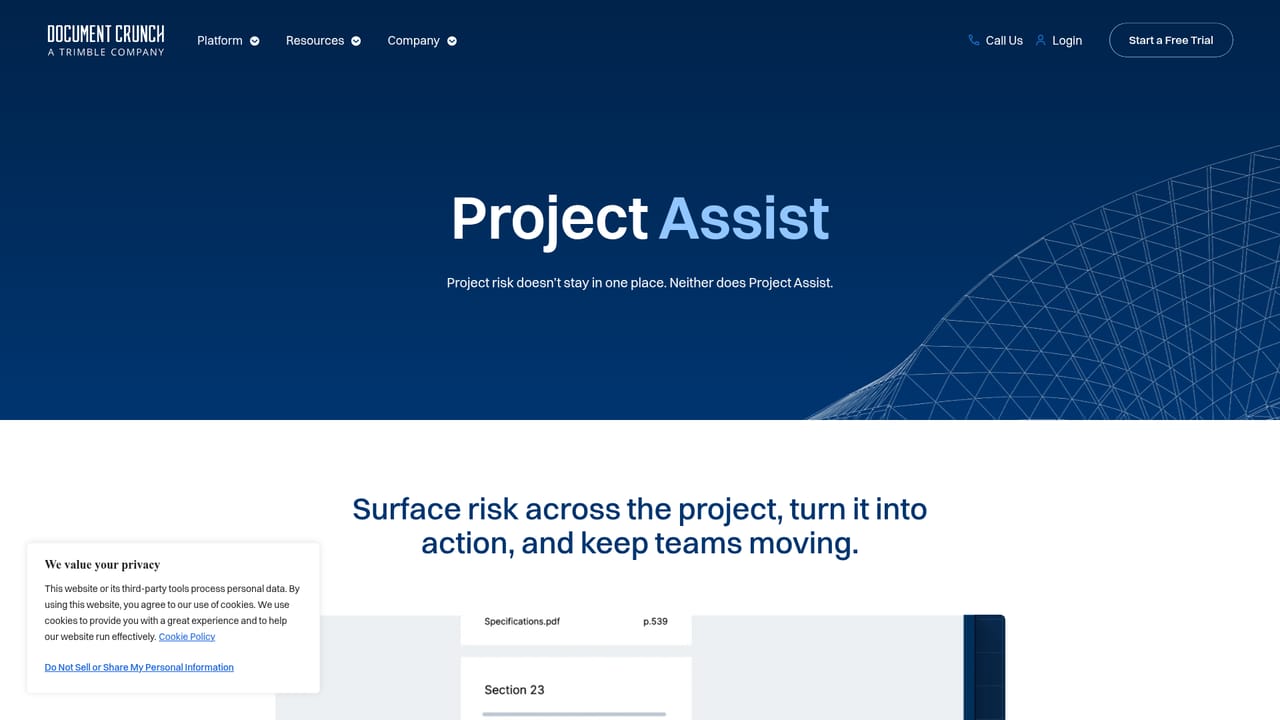
Document Crunch is a legal assistant tool. Construction-specific contract and specification review platform. CrunchAI flags risk with clause-level citations, while Project Assist drafts submittals, notices and RFIs and answers questions across project documents.
Document Crunch is a risk intelligence platform aimed squarely at construction document review. Its CrunchAI model is trained on construction material rather than generic text, so it can read flow-down clauses, markups and specification language the way a construction lawyer or senior estimator would. Every flag it raises is tied to a citation in the source document, and the company positions that citation discipline as a hard rule: if a clause cannot be quoted, it is not surfaced. The product spans the whole project lifecycle rather than a single review step. During pursuit, teams compare contract versions, summarize differences and auto redline clauses ahead of negotiation. In pre-construction, division checklists are produced in far less time, and the tool hunts for inconsistencies between contract and specification before an RFI is drafted. During construction, playbooks surface obligations before work begins, while Project Assist generates project artifacts such as submittals and notices. Project Assist also answers free-form questions across contracts, specs and addenda, and the platform assigns and tracks risk items so open, overdue and done positions stay visible. It suits general contractors, subcontractors, estimators, project controls staff and in-house counsel at firms handling steady contract volume. Smaller shops with a handful of projects and no standardized review process will find less to gain, and anyone outside construction will find the construction-specific model less useful than a general contract analysis tool. Document Crunch is also notably narrower than e-discovery or general legal AI platforms, which it does not try to replace. Security is pitched as enterprise grade, with SOC 2 cited as the default and an audit trail behind it. Mobile access on phones and tablets is available for field use. The vendor reports adoption by more than 500 companies, and a free trial is offered alongside demo requests.
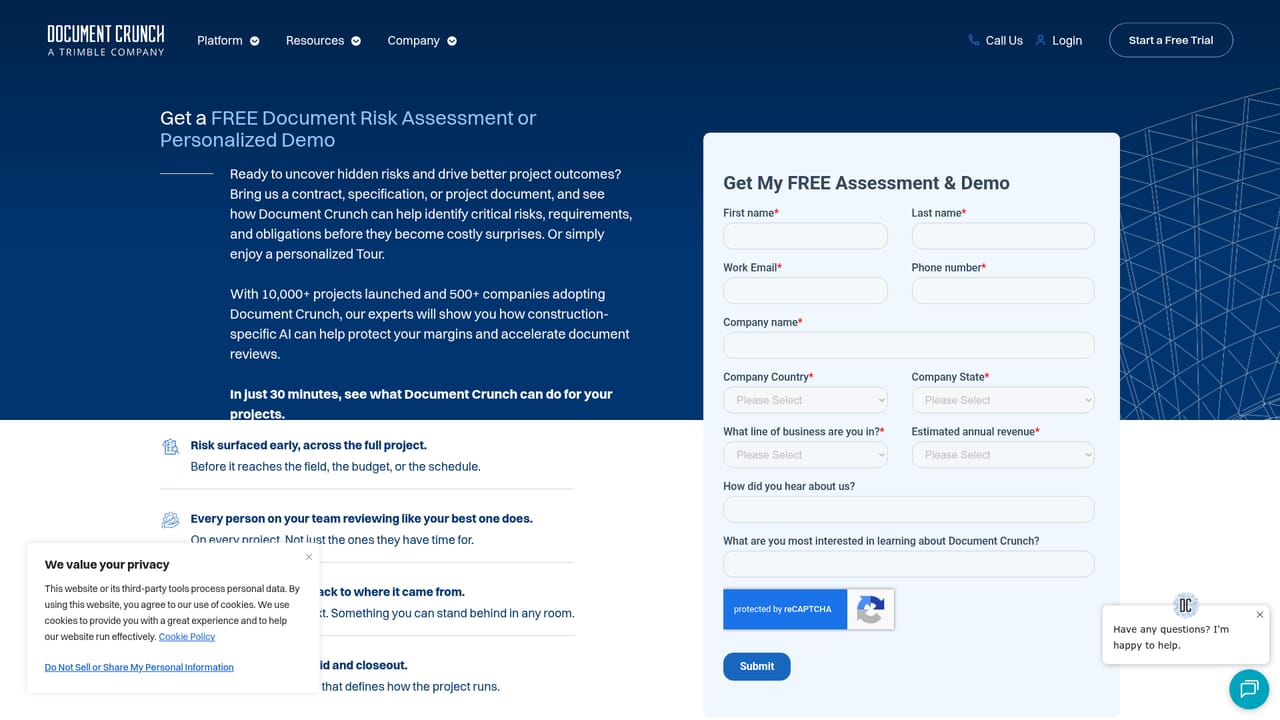
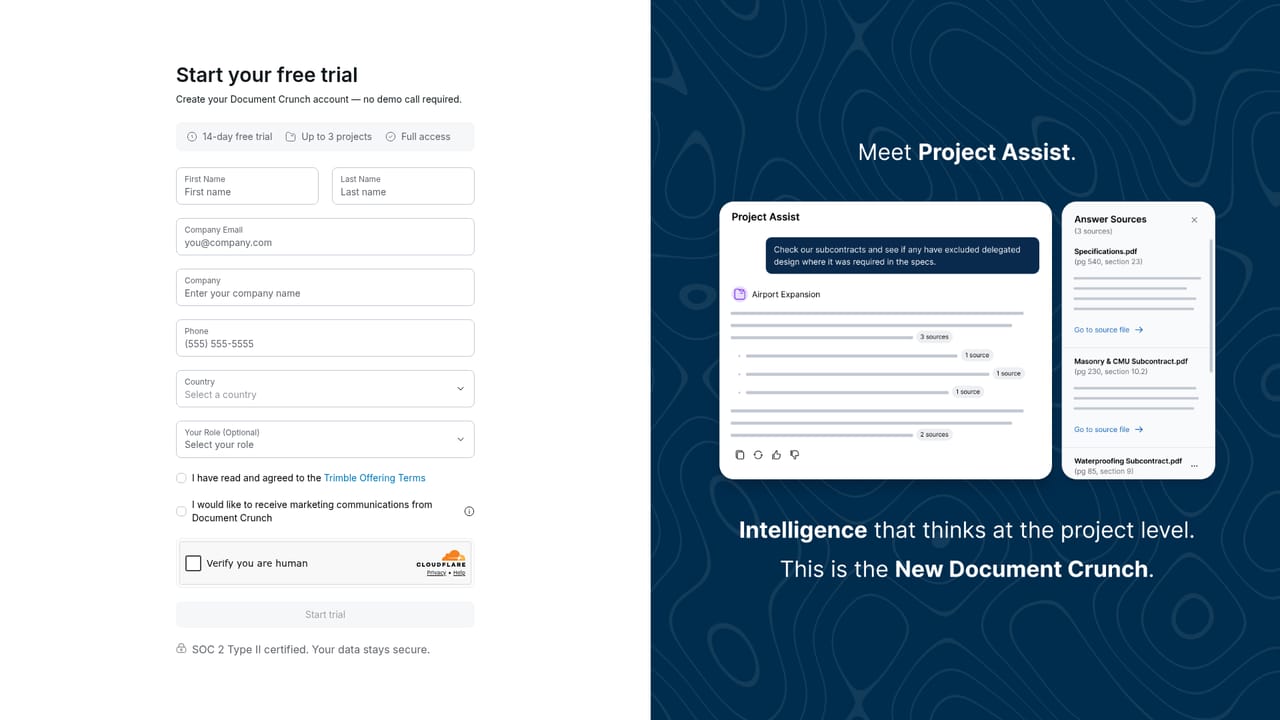
A free trial is offered through a dedicated signup page. Pricing and trial length are not stated on the homepage.
Learn moreCrunchAI contract and spec review with clause-level citations, version comparison and auto redlining, division checklists, playbook-driven obligation checks, Project Assist question answering and artifact generation for submittals, notices and RFIs, plus risk assignment and tracking and mobile access on phones and tablets.
Learn more AI Angels400+ customizable AI girlfriends for NSFW chat, voice calls, and roleplay
 Candy AIExperience the future of companionship with AI friends who chat, role-play, and connect with you on a human level.
 ourdream.aiA vast AI roleplay platform with millions of characters for chat, images, video and voiceAI Angels400+ customizable AI girlfriends for NSFW chat, voice calls, and roleplayCandy AIExperience the future of companionship with AI friends who chat, role-play, and connect with you on a human level.ourdream.aiA vast AI roleplay platform with millions of characters for chat, images, video and voice


