Free trial
The homepage invites visitors to start creating free, but no plan tiers, credit limits or trial length are stated.
Learn moreOne browser studio for AI video, music, images and voice

Dojoclip is a browser studio combining timeline and chat video editing, AI video and character animation, music generation, image design tools and text to speech, with a large set of free local utilities.
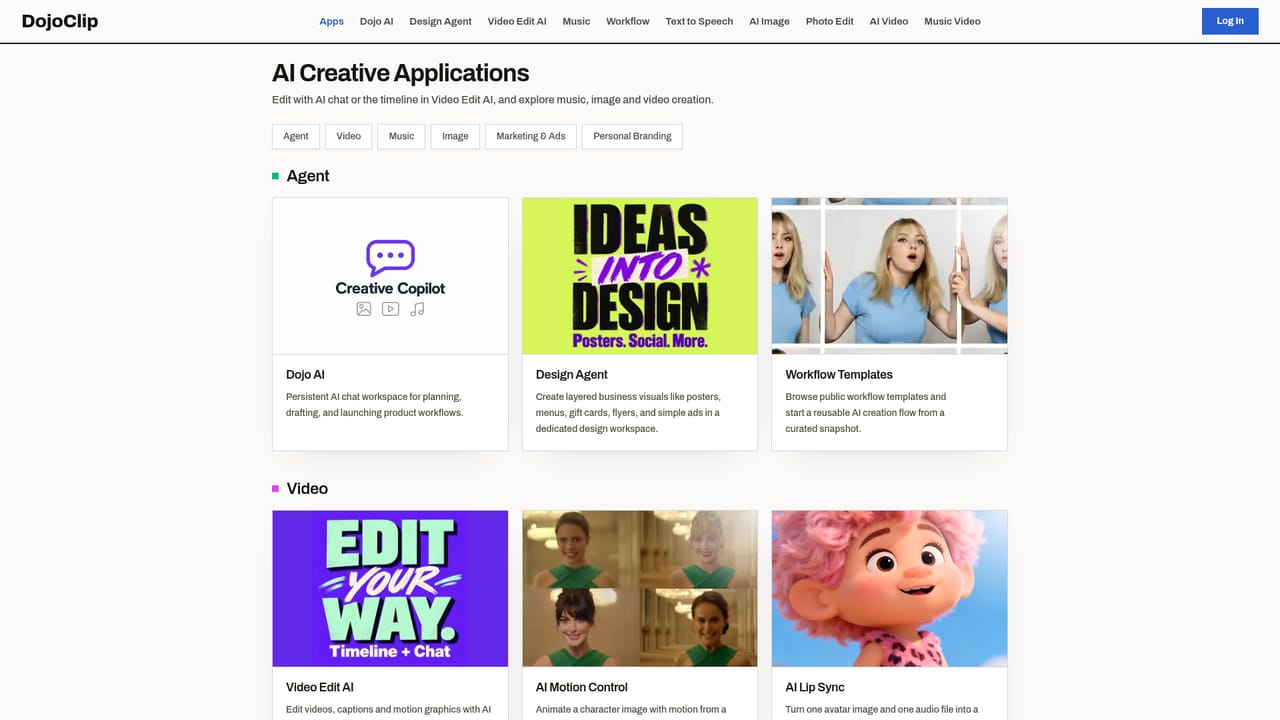
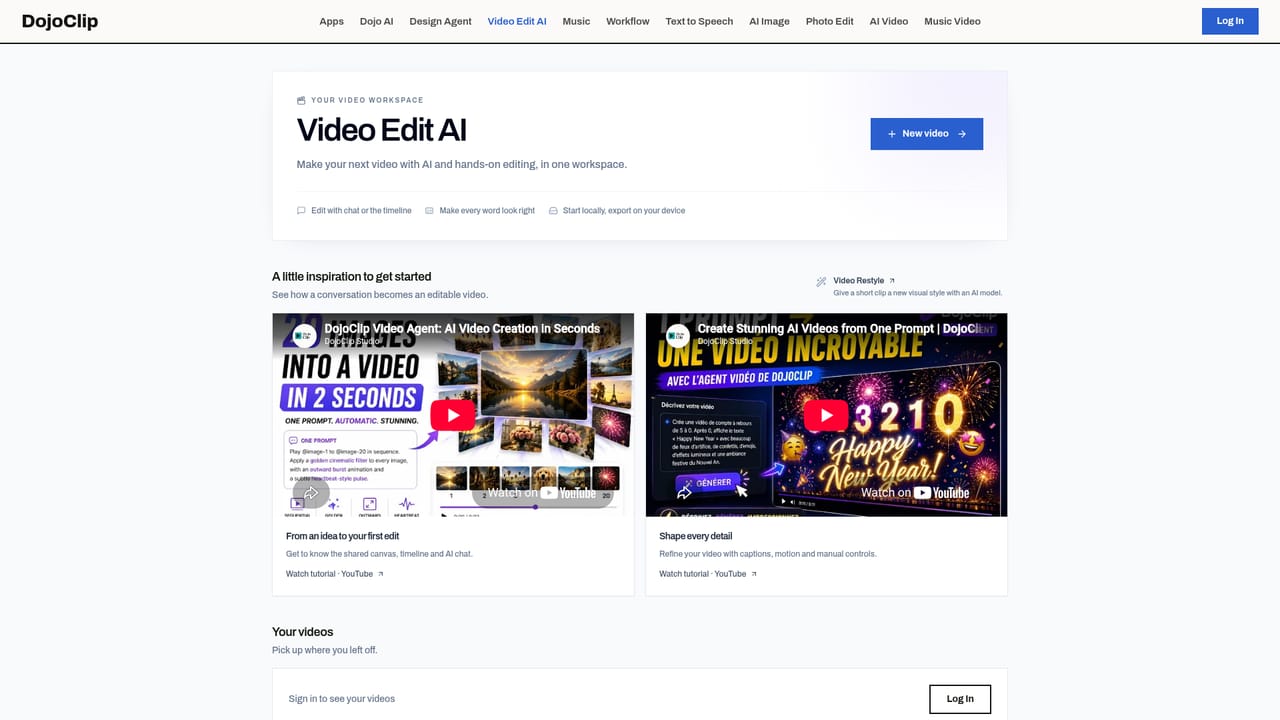
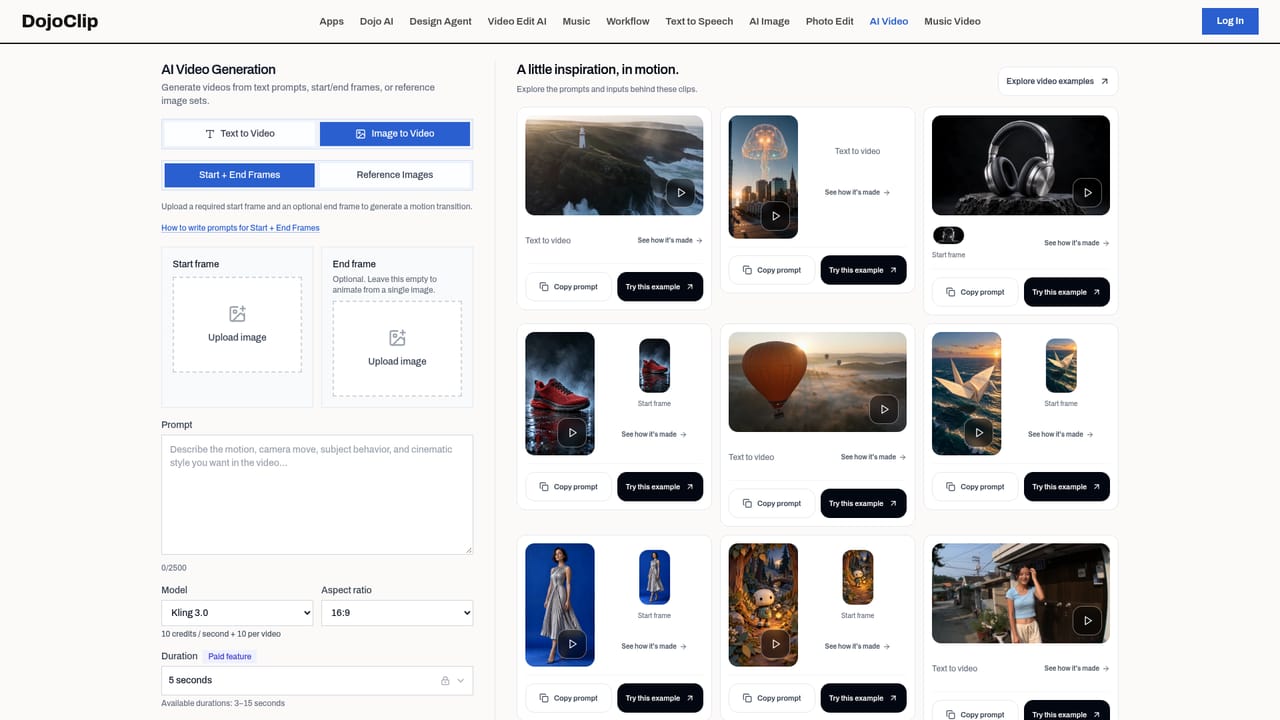
Dojoclip is a browser based creative studio that bundles video editing, AI video generation, music and audio tools, image and design generation, and text to speech under a single roof. The homepage frames it as nine applications across four crafts, so the pitch is breadth: you can cut a clip, generate a character animation, produce a soundtrack, design a poster and record a voiceover without stitching together five separate subscriptions. The video side is the anchor. Video Edit AI offers a timeline plus a chat interface in one workspace, with automatic captions and styling, a shared edit history and export handled on your device. Alongside it sit AI Motion Control for animating a character image into dance or gesture clips, an AI Video Generator for concept footage from a text idea or starter frame, and a gallery of examples to browse before committing. Music and audio covers a generator that builds songs from lyrics, styles, a single image or a birthday greeting with a name, plus an AI music video tool that turns a track into story scenes or a visualizer. Image and design adds a chat driven design agent for posters and marketing graphics, an image generator for concepts and thumbnails, and photo editing for cleanups, background swaps and restyles. Voice closes the loop with multilingual text to speech and voice previews. A separate free toolbox is notable: roughly two dozen single purpose utilities that run locally in the browser with no sign up and no watermark, including video upscaling, auto reframe, silence removal, face blurring, vocal removal, noise cleanup, subtitle addition and format conversion. That mix points to solo creators, small marketing teams and social focused editors who want one environment rather than specialists. It sits between consumer editors and dedicated generative suites: wider than a single purpose generator, less deep than a professional NLE.
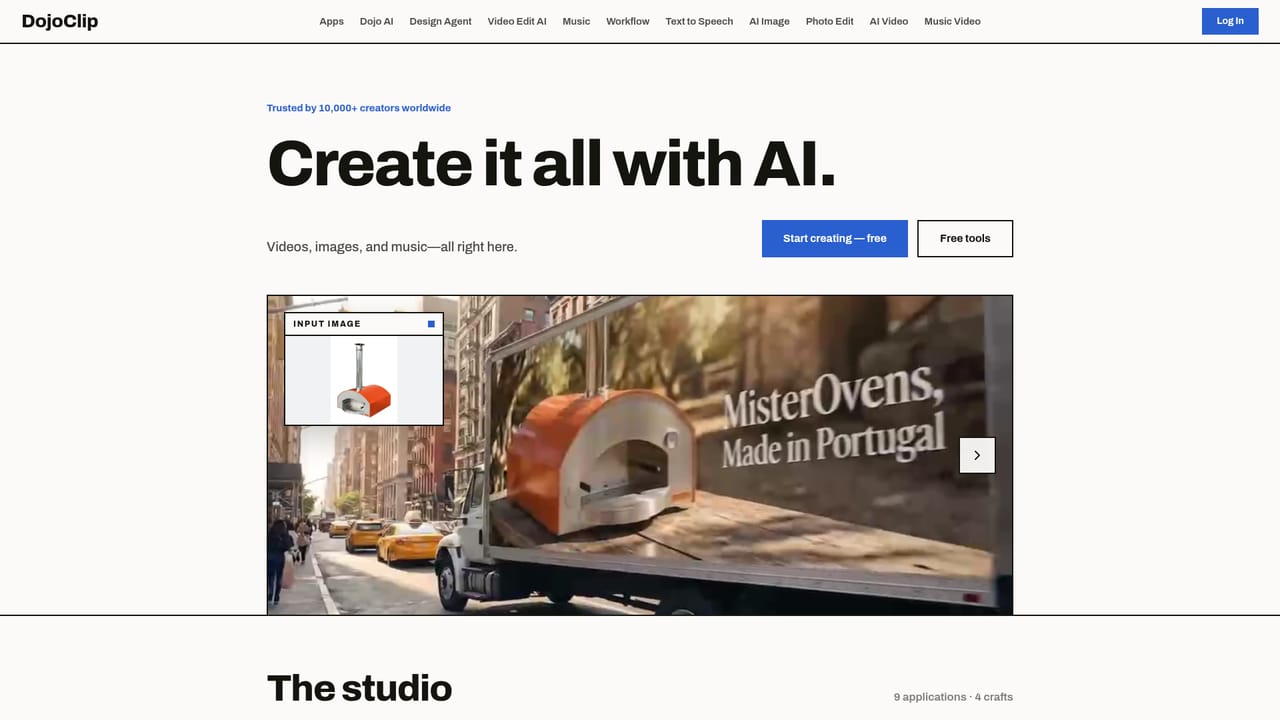
The homepage invites visitors to start creating free, but no plan tiers, credit limits or trial length are stated.
Learn moreNine applications across four crafts: Video Edit AI with timeline and chat editing, automatic captions and on-device export; AI Motion Control for animating character images; an AI Video Generator for concept clips. Music and audio include a song generator and AI music videos. Image tools cover a chat design agent, image generation and photo editing. Text to speech adds multilingual voiceovers. Around two dozen free local utilities run without sign up.
Learn more AI Angels400+ customizable AI girlfriends for NSFW chat, voice calls, and roleplay
 Candy AIExperience the future of companionship with AI friends who chat, role-play, and connect with you on a human level.
 ourdream.aiA vast AI roleplay platform with millions of characters for chat, images, video and voiceAI Angels400+ customizable AI girlfriends for NSFW chat, voice calls, and roleplayCandy AIExperience the future of companionship with AI friends who chat, role-play, and connect with you on a human level.ourdream.aiA vast AI roleplay platform with millions of characters for chat, images, video and voice


