Driver AI

Precompiled codebase context for AI coding agents, served over MCP

Advanced API
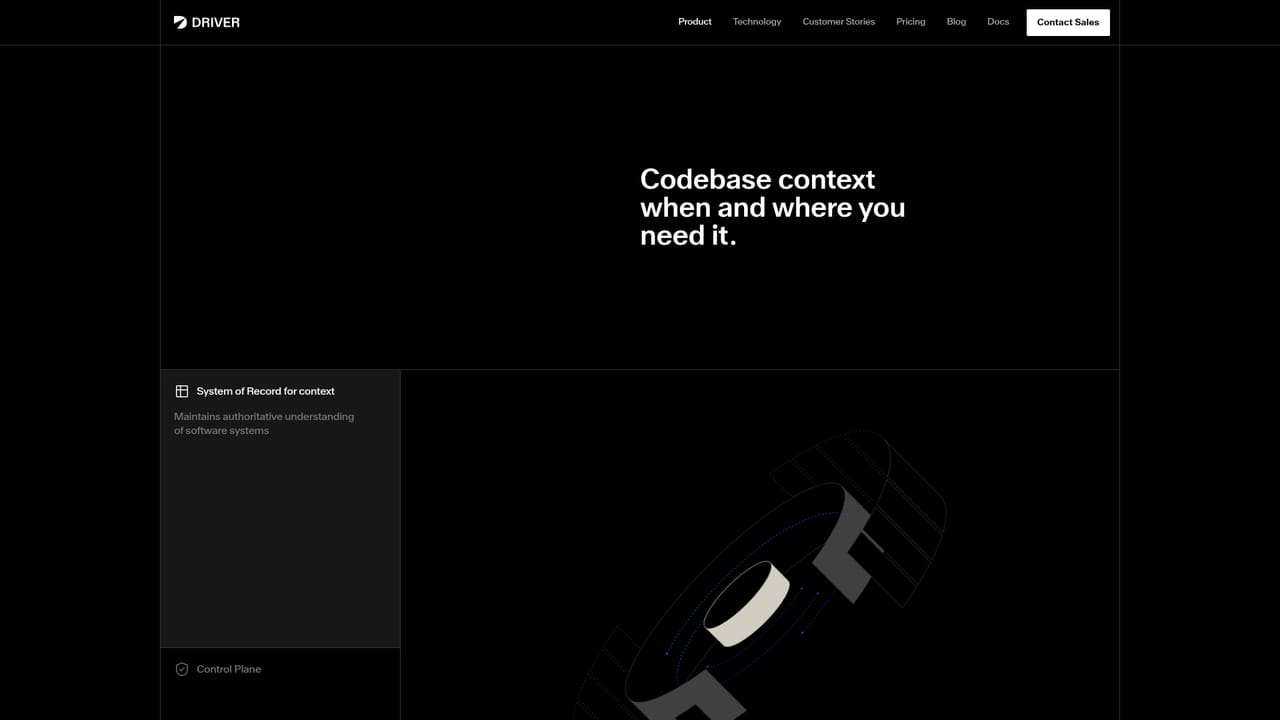
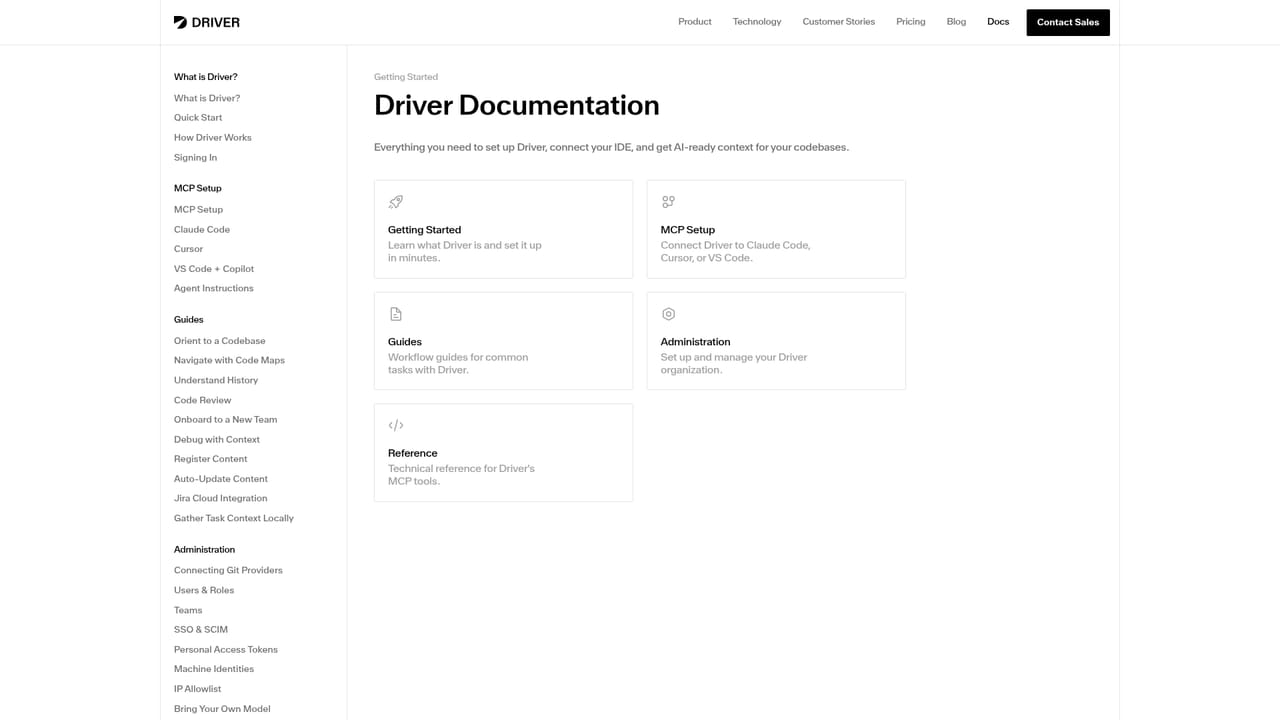
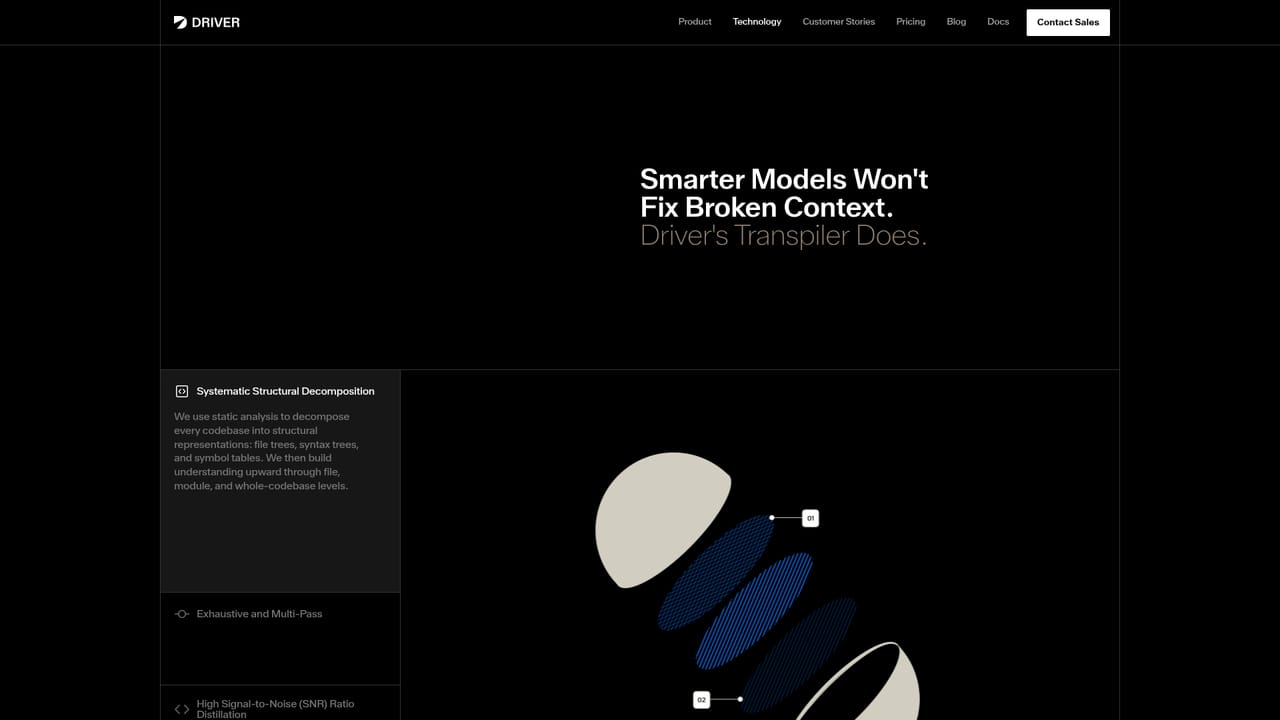
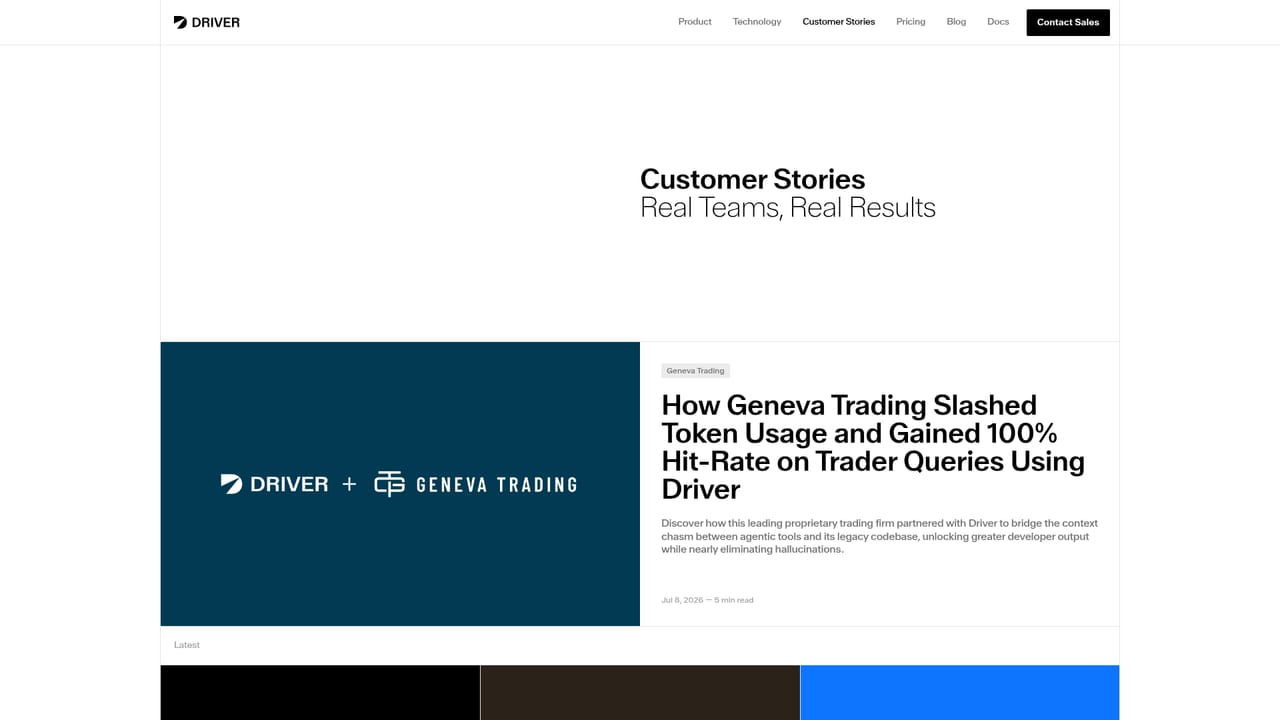
Screenshot of Driver AI, Precompiled codebase context for AI coding agents, served over MCP

What is Driver AI?

Driver AI is an API finder tool. Driver precompiles codebase context and exposes it to AI coding agents through an MCP server, so tools like Claude Code and Cursor start each session with symbol-complete, deterministic knowledge of the repository instead of re-exploring it.

Driver is a context compiler for software codebases. Rather than letting an AI coding agent explore a repository ad hoc at the start of every session, Driver parses the source ahead of time and produces structured context that any MCP-compatible agent can query. The company describes the output as symbol-complete, exhaustive and deterministic: parse every file, build syntax trees, resolve symbols, trace call chains and map dependencies across services, so that the same codebase state always yields the same context. The product is aimed at engineering organizations running agentic development at scale, particularly those with large, multi-language or legacy repositories where agents tend to make confident but wrong changes. It also speaks to adjacent teams. Support, QA and product staff who lack command line fluency can reach codebase knowledge through an agent paired with Driver, and solutions engineers can ramp on unfamiliar customer platforms faster. Driver sits at the source control level rather than inside a single IDE, so context is not tied to one vendor's editor. In practice, a team connects GitHub, GitLab, Bitbucket, Azure DevOps or another source control system, configures SSO and group mapping, then points agents at Driver's MCP server. The server offers tools for orienting an agent in a thematic map of subsystems, locating files and following relationships, and tracing history through a commit-level changelog. Commits and pull requests on tracked branches trigger scoped updates that reprocess only the affected parts of the graph, and multiple repositories can be combined for cross-repo queries. The competitive frame is manual context curation and retrieval augmented generation. Checked-in markdown files drift and create merge conflicts; RAG chunks code into fragments and loses structural relationships. Driver argues a compilation pass avoids both, at the cost of a setup and governance layer that a single developer with a small repo may not need.

How do you use Driver AI?

  1. 1Connect your source control system
    Link Driver to GitHub, GitLab, Bitbucket, Azure DevOps or another supported SCM so it can ingest repositories and begin compiling context.
    Driver AI — Connect your source control system
  2. 2Configure identity and access
    Set up SSO, enable SCIM provisioning and map identity provider groups to Driver teams so the right people see the right codebases.
  3. 3Point an MCP client at Driver
    Add Driver's MCP server to Claude Code, Cursor or another compatible agent. User-authenticated access covers interactive agents, with machine-to-machine authentication and a REST API for headless and server-side work.
    Driver AI — Point an MCP client at Driver
  4. 4Orient an agent in a codebase
    Ask the agent to open the Atlas index, follow the sections that a task touches and pull related context, so it starts oriented rather than guessing.
    Driver AI — Orient an agent in a codebase
  5. 5Review governance and rollout
    Use the customer stories and contact channel to scope a pilot and confirm governance requirements before wider deployment.
    Driver AI — Review governance and rollout

Pros and cons

Pros

  • Deterministic, precomputed context instead of per-session agent explorationAI
  • Works with any MCP client, so context is not locked to one IDE or vendorAI
  • Handles many languages and multiple repositories, including cross-repo queriesAI
  • Scoped updates on each commit or pull request keep context from going staleAI
  • Enterprise governance through SSO, SCIM and IdP group mappingAI

Cons

  • Neither pricing nor a free tier is stated on the homepage, so cost has to be quoted by salesAI
  • Value depends on agents that speak MCP; other workflows gain littleAI
  • Requires source control, identity provider and admin setup before first useAI
  • Smallest single-repo projects may not gain enough to justify another platformAI
  • Homepage gives no detail on audit logs, data residency or on-premises deploymentAI

How much does Driver AI cost?

Integrations

Connects to GitHub, GitLab, Bitbucket, Azure DevOps and other source control systems. Context is served to any MCP-compatible agent such as Claude Code and Cursor, with machine-to-machine authentication for headless agents and a REST API for server-side access.

Learn more

Features

Precompiled, symbol-complete context for any tracked branch, delivered through an MCP server. Includes a Codebase Atlas for subsystem orientation, a code map for navigation, a commit-complete changelog for history, cross-repository queries, support for all languages with specialized front ends, and scoped updates triggered by commits and pull requests.

Learn more

Frequently asked questions about Driver AI

  • Does Driver AI have an API?
    Yes, Driver AI offers an API.
  • How do you use Driver AI?
    The walkthrough on this page covers 5 steps: 1. Connect your source control system 2. Configure identity and access 3. Point an MCP client at Driver 4. Orient an agent in a codebase 5. Review governance and rollout.
  • What platforms does Driver AI support?
    Driver AI is available on Web App.
  • What does Driver AI integrate with?
    Connects to GitHub, GitLab, Bitbucket, Azure DevOps and other source control systems. Context is served to any MCP-compatible agent such as Claude Code and Cursor, with machine-to-machine authentication for headless agents and a REST API for server-side access.
  • What are the limitations of Driver AI?
    Neither pricing nor a free tier is stated on the homepage, so cost has to be quoted by sales. Value depends on agents that speak MCP; other workflows gain little. Requires source control, identity provider and admin setup before first use.

Status

StatusActive
Views0
Outbound clicks0
Added10/21/2026

Platforms

Web App

Pricing

Paid