Integrations
Works alongside Zoom, Google Meet, and Microsoft Teams without joining as a bot, and syncs with your CRM to bring account and contact context into calls.
Real-time conversation coaching with local listening and no bot in the call.

Empy is a text conversation analysis tool. Empy provides real-time in-call coaching, post-call scoring, and team playbooks for sales, success, and support conversations. It listens locally through a desktop widget rather than joining as a bot, and offers SaaS, VPC, or on-prem deployment with local LLM support.
Empy is a conversation intelligence tool for teams that handle high-stakes calls: sales discovery, customer success check-ins, support escalations. It runs as a desktop widget that listens to your microphone locally instead of joining the meeting as a visible bot, so participants on Zoom, Google Meet, or Microsoft Teams see nothing unusual. During the call it reads the room, flags shifts in attention and emotional tone, checks speaking balance, and suggests answers to direct questions by pulling from the knowledge base your company uploaded. After the call, Empy turns the recording into a structured report rather than a raw transcript. Each session is scored against the playbook you configured, with fields such as agenda adherence, CTA quality, risks, sentiment, and next steps. Managers can define different playbooks per role or scenario, then compare how reps perform across them. Reps get a personal view of their own call history and trends, which makes the feedback loop more concrete than a manager's memory of one meeting. The product is built for companies that treat call data as sensitive. Empy can be deployed as SaaS, inside your own VPC, or fully on-prem, and it can run on local LLMs so audio and transcripts stay inside your infrastructure. PII redaction, encryption, and role-based access are part of the default setup, and audio is described as streamed for analysis but never stored, with transcripts saved locally and deletable. Empy sits between note-taking assistants (which mostly summarize after the fact) and generic sales coaching platforms (which often rely on a bot joining the call). The local widget design and deployment options are the main differentiators. It is aimed at sales, success, and support teams large enough to need a shared conversation standard, not individual users looking for a free meeting recorder.
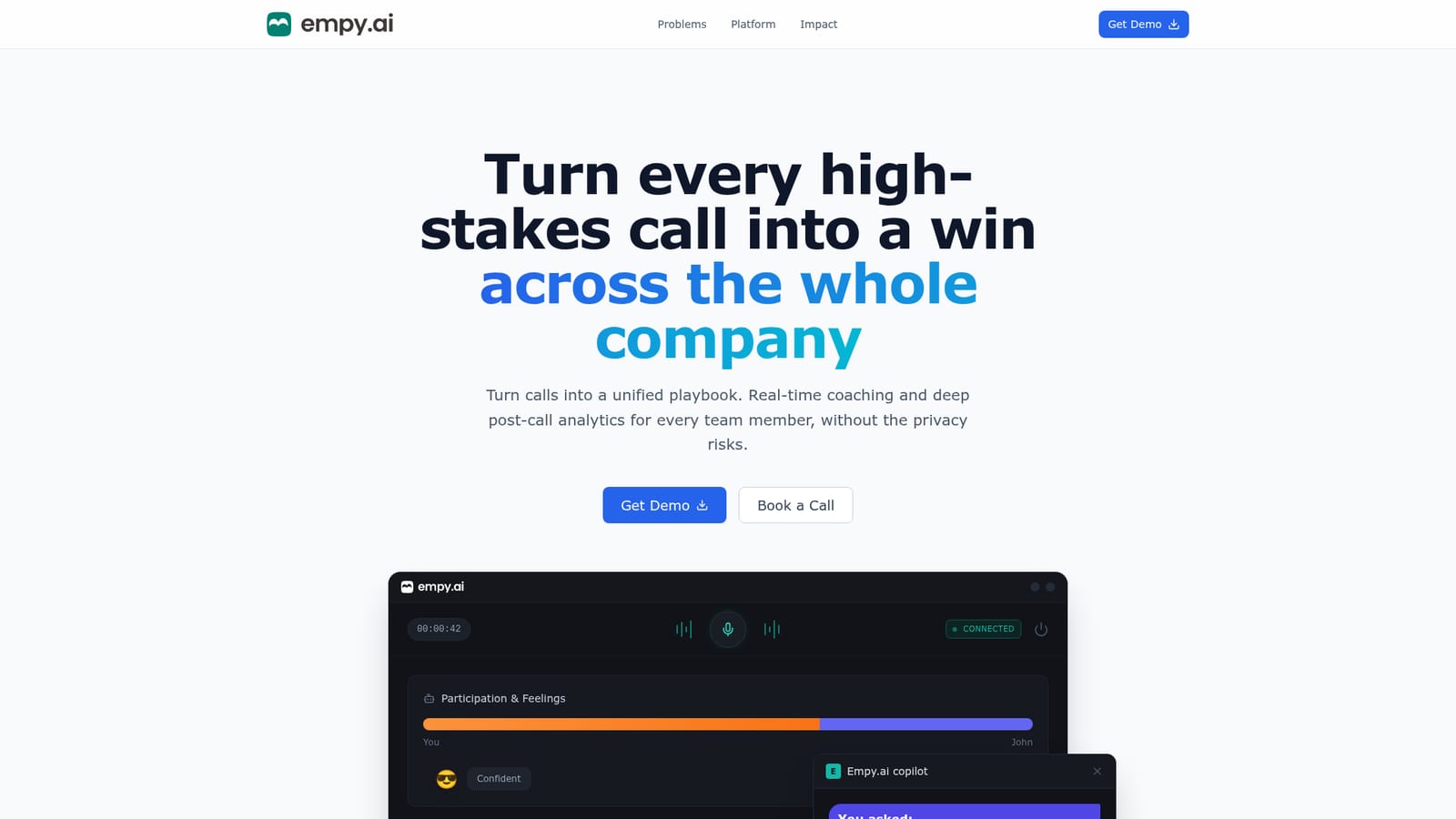
Works alongside Zoom, Google Meet, and Microsoft Teams without joining as a bot, and syncs with your CRM to bring account and contact context into calls.
Real-time copilot with attention and emotion cues, suggested answers grounded in company knowledge, speaking balance tracking, custom playbooks per role or scenario, scored post-call reports, per-rep performance trends, CRM sync and contact enrichment, and deployment options spanning SaaS, VPC, and on-prem with local LLMs.
 AI Angels400+ customizable AI girlfriends for NSFW chat, voice calls, and roleplay
 Candy AIExperience the future of companionship with AI friends who chat, role-play, and connect with you on a human level.
 ourdream.aiA vast AI roleplay platform with millions of characters for chat, images, video and voiceAI Angels400+ customizable AI girlfriends for NSFW chat, voice calls, and roleplayCandy AIExperience the future of companionship with AI friends who chat, role-play, and connect with you on a human level.ourdream.aiA vast AI roleplay platform with millions of characters for chat, images, video and voice


