Integrations
Endorsed publishes dedicated ATS integrations for Workday, iCIMS, Dayforce, SuccessFactors, SmartRecruiters, Lever, Pinpoint, Greenhouse and Ashby, plus a Chrome extension for fraud detection inside supported ATS screens.
Learn moreFraud screening for job applicants, run inside your ATS

Endorsed is a pattern recognition tool. Endorsed plugs into your ATS to score job applicants for identity fraud and impersonation risk the moment they apply. It analyzes email, phone, LinkedIn, location, IP and device signals alongside a cross-applicant network, and flags high risk patterns without adding steps for recruiters or candidates.
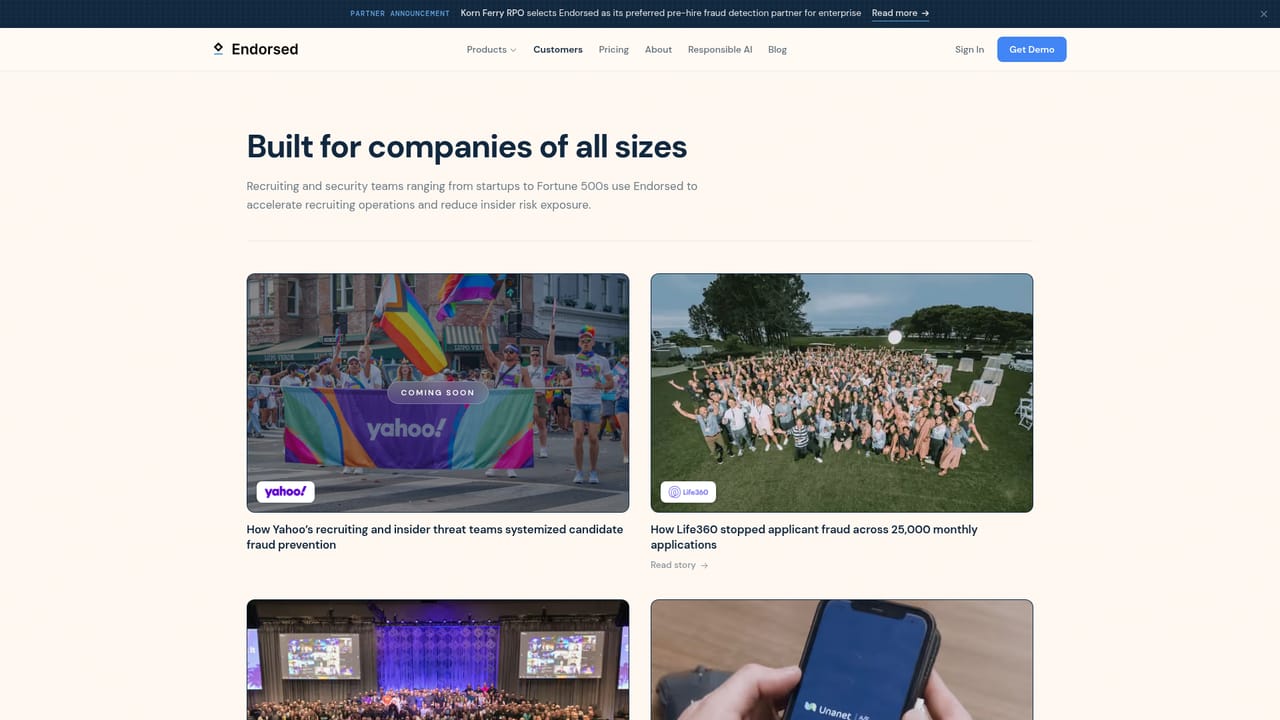
Endorsed is a recruiting security platform built around a single problem: a meaningful share of remote applicants are not who they claim to be. The company cites Internal data suggesting roughly one in three remote applicants is fraudulent, and its product exists to flag those applications at the moment they land rather than after interviews have been scheduled. The central claim is a purpose-built AI model with 96 percent or better detection accuracy, trained on hundreds of signals drawn from a dataset of millions of applicants. The mechanism is an ATS-native layer rather than a separate screening portal. Endorsed connects to the applicant tracking system a hiring team already uses and evaluates each application across identity and device signals: email, phone, LinkedIn profile, stated location, IP address, device fingerprint and patterns observed across the wider Endorsed network. High risk patterns surface inside the workflow recruiters already work in. The stated design goal is that neither recruiter nor candidate takes extra steps, so the product avoids adding another form, interview task or login to the hiring funnel. It fits best with talent acquisition and security teams at companies hiring at volume, particularly for remote and technical roles where impersonation, proxy interviewers and identity fraud carry real cost. The homepage ties the risk to breach exposure, sanction liability and wasted review time, and markets OFAC compliance checks alongside fraud scoring. The vendor also offers a Chrome extension for checking candidates directly in supported ATS screens. Named customers include Yahoo, Life360, Huntress, True Classic and Unanet, and Korn Ferry RPO has been announced as a preferred pre-hire fraud detection partner. Competitively, Endorsed sits closer to identity and fraud intelligence than to resume screening or skills assessment. Buyers comparing it should look at detection transparency, how false positives are reviewed, and how deeply the ATS integration reaches.
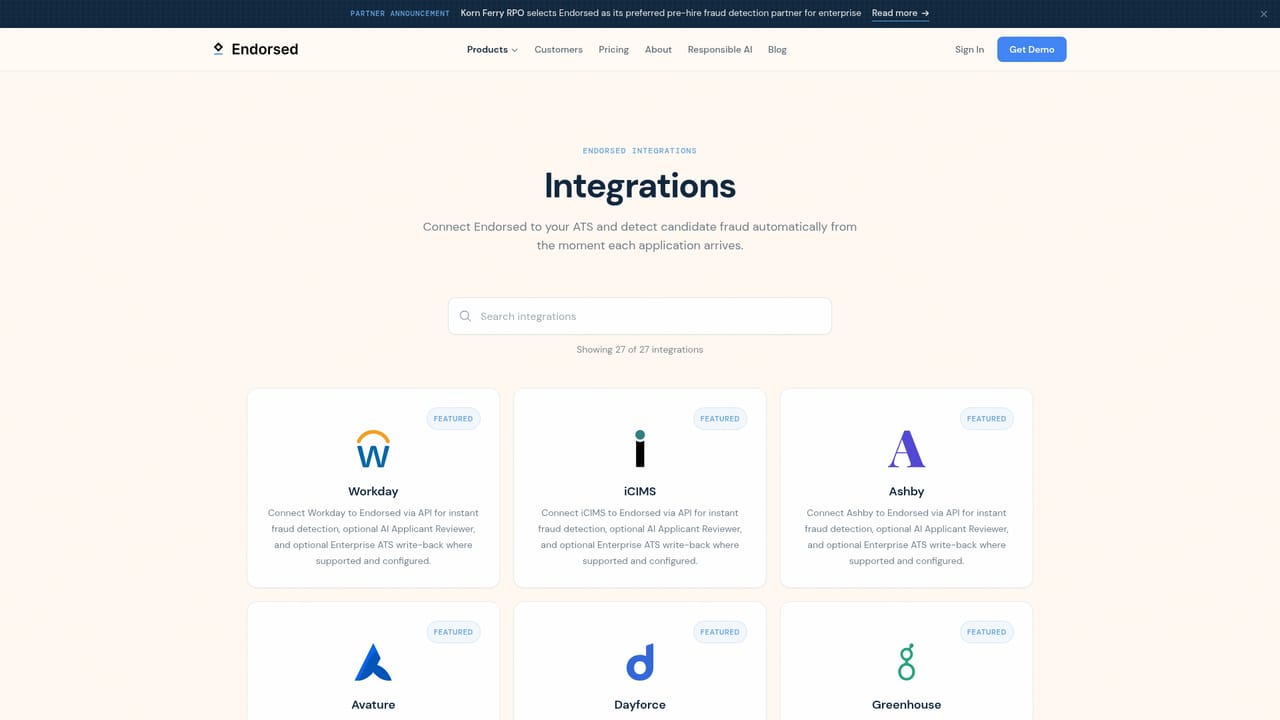
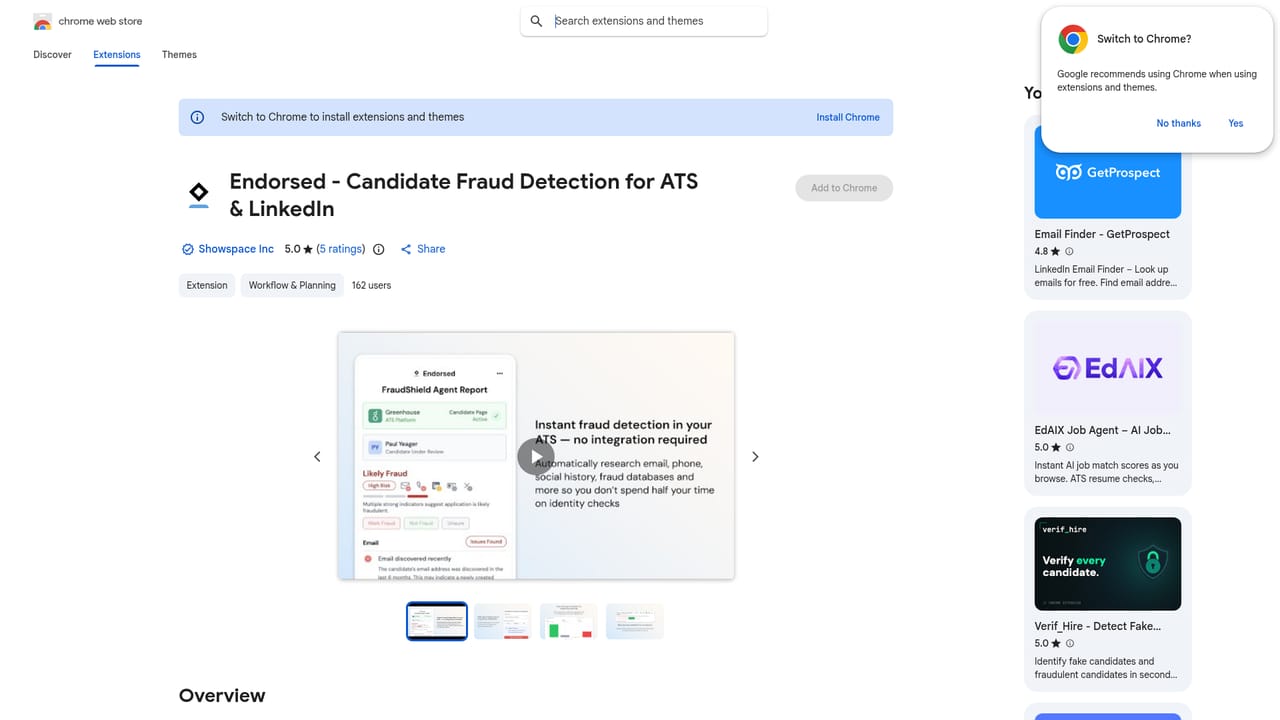
Endorsed publishes dedicated ATS integrations for Workday, iCIMS, Dayforce, SuccessFactors, SmartRecruiters, Lever, Pinpoint, Greenhouse and Ashby, plus a Chrome extension for fraud detection inside supported ATS screens.
Learn moreApplicant fraud scoring based on a purpose-built model the vendor reports at 96 percent or better accuracy, using hundreds of signals across email, phone, LinkedIn, location, IP address, device and the Endorsed network. High, medium, low and no risk patterns are surfaced per application, alongside breach protection and OFAC compliance checks aimed at sanctions and data exposure risk.
Learn more AI Angels400+ customizable AI girlfriends for NSFW chat, voice calls, and roleplay
 Candy AIExperience the future of companionship with AI friends who chat, role-play, and connect with you on a human level.
 ourdream.aiA vast AI roleplay platform with millions of characters for chat, images, video and voiceAI Angels400+ customizable AI girlfriends for NSFW chat, voice calls, and roleplayCandy AIExperience the future of companionship with AI friends who chat, role-play, and connect with you on a human level.ourdream.aiA vast AI roleplay platform with millions of characters for chat, images, video and voice


