Engage by CloudResearch

AI-moderated qualitative interviews that scale to a thousand people

Intermediate
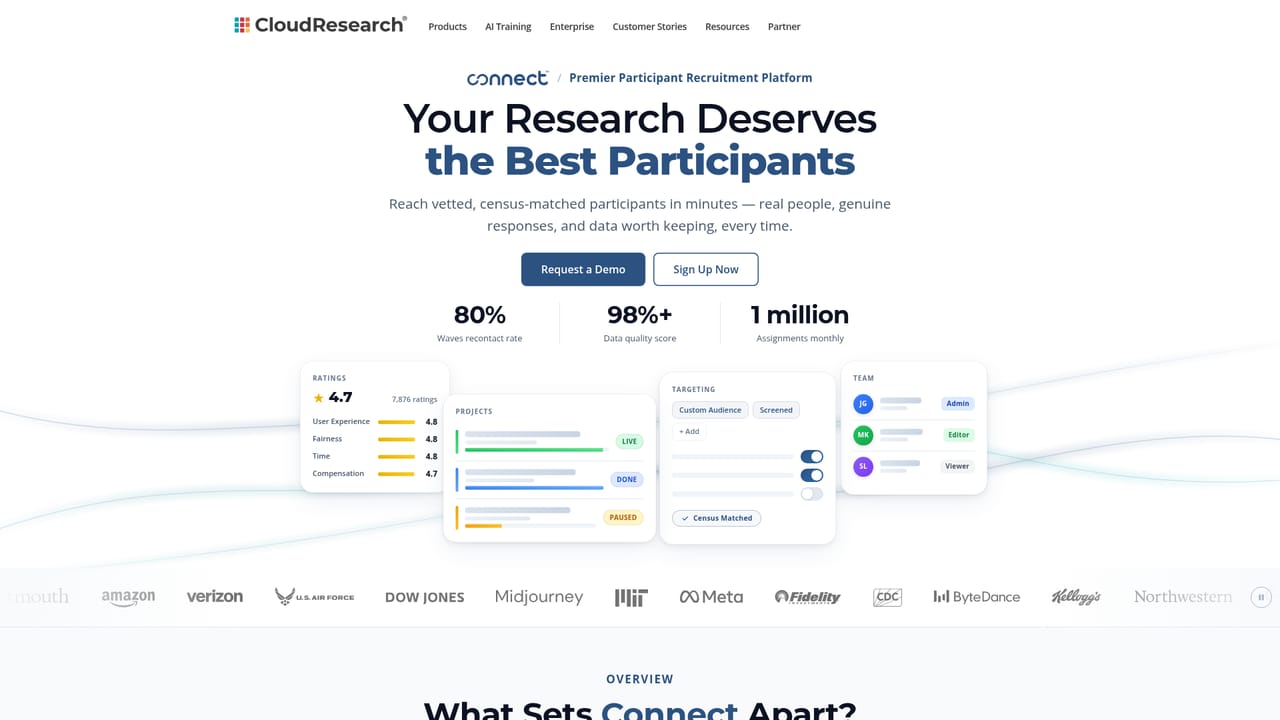
Screenshot of Engage by CloudResearch, AI-moderated qualitative interviews that scale to a thousand people

What is Engage by CloudResearch?

Engage by CloudResearch is a question answering tool. CloudResearch Engage runs AI-moderated qualitative interviews at survey scale: a thousand respondents each get follow-up questions built from their own answers, and results return as themes, quotes and numbers from one fielding.

Engage is CloudResearch's AI-moderated interview product, built for research teams that need the reasoning behind a decision rather than a single click on a rating scale. The pitch is straightforward: a conventional qualitative study reaches a dozen people over three months, while a survey reaches a thousand but captures only one answer each. Engage runs a conversation with every respondent, so a thousand completes arrive with follow-up questions attached. The same fielding produces themes, verbatim quotes and the quantitative numbers together. The workflow starts in a survey builder that supports the structures quant researchers already rely on, including skip logic, quotas, MaxDiff, matrix, ranking and randomised answer order. On top of that skeleton, Engage adds AI probes generated from what each participant actually said, delivered in text, audio or video. A respondent who calls a design untrustworthy gets asked what specifically creates that impression, and the probe is written in under a second from their own words. Themes then come back grouped and traceable to individual transcripts, so a percentage never floats free of the quote behind it. It suits market research agencies, brand and product teams, and academic or institutional researchers who need defensible qualitative evidence at sample sizes that survive scrutiny. Two delivery paths exist: teams can run the study themselves inside the platform, or hand a brief to CloudResearch and receive a finished readout. Sample can come from CloudResearch's own ID-verified panel, the client's panel, or the client's own customer list, with identity checks applied inside the survey rather than only at signup. CloudResearch states the verification technology is developed in-house and runs on any sample brought to the platform. Compared with general purpose AI survey tools, Engage leans hard on respondent verification and on compliance posture, listing IRB readiness, HIPAA compliance and SOC 2 Type 2. That framing, plus a cited Nature Human Behaviour paper on sample validity, positions it for regulated industries and institutional review boards rather than casual feedback collection. Pricing is quoted per study, so buyers should expect a sales conversation rather than a published rate card.

How do you use Engage by CloudResearch?

  1. 1Scope the study and pick a delivery path
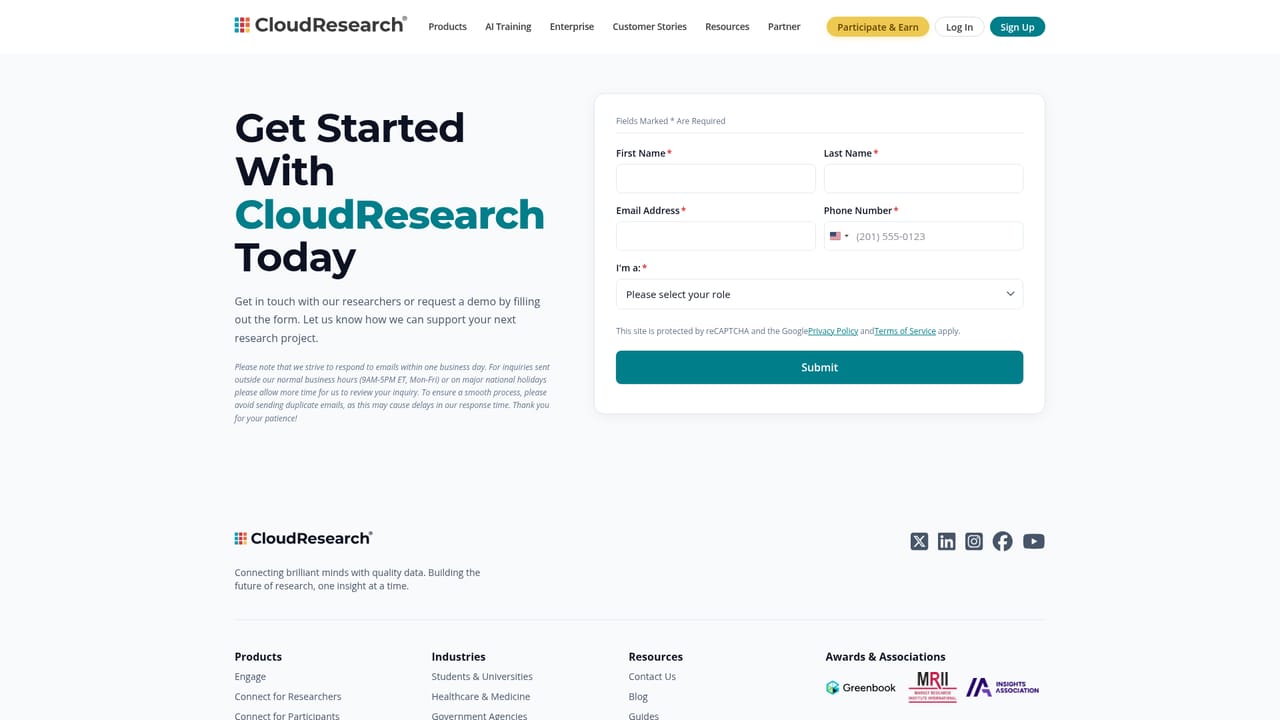
    Decide whether the team will build and field the study internally or hand a brief to CloudResearch for a designed readout. Use the contact form to describe the research question, target population and timeline.
    Engage by CloudResearch — Scope the study and pick a delivery path
  2. 2Build the questionnaire
    Set up the study in the survey builder using the question types you need: multiple choice, ranking, MaxDiff and matrix, with skip logic and quotas attached. Then mark which questions should trigger AI follow-ups and set a probe limit.
  3. 3Choose your sample source
    Select CloudResearch's ID-verified panel, bring an existing panel, or survey your own customers. Identity and screening checks run inside the survey for every route, so quality controls apply regardless of source.
    Engage by CloudResearch — Choose your sample source
  4. 4Launch and monitor fielding
    Publish the study and watch completion counts, interview length, quota progress and verification rates on the live dashboard. Fielding in the morning typically returns findings within the same week.
  5. 5Read themes, quotes and numbers together
    Open the results view to see theme frequencies next to the transcripts that support them, then export or share the readout with stakeholders.

Pros and cons

Pros

  • Combines qualitative depth and quantitative breadth in a single fielding rather than two separate studiesAI
  • AI probes are generated from each participant's own answer, so follow-ups stay relevant instead of following a fixed scriptAI
  • Every respondent is identity checked inside the survey, and the same checks apply to panel you bring yourselfAI
  • Themes arrive linked to transcripts, which makes findings easier to defend to stakeholders and reviewersAI
  • Teams can self-serve in the platform or hand a brief to CloudResearch and receive a finished readoutAI

Cons

  • No published pricing; every engagement starts with a sales conversation, which slows budgeting and comparison shoppingAI
  • Per-study costs at thousand-respondent scale will put it out of reach for small teams and solo researchersAI
  • The tool demands real survey design skill to get value; quotas, MaxDiff and skip logic assume a trained researcherAI
  • No third party review volume is visible on the homepage, so independent user feedback is hard to weighAI
  • Compliance claims such as HIPAA and IRB readiness are stated on the page but not detailed, and buyers in regulated sectors will need documentation before committingAI

How much does Engage by CloudResearch cost?

Features

Survey builder with skip logic, quotas, MaxDiff, matrix, ranking and randomisation. AI follow-up probes written from each participant's answer, capped by a probe limit you set. Responses accepted as text, audio or video. Results combine theme frequencies, verbatim quotes and quantitative totals, with every theme traceable to a transcript. Respondent identity verification runs inside the survey on CloudResearch panel or sample you supply.

Frequently asked questions about Engage by CloudResearch

  • How do you use Engage by CloudResearch?
    The walkthrough on this page covers 5 steps: 1. Scope the study and pick a delivery path 2. Build the questionnaire 3. Choose your sample source 4. Launch and monitor fielding 5. Read themes, quotes and numbers together.
  • What platforms does Engage by CloudResearch support?
    Engage by CloudResearch is available on Web App.
  • What are the limitations of Engage by CloudResearch?
    No published pricing; every engagement starts with a sales conversation, which slows budgeting and comparison shopping. Per-study costs at thousand-respondent scale will put it out of reach for small teams and solo researchers. The tool demands real survey design skill to get value; quotas, MaxDiff and skip logic assume a trained researcher.

Status

StatusActive
Views0
Outbound clicks0
Added10/21/2026

Platforms

Web App

Pricing

Paid